8 Best Higgsfield Alternatives in 2026, Compared

Higgsfield alternatives compared on free tiers, entry price, and credit rules like rollover and top-up expiry, so you can switch without paying twice.
In this article
Higgsfield is good at what made it popular: many top video and image models, presets, and a lip-sync tool in one place. The problem most people describe is cost, not quality. Community threads about leaving Higgsfield keep coming back to the same complaint: credits run out faster than expected, and unused ones don't carry over.
Higgsfield's own pricing explainer confirms how that happens. Subscription credits don't roll over. Credit packs expire 90 days after purchase. The $15 Starter plan only covers selected models, and features like Start & End Frame and Higgsfield Speak need Plus or higher (Higgsfield pricing explained, prices verified October 2026).
So this list of Higgsfield alternatives compares tools on what actually drives your bill: whether there's a free tier, what the cheapest plan gets you, and what happens to credits you don't use. Every price and credit rule here comes from each vendor's official pricing page, read on November 20, 2026. We haven't run a formal side-by-side quality benchmark across all eight tools, so you won't see invented scores. Where we know a tool from running it in production (Vogoo is our product), we say so.
TL;DR
- Best overall Higgsfield alternative: Vogoo. It offers the same multi-model setup (Kling, Seedance, Veo 3.1, Runway Gen-4, MiniMax H3, Wan and more) plus effects and motion control. Plans start at $19/month billed yearly, and credit packs never expire.
- Best for editing and pro control: Runway. It has a free tier with 125 credits that never expire.
- Cheapest paid plan: Pika, at $8/month billed annually for 600 credits.
- Best free option: Krea, with 100 compute units per day and no card required.
- Already pay for Google AI Pro? Try Google Flow before buying anything else.
8 Best Higgsfield Alternatives at a Glance
| Tool | Best for | Free option | Cheapest paid plan (official page, Nov 20, 2026) | Standout |
|---|---|---|---|---|
| Vogoo | Higgsfield-style multi-model studio | 20 signup credits + daily check-in | Lite: $19/mo billed yearly, 500 credits/mo | 30+ video models, effects, motion control; packs never expire |
| Runway | Editing and pro control | 125 one-time credits | Standard: $12/mo billed annually, 625 credits/mo | Gen-4.5, Aleph editing, 4K upscaling |
| Pika | Lowest entry price | Credit packs only | Starter: $8/mo billed annually, 600 credits/mo | No watermark on any tier |
| Krea | Free daily use and image editing | 100 units/day | Basic: $5/mo (annual pricing shown), 5,000 units/mo | Upscaler up to 22K, lipsync, LoRA training |
| Luma | Agent-driven projects | Not listed | Plus: $25/mo billed yearly, 10,000 credits | Ray models plus Veo, Kling, Seedance |
| OpenArt | Consistent characters | Not listed | Starter: $14/mo, 4,000 credits/mo | Director, 100+ models |
| Kling AI | Kling-only workflows | — | Shown after sign-in | Motion Control, AI Avatar |
| Google Flow | Veo users on Google AI plans | Free year for students (AI Pro) | Google AI Pro: $19.99/mo | Bundled with Gemini and storage |
Prices change often, especially around Black Friday. Several of these pages had time-limited promotions running when we checked, so confirm the live price before you subscribe.
Why Look for a Higgsfield Alternative?
Three reasons come up most, and each traces back to a written credit rule rather than to anyone's opinion:
- Credits expire on two clocks. Monthly credits reset on your billing date with no rollover. Purchased packs and Auto-Refill credits expire after 90 days. Light or uneven users lose credits they paid for.
- The cheap plan is a partial plan. Starter ($15/month, 200 credits) covers selected models only. The tools that make Higgsfield distinctive, such as Start & End Frame, Higgsfield Speak and the UGC builder, require Plus ($49/month) or Ultra ($129/month).
- Finished generations aren't refunded. Higgsfield usually returns credits for failed runs, but a finished clip you don't like still costs full price. On premium models, a few re-rolls add up quickly.
If you mostly use one model, its own vendor may be cheaper. If you want Higgsfield's "everything in one tab" setup, look for another multi-model studio with friendlier credit rules.
Keep the Multi-Model Studio, Lose the 90-Day Clock
Kling, Seedance, Veo 3.1, Runway Gen-4, MiniMax H3 and Wan on one balance. Vogoo credit packs never expire, and failed generations don't cost credits.
Try Vogoo Text to Video1. Vogoo — Best Overall Higgsfield Alternative
Best for: creators who like Higgsfield's model menu and presets but want credits that don't expire.
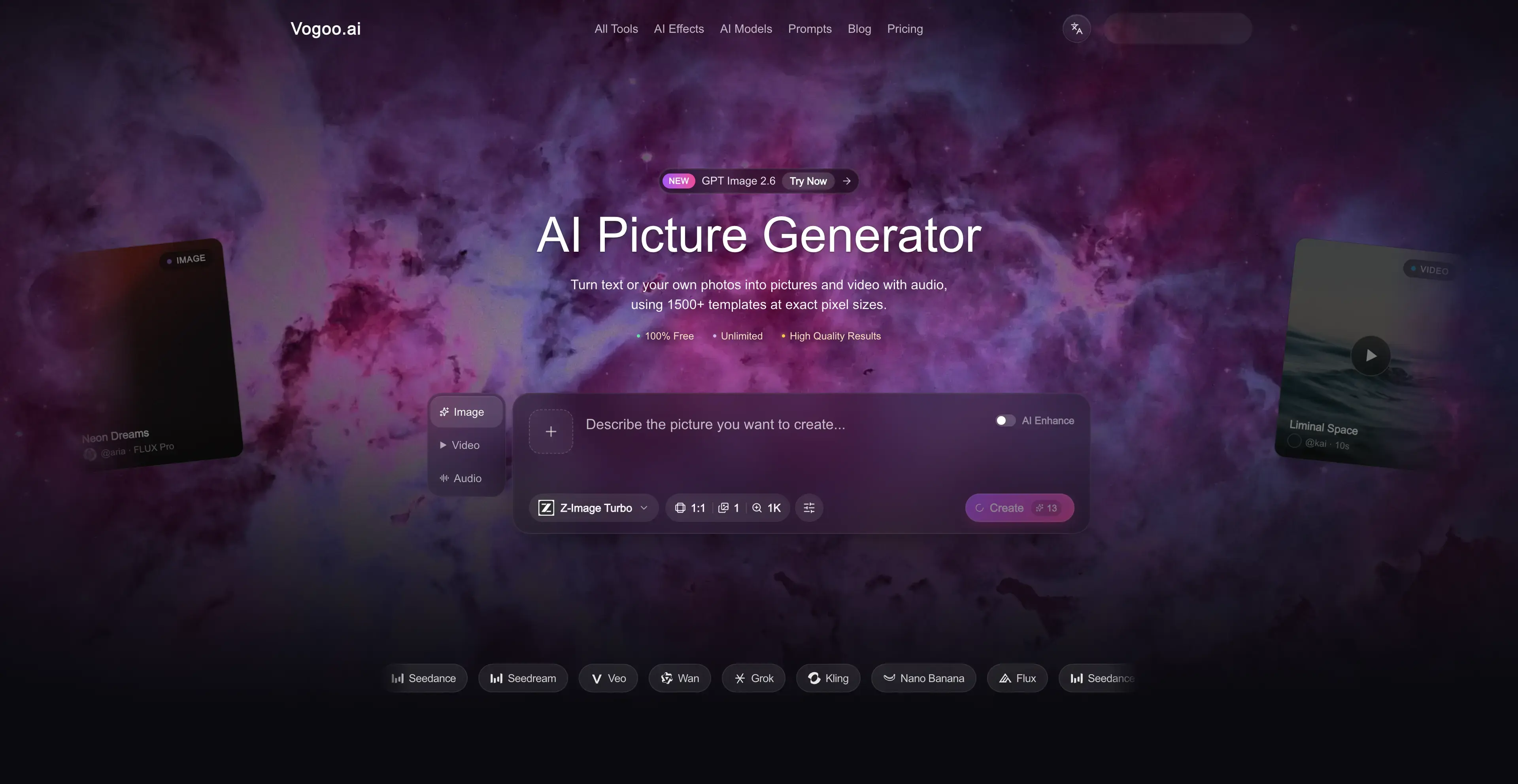
Vogoo is an AI creative studio for video, image and audio. Disclosure: it's our product, so weigh this entry accordingly. Every fact below is on our public pricing page.
For a Higgsfield user, the overlap is big. The video lineup includes Kling 3.0 (Standard, Turbo and Pro), Seedance 2.0 and 2.5, Veo 3.1, Runway Gen-4, MiniMax H3, Wan 2.6 and 2.7, LTX, Vidu, Pika 2.2, Luma Ray 2 Flash and Grok Imagine, more than 30 video models in total. Around the models sit the workflow tools people use Higgsfield for: motion control, lip sync, video effects, image-to-video, video extend and dozens of ready-made trend templates.
On credits, the rules are the main difference. Credit packs added on top of a plan never expire and work with every model. Credits aren't deducted when a generation fails. The pricing table shows the exact credit cost for each model (for example, Runway Gen-4 is 21 credits per 5 seconds, Kling 3.0 is 95 credits per 5 seconds, and Seedance 2.5 is 650 credits per 5 seconds), so you can price a clip before you generate it. Lite is $19/month billed yearly with 500 credits a month. Paid plans also include unlimited generations on selected models through a fair-use queue.
Pros:
- 30+ video models plus image and music on one credit balance
- Credit packs never expire
- No credits charged for failed generations
- Per-model credit cost shown before you generate
- Motion control, lip sync, effects and trend templates built in
Cons:
- Free tier is small: 20 signup credits that expire after 30 days, plus daily check-ins
- Without a paid plan, each video costs at least 120 credits
- Premium models such as Seedance 2.5 are credit-heavy on every plan
Switching notes: Higgsfield's own models, such as Soul and Higgsfield Speak, aren't on Vogoo. If your workflow depends on Soul ID characters, rebuild them using reference images in image-to-video.
Compare Vogoo Plans
🎬 30+ video models • ♾️ Packs never expire • ✅ Failed runs are free2. Runway — Best for Editing and Pro Control
Best for: editors and teams who need to modify footage, not just generate it.
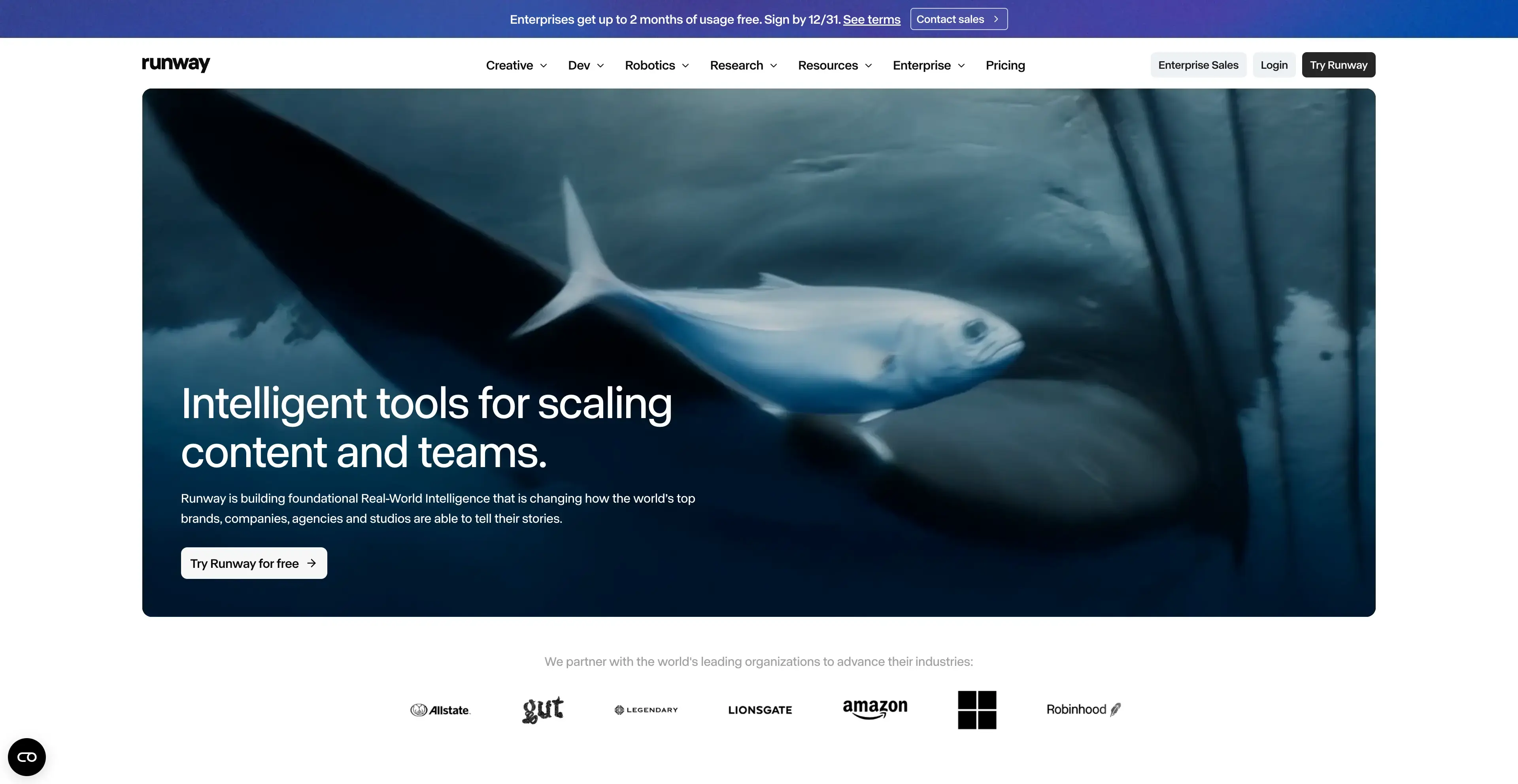
Runway's strength is everything after the first generation. Its pricing page lists Gen-4.5, Gen-4 Turbo and Aleph 2.0 for editing existing video, along with partner models such as Kling 4.0 and Seedance 2.0 Pro. It also offers 4K upscaling and, on Pro and Max, unlimited 4K video upscaling. If your current Higgsfield habit is to generate, then fix the result in another tool, Runway can handle both steps.
The free plan includes a one-time 125 credits that don't expire. Standard is $12/month billed annually for 625 credits. Monthly credits on Standard and Pro don't roll over, but extra purchased credits never expire (minimum purchase is 1,000 credits), and Max rolls over up to one month of unused credits.
Pros:
- Strong in-app editing with Aleph and 4K upscaling
- Free credits never expire
- Purchased extra credits never expire
- Max plan rolls over up to a month of unused credits
Cons:
- Standard and Pro monthly credits reset within 24 hours of billing
- Extra credits need a 1,000-credit minimum purchase
- No lip-sync or effects presets named on the pricing page
Who shouldn't switch: if you mainly want one-click effects or trend templates, Runway is more editor than preset library.
3. Pika — Best Budget Higgsfield Alternative
Best for: social creators who want the cheapest paid entry point.
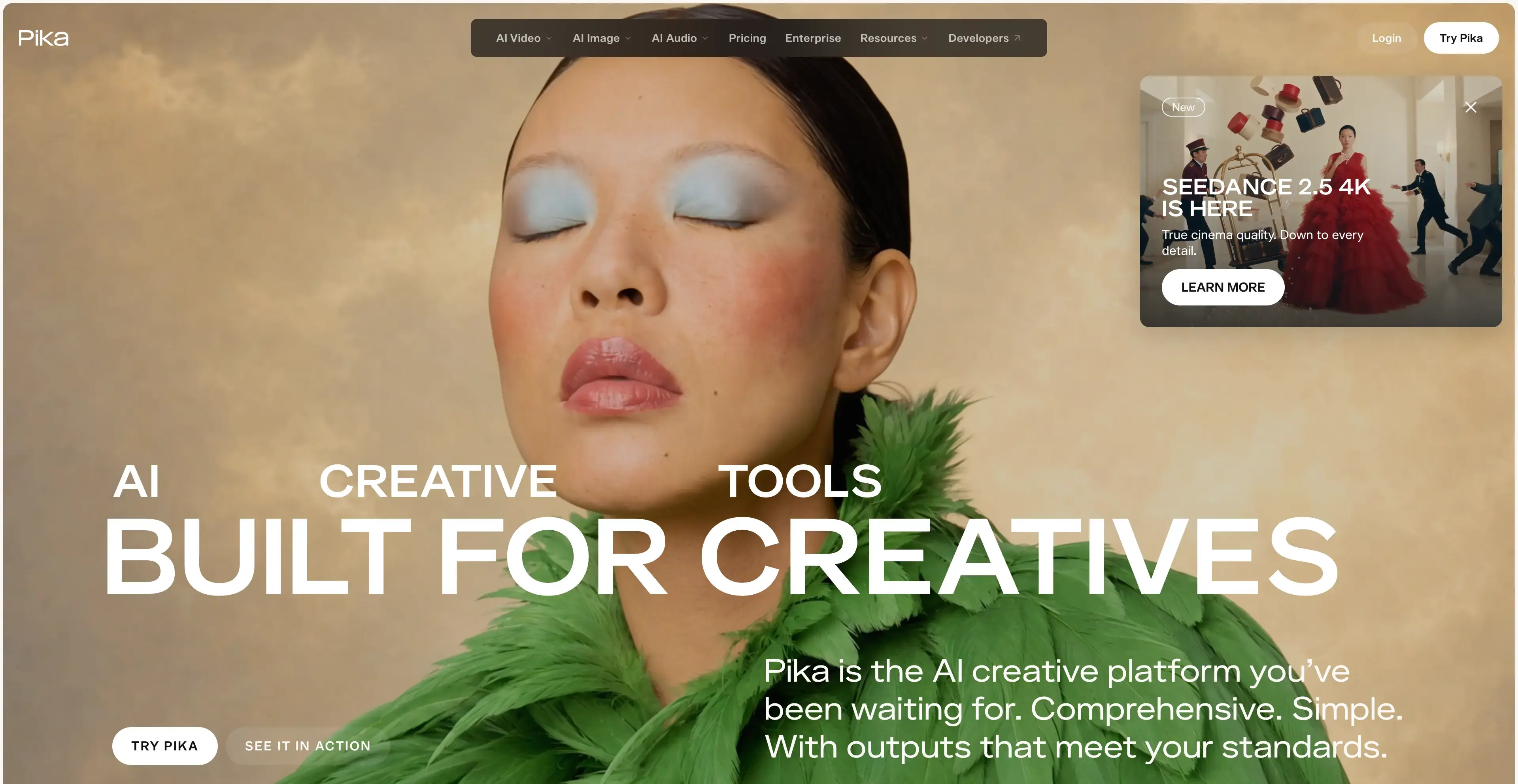
Pika's Starter plan is $8/month billed annually ($10 monthly) for 600 credits, and the pricing page says there's no watermark on any tier. It's no longer a single-model app. The page lists Seedance 2.5, MiniMax H3, Wan 3.0, Kling 4.0 and Veo 3.1 alongside Pika's own models. It also includes apps such as Swap Anything, Motion Transfer, Pikaframes and a Character Studio.
The free tier has no monthly credits and runs on credit packs only, and it doesn't include a commercial license. Plan credits don't roll over, but top-up credits last 365 days, much longer than Higgsfield's 90.
Pros:
- Lowest paid entry on this list: $8/mo billed annually
- No watermark on any tier
- Top-up credits last 365 days
- Multi-model: Seedance 2.5, Kling 4.0, Veo 3.1 and more
Cons:
- Free tier has no monthly credits and no commercial license
- Plan credits do not roll over
- Payments are non-refundable for the rest of the period
Who shouldn't switch: teams that need lip sync. It isn't named on Pika's pricing page.
4. Krea — Best Free Higgsfield Alternative
Best for: people who want to generate a little every day without paying.
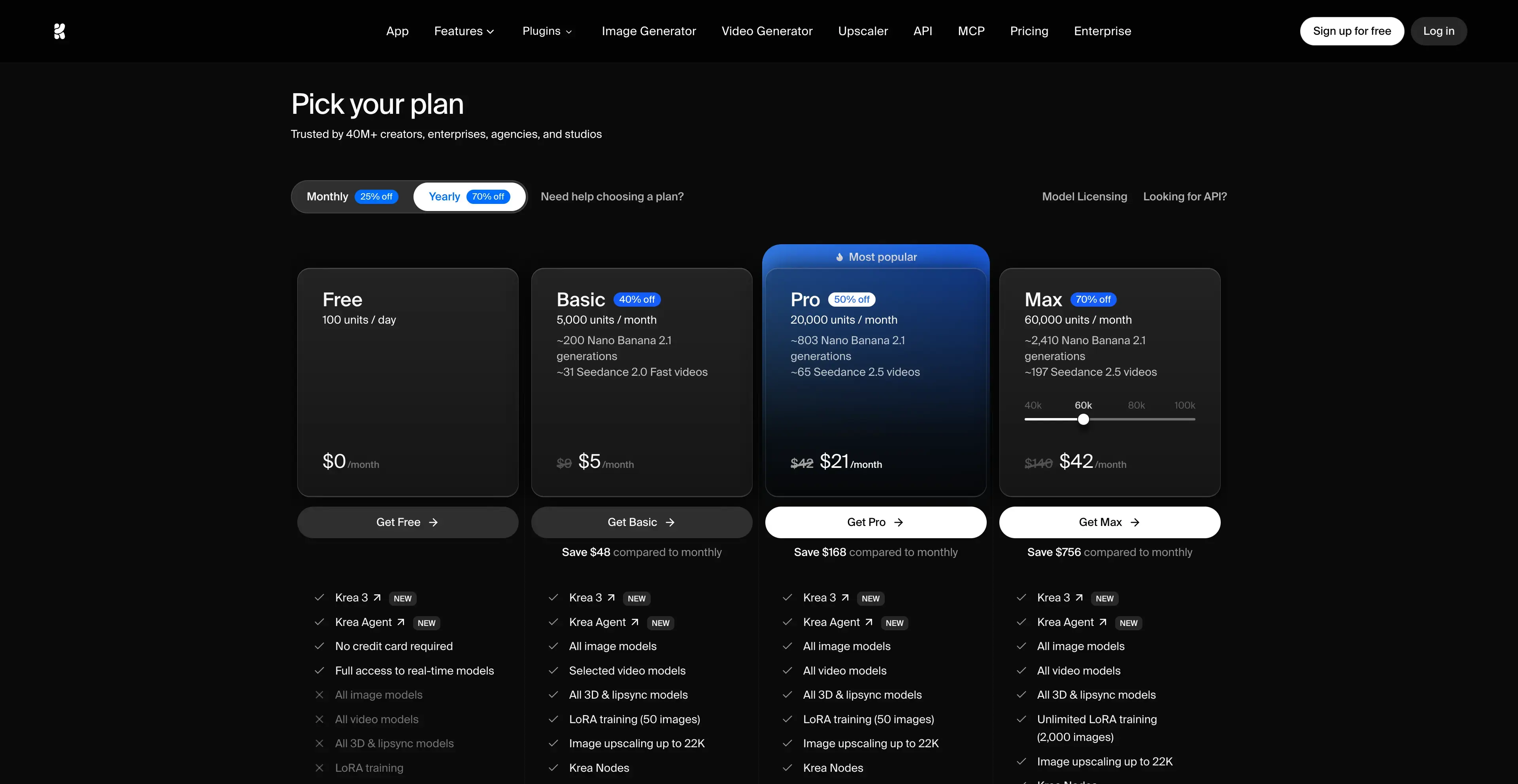
Krea gives free users 100 compute units per day with no credit card required, and the allowance refills daily. That makes it the most useful free plan here for regular light use. The model list overlaps heavily with Higgsfield's: Seedance 2.5, Kling 4.0, Veo 3.1, MiniMax H3, Wan 3.0 and Runway Gen-4.5 for video, and Nano Banana 2.1, GPT Image 2.6, Flux and Seedream for images. Krea's own tools add an upscaler for images and video up to 22K, video face swap, lipsync, motion transfer and LoRA training.
Basic shows $5/month with 5,000 units. The page frames it as a saving against monthly billing, so treat that as the annual rate. Paid units don't roll over, and top-up packs expire after 90 days, the same window as Higgsfield.
Pros:
- 100 free units every day, no card needed
- Upscaler up to 22K plus lipsync and face swap
- Broad video model lineup including Seedance 2.5 and Veo 3.1
Cons:
- Top-up packs expire after 90 days, same as Higgsfield
- Monthly units expire at the end of each billing cycle
- Free-plan commercial terms are unclear (the plan card and FAQ disagree)
Who shouldn't switch: if 90-day credit expiry is your main reason for leaving Higgsfield, Krea's top-ups have the same rule.
5. Luma — Best for Agent-Driven Projects
Best for: creators who want an agent to plan and run multi-step projects.
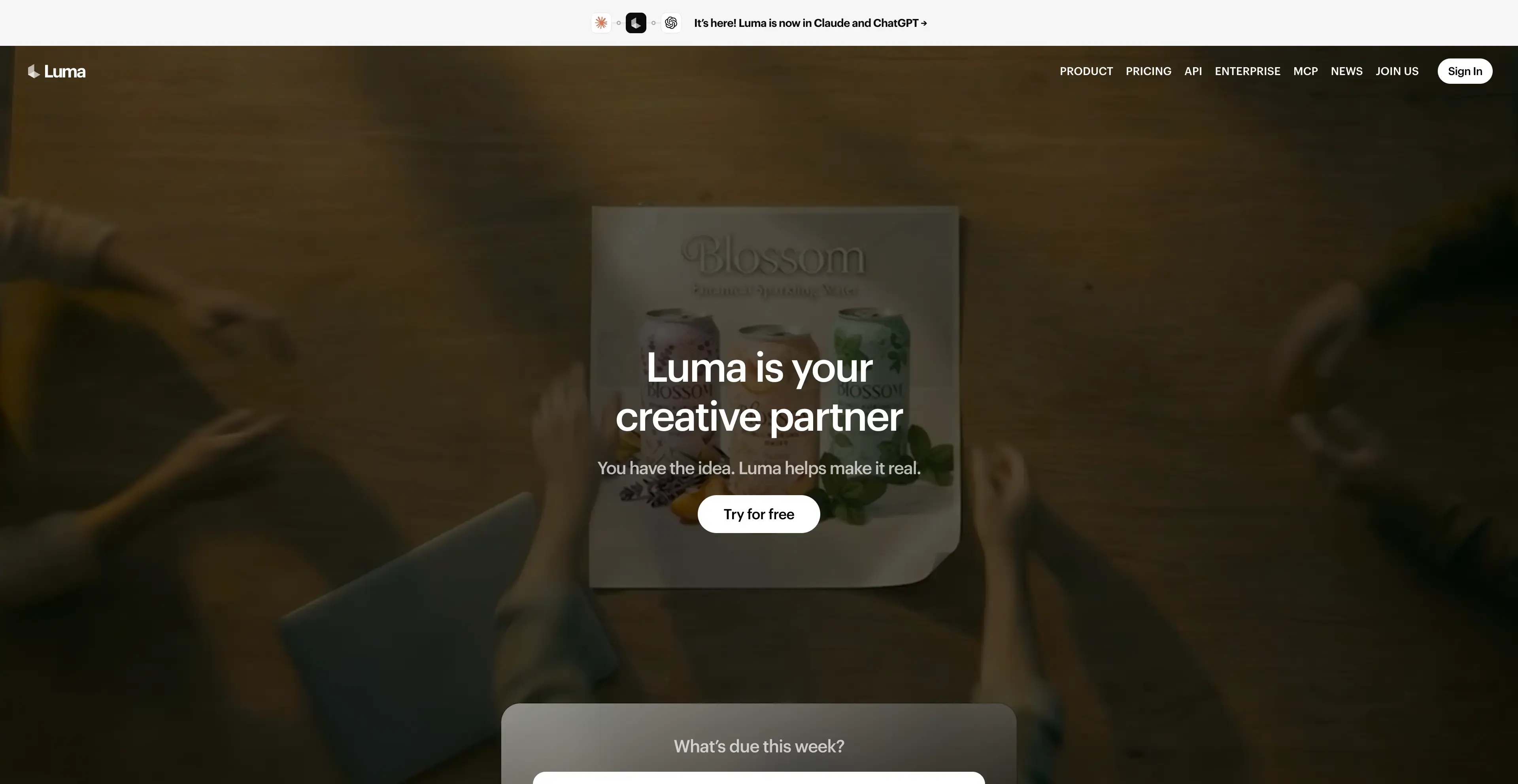
Luma has moved beyond its own Ray video models. Its pricing table now lists Veo 3.1, Kling 4.0, Seedance 2.5, MiniMax H3 and Gemini Omni Flash, with lip sync (Sync Lipsync 2 and 3), Topaz and Luma upscaling, Modify, Video-to-Video and Extend Video. Higher tiers mainly increase usage of Luma Agents.
The page lists no free plan. Plus is $25/month billed yearly ($30 monthly) for 10,000 credits and includes commercial use. The page doesn't state its rollover or expiry rules, so ask before you commit a large budget.
Pros:
- Luma Ray models plus third-party video and image models
- Lip sync, upscaling and video modify in one place
- Commercial use included from Plus
Cons:
- No free plan listed
- Credit rollover and expiry rules not stated on the pricing page
- Highest entry price among the multi-model studios here
Who shouldn't switch: budget users. At $25 to $30 a month, Luma suits people who will actually use the agent features.
6. OpenArt — Best for Consistent Characters
Best for: storytellers who need the same character across many scenes.
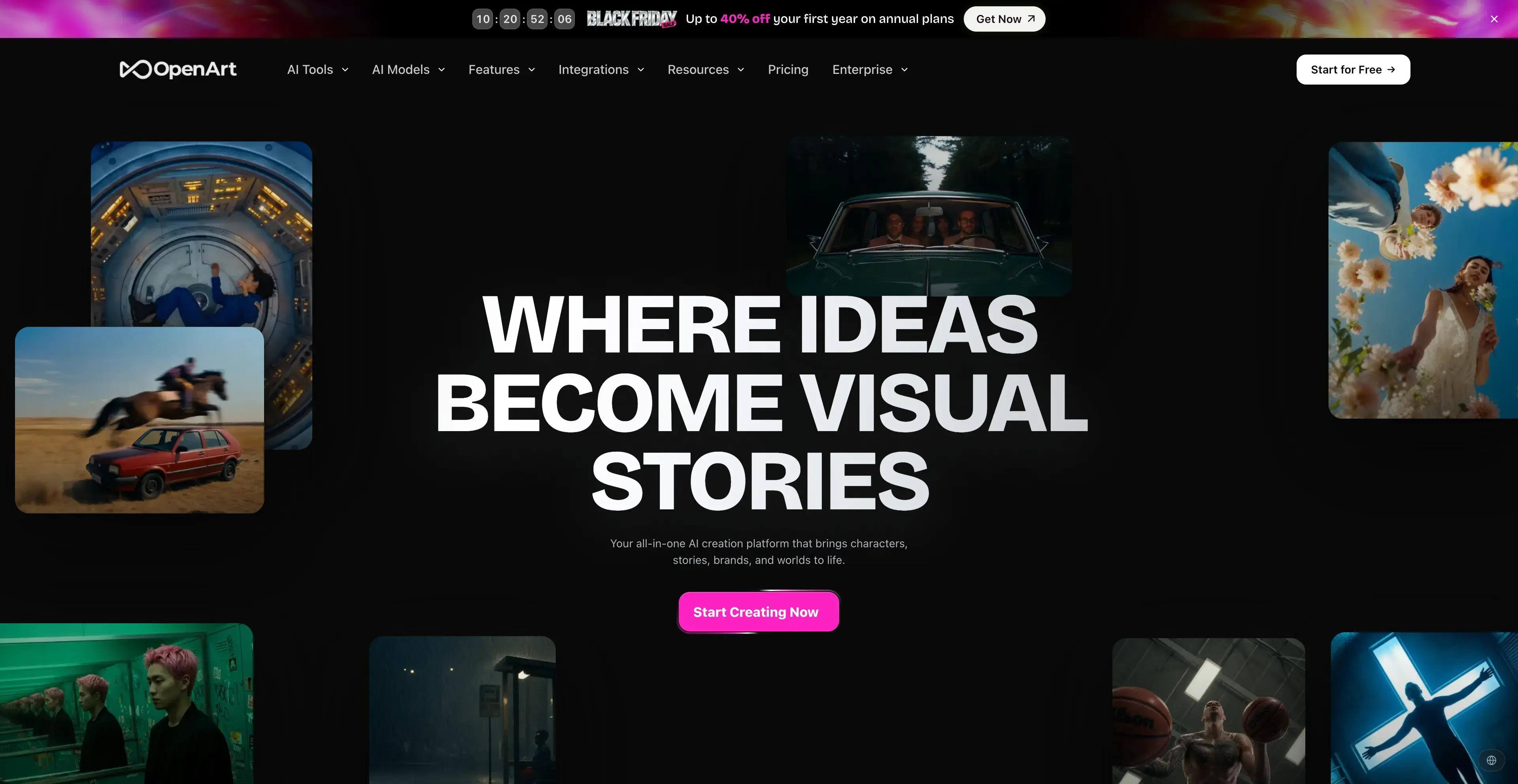
OpenArt focuses on consistent characters and its Director tool, with "100+ premium image, video, and audio models," including Google Veo, Kling, Seedance, Wan 3.0 and Nano Banana Pro. If you used Higgsfield's Soul ID to keep characters stable, this is the closest match on the list.
Starter lists 4,000 credits per month at $14 a month (a lower introductory price was showing during its Black Friday promotion). Paid tiers are watermark-free, but commercial use rights are listed only from Plus up. Subscription credits don't carry over, and paid credits are lost when a plan expires.
Pros:
- Character consistency and Director workflow
- 100+ image, video and audio models
- Watermark-free on every paid plan
Cons:
- No free plan shown on the pricing page
- Commercial rights start at Plus, not Starter
- Credits do not carry over and are lost when a plan ends
Who shouldn't switch: commercial users on a tight budget, since Starter doesn't list commercial rights.
7. Kling AI — Best if You Mostly Use Kling
Best for: Higgsfield users whose credits mostly go on Kling generations.
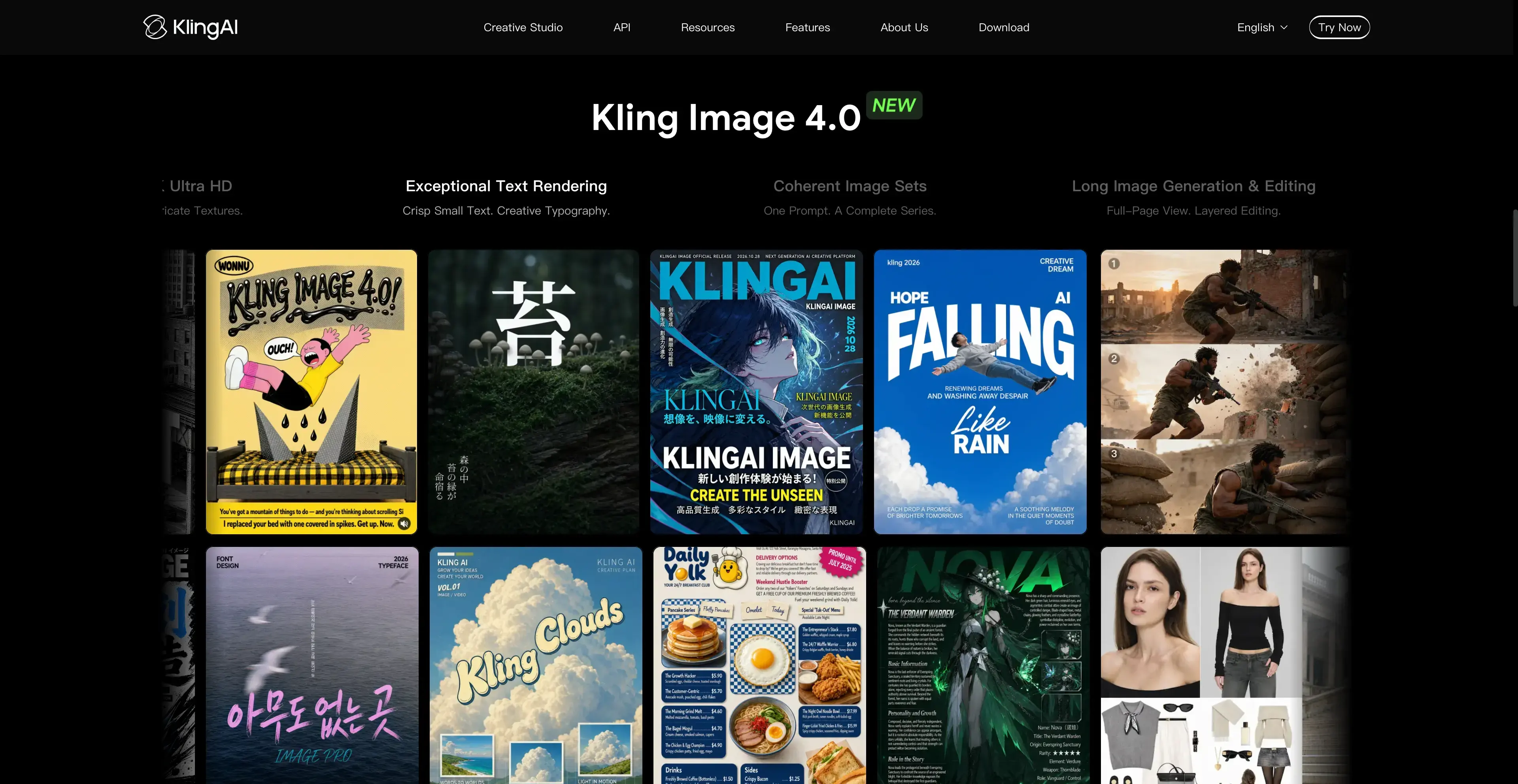
If your Higgsfield history is mostly Kling clips, going straight to the source removes the middle layer. Kling's site features Kling 4.0, Video 3.0 / Omni, Motion Control, AI Avatar and an AI video editor. Its consumer membership prices are shown only after sign-in, so we haven't listed a number here. Check them yourself and compare the per-clip cost with what you pay now.
Kling models are also on Vogoo, Runway, Pika, Krea, Luma and OpenArt. If you sometimes need a different model, a multi-model studio saves you running two subscriptions.
Pros:
- Newest Kling models, usually first
- Motion Control and AI Avatar from the model maker
- No aggregator markup on Kling generations
Cons:
- One model family only
- Consumer pricing not visible without signing in
- You will need a second tool for Veo, Seedance or Runway
8. Google Flow — Best for Veo Users on a Google AI Plan
Best for: people who already pay for Google AI Pro or want Veo inside Google's ecosystem.
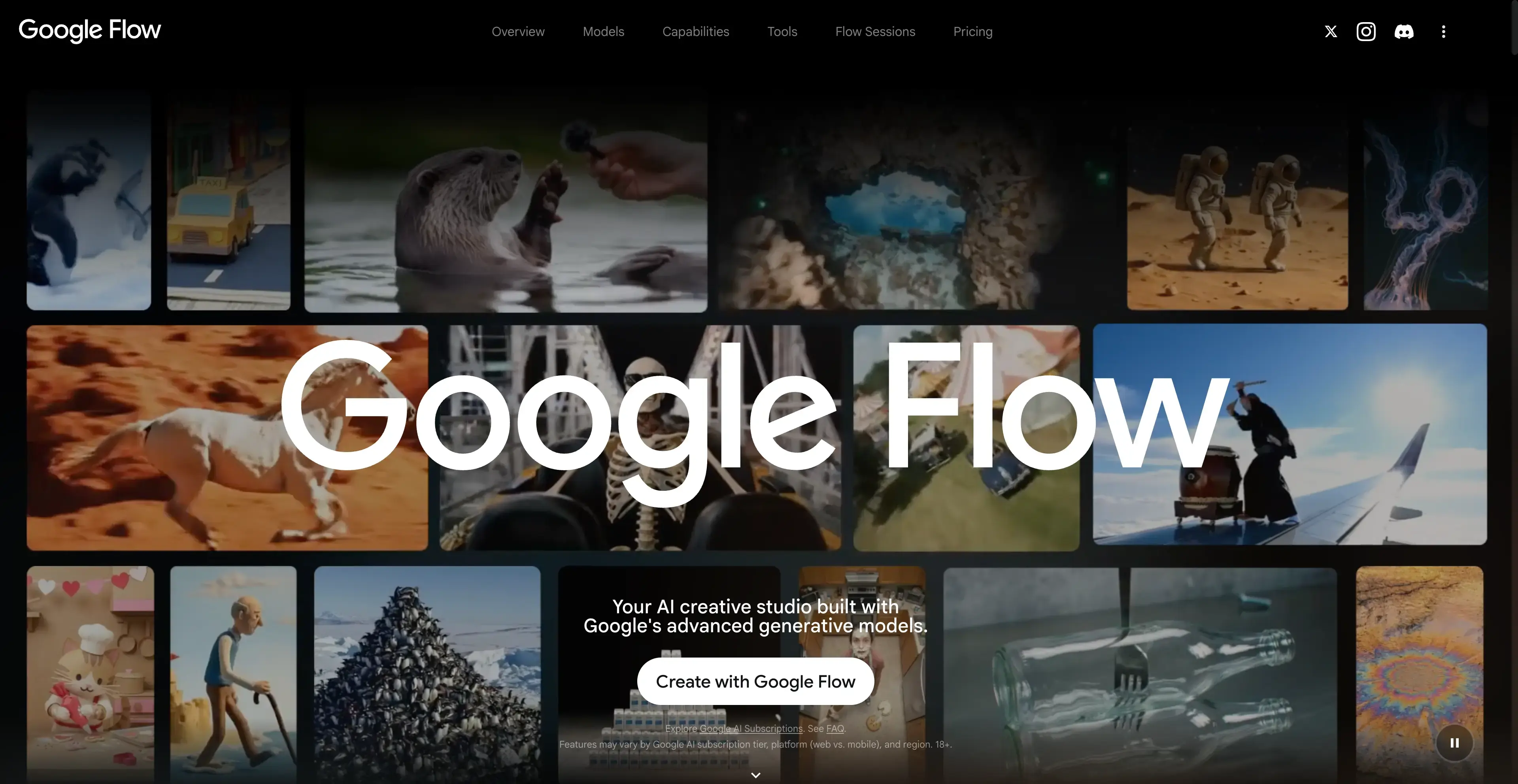
Google AI Pro ($19.99/month, or $199.99/year) includes "expanded access to image, music, and video generation models in Gemini, Search, and Google Flow," plus 5 TB of storage. Ultra gives higher access. Students can get AI Pro free for a year. If you already pay for the plan for Gemini or storage, Flow is a Higgsfield alternative you may already own.
The trade-off is choice. Flow is built around Google's models, so you won't get Kling, Seedance or Runway, and Google's plan page doesn't spell out commercial-use or credit-expiry terms in the same detail as the creator tools above.
Pros:
- Bundled with Gemini, Search and 5 TB storage on AI Pro
- Free year of AI Pro for eligible students
- Direct access to Google video models
Cons:
- Google models only, no Kling, Seedance or Runway
- Credit and commercial terms less detailed than creator tools
- Best value only if you use the rest of the bundle
How We Compared These Alternatives
We put the same four questions to every tool and answered them only from its official pricing page or site, read on November 20, 2026:
- Model overlap with Higgsfield. Does it offer the models Higgsfield users actually spend credits on (Kling, Seedance, Veo, MiniMax, Wan)?
- Entry cost. Is there a free tier, and what does the cheapest paid plan include?
- Credit rules. Do monthly credits roll over? When do top-ups expire? Are failed runs charged?
- Workflow tools. Lip sync, motion control, editing, upscaling, character consistency.
Here's question 3 side by side, since it's the main reason people leave:
| Tool | Monthly credits roll over? | Extra / top-up credits | Failed generations |
|---|---|---|---|
| Higgsfield | No | Expire after 90 days | Usually refunded |
| Vogoo | — | Never expire | Not charged |
| Runway | Only on Max (up to 1 month) | Never expire | — |
| Pika | No | Expire after 365 days | — |
| Krea | No | Expire after 90 days | — |
| OpenArt | No | Lost when the plan ends | — |
A dash means the official page doesn't state the rule. We didn't fill those cells from third-party blogs. We also didn't compare credits per dollar across tools, because each vendor's credit buys a different amount of compute per model, so the comparison would be misleading.
How to Choose the Right Higgsfield Alternative
- You want Higgsfield's model menu with friendlier credit rules: Vogoo. Its packs never expire, and Kling, Seedance, Veo and Runway sit on one balance.
- You edit footage more than you generate it: Runway.
- You want the lowest monthly bill: Pika Starter at $8/month billed annually.
- You want to stay free: Krea's 100 daily units. Google Flow also works if you're a student eligible for a free year of AI Pro.
- You need recurring characters: OpenArt.
- You spend almost everything on one model: go direct (Kling AI for Kling, Flow for Veo).
Before you move: use up or download your Higgsfield work first. Higgsfield-exclusive models such as Soul and Higgsfield Speak don't come with you, so note the prompts and reference images behind your best results and re-run one test clip on the new tool before you cancel. On annual plans, check your renewal date, since Higgsfield subscription credits don't roll over.
Final Verdict
Higgsfield is still a capable studio. Its weak spot is the credit system: two expiry clocks, a partial Starter plan and no refunds on finished generations. The best Higgsfield alternative depends on which part bothers you most. For the closest like-for-like switch, with the same top models, effects, motion control and lip sync, but credit packs that never expire, start with Vogoo. If you need deep editing, use Runway. On a tight budget, choose Pika. To stay free, use Krea.
Animate a Photo on Vogoo
📸 Start from one photo • 🎞️ Kling, Seedance, Veo and moreFAQs About Higgsfield Alternatives
Is there a free Higgsfield alternative?
Yes. Krea gives 100 free compute units every day with no card required. Runway's free plan includes 125 one-time credits that never expire. Vogoo gives 20 signup credits plus daily check-in credits. Higgsfield's own free plan includes no monthly credits.
What is the cheapest alternative to Higgsfield AI?
On listed prices from November 20, 2026, Pika Starter is the cheapest full paid plan at $8/month billed annually for 600 credits. Krea Basic shows $5/month at its annual rate. The cheapest option for you depends on which models you use, since each tool charges a different number of credits per model.
Is Higgsfield worth it in 2026?
It's worth it if you use Plus or Ultra heavily and spend your credits every month. It's harder to justify if your usage is uneven, because subscription credits don't roll over and packs expire after 90 days.
Higgsfield vs Runway: which should I pick?
Pick Runway if editing existing footage matters most (Aleph, 4K upscaling). Pick Higgsfield, or a similar multi-model studio like Vogoo, if you mainly generate short clips with presets, lip sync and many third-party models.
Can I use the same models I used on Higgsfield somewhere else?
Mostly, yes. Kling, Seedance, Veo and MiniMax models are available on several tools in this list, including Vogoo, Pika, Krea and Luma. Higgsfield's in-house models, such as Soul and Higgsfield Speak, are not.