

01
Text to video in seconds
Type a scene and Seedance Mini renders a 720p clip with native audio. This Seedance Mini video generator is built for fast prompt drafts.
Online AI video generation
Seedance 2.0 Mini is the faster, lower-cost tier of ByteDance Seedance 2.0. Use the Seedance Mini video generator for prompt clips, image animation, and 720p drafts with native audio. Seedance Mini keeps everyday creation lean, quick, and affordable.
Features Flow
The Seedance Mini video generator turns a prompt or image into a 720p Seedance Mini clip with native audio, built for fast, short-form creation.
Type a scene and Seedance Mini renders a 720p clip with native audio. This Seedance Mini video generator is built for fast prompt drafts.

Upload a still and Seedance Mini turns it into motion while keeping subject and composition. The Seedance Mini video generator is ideal for quick image animation.
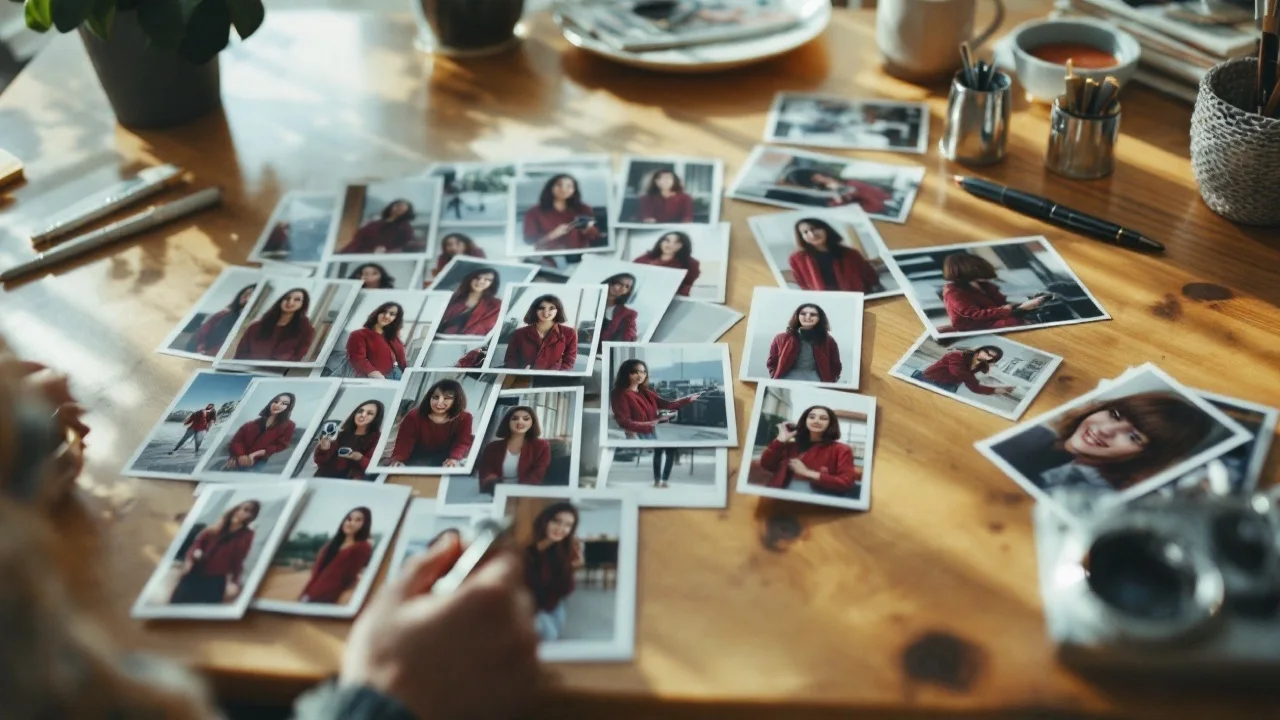
Seedance blends up to 12 references — images, audio, and clips — for stronger character consistency, motion, and storyline accuracy.
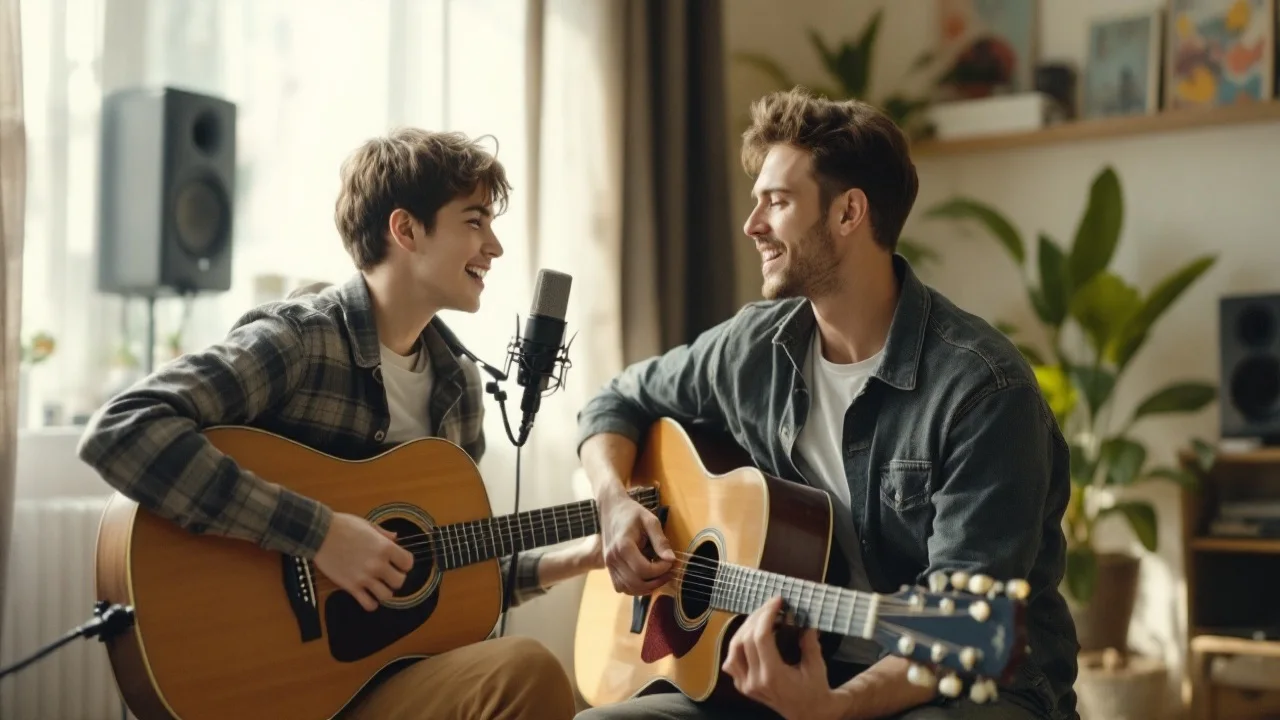
Generate synced sound together with the Seedance Mini clip in a single pass — no separate audio step or post-production.
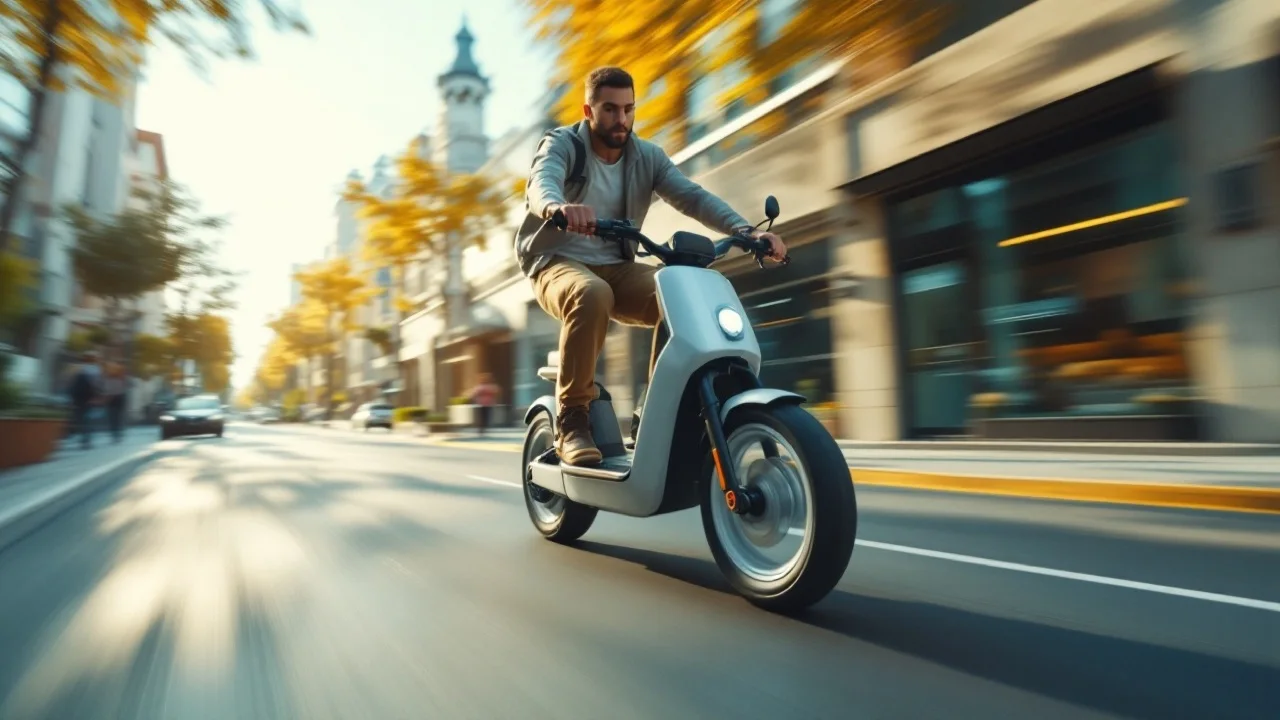
The lightweight Seedance Mini tier is tuned for rapid iteration and short-form output at up to 720p, at about half the cost of the standard model.
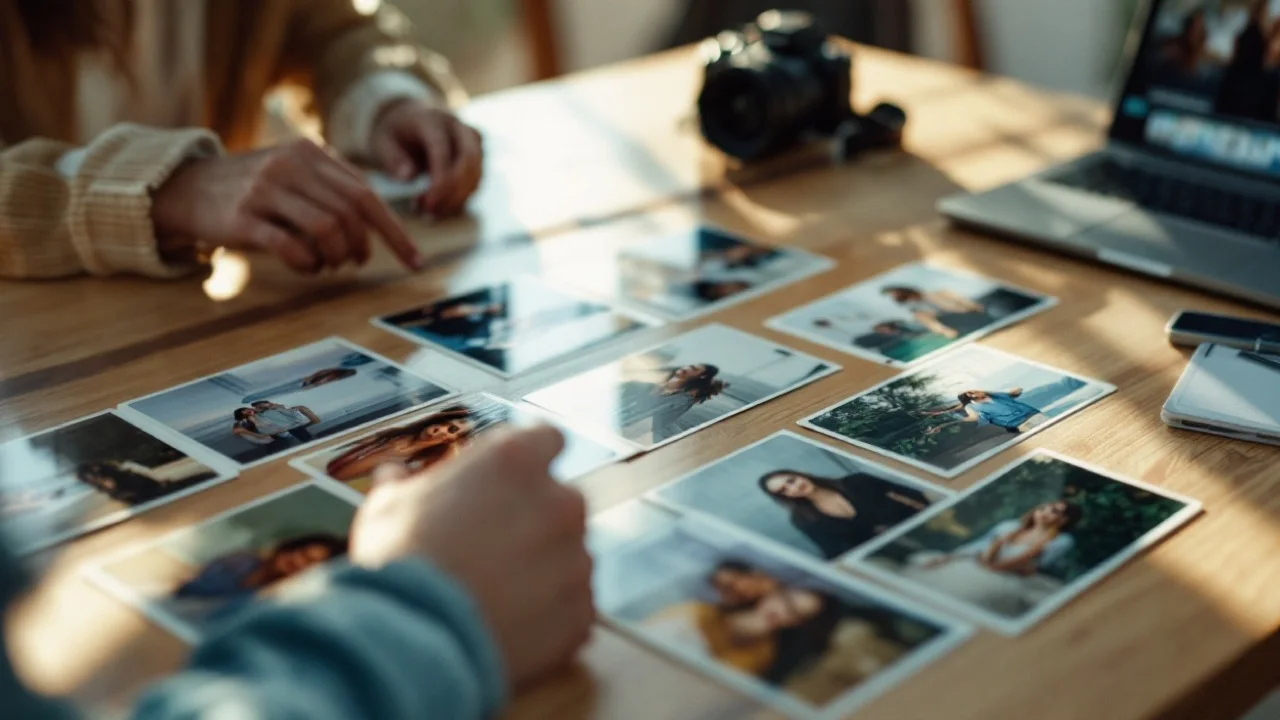
Review Seedance Mini clips in the workspace, retry variations, then download the MP4 you want — all in one fast Vogoo workspace.
Compare
See how the Mini tier compares to Fast and the standard model on speed, cost, resolution, and quality.
| Mini | Fast | Standard 2.0 | |
|---|---|---|---|
| Best for | Iteration & short-form | Balanced speed/quality | Top-end fidelity |
| Max resolution | 720p | 1080p | 1080p |
| Relative speed | ~2× faster than Fast | Fast | Standard |
| Relative cost | Lowest (~½ of 2.0) | Lower | Standard |
| Native audio | Yes | Yes | Yes |
| Multi-reference | Up to 12 | Up to 12 | Up to 12 |
Iterate on Mini, then re-render hero shots on the standard model when you need maximum fidelity.
Use cases
Seedance Mini fits anyone who needs fast, affordable AI clips — from social output to product motion and previz.
Spin up a Seedance Mini video generator draft for TikTok, Reels, and Shorts from a prompt or image — fast enough to test many ideas a day.
Seedance Mini helps you draft scenes cheaply, then re-render only the approved shots on the standard model for final fidelity.
Use Seedance Mini to animate product stills for listings, ads, and launches without booking a shoot.
Turn scripts or reference frames into Seedance Mini previz so teams can review direction before committing to a full render.
Seedance Mini generates several looks for a scene quickly so you can pick the direction that lands before investing in final output.
Produce Seedance Mini b-roll, intros, and background motion for streams from text or image input.
How it works
The Seedance Mini workflow stays fast: describe or upload, choose settings, then generate and download your clip.
Step 01
Enter a prompt in the text field, or upload an image for the Seedance Mini video generator to animate.
Step 02
Pick duration, 480p or 720p, aspect ratio, and whether Seedance Mini should generate native audio.
Step 03
Run Seedance Mini, compare takes, then download the MP4 clip you want.
FAQ
Answers cover what Mini is, how it differs from the standard model, resolution and length, image-to-video, audio, and commercial use.
Seedance 2.0 Mini is ByteDance's lightweight, lower-cost tier of the Seedance model. The Seedance Mini video generator creates 720p clips from text or images with native audio, built for fast, short-form content.
Generate your first Seedance Mini video generator clip — describe a scene or upload an image, pick your settings, then download the clip from one workspace.
Generate a video