

01
Text and image to video
Describe a scene or upload images and the generator renders a clip with motion and native audio. One multimodal model handles text, image, audio, and video input.
Online AI video generation
Gemini Omni Flash is the first model in Google’s new Omni family — a multimodal generator that turns text, images, audio, and video into clips with native audio. Use it for short-form clips, digital avatars, and conversational edits, right inside Vogoo.
Features Flow
The model turns text, images, audio, and video into a Gemini Omni Flash video with native audio — built for short-form clips, avatars, and conversational edits.
Describe a scene or upload images and the generator renders a clip with motion and native audio. One multimodal model handles text, image, audio, and video input.

The model generates synced native audio together with the video in a single pass, so you do not need a separate sound or post-production step.
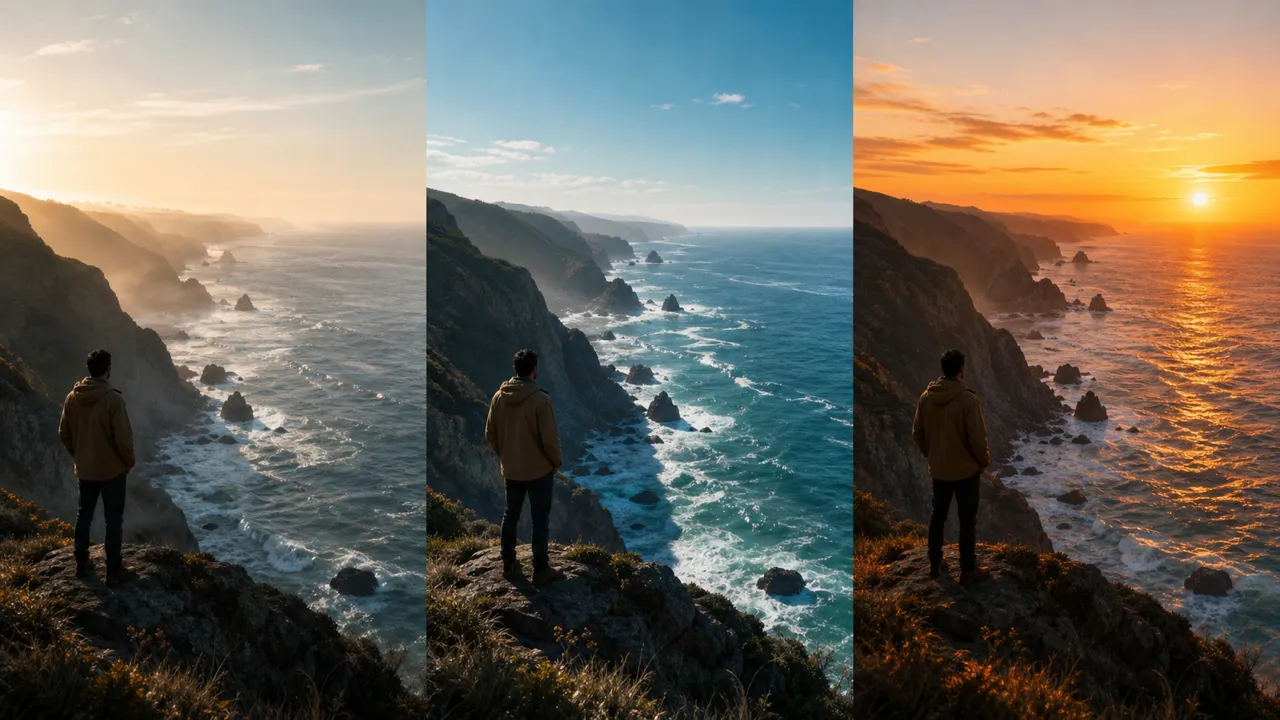
Refine your clip across turns. The model edits existing video conversationally while preserving scene continuity, so each revision keeps the look you already approved.
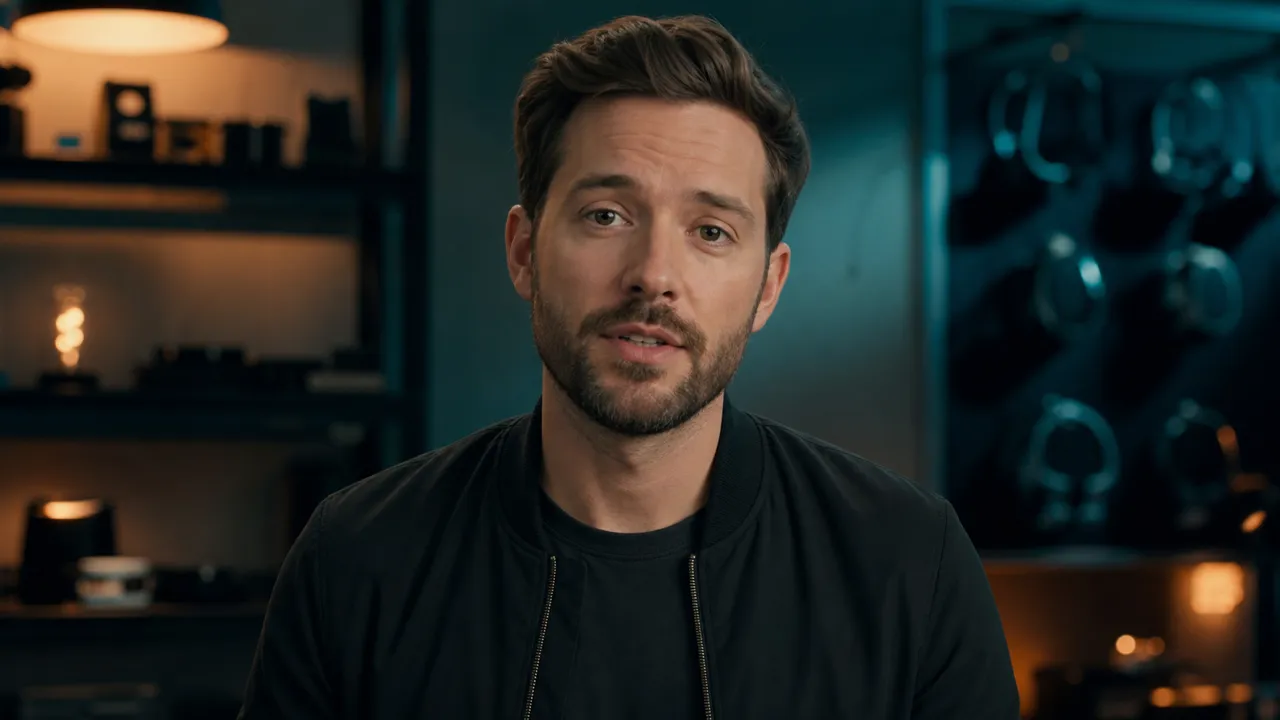
Drive talking digital avatars for UGC, ads, and explainers. The generator brings characters to life with synced audio for short-form, face-forward video.

The model's world knowledge improves its understanding of physics, motion, and scene continuity, so each Gemini Omni Flash video moves and holds together more believably.
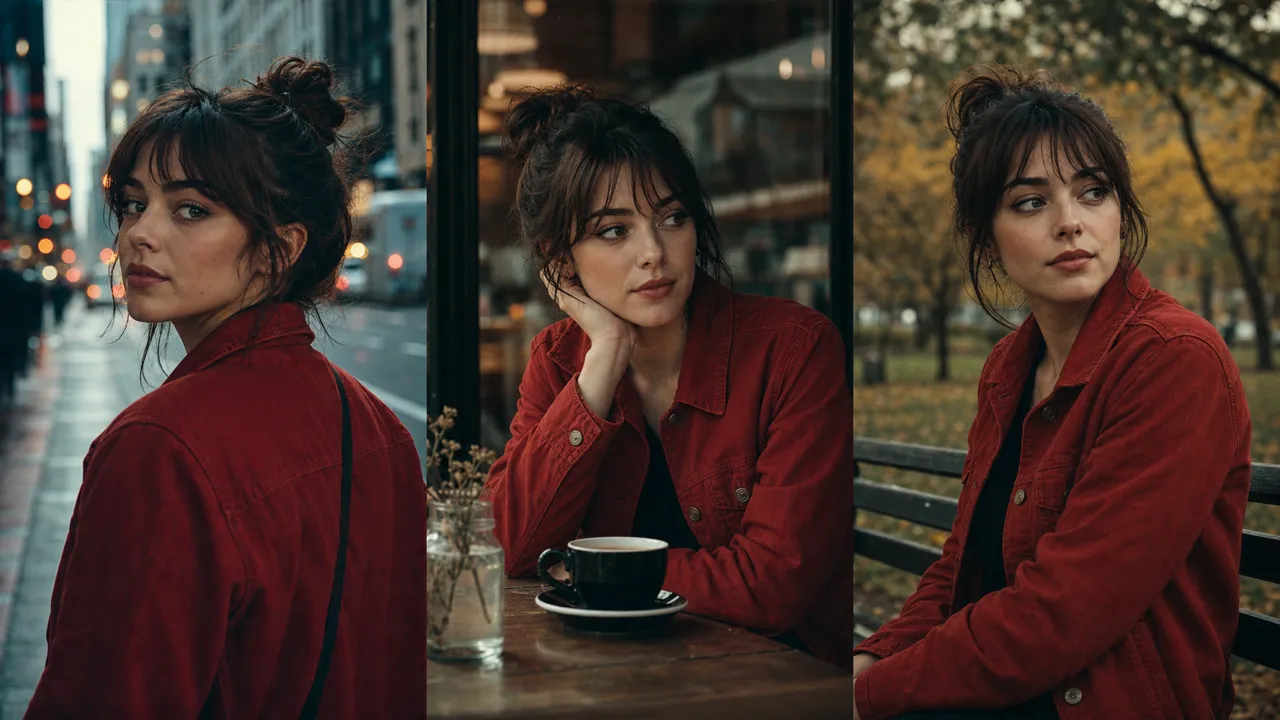
Animate up to seven reference images for consistent characters and products across a clip — ideal for branded and story-driven video.
Compare
See how the model compares to Veo and Seedance on input types, editing, native audio, avatars, and clip length.
| Gemini Omni Flash | Veo | Seedance 2.x | |
|---|---|---|---|
| Input types | Image, audio, video, text | Text (and image) | Text, image, references |
| Editing | Conversational, multi-turn | Re-generate | Re-generate |
| Native audio | Yes | Varies by version | Yes |
| Digital avatars | Yes | Limited | Via avatar tools |
| Reference images | Up to 7 | — | Up to 12 |
| Clip length | Up to 10s | Varies | 4–15s |
Capability comparison only — Google has not published benchmark results comparing this model against Veo, so this table avoids performance scores.
Use cases
The model fits creators who need fast multimodal clips — from Shorts and avatar UGC to product stories, marketing, and previz.
Spin up a Gemini Omni Flash video draft for Shorts, Reels, and TikTok from a prompt or image — short enough for vertical, fast enough to test many ideas a day.
Use digital avatars to produce talking UGC, product ads, and explainers without a camera, set, or actor.
Animate product stills into motion for listings, launches, and social — native audio keeps the story complete in one render.
Turn a campaign line into a clip with synced audio, then refine it conversationally until the message and pacing land.
Generate several looks for a scene quickly so teams can review direction before committing to a full production.
Produce intros, b-roll, and background motion for streams and videos from text or image input, all with native audio.
How it works
The workflow stays fast: describe or upload references, choose settings, then generate and download your clip with native audio.
Step 01
Enter a prompt in the text field, or upload up to seven reference images for the generator to animate.
Step 02
Pick your duration up to 10 seconds and let the model generate native audio together with the video in one pass.
Step 03
Run the generator, refine the clip conversationally if needed, then download the MP4 you want.
User reviews
These reviews show how creators, marketers, and filmmakers use the model for multimodal input, native audio, digital avatars, and conversational editing.
Short-form Video Creator
“The Gemini Omni Flash video generator gives me a clip with synced audio in one pass, so my Shorts go from prompt to publish without a separate sound step.”
Social Media Manager
“I upload product stills and it animates them while keeping the branding stable. The 7-reference input keeps our characters consistent across a campaign.”
Content Marketing Lead
“The conversational editing is the part I did not expect to rely on. I refine a clip across turns and it keeps scene continuity instead of restarting from scratch.”
UGC Creator
“Digital avatars let me ship talking UGC ads without a camera or actor. The audio lines up with the avatar every time.”
FAQ
Answers cover what Gemini Omni Flash is, how to use it, native audio, clip length, image-to-video, watermarking, API access, and free credits.
It is the first model in Google's new Omni family, introduced at Google I/O 2026. The model is a multimodal generator that takes image, audio, video, and text input and creates and edits video with native audio.
Generate your first Gemini Omni Flash clip — describe a scene or upload reference images, generate with native audio, then download the video from one workspace.
Generate a video