Describe the subject, text layout, lighting, styling, and detail you want in the final image.
0 / 20000
Image Size
Flyer Ideas You Can Generate and Customize
AI Flyer Generator
The AI Flyer Generator turns a short brief into a polished flyer concept, or follows a reference image when you already have one. It opens on an 8.5×11 flyer canvas, so you can generate a flyer by describing the headline, offer, event details, imagery and visual direction in a single prompt.
Text to flyerReference image support8.5×11 print flyer canvasEvent, sale & business designs
It turns a written brief into a finished flyer design instead of asking you to place every box, margin and text block by hand.
It Reads a Brief, Not a Template
You describe the promotion, headline, details and mood, and the AI Flyer Generator composes artwork and typography in one pass. Nothing is pulled from a template library, so two briefs never produce the same page — that is the practical difference between this flyer creator and a stock flyer template you edit box by box.
Flyer, Leaflet and One-Page Handout
Flyer, leaflet and handout all name the same one-page format, so a single flyer maker covers all three — output lands at 2550 × 3300 pixels, the 8.5 × 11 shape people expect from a printable flyer.
Where a Person Still Has to Look
Headlines are rendered as artwork, not an editable text layer. Read names, dates and prices once before you print flyers or post them.
What the AI Flyer Generator Does With Your Brief
A focused flyer canvas, prompt-based art direction and optional references — information to finished flyer design in one pass.
01
Text to Flyer: Brief the Whole Layout in One Prompt
Start with what you have — the promotion, audience, headline, offer, date and mood — and be specific about hierarchy: which line leads, which details are secondary. The flyer layout comes back designed, not a random poster.
02
Image to Flyer: Bring Your Own Product or Visual Reference
Attach a product shot, subject photo or design reference before you generate a flyer. It travels with the prompt, so the tool can work from that image instead of a description. Treat it as guidance, not a flyer layout lock: say what must stay recognizable.
03
Start at a Real 8.5×11 Flyer Canvas
The page opens on the built-in flyer canvas at 2550×3300 pixels — an 8.5×11 page at 300 PPI. Print flyer work starts from the proportions people expect, not a square social image stretched into a page.
04
Design Around the Message, Not Just the Background Image
A useful flyer communicates fast: promise first, details short, one obvious action. Artwork and typography are rendered together, but names, dates, prices and offer terms need checking before printing. For critical copy, regenerate with shorter text.
05
Iterate Fast: Same Brief, Several Flyer Directions
Most flyers need two or three passes. Generate a flyer, then run the same brief again with a shorter headline, a different palette or a calmer background. Every run starts from your words rather than a fixed layout, so small prompt edits move the whole composition.
Flyer Sizes: Print Dimensions and Custom Options
US Letter is the default. All six sizes below are one-click presets in the AI Flyer Generator, so you never have to work the pixels out yourself.
Flyer Sizes: Print Dimensions and Custom Options
Format
Pixels at 300 PPI
Aspect Ratio
Best For
US Letter · 8.5 × 11 in
2550 × 3300
17:22
Default preset on this page
A4 · 210 × 297 mm
2480 × 3508
≈5:7
Standard outside the US
Half Letter · 5.5 × 8.5 in
1650 × 2550
11:17
Handouts and inserts
A5 · 148 × 210 mm
1748 × 2480
≈5:7
Menus and table cards
A6 · 105 × 148 mm
1240 × 1748
≈5:7
Leaflet drops
Postcard · 4 × 6 in
1200 × 1800
2:3
Mailers and rack cards
Aspect ratio fixes the shape; exact pixels fix the print size. Pick any row before you generate a flyer, or type your own numbers into Custom Size.
How to Write a Flyer Prompt That Works
Four things decide the result. Cover them and the generator stops guessing.
1
Name the Goal
Say what the flyer has to achieve — a grand opening, a weekend sale, a class sign-up. The goal decides your flyer layout before styling does.
2
Name the Audience
Neighbours, students and B2B buyers need different tones. One clause changes the type, palette and imagery you get back.
3
List the Exact Text
Spell out headline, date, venue, price and contact line. Anything left implicit gets invented, so hand over the real strings.
4
Set Mood, Palette and Exclusions
Two or three style words (modern, elegant, bold), your brand colours, then what to leave out — no logo, no watermark. This is what separates a flyer design from a stock flyer template.
A Flyer Maker for Promotions, Events and Everyday Business
One tool covers the event flyer, the sale flyer and the business flyer — only the brief changes.
Events and Nightlife
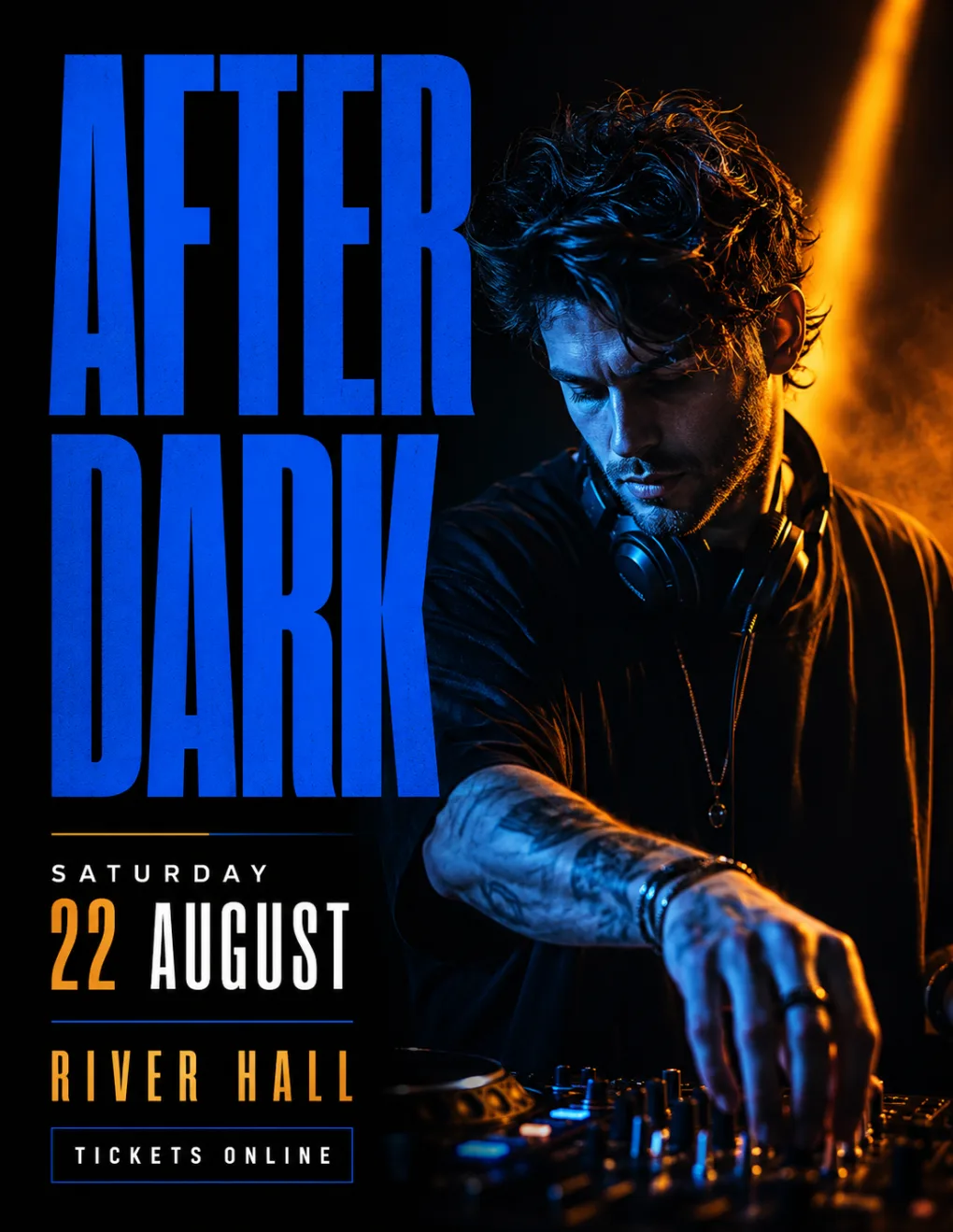
Promote concerts, DJ nights, workshops and pop-ups: an event flyer with the date, venue and call to action built into the brief.
Retail Sales and Promotions
Turn a product shot and an offer into a sale flyer for launches, seasonal campaigns or limited-time discounts, all from one flyer brief.
Restaurants and Local Businesses
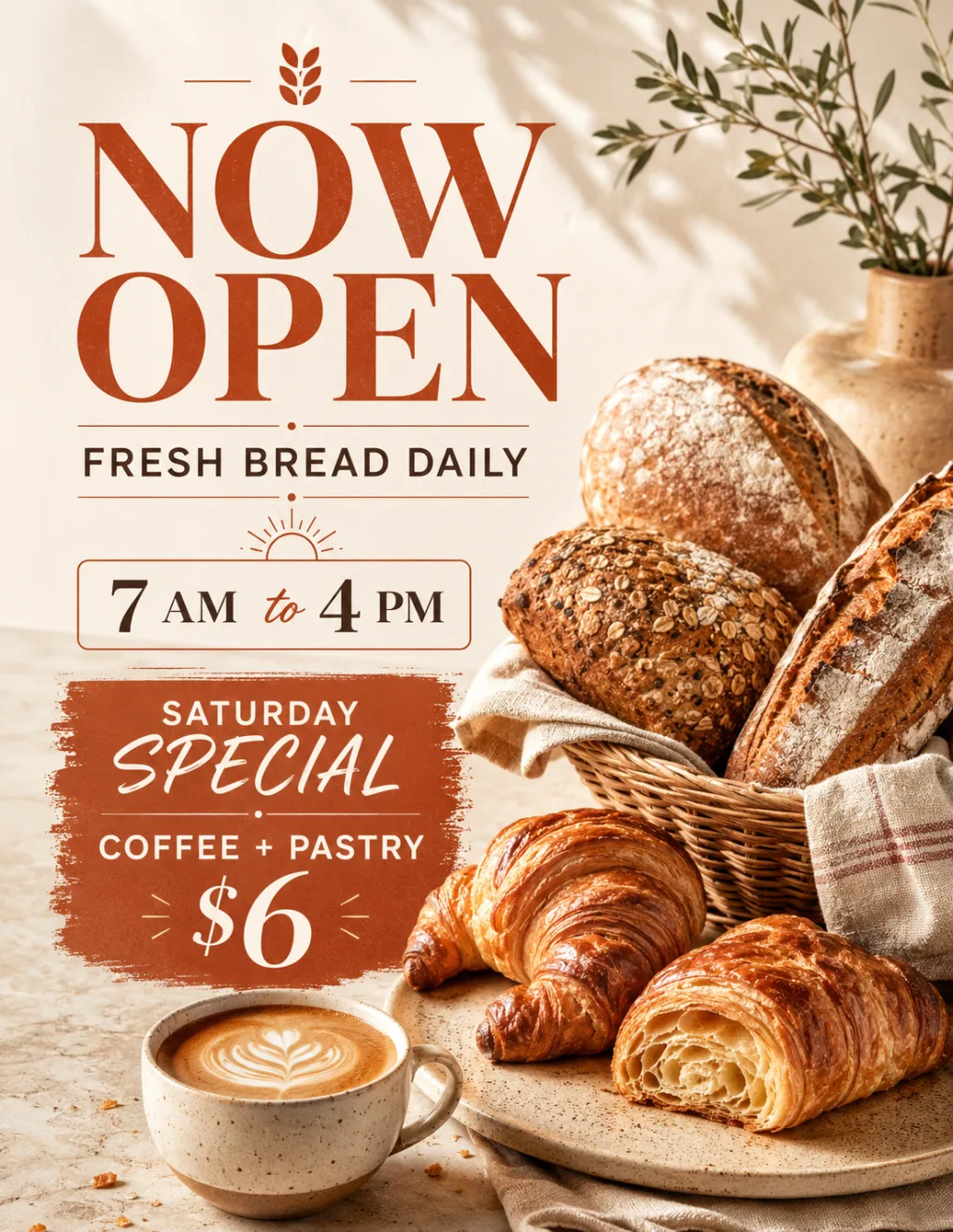
Build opening flyers, menu promotions, service offers and neighborhood advertising with the AI Flyer Generator instead of an empty design canvas.
Real Estate and Services
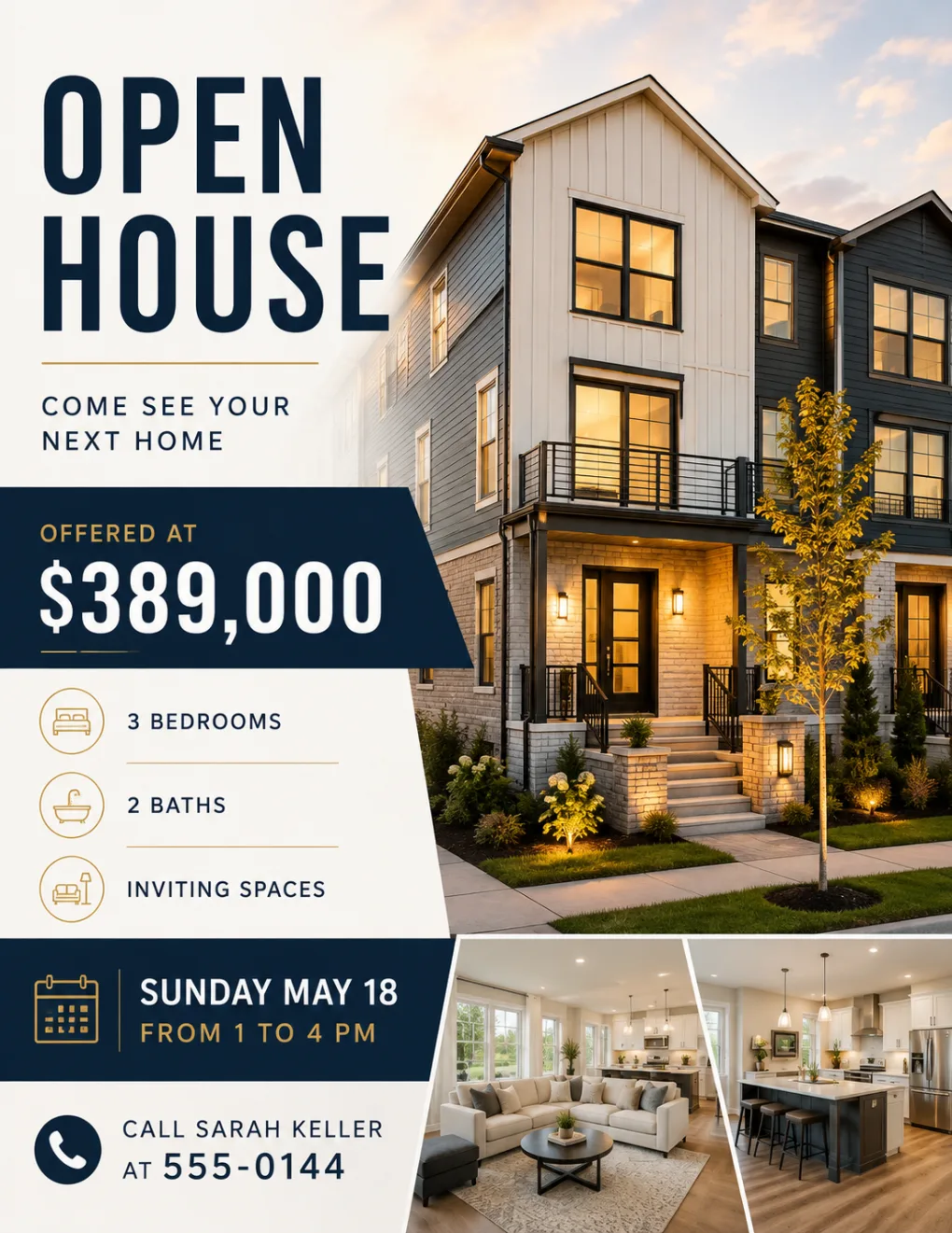
Cover listings, open houses and service offers where one strong image and three benefits have to scan from across a room.
Classes, Clubs and Community Groups
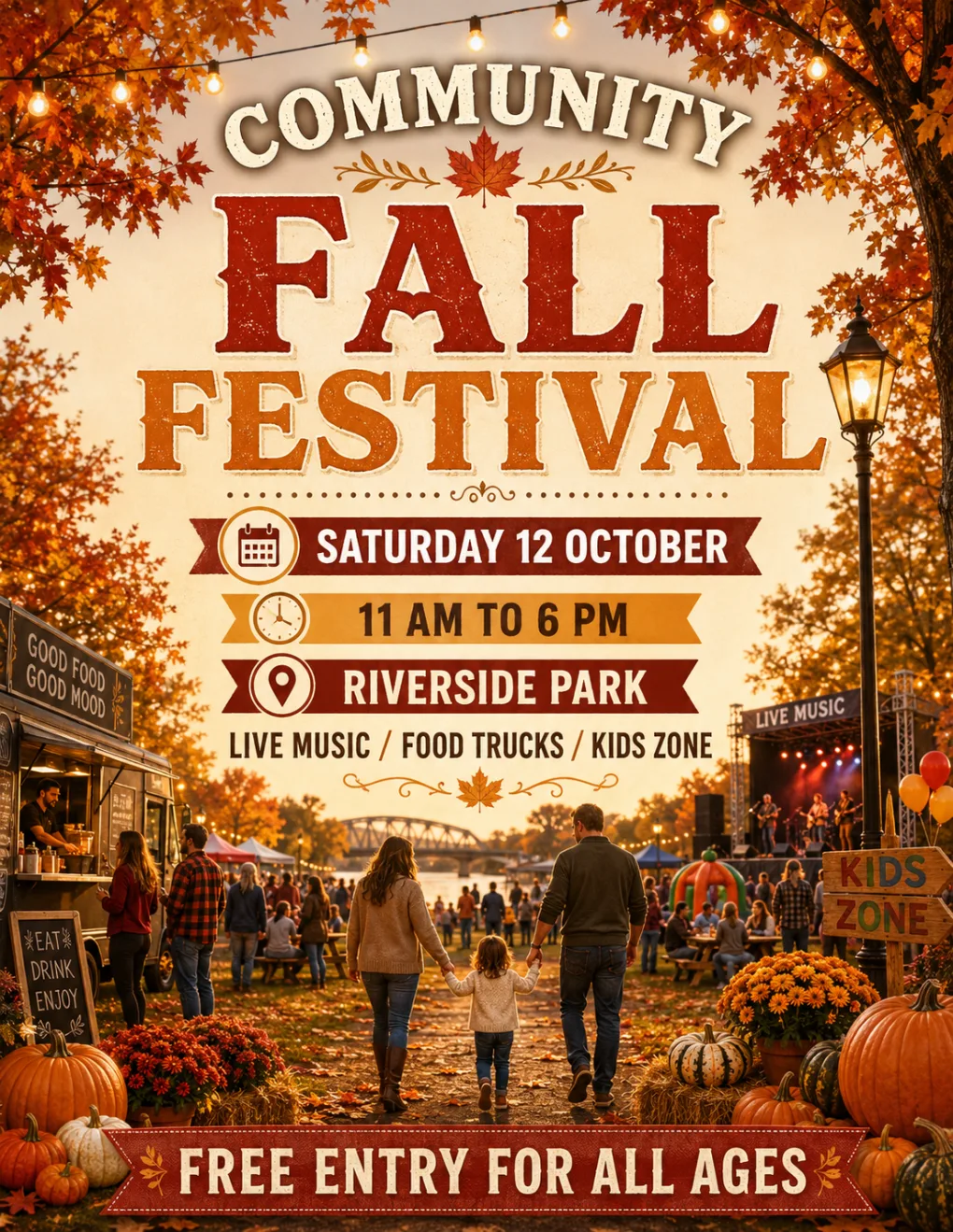
Announce courses, school activities, club nights and nonprofit events; an information-heavy promotional flyer still comes back looking designed.
Creators and Online Launches
Reuse the one-page flyer format as a campaign graphic for launches, digital downloads and webinars.
How to Make a Flyer in Three Steps
Results depend on a strong brief and a quick text check, not on complicated controls.
01
1
Step 01
Write the Flyer Brief
Describe the goal, headline, key details, offer and visual style. Short, structured copy decides whether you make a flyer in one pass or three.
02
2
Step 02
Attach a Reference Image if You Have One
Add a product photo or visual reference when the flyer design should follow an existing asset. It is optional — text alone is enough.
03
3
Step 03
Generate, Review and Download
Run the AI Flyer Generator, check names, dates and prices against your brief, then download the 2550×3300 file. Generate a flyer again when the hierarchy needs another pass; each run is a fresh composition, not an edit of the last one.
Flyer Generator FAQ
Free credits, text-to-flyer, reference images, print sizes and how accurate the generated text is.
What Is an AI Flyer Generator?
It turns a written brief — plus optional reference images — into a finished flyer concept. You describe the headline, offer, event details and style, and it renders the whole page as one portrait design.
Can I Generate a Flyer From Text Only?
Yes. Write it as a structured brief: purpose, headline, supporting details, call to action and style. Text alone is enough — there is no flyer template to pick first.
Can I Use My Own Photo or Product Shot?
Yes. Attach up to three references for a product, subject or visual direction and say how they should influence the layout. They guide the result; they do not lock identity or composition.
What Flyer Size Does This Page Use?
The default is 2550×3300 pixels — a portrait 8.5×11 canvas at 300 PPI. Other print flyer sizes, including A4, A5 and postcard, are one-click presets in the size table above.
Will Every Headline and Price Come Out Correct?
Not always. Image models render useful typography, but names, dates, prices and offer terms need checking before printing. Shorter copy gives noticeably cleaner text.
What Should I Include in a Flyer Prompt?
The goal, audience, headline, two or three supporting points, the offer, one call to action and the style. Say what should dominate the layout, and name what to leave out — no logo, no watermark.
Can I Print the Result?
Yes. The 2550×3300 output is sized for 8.5×11 at 300 PPI, so it goes straight to a home printer or a print shop order. Proof it on screen at full size first — headlines are image, not an editable text layer.
How Is This Different From a Flyer Template Editor?
A template editor hands you someone else’s layout to swap words into. This flyer creator starts from your brief, so artwork, palette and hierarchy are built around your promotion — but you refine by rewriting the prompt, not by dragging boxes.
Is This Only for Printed Flyers?
No. The one-page format is print-friendly but works as a digital promotional flyer too — email, stories, community boards. For a platform-specific banner or square cover, use the related Vogoo tools instead.