Vogoo.ai logoVogoo.ai
Video
Image
Audio
AI Tools
AI Models
AI Effects
AI Girl
Assets
X (Twitter)
AI Image Upscaler
Upload image(0/1)

Cost 40 creditsRemaining 15 credits
Preview
BEFORE (EXAMPLE)image upscaler - anime artwork before
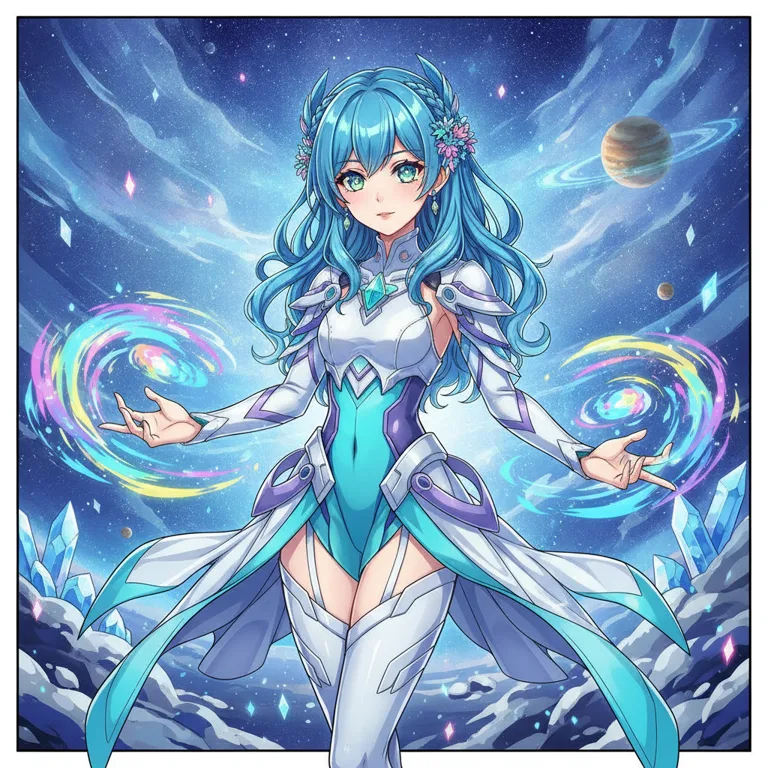
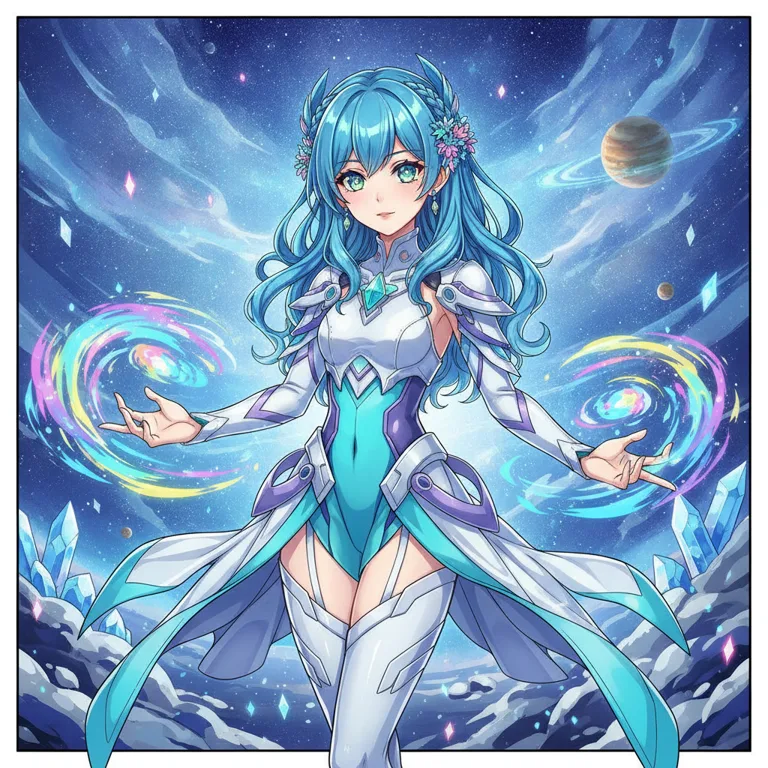
AFTER (EXAMPLE)image upscaler - anime artwork after

Built for high-resolution images

AI Image Upscaler

The Vogoo AI image upscaler increases image resolution and restores detail — upload a photo and this image upscaler enlarges it, sharpens edges and removes compression noise, so a small or blurry picture becomes a crisp high-resolution image in one Vogoo workspace.

Up to 4× resolutionSharper detailFewer artifactsAny image type
Upscale an Image

Features

Why Creators Choose This AI Image Upscaler

The Vogoo AI image upscaler increases resolution while it rebuilds detail and cleans up noise — a sharper image upscaler workflow than a plain resize, on any image type.

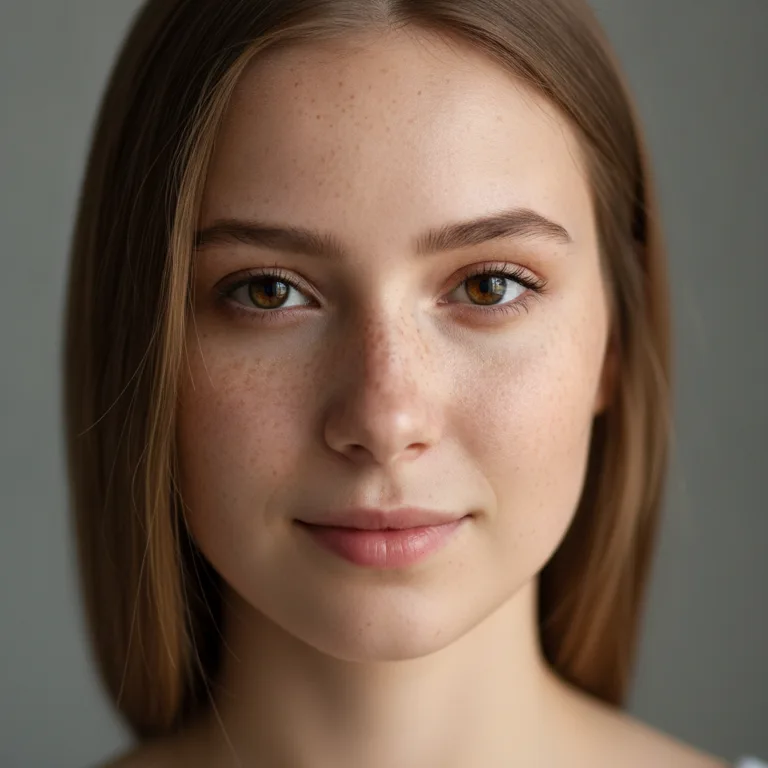
AI image upscaler sharp high-resolution portrait result
01

Increase resolution up to 4×

The image upscaler enlarges a small or low-resolution picture and rebuilds detail as it scales, so the result stays crisp instead of turning soft and pixelated. Turn a thumbnail-size image into a high-resolution file ready for web or print.
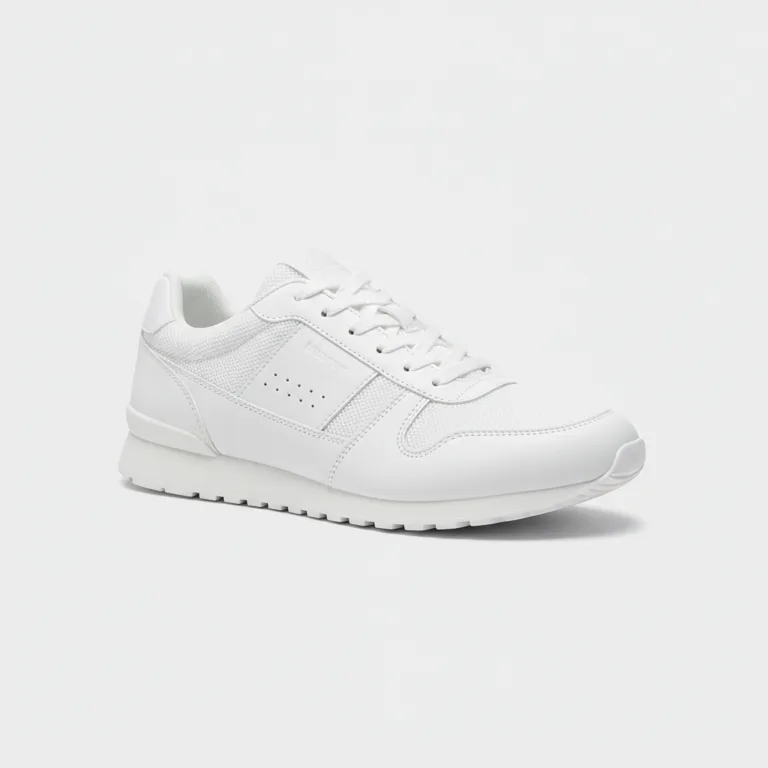
AI image upscaler sharpened high-resolution product shot
02

Sharpen fine detail

Beyond making the image bigger, the AI image upscaler restores edges, textures and fine detail — eyelashes, fabric weave, product labels — so an upscaled image looks intentionally sharp rather than simply stretched.

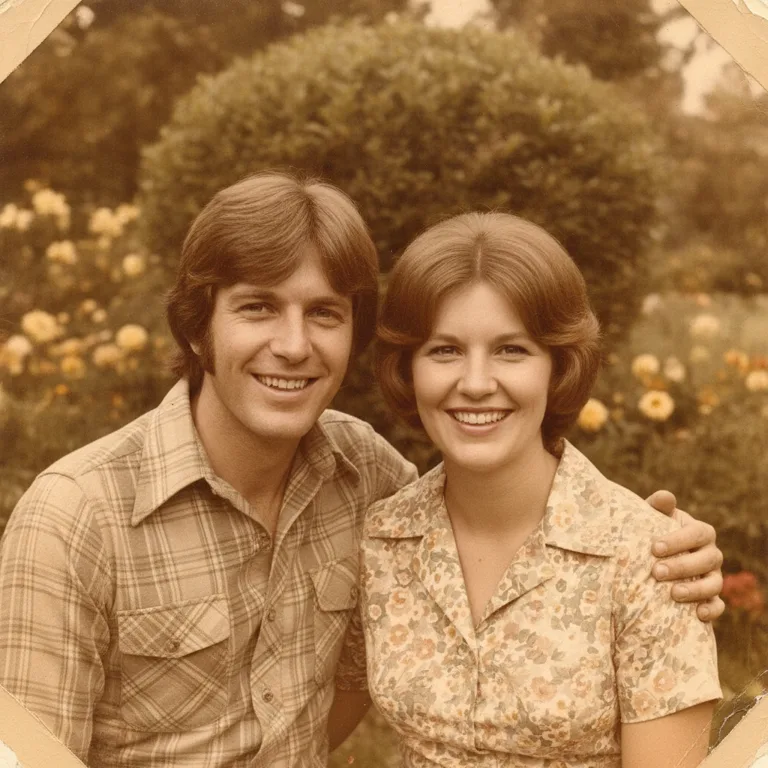
AI image upscaler restored and cleaned-up old photo
03

Reduce blur and compression noise

Old, screenshotted or over-compressed images carry blur and JPEG artifacts. The image upscaler cleans up that noise while it enlarges, so a rescued photo looks clean instead of blocky and mushy.

AI image upscaler crisp high-resolution anime illustration
04

Works on photos, products and art

Portraits, product shots, old family photos, screenshots and illustration or anime art all upscale well. The AI image upscaler adapts to the image type, so line art stays clean and photos keep natural detail.

Use cases

Image Upscaler Use Cases for Photos, Products and Art

The AI image upscaler fits anyone who needs a bigger, sharper image — from portraits and product shots to old photos, anime art, screenshots and print.

Portrait & headshot upscaling

Enlarge portraits and headshots for larger displays or prints, keeping skin, hair and eye detail sharp instead of soft and blurry.

E-commerce product images

Upscale product photos so they stay crisp on zoom and full-width layouts, with labels and textures still readable at a larger size.

Old photo restoration

Rescue small, scanned or aging photos by increasing resolution and cleaning up blur and grain, so old memories look clear again.

Anime & illustration art

Enlarge anime, comic and illustration art while keeping line work clean and colors solid, ready for wallpapers, prints and posts.

Screenshot upscaling

Turn low-resolution screenshots into sharper images for docs, decks and tutorials, reducing the soft, pixelated look of a raw capture.

Print & large format

Prepare images for posters, banners and print where a small file has to be enlarged to a high resolution without losing detail.

How it works

How to Upscale an Image in 3 Steps

The image upscaler workflow stays fast: upload an image, choose the scale, then download a sharper high-resolution result.

01
1

Step 01

Upload your image

Drag in a JPEG, PNG or WebP, or click to upload the photo you want to enlarge with the image upscaler.

02
2

Step 02

Choose the scale

Pick how much to upscale — commonly 2× or 4× — then run the AI image upscaler to increase resolution and sharpen detail.

03
3

Step 03

Download the result

Preview the high-resolution result and download the upscaled image, ready for web, product pages or print.

FAQ

AI Image Upscaler Questions

Answers cover what the image upscaler is, how much it upscales, supported formats, quality, fixing blurry photos, and anime art.

More Vogoo Tools to Use With the Image Upscaler

Background RemoverPhoto EnhancerText to ImageImage to Image

Upscale Images to High Resolution Free

Upload a photo and increase its resolution with sharper detail and fewer artifacts — all in one Vogoo workspace.

Upscale an Image