Vogoo.ai logoVogoo.ai
Upgrade
Video
Image
Audio
Prompts
AI Tools
AI Effects
AI Girl
AI Models
Assets
X (Twitter)

Album Cover Maker AI

Vogoo Album Cover Maker AI is an ai album cover generator that turns a written brief, a genre prompt or a reference photo into square music cover art, and exports it at an exact 3000 × 3000 pixel size.

Exact 3000×3000 square canvasPrompt, genre or reference photoThumbnail readability checkai album cover generator free online to start
Make my album cover

AI Album Cover Generator Prompt Guide by Genre

Album cover maker ai works best when the prompt names one subject, one light source and one palette before a style.

A prompt formula for square album cover art

Give an album art maker ai four decisions before a style, and the square stops looking like stock generated art.

  • Name one subject: A person, an object, a place. Not three.
  • Name the light: One source, one direction, one temperature.
  • Put the title in quotes: Short titles in heavy type survive small squares.
  • Protect the centre: Ask for a calm middle so the type stays readable.

Every cover loads its full prompt into the composer — click one, then edit the album title and artist name.

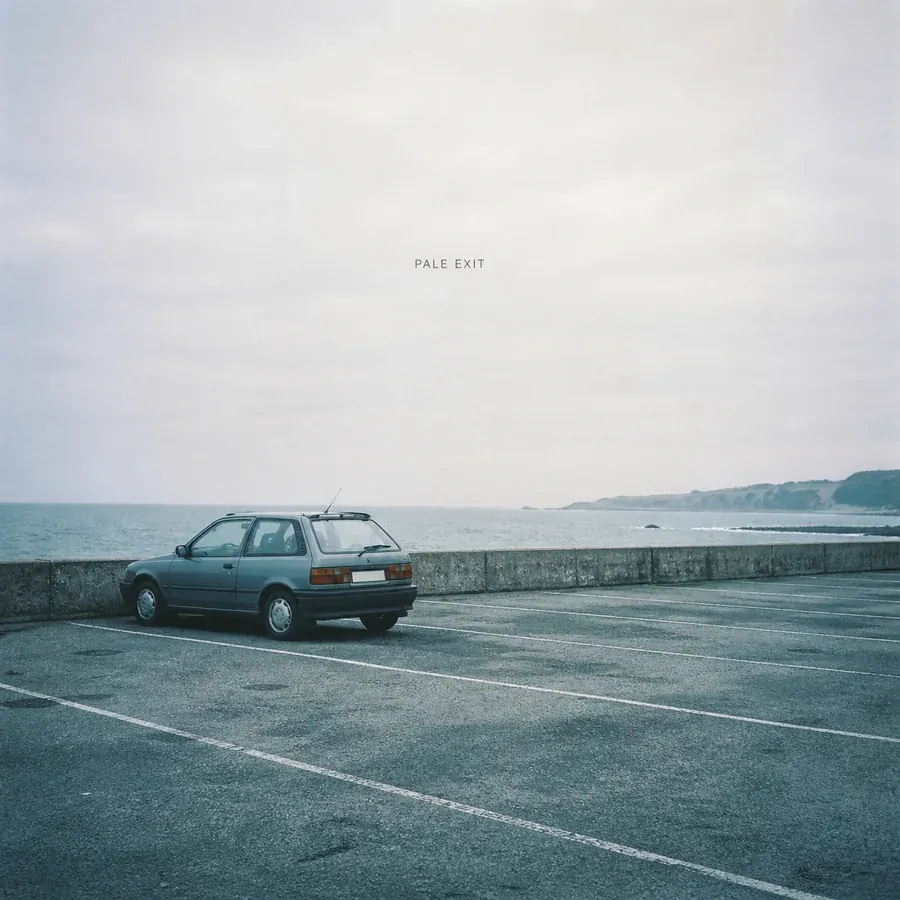
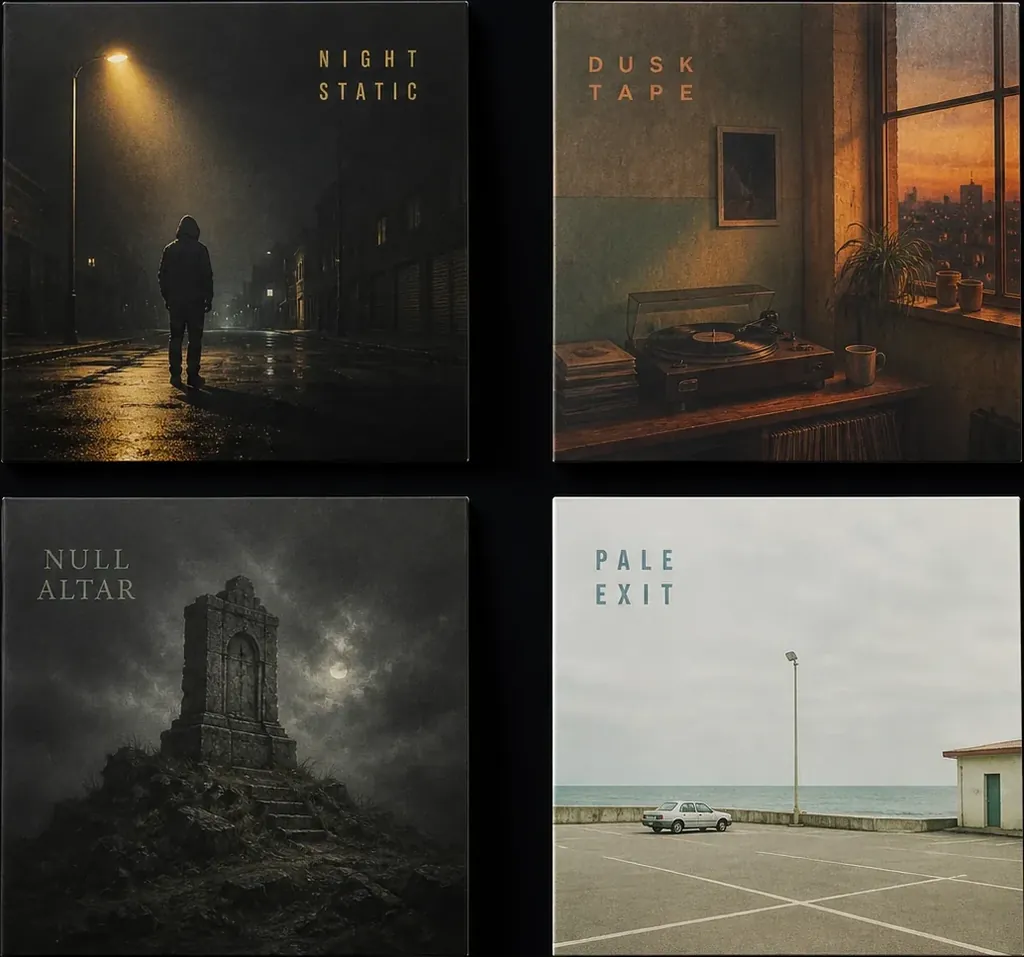
Four AI album cover concepts made with Vogoo Album Cover Maker AI — rap, lo-fi, metal and indie directions
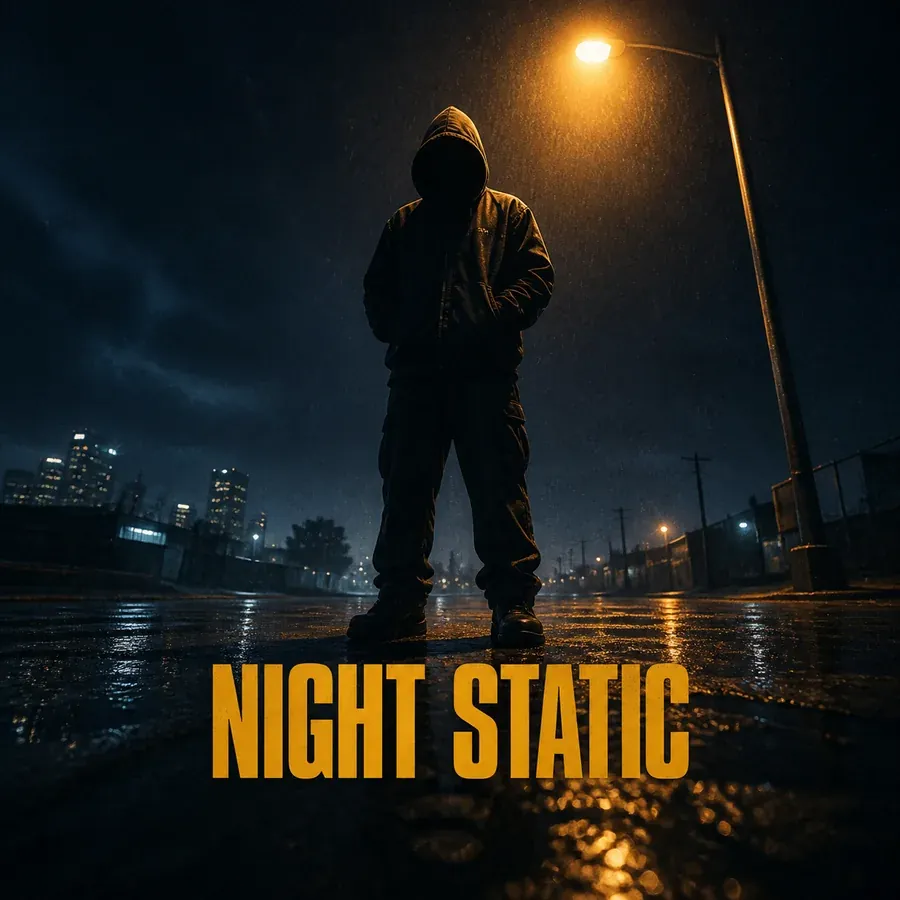
Rap album cover concept made with Vogoo Album Cover Maker AI
01

Rap album cover with one hard focal subject

A rap album cover generator ai direction for singles and mixtapes that need presence at 60 pixels, not a collage.

  • One subject, one light source, one hard colour. Rap album art loses its weight when three ideas fight inside the square.
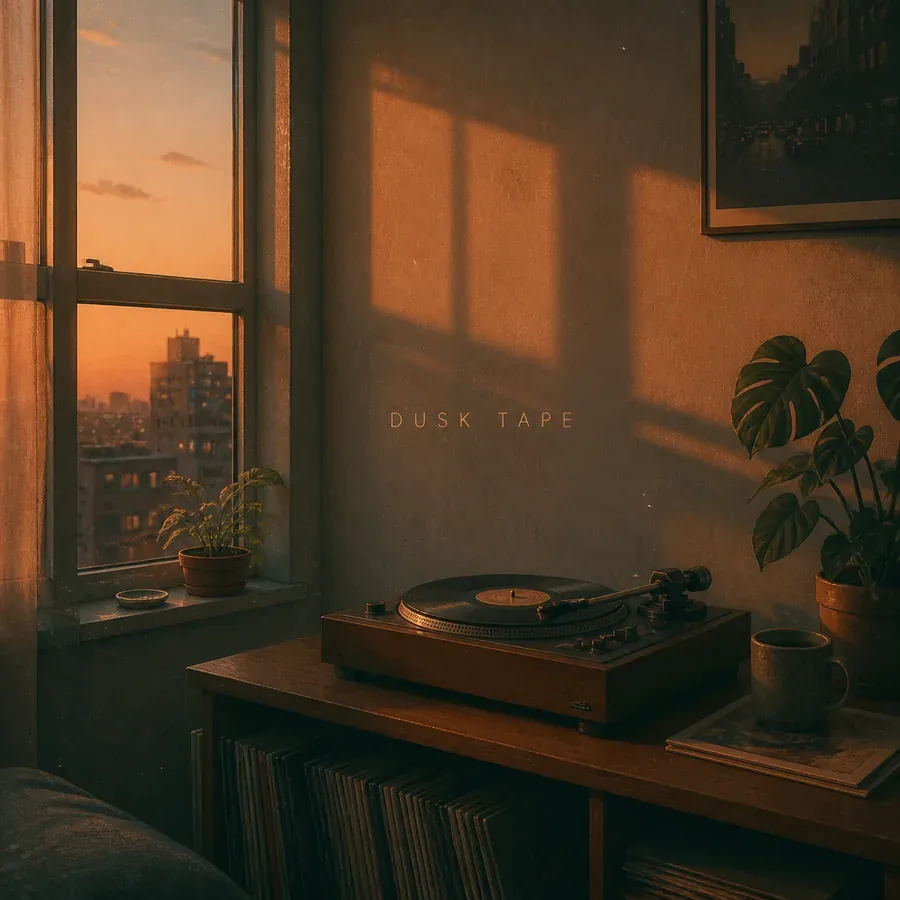
Lo-fi album cover concept made with Vogoo Album Cover Maker AI
02

Lo-fi album cover that reads as a room, not a filter

A lo-fi and study-playlist direction where the mood has to survive thumbnail size beside a track list.

  • Warm light plus one piece of furniture beats a crowded illustration. Lo-fi album art works when the eye lands somewhere calm.
Indie album cover concept made with Vogoo Album Cover Maker AI
03

Start the album cover from a photo you already own

Album cover maker ai takes a reference photo, so the square is built from your own band shot, room or texture.

  1. 1Attach the photo you already have: Use the reference slot for a band photo, a portrait or a room you own — one image is usually enough.
  2. 2Say what to keep and what to change: Write which part of the photo should survive — person, light, colour — and what the album cover becomes around it.
  3. 3Generate, then push it further from the same reference: Re-run with the same photo and a tighter brief. Two passes from one real reference beat twenty from a blank prompt.

A reference photo guides style, colour and composition rather than locking a likeness.

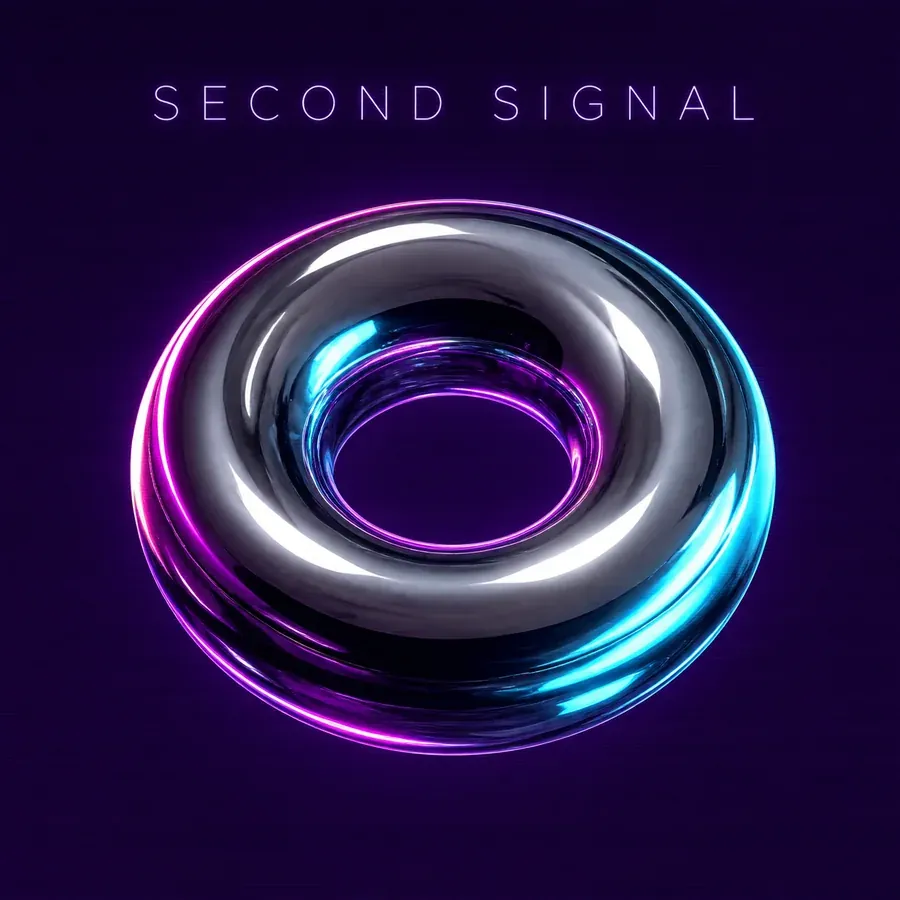
Electronic album cover concept made with Vogoo Album Cover Maker AI
04

Spotify cover art and playlist covers

Spotify cover art is square like every other release format, and the player shows it small. Album cover maker ai exports the same 3000 × 3000 square for a single, an album or a playlist.

  • Single or album: one focal idea that still reads in the now-playing bar.
  • Playlist: a repeatable look, so a set of playlists reads as a family in the grid.
  • Either way it is the same square — generate at 3000 × 3000 and scale down.

Make AI Album Art That Does Not Look Generic

Album cover maker ai renders in seconds; these six checks stop the square looking like everybody else's.

Your album cover shown at Player thumbnail size

Player thumbnail

What a listener sees while the track plays

Your album cover shown at Library row size

Library row

Album grids, playlist rows, search results

Your album cover shown at Release page size

Release page

The only place the full artwork is visible

An example album cover at the three sizes it is actually seen at. Generate above and your own replaces it.

One idea per square

The album cover art that reads as lazy carries three ideas at once. Name one subject and let the rest be background.

Start from something that is actually yours

A photo of your own — the room you recorded in, a texture you made — is the difference between an album cover about your record and one about nothing.

Check it at thumbnail size before anything else

Most listeners never see the album cover larger than a small square in a player. If the title stops reading there, the design is not finished.

Keep the title short and high contrast

Long titles in ornate type break first. Ask for heavy, simple lettering with clear separation from the background.

Let the genre set the palette

Genre reads through colour and light, not props. Two or three colours chosen on purpose make an album cover look deliberate.

Treat the first render as a sketch

Album cover maker ai is fastest as a concept tool: generate a direction, then set the final type in an editor.

Album Cover Size: 3000 × 3000 Pixels, Square

Album cover maker ai exports square artwork at exact pixel targets; cover art is the one format where shape is not negotiable.

Starts here

2048 × 2048

Square

The square this album cover maker opens on. Quick to iterate while you are still finding the direction.

Master file

3000 × 3000

Square master

The largest square this album cover maker exports. Switch to it once the direction is right; everything smaller is a clean downscale.

Cover filePixel targetShapeWhat it is for
Cover fileMaster square cover
Pixel target3000 × 3000 px
1:1
The largest square this album cover maker exports. Generate here; everything smaller is a downscale.
Cover fileLighter square cover
Pixel target2048 × 2048 px
1:1
A smaller square when you want a lighter file than the master.
Cover fileEverything smaller
Pixel targetDownscaled from the master
1:1
Thumbnails, feed posts and store listings all come out of the same square.

Why the square matters more than the resolution

Album cover art is square everywhere it is displayed, and a non-square image gets cropped by whatever is holding it — usually straight through the album title. Album cover maker ai uses exact pixel presets, so the download matches the number on the card.

Why Musicians Choose This Album Cover Maker AI

Album cover maker ai is built around one job: a square cover direction you would put your name on.

Album cover maker with the square already selected

Album cover maker ai opens on a square preset, not a 16:9 default, so the first render is already the shape an album cover has to be.

Exact-pixel export, not a resized preview

Downloads leave at the pixel dimensions you picked, not whatever width an album art maker ai felt like.

Text rendering that can attempt title and artist

This ai album cover generator runs on GPT Image 2, whose strength is legible lettering, so album title prompts come back readable.

Reference photo grounding

Attach a band photo, a room or a texture and the album art is built around something real.

Genre prompt starters instead of a blank box

Twelve genre covers load a full prompt each, so a music album cover maker ai session starts from a written brief.

A thumbnail check built into the page

Every album cover comes back at player-thumbnail scale, the size that decides whether it works at all.

How to Create Album Cover Art With AI

Describe the album cover, attach a photo if you have one, keep the square preset, then generate and download.

01
1

Step 01

Describe the album cover

Write the subject, mood, palette and album title, or click a genre card to drop a full prompt into the composer.

02
2

Step 02

Add a reference photo

Optional, and the biggest quality step: attach a photo of the artist, the room or the texture the artwork is built from.

03
3

Step 03

Keep the square preset

The 2048 × 2048 square is already selected for fast iteration. Switch to 3000 × 3000 once the direction is right.

04
4

Step 04

Generate and download

Review the album cover at thumbnail scale below, re-run until the direction is right, then download the square artwork.

Who Uses This Music Album Cover Maker AI

Album cover maker ai covers the release types that need the same square and something different inside it.

Independent artists releasing a single

Musicians releasing without a design budget reach an album cover direction they can commit to before paying anyone.

Producers and beatmakers

Beat tapes and instrumental packs need one consistent album cover look across many releases.

Bands working from their own photos

Bands with their own photography use the reference slot, so the album cover grows out of a real session.

Playlist curators

Curators of mood playlists use a music album cover maker ai pass so each list gets its own square identity.

Podcasters and audio shows

Podcast artwork is square too, so the same 3000 × 3000 workflow makes show art readable in an app list.

AI-music creators

Tracks generated in tools like Suno arrive with a default sleeve. An album cover built from a written brief is the way out.

AI Album Cover Generator vs Template Cover Makers

Album cover maker ai and template editors are good at opposite halves of the job; the honest comparison is which half you are stuck on.

CapabilityVogoo Album Cover Maker AITemplate-based cover makers
Where the album cover comes fromA written brief or a reference photo, rendered as original artA template someone else designed, edited to fit
Output sizeExact pixel square presets at 3000 × 3000 and 2048 × 2048A fixed template canvas or an approximate 1:1 export
Using your own photoThe reference guides the whole composition, not just a frameThe photo is placed inside the template layout
Title and artist typePrompted and iterated; use an editor when it must be exactEditable text layers, the safer route for final type
Best atFinding an original album cover direction quicklyTypesetting a direction you already have

AI Album Cover Generator: Common Questions

Sizes, free credits, reference photos, title text and the authenticity question musicians ask first.

Vogoo Album Cover Maker AI is an ai album cover generator that turns a written brief, a genre prompt or a reference photo into square music cover art. You describe the cover, keep the square preset, generate, and download the artwork.

More Vogoo Tools to Use With the Album Cover Maker AI

Text to ImageImage to ImageImage UpscalerImage to VideoText to Music

Make Square Album Cover Art That Sounds Like Your Record

Describe the cover or start from a photo you already have, keep the square preset, and check it at thumbnail size before you commit.

Open the album cover maker