Describe the subject, text layout, lighting, styling, and detail you want in the final image.
0 / 20000
Image Size
Pixel Tileset Generator Prompt Starters
AI Pixel Tileset Generator
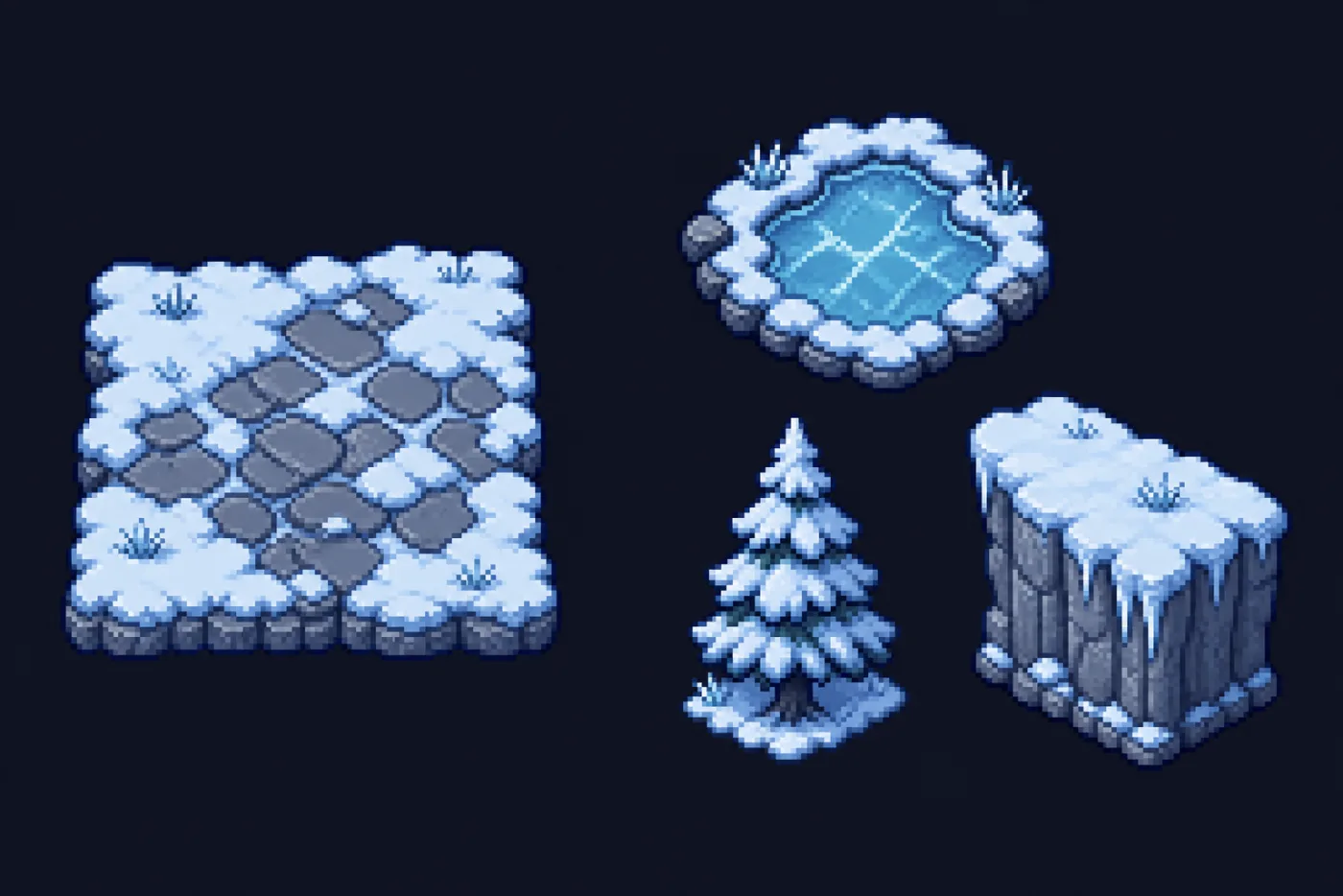
This pixel tileset generator turns a written description into game-ready pixel art: a seamless 16, 32 or 64 px ground tile, or a transparent prop from 16 to 384 px. Pick the output type and size, describe the grass, stone, tree or castle, and download a PNG that drops straight into Godot, Unity or Tiled.
Real 16–384 px PNG outputSeamless ground tilesTransparent tile and scene objectsFree credits on new accounts
A pixel tileset generator draws the repeatable ground, wall and prop art a tile-based game map is built from. Instead of hand-placing every pixel of grass, stone and water, you describe the terrain and get tiles that share one palette and outline weight.
How Does This Tileset Generator Work?
Pick Single Tile, Tile Object or Scene Object, choose a pixel size, and describe the asset. GPT Image 2 draws it, then the pixel tileset generator rebuilds it on your exact grid — and cuts props out onto transparency — so the PNG is ready to import.
Who Is the Pixel Art Tileset Generator For?
Solo developers and small teams who need level art before an artist joins — game jam entrants, RPG Maker and Godot hobbyists, level designers. A pixel art tileset generator gets a playable game map running in an afternoon.
Why Use This Pixel Tileset Generator
Four things that decide whether tiles survive a real tilemap.
01
Pixel Tileset Generator Output Built to Repeat
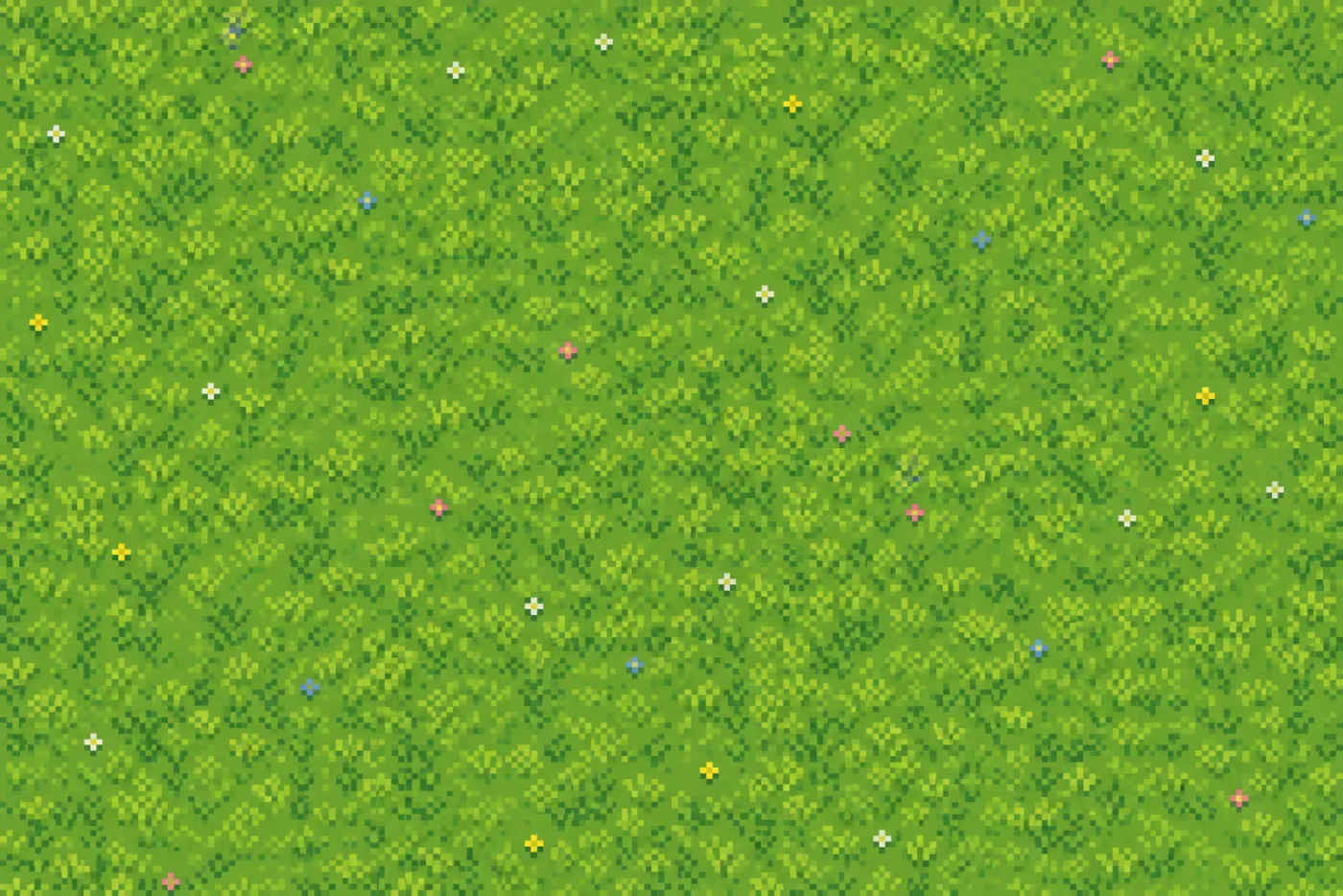
A tile fails the moment its edges stop lining up. The prompt starters here keep detail off the border and hold one flat light direction — that is what lets a pixel tileset generator result survive tiling instead of seaming every 32 pixels.
02
One Palette Across a Whole Tileset
Name a palette size or an era once — "12 colours", "Game Boy four-tone", "SNES" — and reuse it every run. Ground, cliffs, roofs and props then leave the pixel tileset generator looking like one artist drew them.
03
Three Kinds of Game Map Art in One Tool
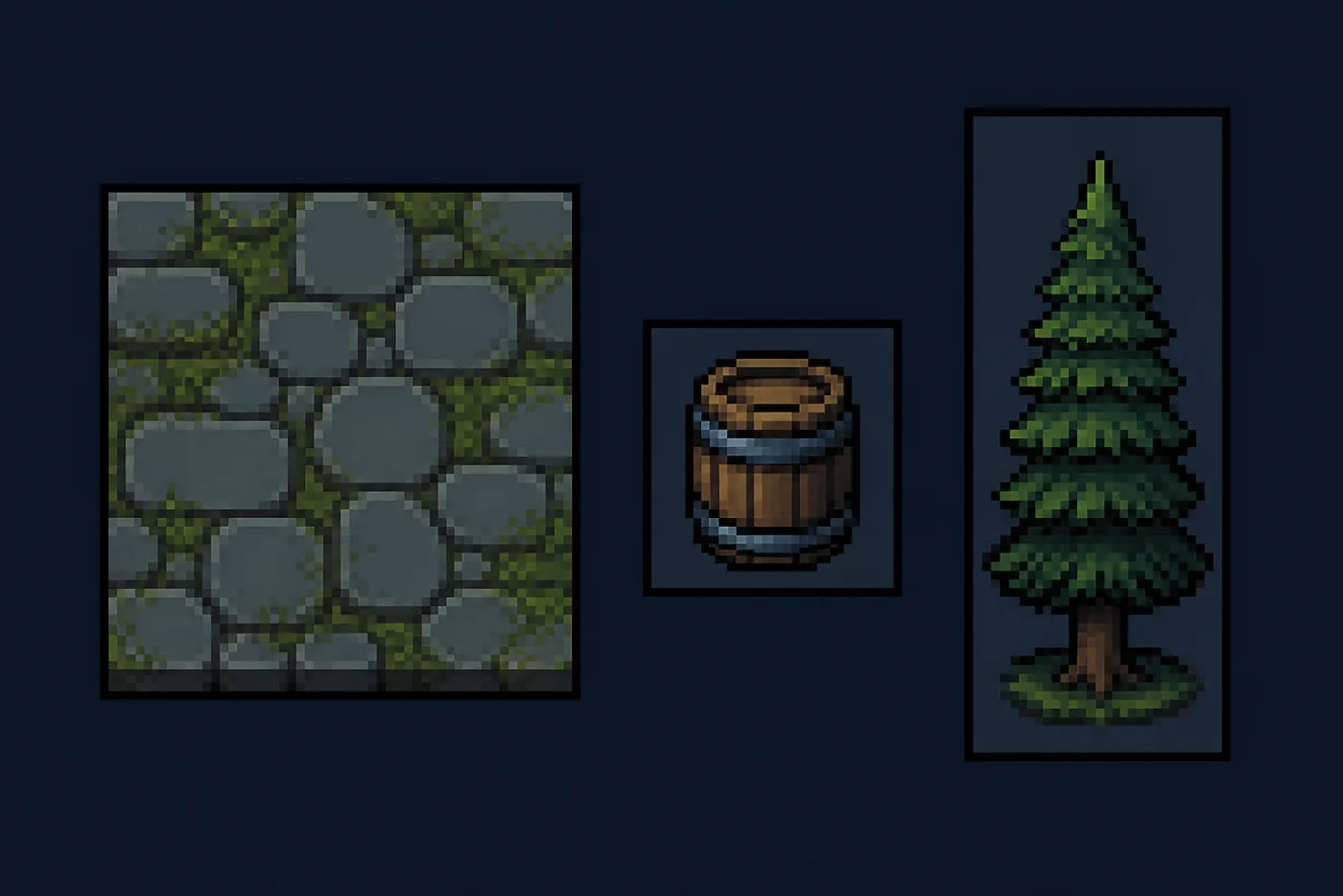
Ground tiles, small objects and tall props each need a different size. This pixel tileset generator carries all three: 16–64 px seamless tiles, 16–96 px tile objects for barrels and signs, and 64–384 px scene objects for trees and buildings.
04
Match a Tileset You Already Ship
Attach up to three tiles you already ship. The pixel tileset generator reads palette, outline weight and density straight from the reference — the reliable way to add a swamp or snow variant.
Pixel Tileset Generator Output Types and Tile Sizes
Three output types at real game pixel sizes. Pick by the job on the game map.
Pixel Tileset Generator Output Types and Tile Sizes
Output Type
Pixel Sizes
Best For
Background
Single Tile
16, 32 or 64 px
Grass, stone, sand, water, dungeon floor
Fills the tile edge to edge
Tile Object
16, 32, 64 or 96 px
Barrels, bushes, signs, chests, rocks
Transparent
Scene Object
64, 96, 128, 256 or 384 px
Trees, cliffs, houses, castles
Transparent
The download is the size you pick — a 32 px tile is a 32 × 32 PNG, not a large picture to shrink yourself. Scale it up in your engine with nearest-neighbour filtering so the pixels stay square.
How to Prompt a Pixel Tileset Generator
Four clauses do most of the work. Reuse them across a whole tileset.
1
Name the View Angle
Top-down orthographic, side-on and isometric produce different art. Say which one first — a pixel tileset generator given no angle drifts into painted illustration halfway through a set.
2
Push Detail Away From Edges
Ask for "detail kept away from the tile border" and "edges designed to repeat". Centred clusters tile far more forgivingly, and this clause fixes most seams in pixel tileset generator output.
3
Fix the Light Direction
Say "flat lighting, no drop shadow" for ground and "one light direction from the upper left" for props. Mixed shadows give away a game map assembled from separate pixel tileset generator runs.
4
One Asset per Prompt
Describe a single tree, rock or ground surface, not a whole scene. The pixel tileset generator cuts objects out automatically, so there is no need to mention a background.
Pixel Art Tilesets for Every Game Map
Where a pixel tileset generator earns its place in a real project.
Top-Down RPG Maps
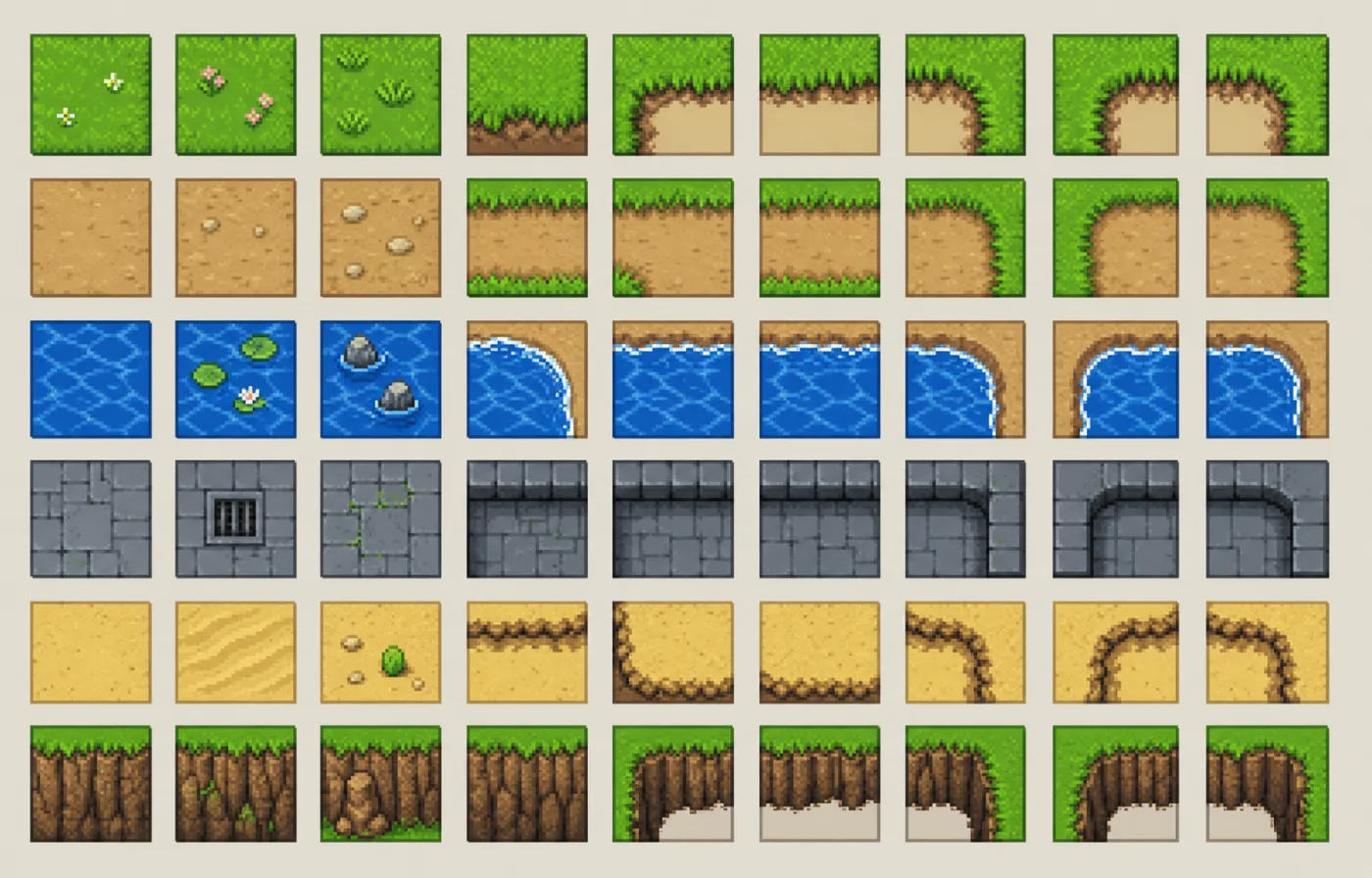
Grass, dirt, water and cliff edges. The classic reason to open a pixel tileset generator: a walkable game map before the art budget exists.
Dungeon Crawlers
Flagstone floors, mossy walls, rubble and grates. One sheet per biome and the pixel tileset generator keeps each level distinct.
Platformer Ground and Cliffs
Side-on ground blocks with a grassy cap, plus the edge and corner pieces a pixel tileset generator draws so ledges end cleanly.
Isometric Strategy Boards
Diamond tiles for city builders and tactics games. Hold one angle in the prompt and the pixel tileset generator keeps the board consistent.
Game Jam Prototypes
Placeholder art that does not look like it. A pixel art tileset generator gets a jam build looking intentional on day one.
Props and Set Dressing
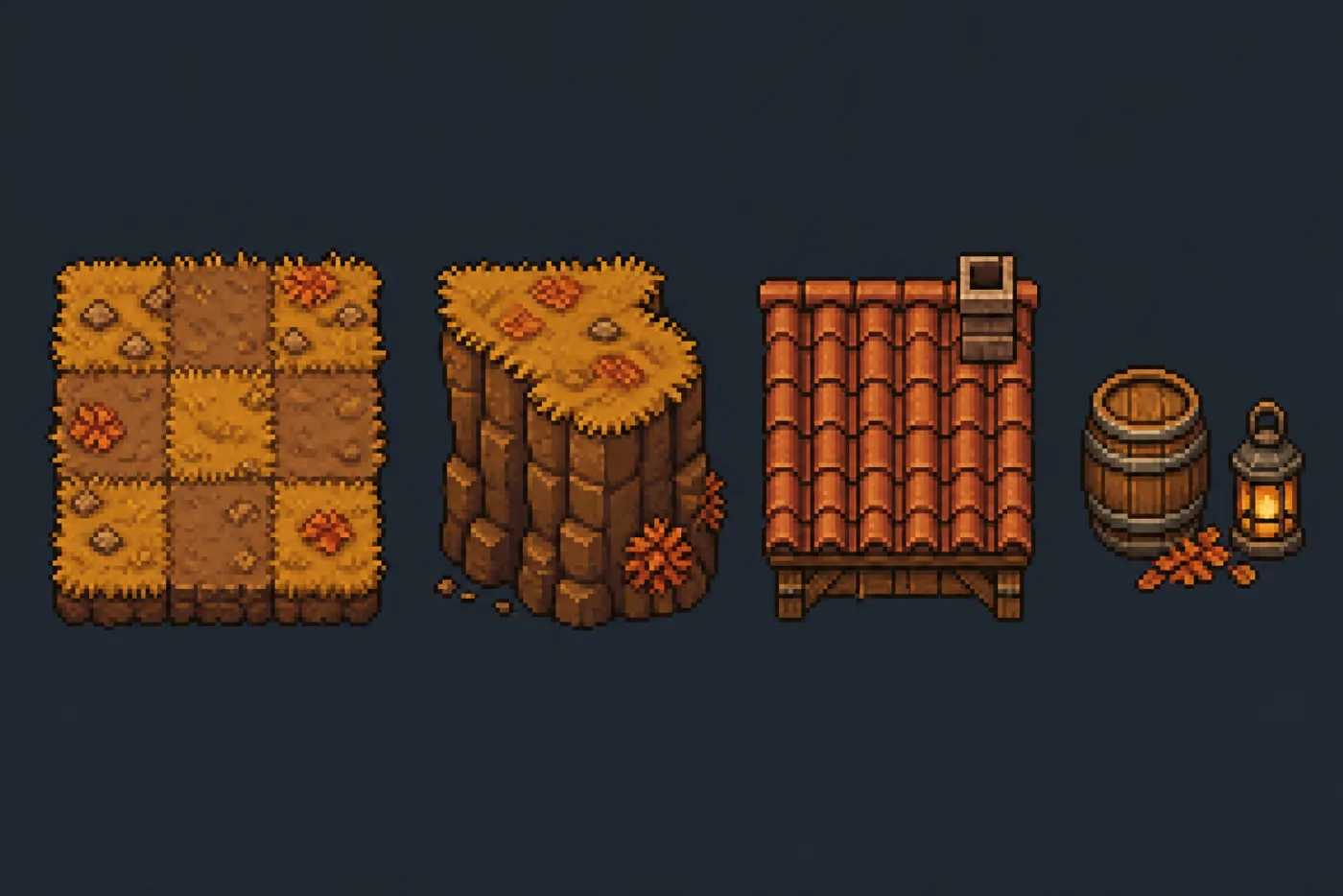
Barrels, crates, lanterns and shop signs as transparent tile objects, matched by the pixel tileset generator to tiles you already made.
How to Generate Pixel Art Tilesets
From a description to a pixel art PNG your engine imports.
01
1
Step 01
Describe the Surface
Tell the pixel tileset generator what to draw and in which palette — "lush meadow grass, three greens, 12 colour palette" or "big oak tree, 16-bit RPG style". Or click a prompt starter.
02
2
Step 02
Pick the Output Type and Size
Single Tile for ground, Tile Object for small props, Scene Object for trees and buildings — then the pixel size that matches your tile grid.
03
3
Step 03
Generate and Import
Run up to four takes at once, keep the one you like, and download the PNG. It is already at your pixel size, so it goes straight into your tilemap.
Pixel Tileset Generator FAQ
Seams, tile sizes, engine imports and licensing.
Is Pixel Tileset Generator Output Actually Seamless?
Not automatically. The pixel tileset generator runs no wrap-around edge check, so test every result. Prompting for repeatable edges and centred detail tiles most ground cleanly; fix the border pixels in Aseprite when it does not.
What Tile Size Should I Use — 16, 32 or 64 Pixels?
Match your map grid: 16 px for a chunky arcade look, 32 px for most top-down RPG maps, 64 px for detailed tiles. The pixel tileset generator outputs exactly that size.
Which Game Engines Do Pixel Art Tiles Work In?
Any engine that imports a PNG: Godot TileMap, Unity Tilemap, GameMaker, LÖVE, Defold, RPG Maker and Tiled. Set the import filter to nearest-neighbour (Point) so the pixels stay sharp.
Can I Use the Tilesets in a Commercial Game?
Yes, under the Vogoo terms — commercial and client games included. Avoid prompting for a named franchise, an existing game tileset or a specific artist; third-party rights still apply.
Does It Export a Transparent Background?
Yes, for Tile Object and Scene Object: the background is removed automatically and the PNG keeps transparency. Single Tile output is a solid ground texture that fills the whole tile.
Can I Add New Tiles to a Set I Already Have?
Attach up to three existing tiles as references. The pixel art tileset generator follows their palette, outline weight and density far more closely than a description does.
Can It Make Autotile or Wang Tile Sets?
The pixel tileset generator draws the pieces, not the ruleset. Generate corner, edge and junction tiles one at a time with the same palette, then wire the autotile rules in Godot, Tiled or Unity. Terrain masks and bitmask metadata are not generated.
Do I Need to Install Anything?
No. This online pixel tileset generator runs in the browser on desktop, tablet and phone — no plugin, no local GPU.