Describe the subject, text layout, lighting, styling, and detail you want in the final image.
0 / 20000
Image Size
Pixel Art Prompt Starters
AI Pixel Art Generator
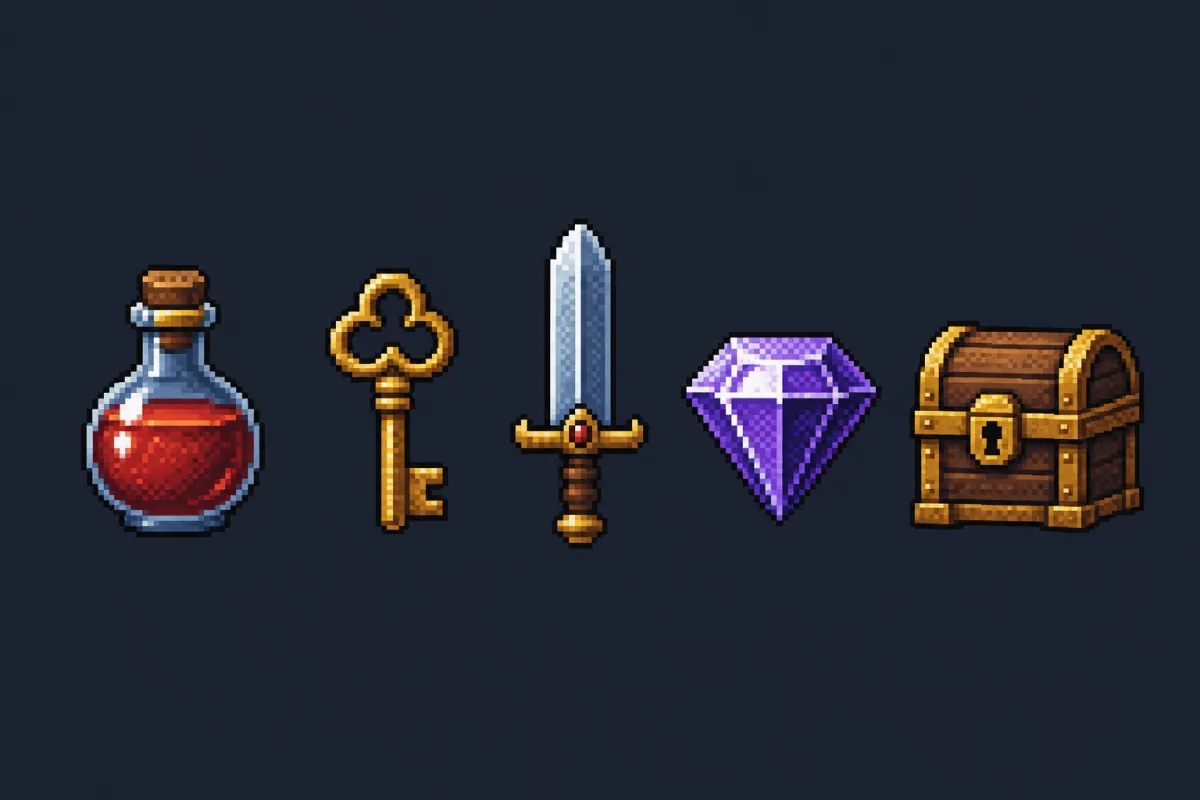
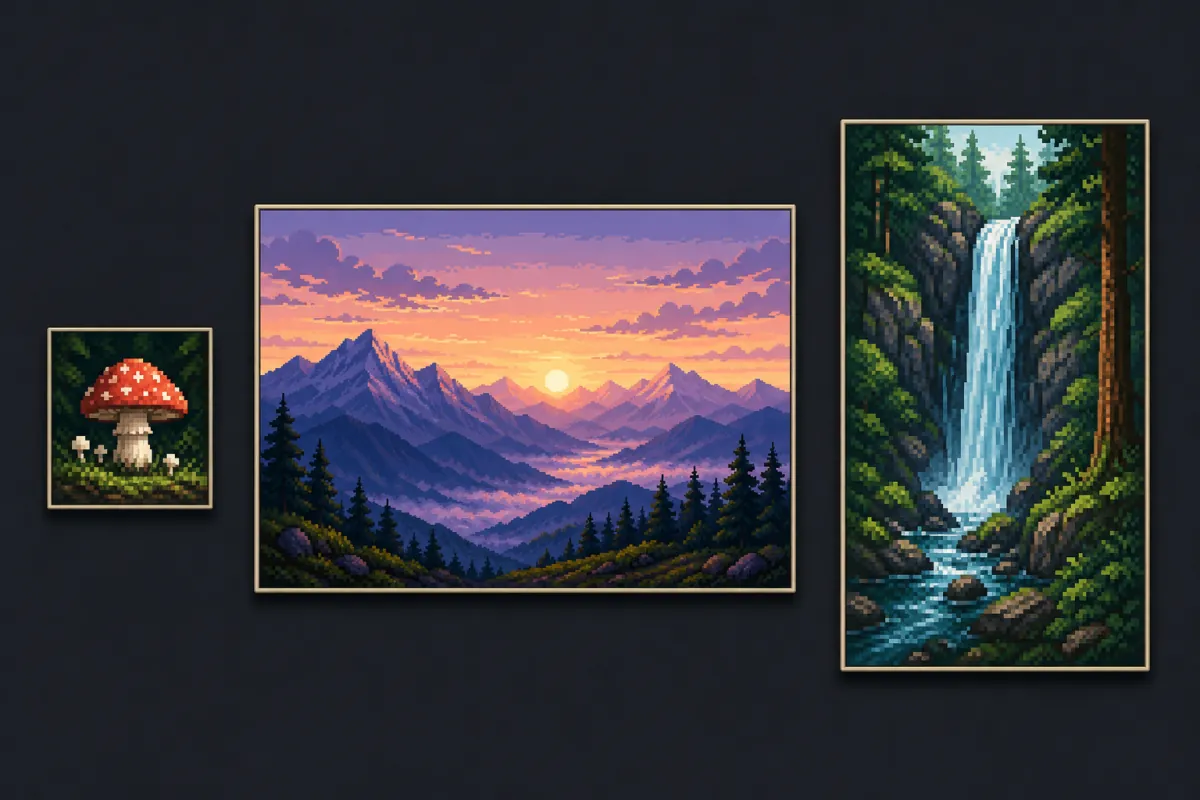
AI Pixel Art Generator turns a written idea into clean 8-bit and 16-bit artwork, and rebuilds a photo you upload as pixel art. Describe a character, an item, a room or a landscape, pick a sprite, avatar or wallpaper canvas, and this free AI pixel art generator renders it with a readable grid and a consistent palette.
Text to pixel artImage to pixel art8-bit and 16-bit stylesFree AI pixel art generator credits
Short answers for anyone deciding whether this fits the artwork they need.
What Is an AI Pixel Art Generator?
An AI pixel art generator is an online tool that builds retro, grid-based artwork from a description or a reference photo. Instead of placing every pixel by hand, you write what the piece should show and get finished art back with hard edges, a limited palette and readable shapes.
How Does This Pixel Art Generator Work?
Give the pixel art generator a prompt — subject, grid density, palette, background — and it renders on the canvas you picked. Upload a photo instead and it works as a pixel art generator from image, translating pose and colour into pixel clusters rather than smooth gradients.
What Can You Make With It?
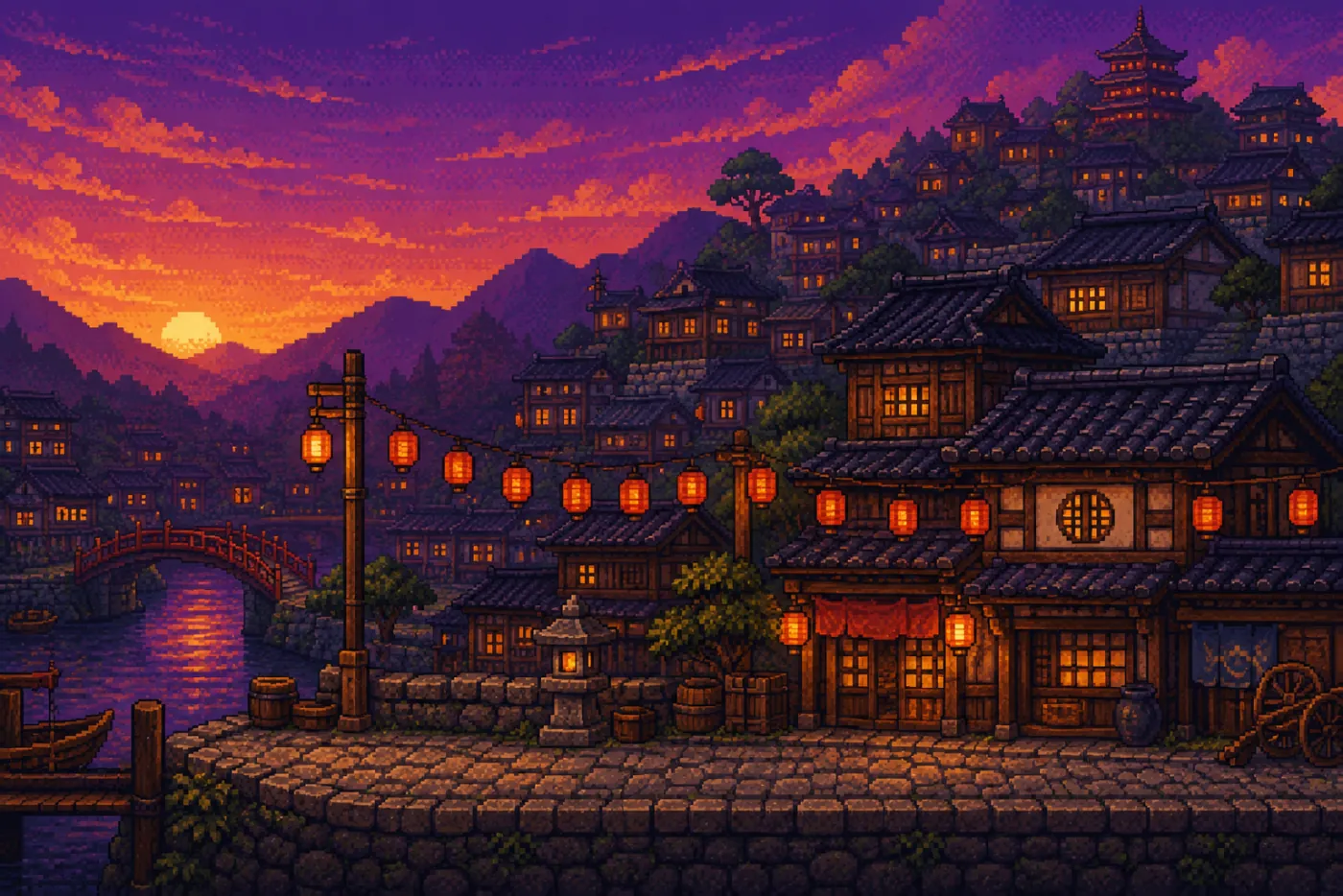
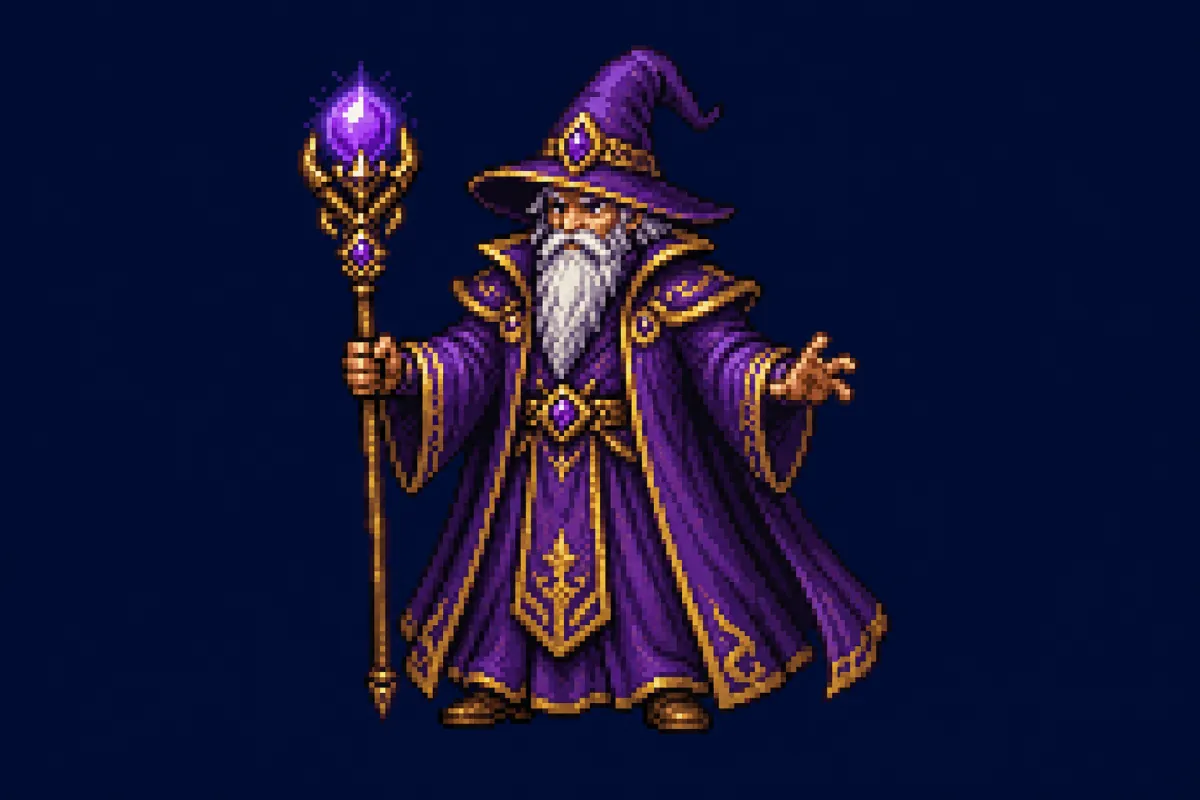
Pixel art character sprites, enemies, item and UI icons, isometric rooms, pixel art backgrounds, avatars, stream panels and wallpapers. Anything that reads as flat shapes suits a pixel art generator; dense text and photographic detail do not survive the grid.
What the AI Pixel Art Generator Does
Five jobs the tool handles so you never place pixels by hand.
01
Text to Pixel Art in One Prompt
Write the subject, the grid density and the mood in plain language; the pixel art generator handles outlines, shading, palette and silhouette. No canvas to set up, no brush size, no colour ramp built by hand. Change one clause and run the AI pixel art generator again to explore a variation.
02
Image to Pixel Art From a Reference
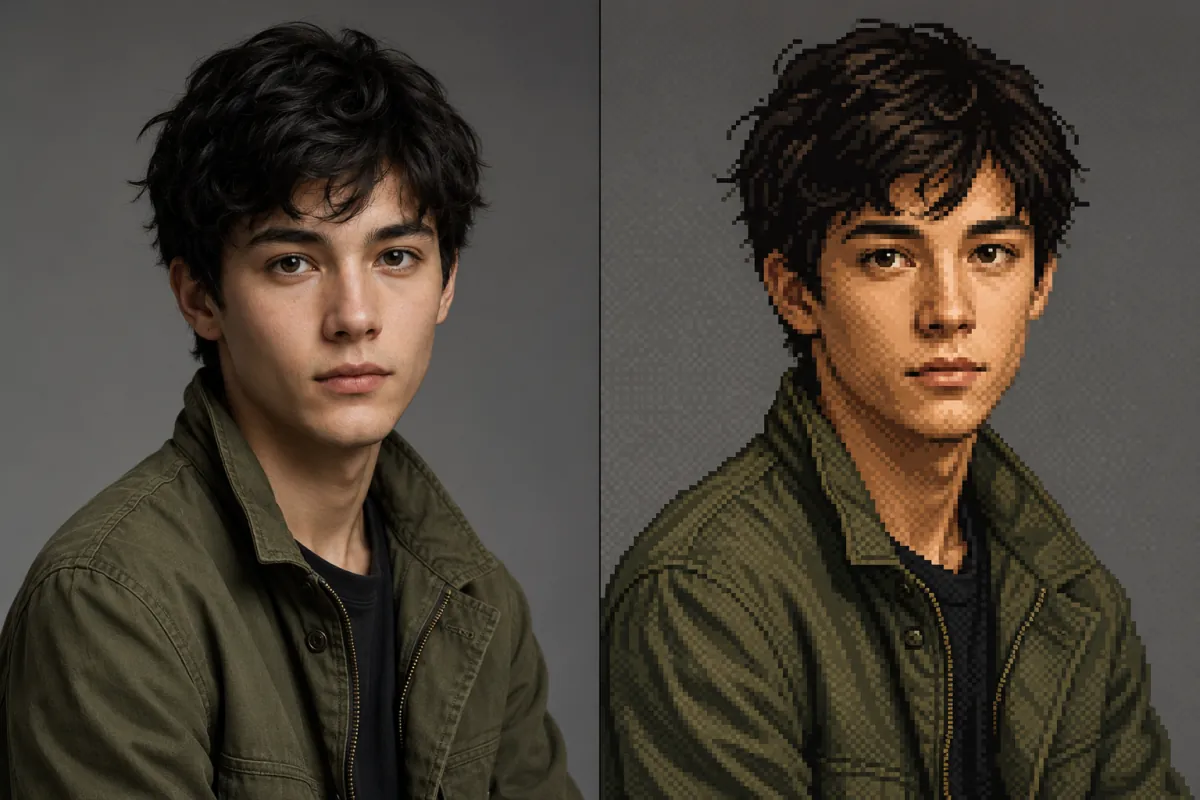
Attach up to three references and this pixel art generator from image follows what is actually in them. A selfie becomes a pixel art portrait, a product shot becomes an item icon, a sketch becomes a sprite that keeps your pose. Take this route when only the retro treatment is missing.
03
Control the Grid Density
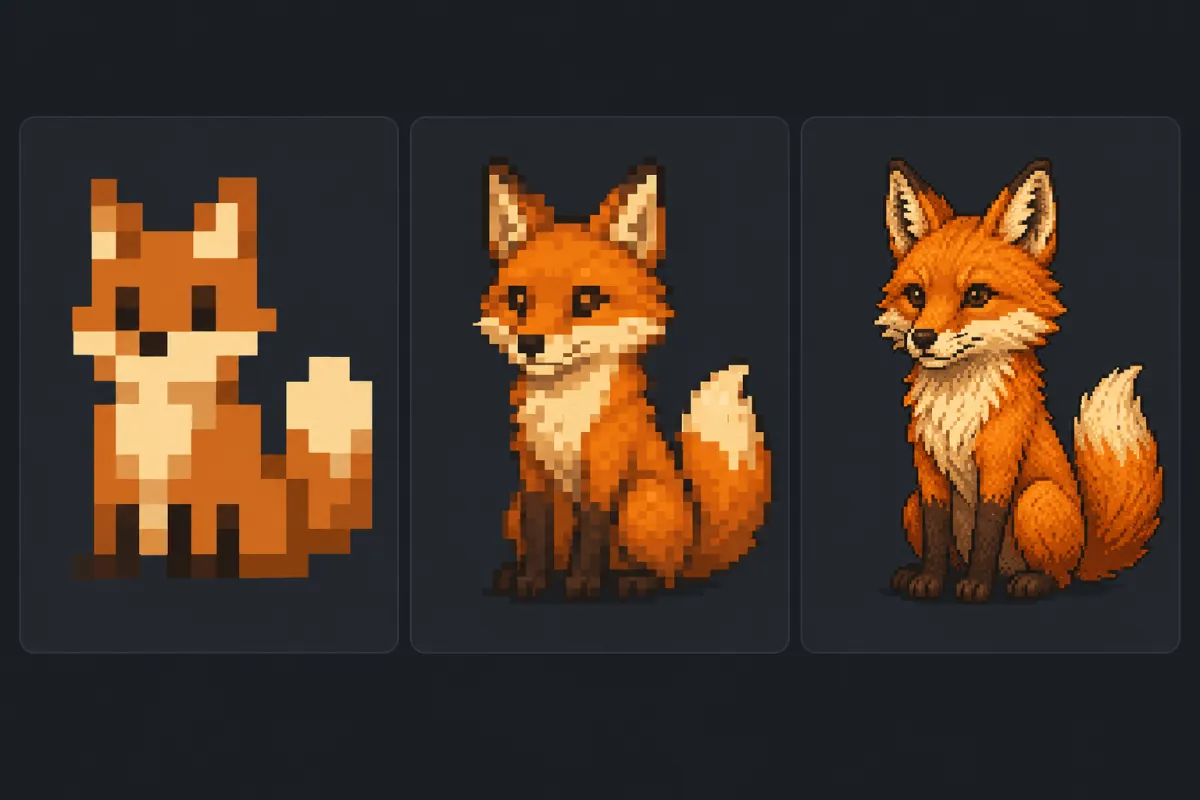
Chunky 16x16 icons and detailed 64x64 scenes are different crafts, and the prompt decides which one you get. Ask for low density to get the blocky arcade look, higher when a face or a room needs air. Naming the number keeps an AI pixel art generator from drifting into smooth illustration.
04
Keep a Palette Consistent
Retro artwork lives or dies on colour discipline. Name a palette size, an era or specific hues and every run of the pixel art generator stays inside it. Reuse it and a tileset, avatar pack or UI kit shares one look.
05
Export at the Canvas You Need
Six canvases cover the usual destinations: avatars, sprites and icons, 3:2 scenes, desktop and phone wallpapers, banners. Pick one and the pixel art generator exports at those exact pixels, or open the size calculator and enter dimensions of your own.
Pixel Art Canvas Sizes
Every canvas preset in the pixel art generator, with resolution and where each belongs.
Pixel Art Canvas Sizes
Canvas
Output pixels
Best for
Avatar
512 × 512
Profile pictures, forum and Discord avatars, small item icons
All six are ready-made presets — select one and the pixel art generator applies it, or open Custom Size for anything else up to 4096 px per edge. Grid density such as 16x16 or 32x32 is a style instruction you write into the prompt; the canvas only controls the exported file.
How to Write a Pixel Art Prompt
Four clauses that separate a crisp sprite from a blurry mess of squares.
1
Name the Grid Density
Say 16x16, 32x32 or 64x64 in the first line. Low numbers give the blocky arcade look, high numbers allow faces and interiors. Skipping it is why output drifts toward smooth illustration.
2
Limit the Palette
Ask for a fixed count — "16 colour palette" — or name an era such as Game Boy green or NES primaries. A stated limit produces flat, deliberate colour instead of gradients that break the retro look.
3
Describe One Clear Subject
One knight, one ramen bowl, one seaside town. Pixels leave little room for detail, so a crowded brief turns to mush. Add pose, material and mood in short clauses.
4
Set the Background Treatment
For sprites and icons, ask for a flat single-colour backdrop so the subject is easy to cut out. For pixel art backgrounds, describe depth instead — layered silhouettes, fog, parallax.
What People Make With It
Where an online pixel art generator saves the most hours in real projects.
Prototype Game Assets
Block out heroes, enemies, pickups and props before an artist joins. A jam team can fill a build with consistent placeholder sprites in an afternoon using one pixel art generator.
Build Retro Avatars
Turn a selfie or a written description into a pixel art portrait for Discord, GitHub, forums and games. Square canvases keep the face readable once a platform crops it small.
Dress Up a Stream
Twitch panels, offline banners, starting-soon cards and overlay props all suit flat retro artwork, and one shared palette ties a channel layout together.
Convert Photos to Pixel Art
Feed in a pet, a product or a landmark and the pixel art generator rebuilds the same subject — handy for gifts, merch mockups and posts a plain photo would not earn.
Plan Perler and Cross-Stitch Patterns
Craft patterns are grid work too. Low-density, high-contrast output from the pixel art generator gives a bead or thread chart something clear to trace.
Decorate Screens
Wide town scenes, quiet forests and neon skylines make calm pixel art backgrounds for a desktop or phone, exported straight at 1920 × 1080 with no resizing step.
Create Pixel Art With the AI Pixel Art Generator in Three Steps
From a blank prompt box to a downloaded file.
01
1
Step 01
Describe the Artwork
Type the subject, grid density, palette and background into the prompt box, or click a sample piece to load a working prompt. Attach a photo when you want the pixel art generator to follow a reference instead.
02
2
Step 02
Pick a Canvas
Choose avatar, sprite, scene, desktop wallpaper, phone wallpaper or banner. The size calculator beside Custom Size works out exact pixels when a jam page or device needs something off-list.
03
3
Step 03
Generate and Download
Run the pixel art generator, compare the options the AI pixel art generator returns, then download the one that reads best. Tweak a single clause — density, palette or pose — and run again to refine.
Pixel Art Generator FAQ
Licensing, transparency, grid sizes and the limits worth knowing first.
How Do I Convert an Image to Pixel Art?
Attach the photo, then describe the treatment: grid density, palette size and background. Used as a pixel art generator from image, the tool rebuilds your upload in pixels, so a portrait, pet or product keeps its pose and colours.
Which Grid Size — 16x16, 32x32 or 64x64?
Use 16x16 for tiny icons and the blocky arcade look, 32x32 for pixel art character sprites, and 64x64 or higher for rooms and portraits. Write the number into the prompt; the canvas preset sets the exported file, not the density.
Can I Use the Pixel Art Commercially?
Yes. Images the pixel art generator returns can go into commercial games, merchandise, streams and client work under the Vogoo terms. Avoid prompting for trademarked characters, existing game sprites or real people — third-party rights still apply.
Does the Pixel Art Generator Export a Transparent Background?
Downloads arrive as a flat image, not a cut-out layer. Ask for a plain single-colour backdrop — "flat magenta background" — and a background remover or your editor keys it out in one click.
Can I Get an Editable Layered File?
No. This pixel art generator returns raster images, not a layered .aseprite or .psd project. Open the download in Aseprite, Piskel or Photoshop to hand-edit it; the hard-edged output snaps to a grid cleanly.
Which Retro Styles Does the AI Pixel Art Generator Cover?
Anything you can name: 8-bit arcade, Game Boy four-tone green, NES and SNES palettes, 16-bit console, isometric, dithered and monochrome. Naming the era beats asking for "retro" on its own.
Can I Make a Pixel Art Character That Stays Consistent?
Partly. Reusing the same description and palette clause gets close, and attaching an earlier result as a reference image is far more reliable. For a walk cycle or sprite sheet, generate the base pose with the pixel art generator and animate the frames in a pixel editor.
Does It Work for Minecraft or Perler Bead Patterns?
The pixel art generator gives you artwork, not a pattern file. Ask for low grid density and a small palette so every block or bead is obvious, then trace the download in your pattern tool.
Do I Need to Install Anything?
No. This online pixel art generator runs in the browser on desktop, tablet and phone — no download, no plugin, no local GPU. Sign in, describe the piece, and save the file from the same page.