Your Faces, Not a Template’s
Most templates paste a sticker frame around your photo. Here the photo is the first frame of the Diwali AI video, and every render asks the model to keep faces, hair and bodies identical.
No editing app, no copy-paste template. Your own photo opens the clip, then bursts into a Diwali fireworks transition, color magic or diya glow, with sound.
Diwali AI Video Ideas
Tap a card to use its prompt
A Diwali AI video turns an ordinary photo into a short festive clip: the photo opens the video, then a fireworks transition, color magic or glowing diyas take over the scene, with sound.
Unlike a Reels template, a Diwali AI video pastes nothing on top. The effect is rendered from your photo, so the faces stay yours. Diwali 2026 falls on Sunday, 8 November.
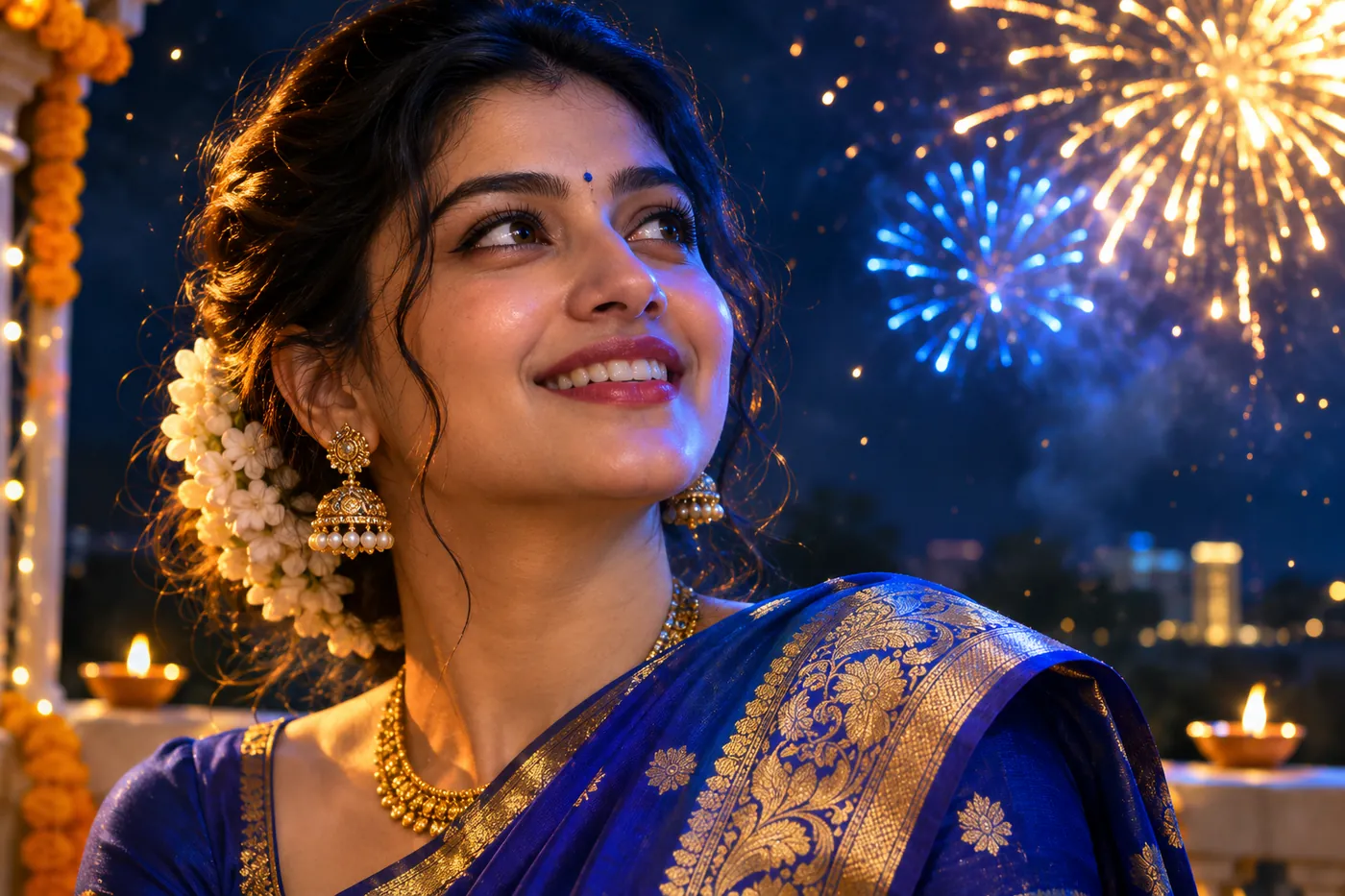
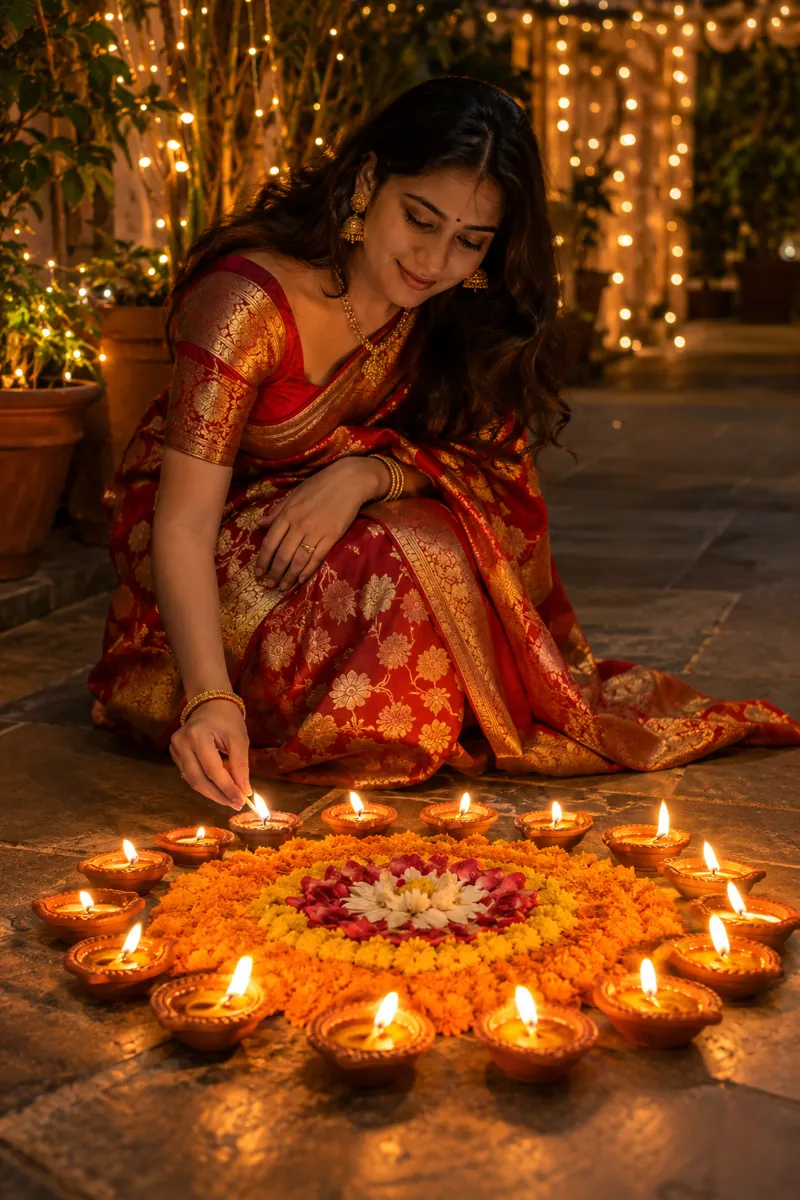
Six scenes to start from: a diya circle, a family rangoli, a fireworks transition on a rooftop, color magic, a patakha transition and a window diya.
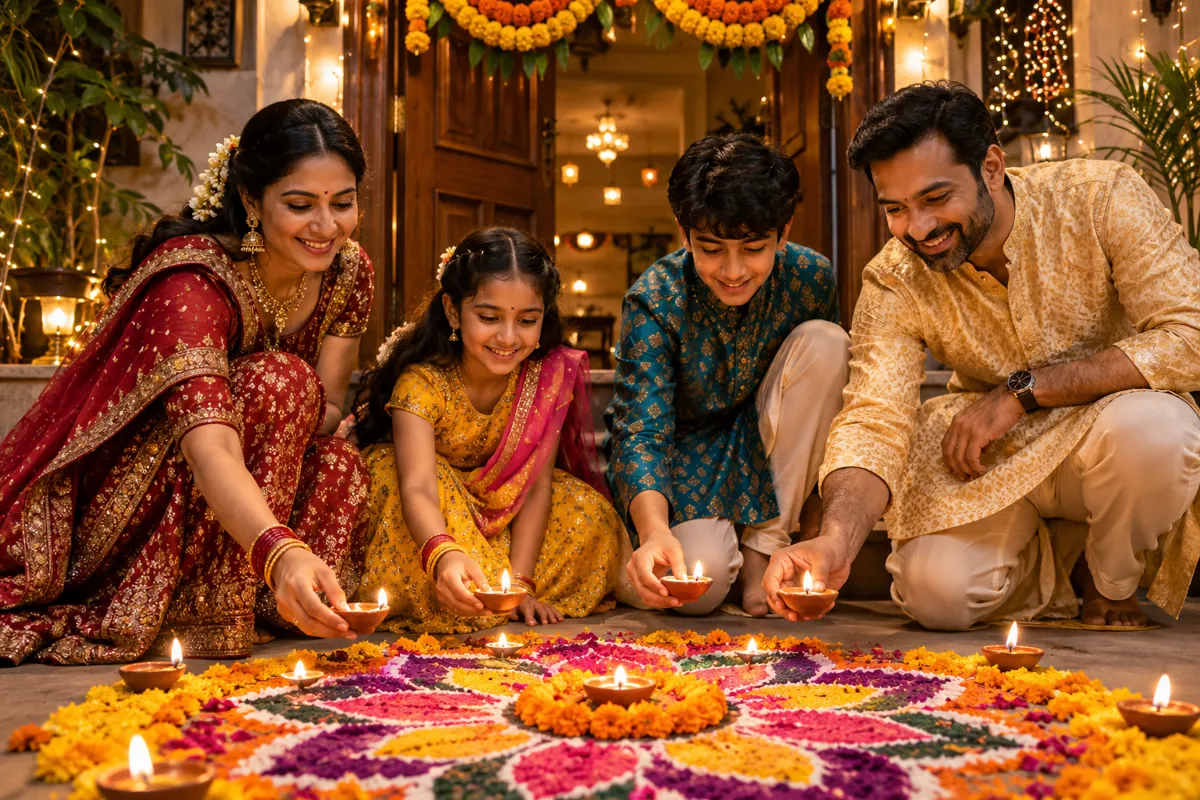
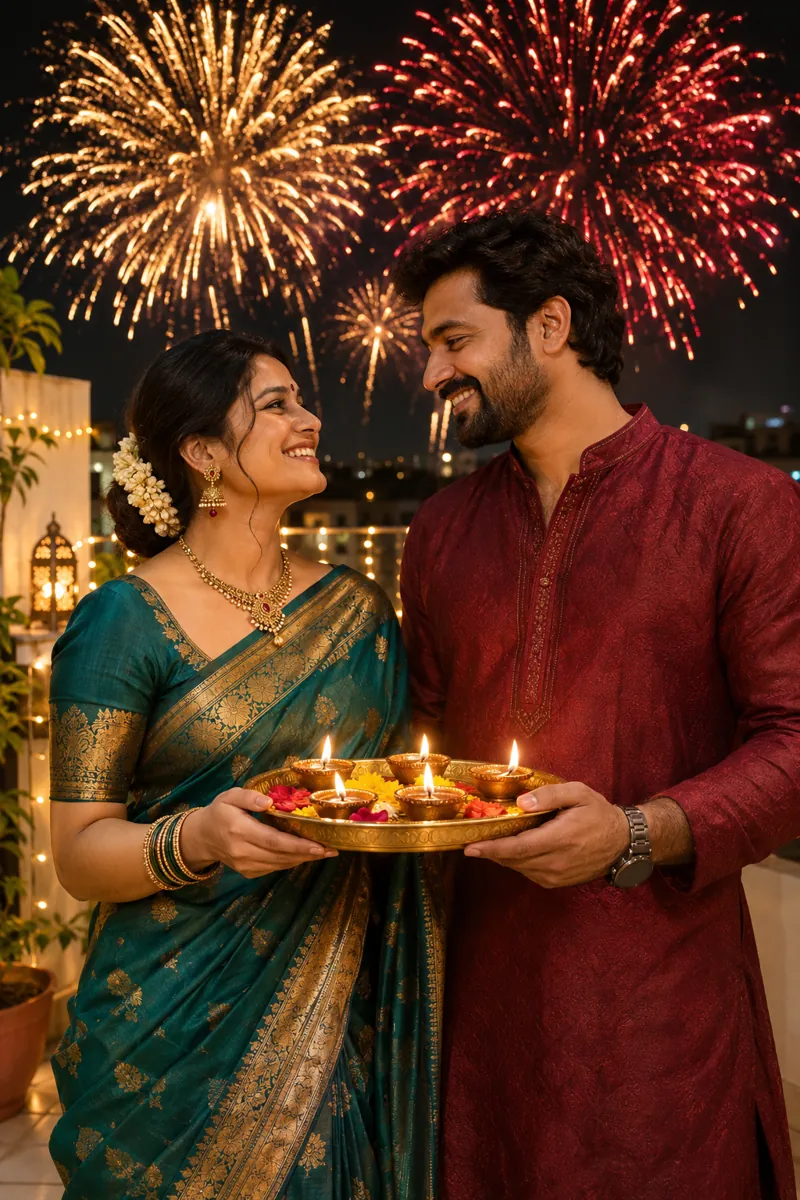
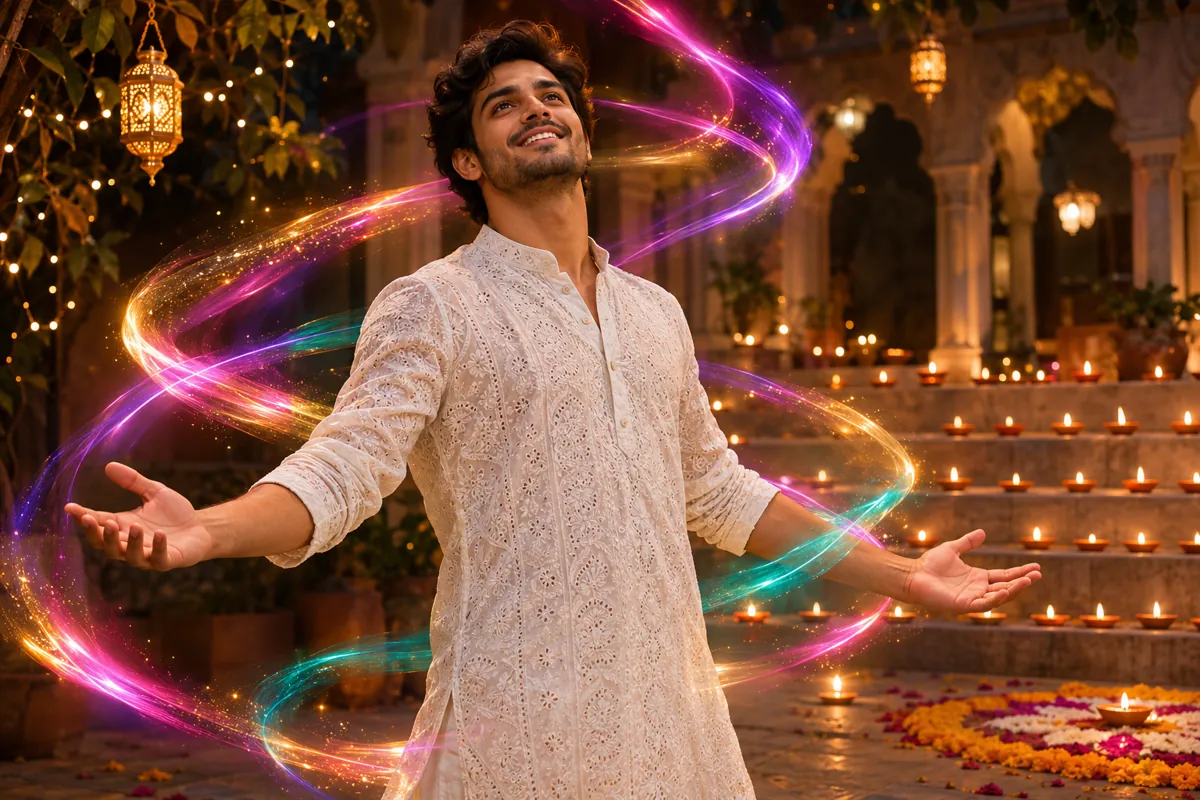
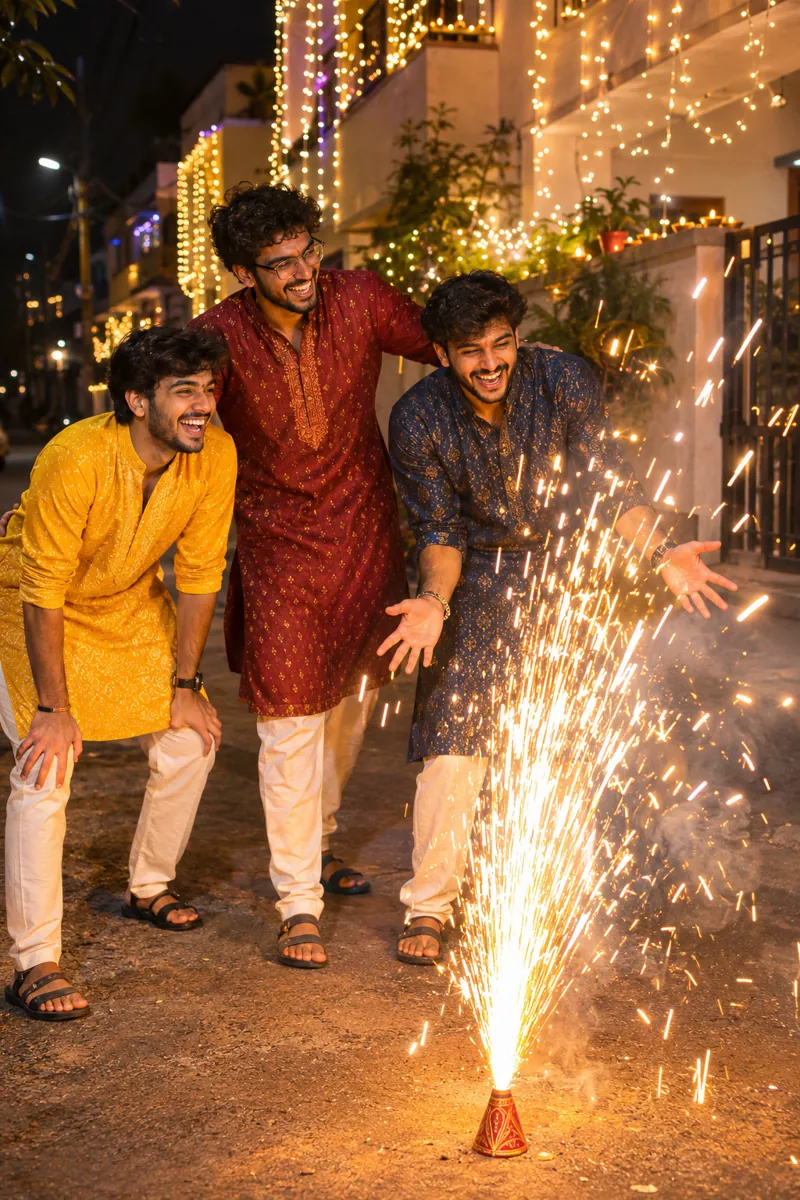
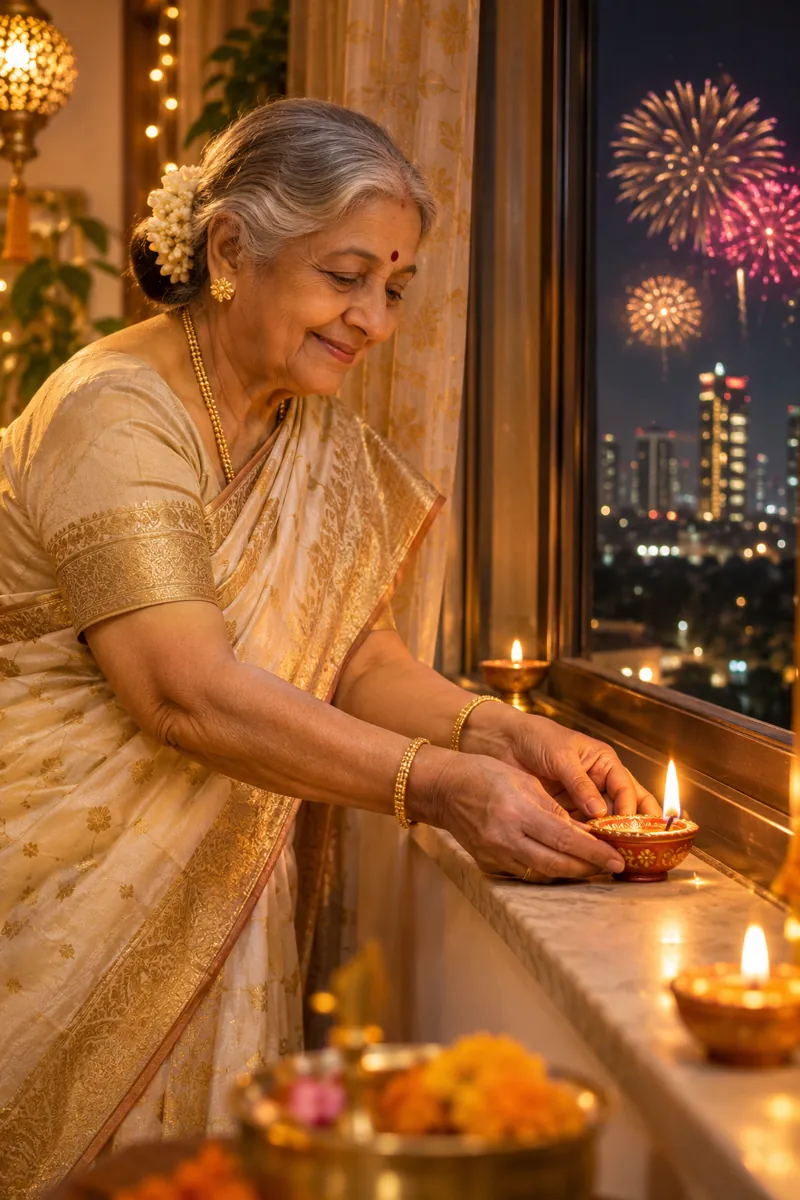
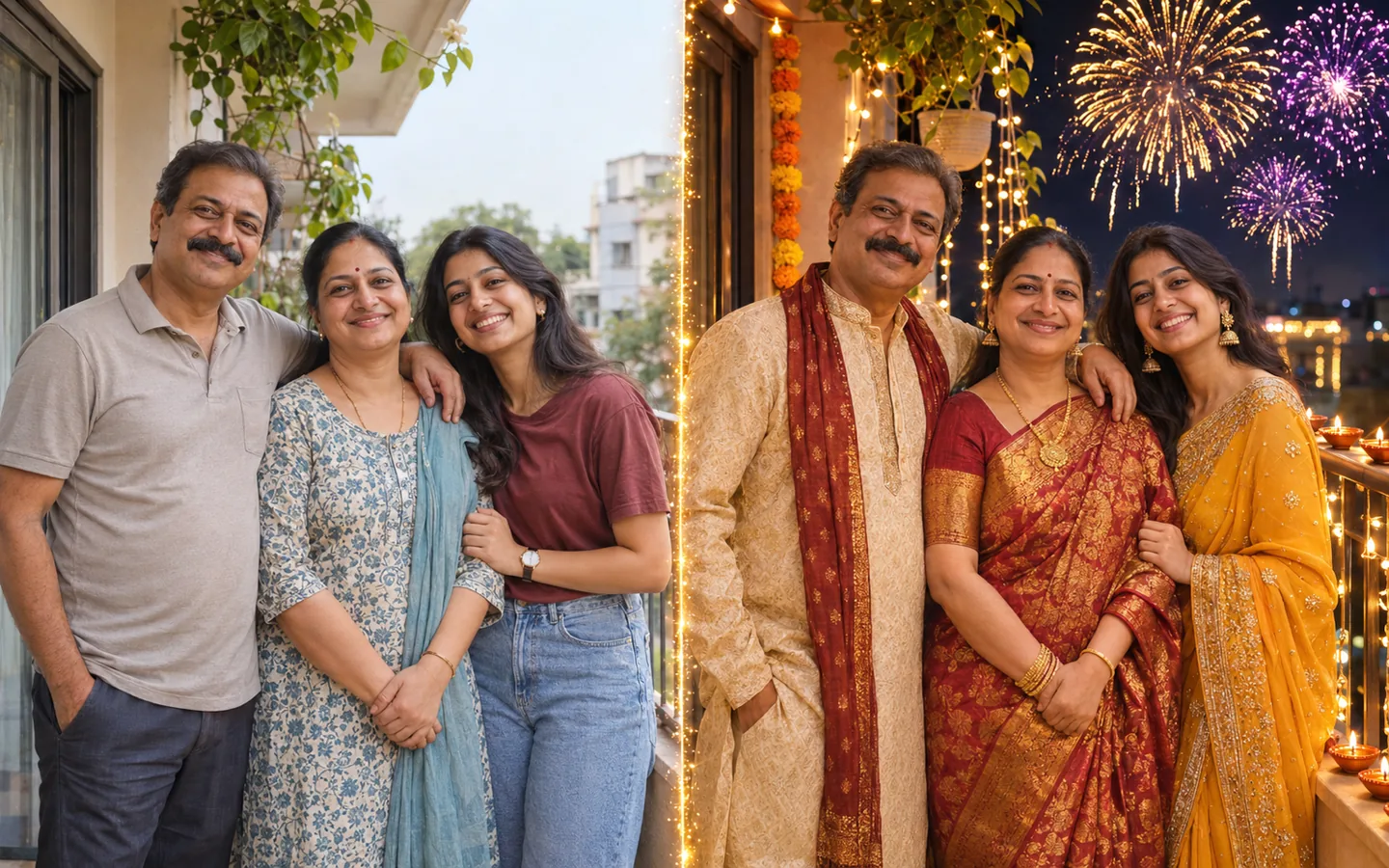
A Diwali AI video only lands when the people in it are obviously yours.
Most templates paste a sticker frame around your photo. Here the photo is the first frame of the Diwali AI video, and every render asks the model to keep faces, hair and bodies identical.
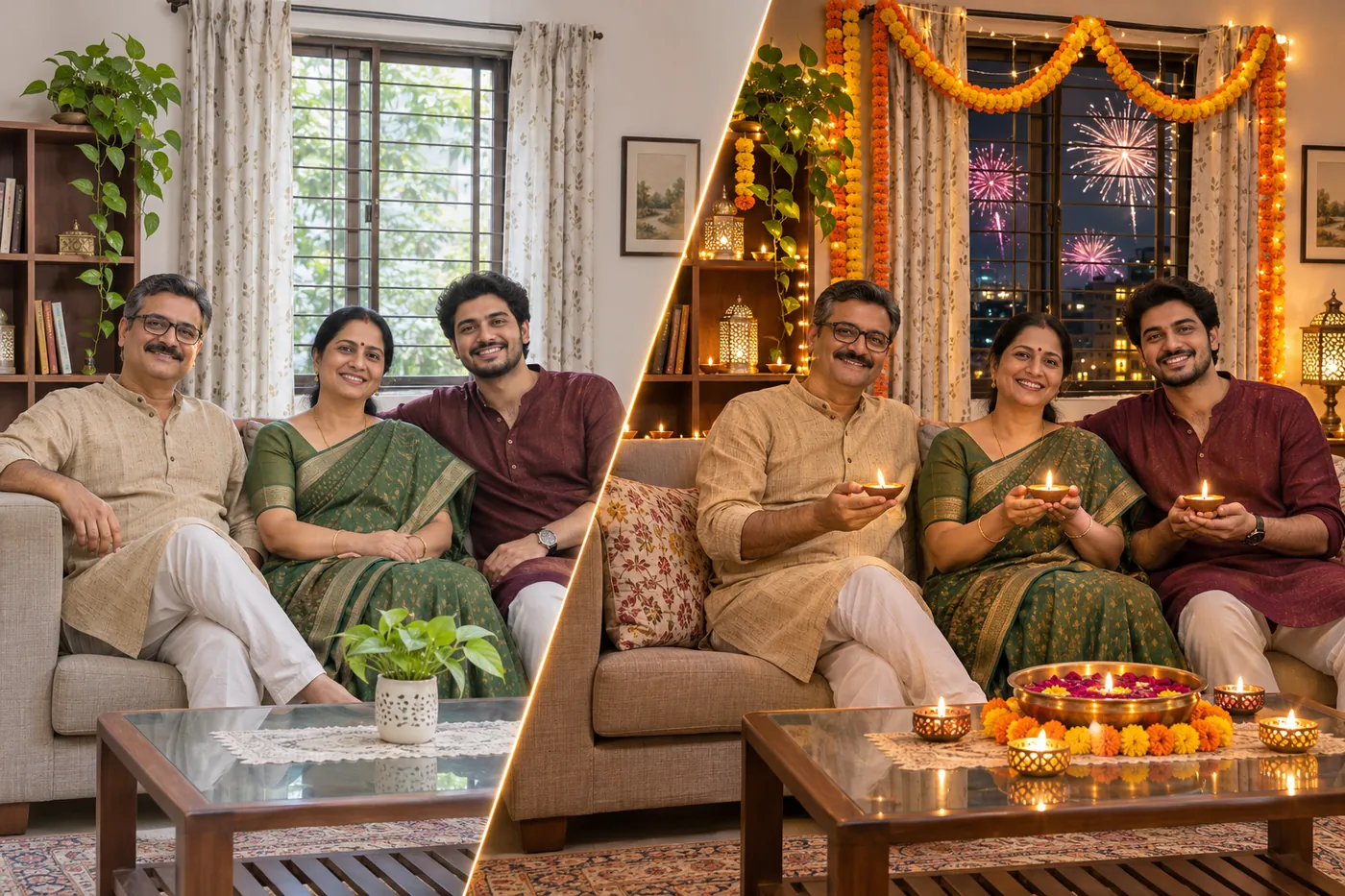
Trending Diwali reels start on a plain shot and switch to the festival. The example prompts in this Diwali AI video generator write that switch for you: the clip holds your photo, then the fireworks transition, color magic or patakha transition takes over.
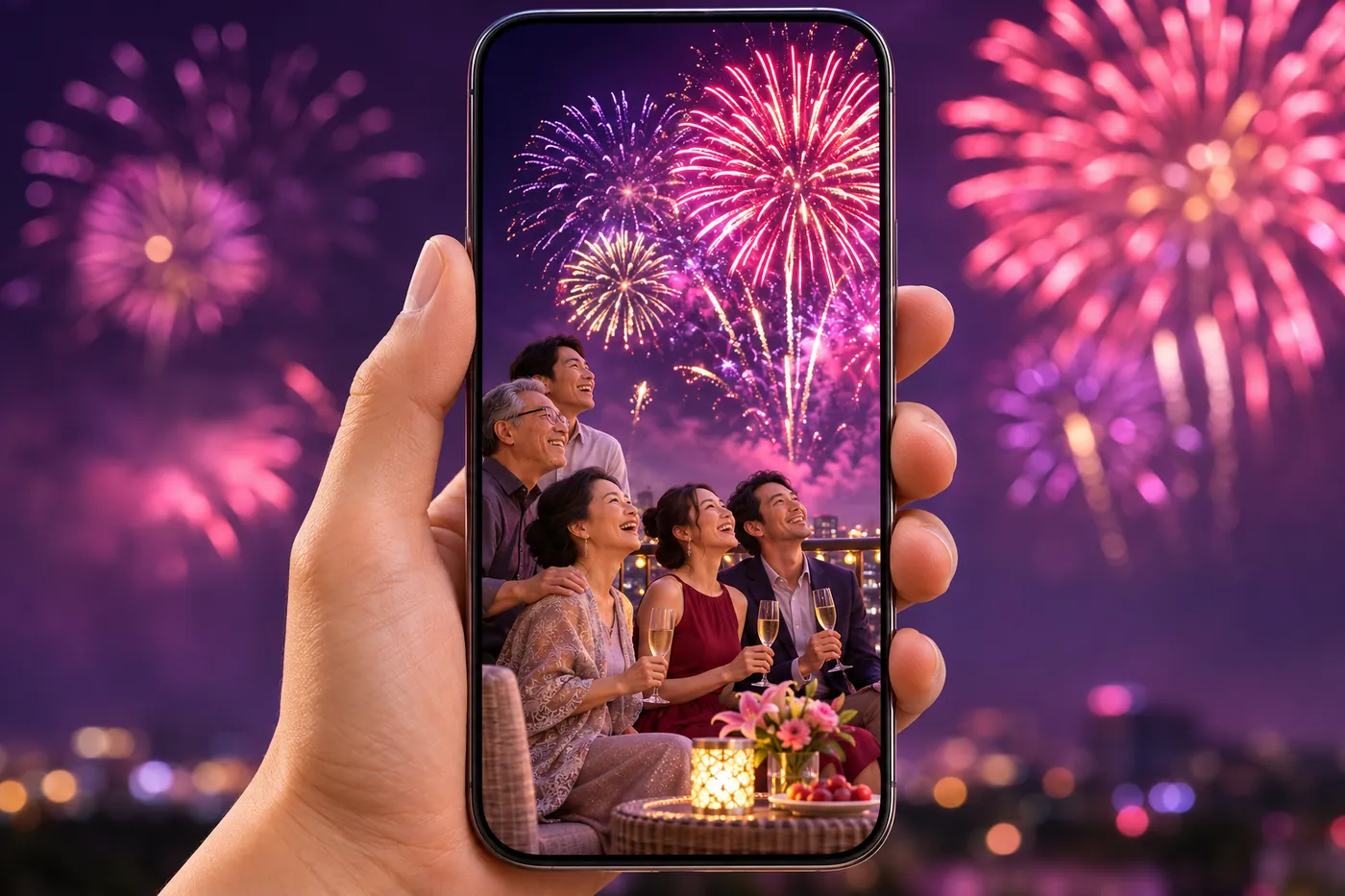
Pick 9:16 for Reels, Status and Shorts, or 16:9 for the family group. On models with native audio, such as Seedance 2.0 and Kling 3.0, festive music and firework sounds render in the same pass, so the Diwali AI video is ready to send.
Six people who send a Diwali AI video this festival week, and why.
Everyone forwards the same greeting. Families who share a Diwali AI video of their own faces get the replies.
Relatives in Dubai or London send one group photo and get a diya-lit clip.
Couple accounts need a festive post by Lakshmi Puja evening. A Color Magic Diwali AI video in 9:16 is ready without opening an editor.
Transition reels peak in festival week; creators render a fireworks transition from one photo in minutes.
Sweet shops want a greeting with their own team. Owners turn a staff photo into a Diwali AI video with the Diya & Rangoli Glow or a color magic swirl.
An old print of grandparents becomes a glowing Diwali AI video the whole family forwards.
Three steps — upload, tap an example, generate.
Step 01
Add one clear photo — a selfie, a couple or a family group, faces sharp.
Step 02
Tap Fireworks Transition, Color Magic, Patakha Transition or Diya & Rangoli Glow to load its prompt, then pick a model and aspect ratio.
Step 03
Check the credit cost, render the Diwali AI video, then download the MP4.
Effects, faces, privacy, sound, cost and the Diwali 2026 date.
It is a short clip made from your photo: the photo opens the video, then AI adds Diwali fireworks, colour light or glowing diyas around the same people, with festive sound on models that support audio.
Diwali 2026 is on Sunday, 8 November, with Lakshmi Puja that evening. The five days run from Dhanteras on 6 November to Bhai Dooj on 10 November in most calendars.
Upload your photo, tap the Fireworks Transition example to load its prompt, choose 9:16 and generate. The clip holds your photo, then the sky turns to night and fireworks burst behind you.
Color magic is the trend where ribbons of coloured light swirl around a person. Tap the Color Magic (Chroma) example in the Diwali AI video generator to make it from your photo.
Patakha means firecracker. A patakha transition cuts from your photo through a cracker flash to a street lit by anar fountains and fireworks. Tap the Patakha Transition example to make a patakha transition from your own photo.
Yes. A group Diwali AI video works best when every face is sharp and not too small; crop very large groups.
This Diwali AI video generator runs on credits. One-time Mini Packs start at $19.99 for 901 credits that never expire, with no subscription. The 20 free signup credits cover one image, not a video, and the button shows each model’s cost before you render. Free editors can add sparkles and music around a still photo; a Diwali AI video renders new motion from the photo, which is why it costs credits.
Start with “keep my face exactly the same”, then describe diyas, rangoli, fireworks and outfit. Run the Diwali AI photo prompt in ChatGPT, Gemini or Image to Image, then animate the finished Diwali AI photo here.
Yes, on models with native audio such as Seedance 2.0 and Kling 3.0; the example prompts ask for festive music and firework sounds. Add a film song in Instagram or CapCut if you want one.
Mostly, yes. Your photo is the first frame and every example prompt in this Diwali AI video generator asks the model to keep faces identical, but AI video redraws each frame, so small changes can happen. Blurry, dark or heavily filtered photos drift most; use a sharp, well-lit photo, then rerun or try another model.
Vogoo uses an uploaded photo to make your video and keep it in your history, does not sell personal information, and lets you request deletion of your data (see the Privacy Policy). Upload only photos everyone in them is happy to share, and skip photos that show your address.
One photo, one example prompt, and a fireworks transition or color magic of your own. Make your Diwali AI video before Lakshmi Puja.