
01
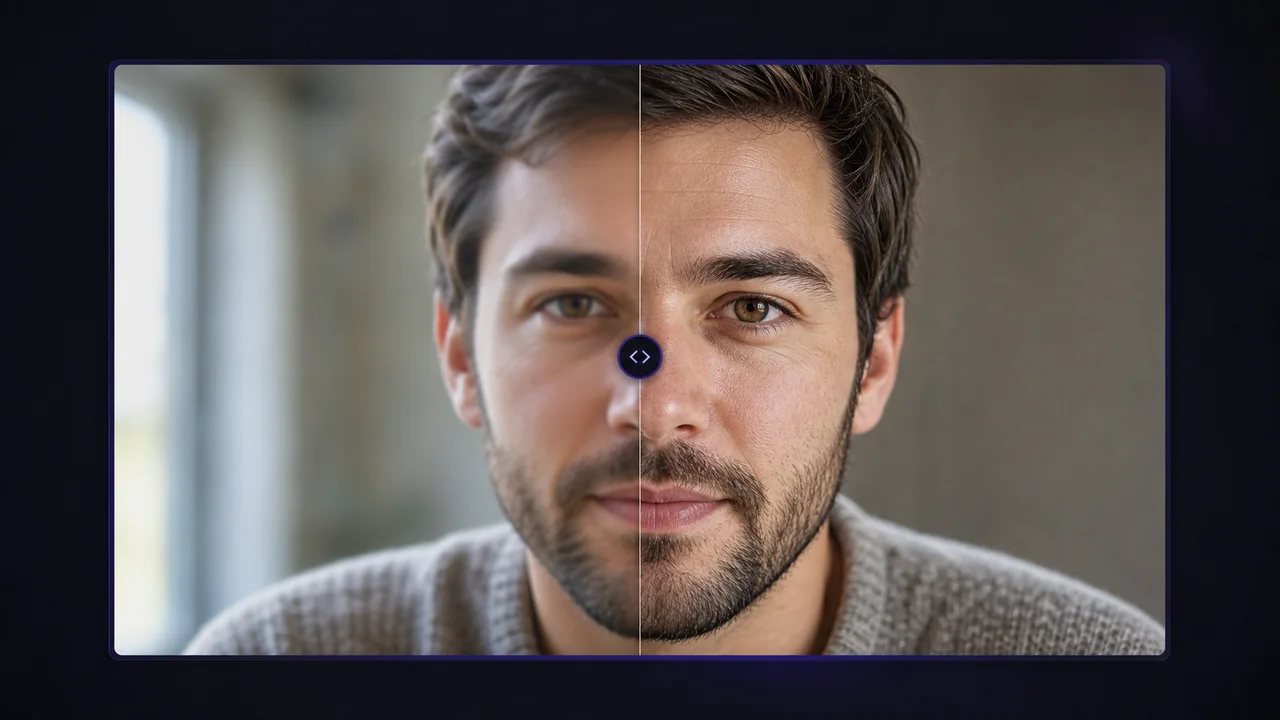
Portrait/profile image sharpening
AI Photo Enhancer improves image detail, hair texture, clothing edges, lighting clarity while keeping source identity plus framing recognizable.
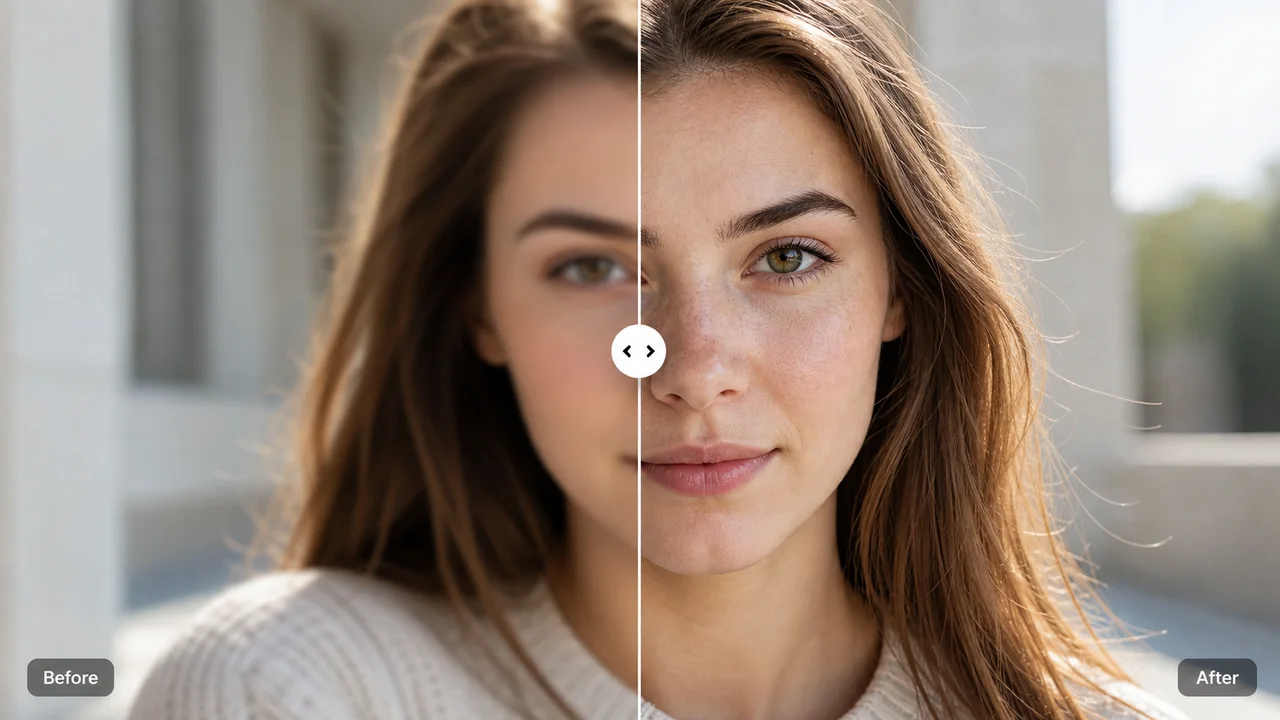
Online image enhancement
AI Photo Enhancer workflow improves picture quality, reduces blur, upscales portraits, products, screenshots, old images.
Features Flow
AI Photo Enhancer improves image details, recovers texture, increases resolution while keeping source subjects plus composition recognizable.
AI Photo Enhancer improves image detail, hair texture, clothing edges, lighting clarity while keeping source identity plus framing recognizable.
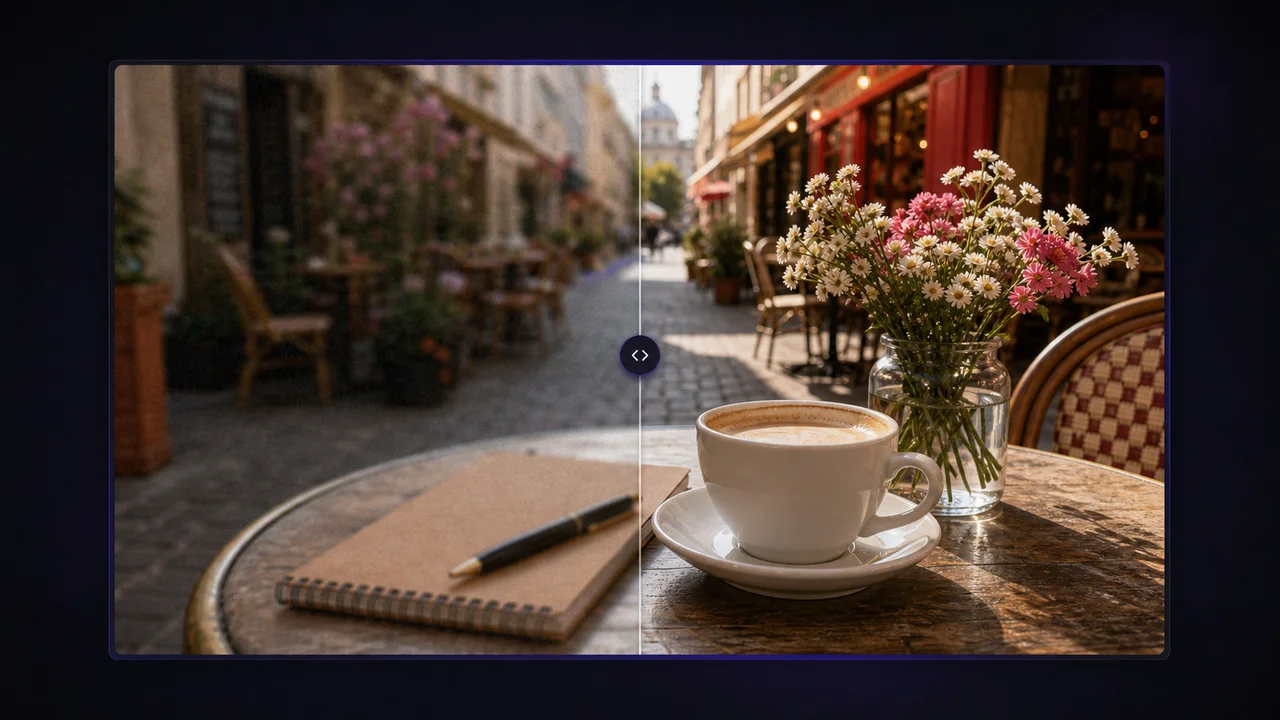
AI Photo Enhancer tool cleans up soft or compressed photos with image edge definition, noise reduction, clearer small details.
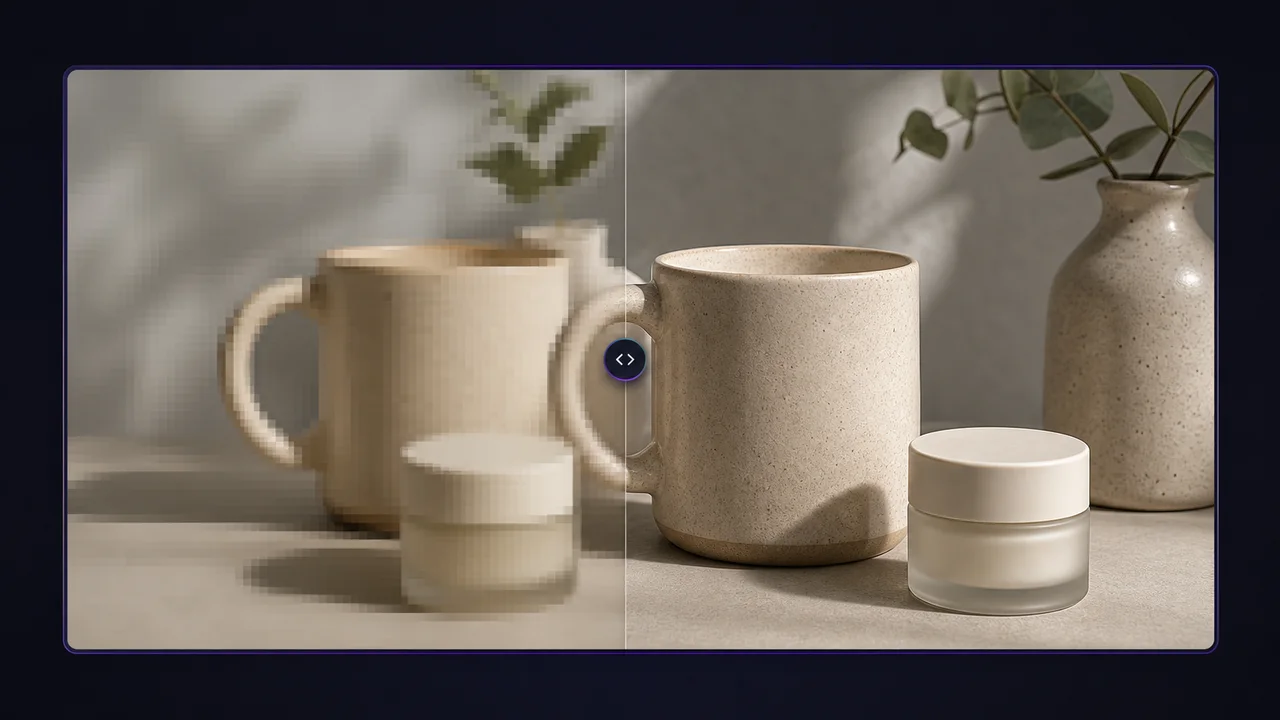
AI Photo Enhancer increases usable image resolution for posts, previews, product images, print drafts with focused photo enhancement settings.
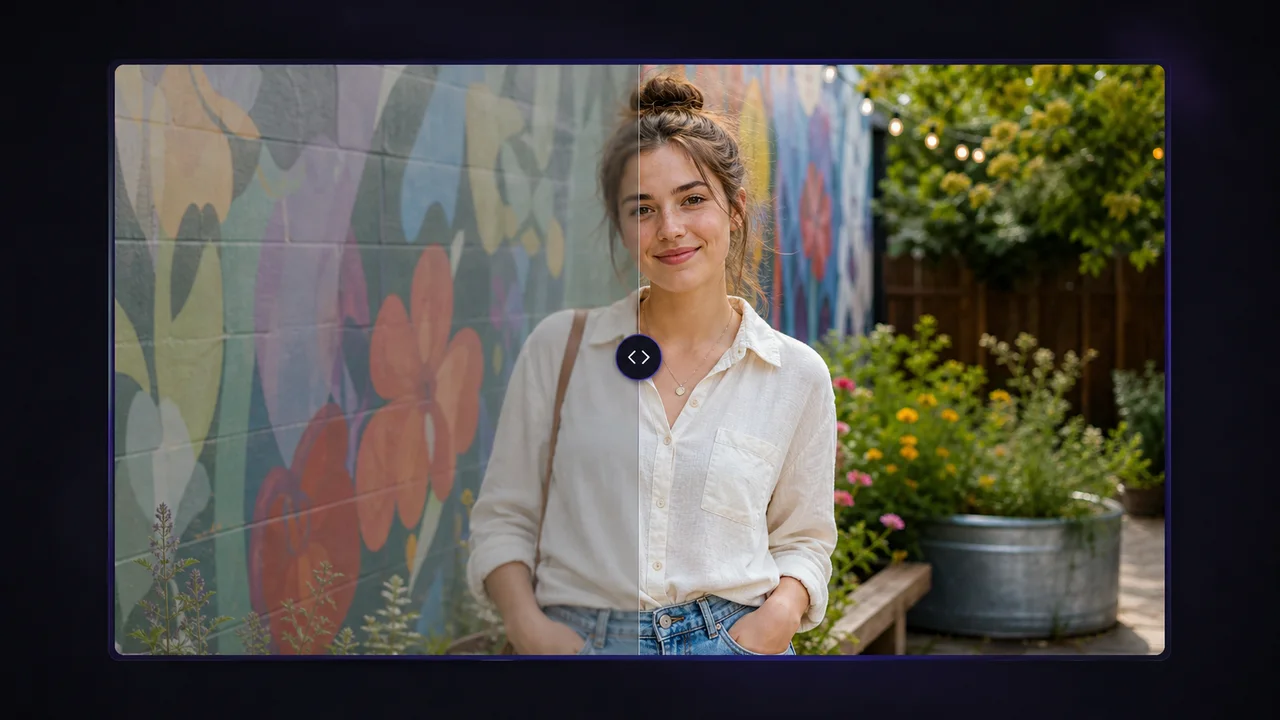
AI Photo Enhancer keeps source photo structure stable instead of turning it into a new image, so subject, layout, color direction stay familiar.
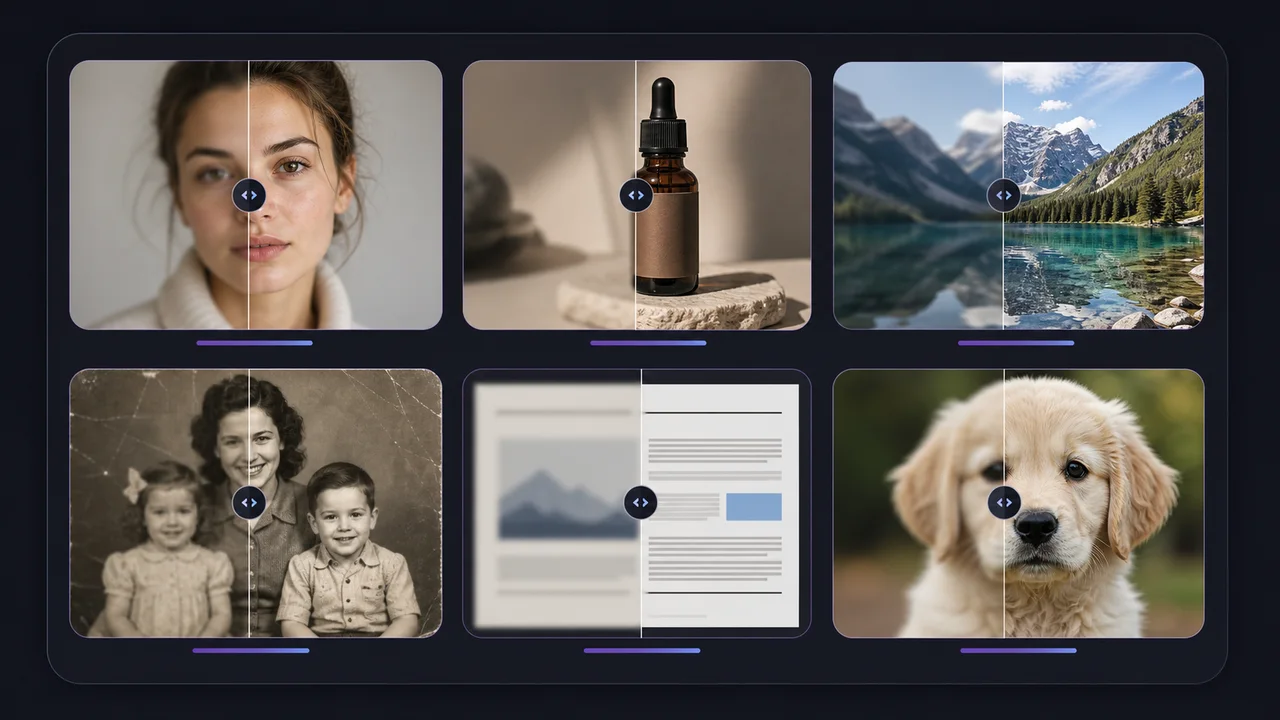
AI Photo Enhancer includes image modes for standard photos, low-resolution inputs, art/CG, text-heavy images when source files need a specific pass.
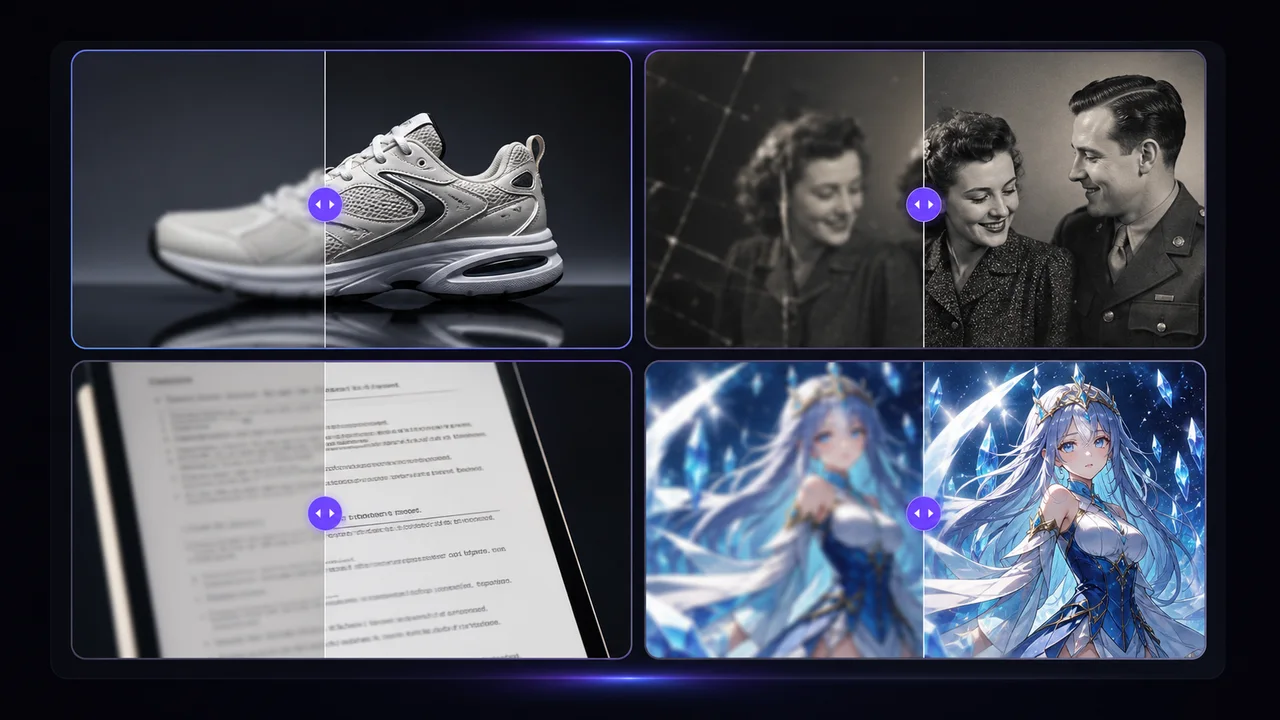
AI Photo Enhancer workflow lets you review generated image results before downloading, then compare source/enhanced images in one workspace.
Use cases
AI Photo Enhancer for profiles, shops, posts, documents, archives, AI artwork keeps everyday image work in one place.
Make headshots, avatars, creator profile images look cleaner before publishing. AI Photo Enhancer improves facial detail, fabric texture, edge clarity while keeping people recognizable.
AI Photo Enhancer for product images prepares listings, ads, launch pages. Sharper image edges plus cleaner texture make product details easier to inspect.
Run AI Photo Enhancer before cropping for social platforms, thumbnails, banners, creator posts. Clearer source image quality gives every export more room.
AI Photo Enhancer can clean up soft scanned photos or low-resolution family images for sharing, archiving. Heavily damaged photos may still need restoration.
AI Photo Enhancer tool improves UI captures, labels, document images where image edge clarity matters more than creative restyling.
AI Photo Enhancer can polish AI-generated art, anime images, concept visuals before publishing by recovering image line work plus texture.
How it works
Focused AI photo enhancer workflow stays fast: upload source images, tune passes, download clearer image results.
Step 01
Drop a JPG, PNG, or WebP image into AI Photo Enhancer, then preview image quality before processing.
Step 02
Pick how AI Photo Enhancer should process source images: model, scale, mode, sharpen, denoise, compression controls.
Step 03
Run AI Photo Enhancer workflow, compare source/enhanced image results, then download image output when it looks ready.
User reviews
AI Photo Enhancer reviews show how creators, sellers, teams get cleaner image results without recreating source visuals.
Brand Designer
“AI Photo Enhancer keeps portrait image texture usable when I need sharper profile assets for campaigns.”
Social Media Manager
“AI Photo Enhancer makes old content photos clearer enough for thumbnails, short-form posts without rebuilding scenes.”
E-commerce Manager
“AI Photo Enhancer helps us rescue supplier photos, sharpen product image edges, publish clean listing images.”
Game Artist
“AI Photo Enhancer upscales concept art, AI artwork cleanly, so teams can review ideas on larger screens.”
FAQ
Answers cover AI Photo Enhancer concerns users ask on competing image tools, rewritten for Vogoo workflow limits.
AI Photo Enhancer improves an existing image by sharpening detail, reducing blur, increasing usable resolution, cleaning up compression artifacts. It starts from your uploaded photo instead of creating a new picture from scratch.
AI Photo Enhancer online sharpens the upload, applies the right image mode, creates a clearer before-and-after result in one workspace.
Start enhancing