
Rendered at size, not upscaled
Your selected width and height are sent directly to the wallpaper model, so the final canvas is made for that screen instead of being taken from a square render and cropped afterward.
AI Wallpaper Generator
AI wallpaper generator built around screen sizes: choose the exact pixels your device uses and Vogoo renders at that shape, instead of making you crop a square down afterwards. Framing is set while the image is made, so a tall phone or 21:9 display does not lose most of the scene to a later crop. Ten canvases cover phone, desktop up to 4K, tablet and 21:9 ultrawide.
The AI wallpaper generator ships ten canvases for phone, desktop, ultrawide and tablet screens, each with its exact pixels and ratio. Match the row to your screen first: a 16:9 image dropped onto a 9:19.5 phone loses about half the scene to the crop.
| Target | Exact pixels | Ratio | Exact-size generation | |
|---|---|---|---|---|
| Phone portrait | 1179 × 2556 | ~9:19.5 | Yes | |
| Phone portrait XL | 1290 × 2796 | ~9:19.5 | Yes | |
| Phone portrait QHD+ | 1440 × 3120 | ~9:19.5 | Yes | |
| Phone portrait (legacy) | 1125 × 2436 | ~9:19.5 | Yes | |
| 1080p desktop | 1920 × 1080 | 16:9 | Yes | |
| 1440p desktop | 2560 × 1440 | 16:9 | Yes | |
| 4K desktop | 3840 × 2160 | 16:9 | Yes | |
| Ultrawide | 3440 × 1440 | 21:9 | Yes | |
| Tablet portrait | 2048 × 2732 | 3:4 | Yes | |
| Square | 2048 × 2048 | 1:1 | Yes |
Every canvas is sent to the model with its exact width and height, so a 21:9 render is composed for 21:9 rather than cropped into it. The 4K label means the standard 3840 × 2160 desktop canvas. Every edge is capped at 4096 px, which is why 5K and 32:9 are not offered. Going one row larger than your screen is safe; going smaller looks soft.
Sizes are labelled by specification rather than by phone model, because model-specific tables go stale. Your display settings list the resolution you are on; pick the nearest row or type the numbers in. Custom sizes go up to 4096 px per edge, so an odd laptop panel is covered too.
A wallpaper is judged on exactly one screen — yours. These are the things that decide whether an image survives sitting behind a clock, a row of icons and a stack of notifications.
Your selected width and height are sent directly to the wallpaper model, so the final canvas is made for that screen instead of being taken from a square render and cropped afterward.
Choose a preset or type any width and height up to 4096 px per edge. The download matches those numbers exactly.
Generate up to 4 variations at once and keep the framing that works, instead of re-rolling one image at a time.
Export as PNG when you want no compression artefacts, or JPEG and WebP when file size matters more.
21:9 at 3440 x 1440 is a first-class canvas here, not an afterthought — it is the shape most generators refuse to produce at all. Sign in to unlock it; the guest pipeline is limited to 1:1, 16:9, 9:16, 4:3 and 3:4.
Phone clocks, notifications and app icons cover the parts of a wallpaper people forget to plan for. The prompt tips and style presets here keep the subject low and the top of the frame open.
Use it as a free wallpaper generator straight away: guest runs return a small vogoo.ai watermark and a shorter shape list. Signing in removes the watermark and opens the exact-pixel presets.
Keep the wording, switch the canvas, run it again: one description becomes a 9:19.5 lock screen, a 16:9 desktop background and a 3:4 tablet wallpaper that still look like a set. As a phone wallpaper generator it holds the subject low.
The AI wallpaper generator is aimed at the device in your hand or on your desk. Plenty of wallpaper communities now remove machine-made submissions, so everything here is tuned for personal screens.
Three steps, all on this page: pick the canvas, describe the scene, then generate and download at full resolution.
Step 01
Choose a device preset — phone portrait, 1080p, 1440p or 4K desktop, 21:9 ultrawide, tablet or square — or type exact pixels up to 4096 per edge. The panel is grouped by device, so you pick a screen, not a ratio.
Step 02
Write what you want, or start from a style preset and edit it. Say where the empty space should sit — "open sky in the upper third" leaves room for a clock — and name the palette you need behind your icons.
Step 03
Generate up to 4 options, then download the one that fits as PNG, JPEG or WebP at full resolution. On a phone, set it from your photo library; on a desktop, point your wallpaper settings at it.
Every style in the AI wallpaper generator fills the prompt box for you, and you edit the wording before generating. Each is written for wallpaper duty: a quiet area where the clock sits, detail that still reads at 4K.
Soft dusk colours and a smooth, banding-free blend, with the upper third left open so a lock-screen clock has somewhere to sit. The calmest option when you want the screen to stay quiet behind your icons.
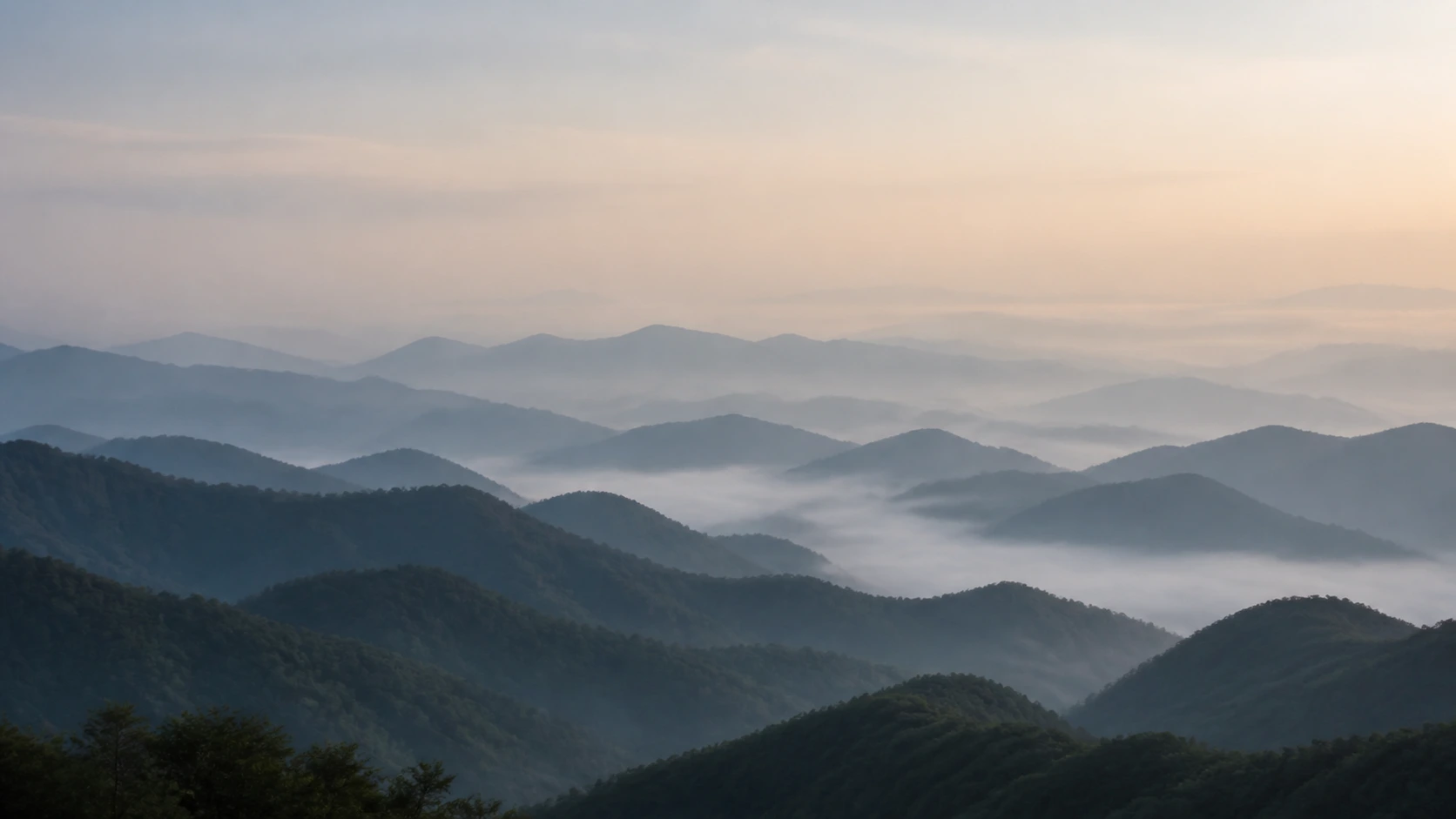
Layered mountain ridges in morning fog, a muted natural palette and generous negative space. Wide framing that holds up at 3840 x 2160 — the style most people want from a 4K wallpaper generator.
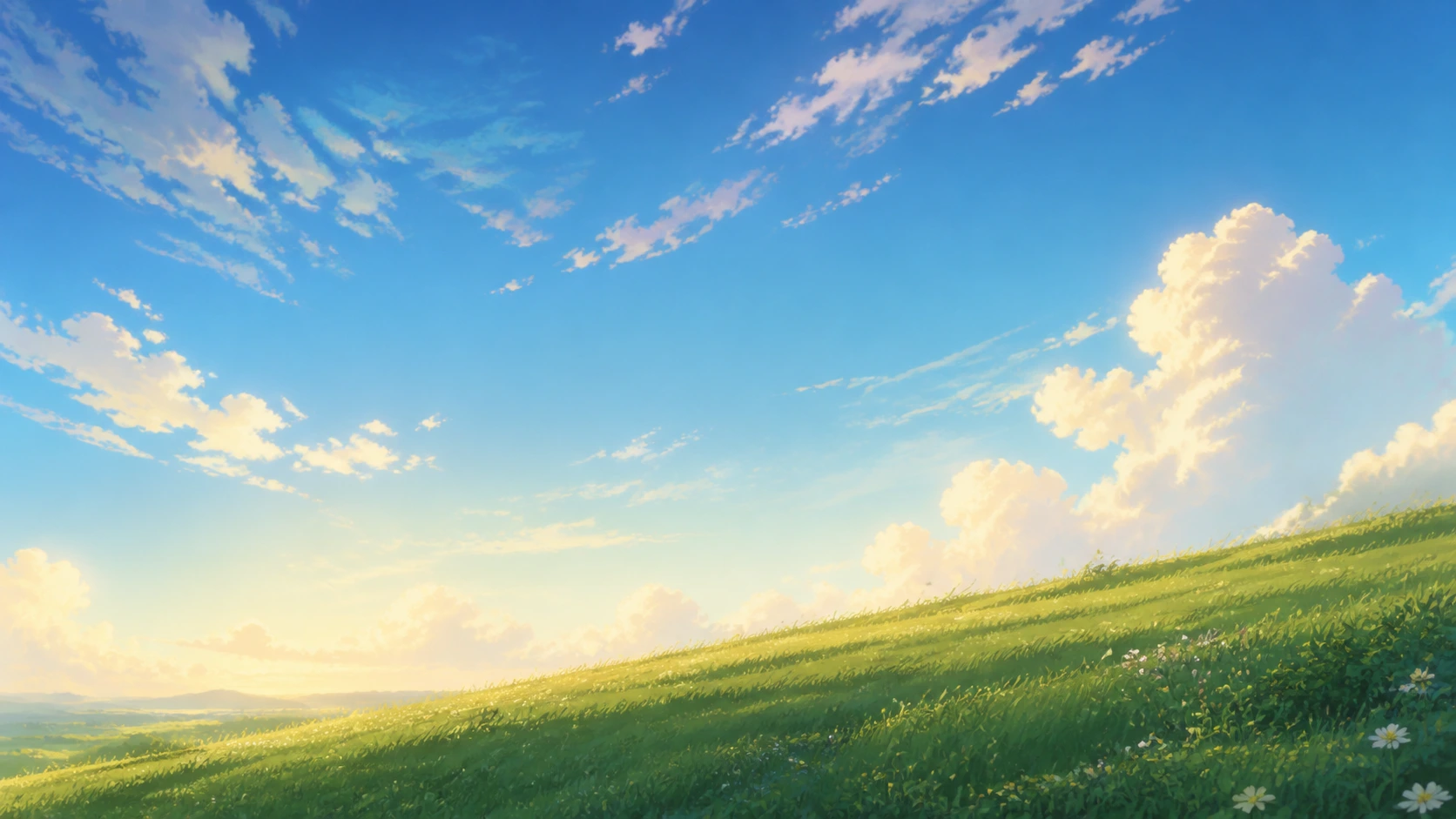
Clean cel shading, soft rim light and an uncluttered sky. Anime scenery works particularly well on tall phone canvases, where the empty sky lands exactly where the clock and notifications go. Rendered at 1179 × 2556 it needs no cropping on a modern handset.
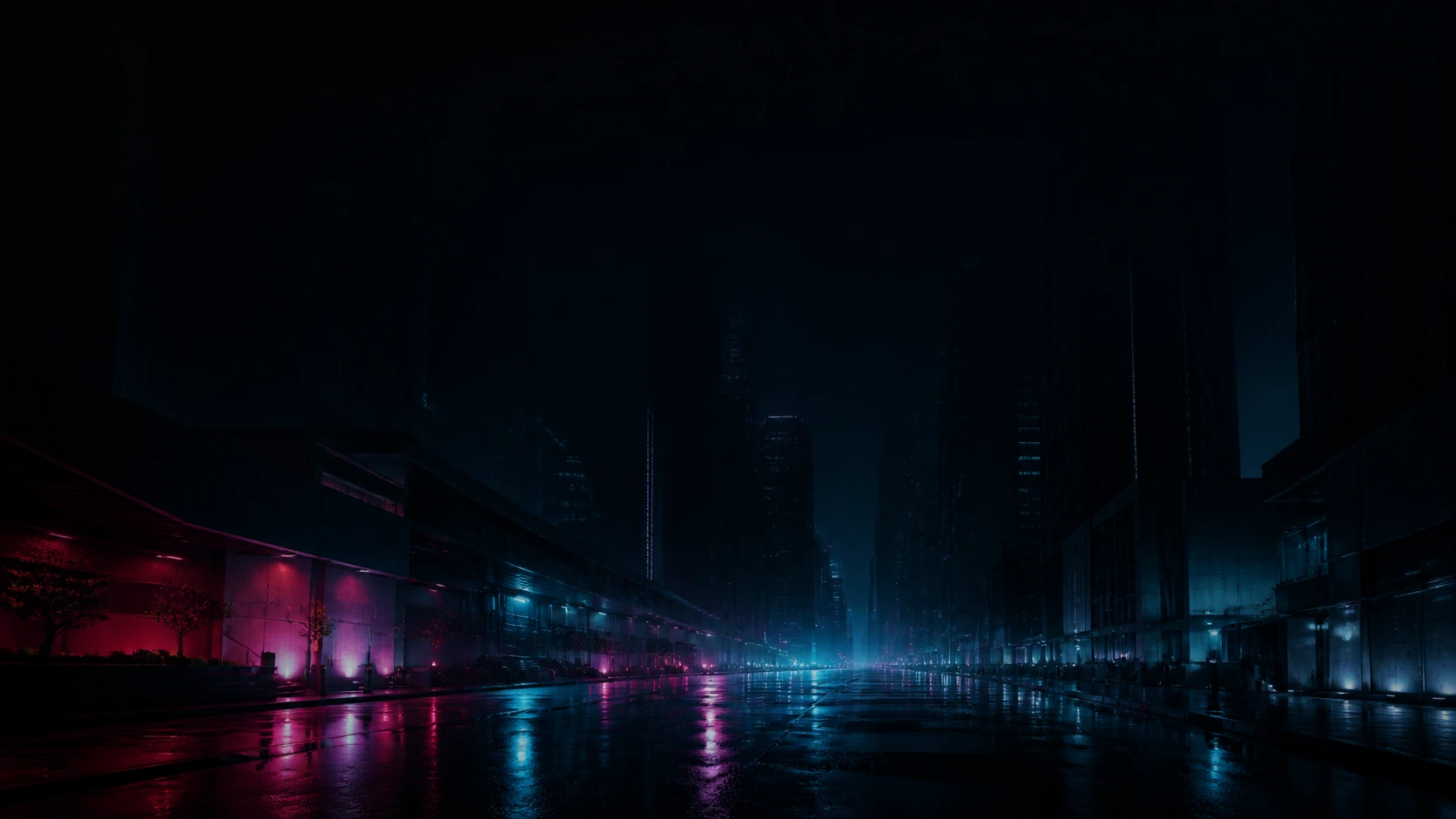
A wet reflective street with neon kept away from the top of the frame, so the brightest parts never fight the status bar. The darkest of the four, and the one that suits a 21:9 ultrawide best.
Common questions about the AI wallpaper generator — resolutions, watermarks and getting the finished file onto your lock screen.
Yes. The standard 4K desktop preset in the AI wallpaper generator is 3840 × 2160, drawn at those pixels rather than upscaled from a smaller render. Every other preset and custom size works the same way.
Most current phones sit near 9:19.5, so start with 1179 × 2556, or 1440 × 3120 for a high-density Android panel. If your exact resolution is not listed, pick the next size up — scaling a larger file down beats stretching a smaller one.
Two usual causes: the file is smaller than the screen so the system enlarges it, or its shape does not match and the phone crops into the middle. Generating at your exact pixel size avoids both. On a phone, also switch off any parallax or zoom setting.
Wallpaper sites give you finished 16:9 files everyone else also has, rarely at the exact shape of your device. An AI wallpaper generator starts from the canvas: name the scene, the empty space and how dark it goes behind your icons, then get up to 4 versions at the right pixel size.
The AI wallpaper generator covers phone portrait, 1080p, 1440p and 4K desktop, 21:9 ultrawide and tablet portrait, plus custom sizes up to 4096 px per edge. 5K and 32:9 dual-monitor canvases are not supported.
You can attach an image as a style reference and the result follows its palette and mood. It is a reference, not an edit: the wallpaper is a new image and will not preserve people, logos or objects from your photo.
Wallpapers you generate from your account download with no watermark on them.
Download it at full size first. On iPhone, open it in Photos, tap share and choose "Use as Wallpaper". On Android, open the file in your gallery and set it as the lock or home screen. On Windows or macOS, right-click and set it as the desktop background. Keep the original download — messaging apps recompress and soften images.
It can do 21:9 ultrawide at 3440 × 1440. Triple-screen and 32:9 setups need canvases wider than 5000 pixels, beyond the 4096-pixel limit here — generate at 21:9 and extend the image elsewhere.
Up to 4 variations per run — usually the fastest way to find a composition that works under your icons.
Pick your device size, describe the scene, and let the AI wallpaper generator return up to 4 options at full resolution — phone portrait, 4K desktop or 21:9 ultrawide.