01
Make a character from a text prompt
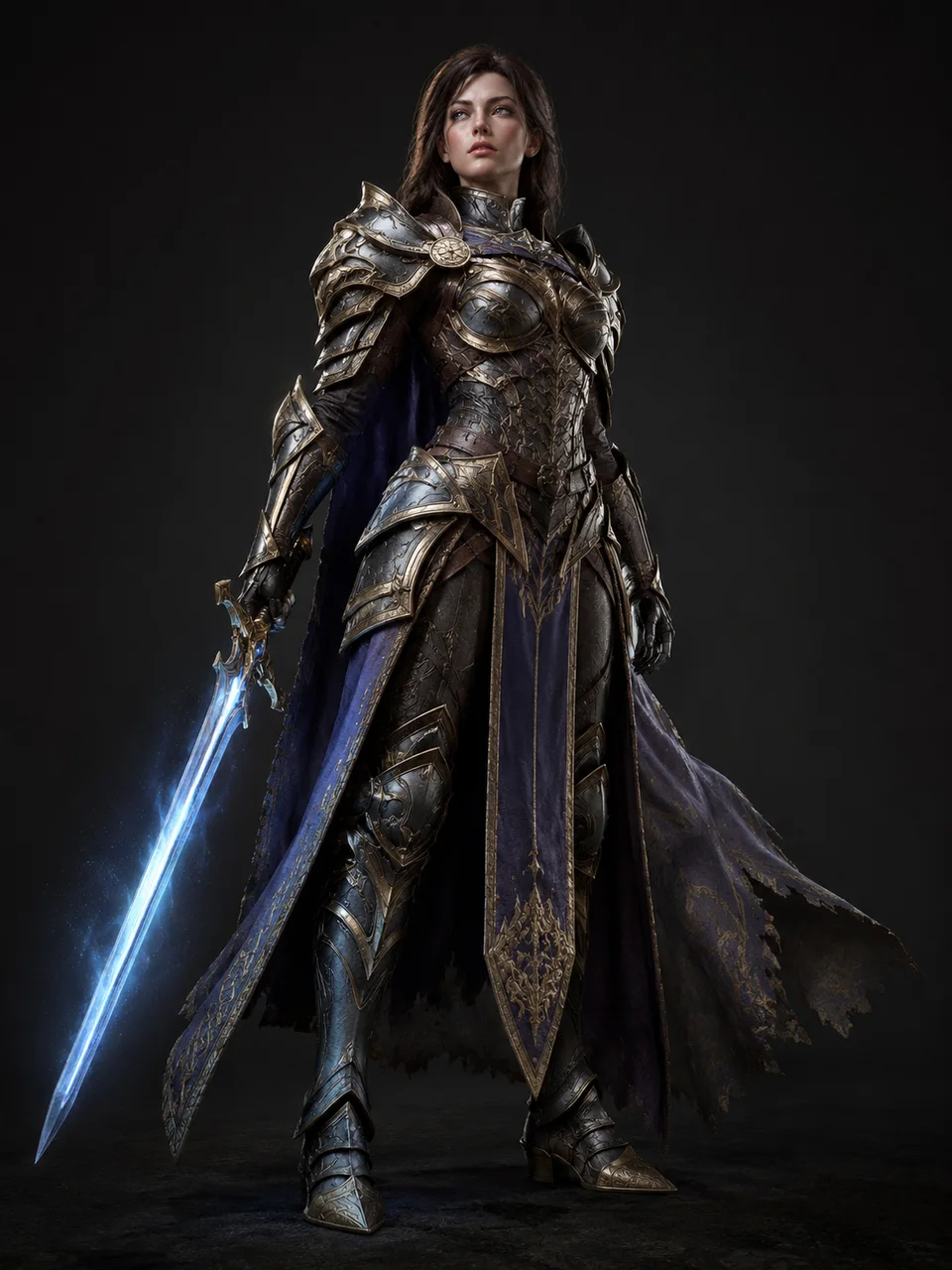
Type who the character is and AI Character Maker creates a full character image — the fastest way to use this AI character generator from text.


Online AI Character Maker
AI Character Maker lets you create consistent AI characters from a text prompt or a photo — use it as an AI character generator or character creator AI for anime, realistic, and game characters, all in one Vogoo workspace.
Features Flow
AI Character Maker turns a prompt or photo into a usable character, keeps the same character consistent across poses, and supports many art styles.
Type who the character is and AI Character Maker creates a full character image — the fastest way to use this AI character generator from text.
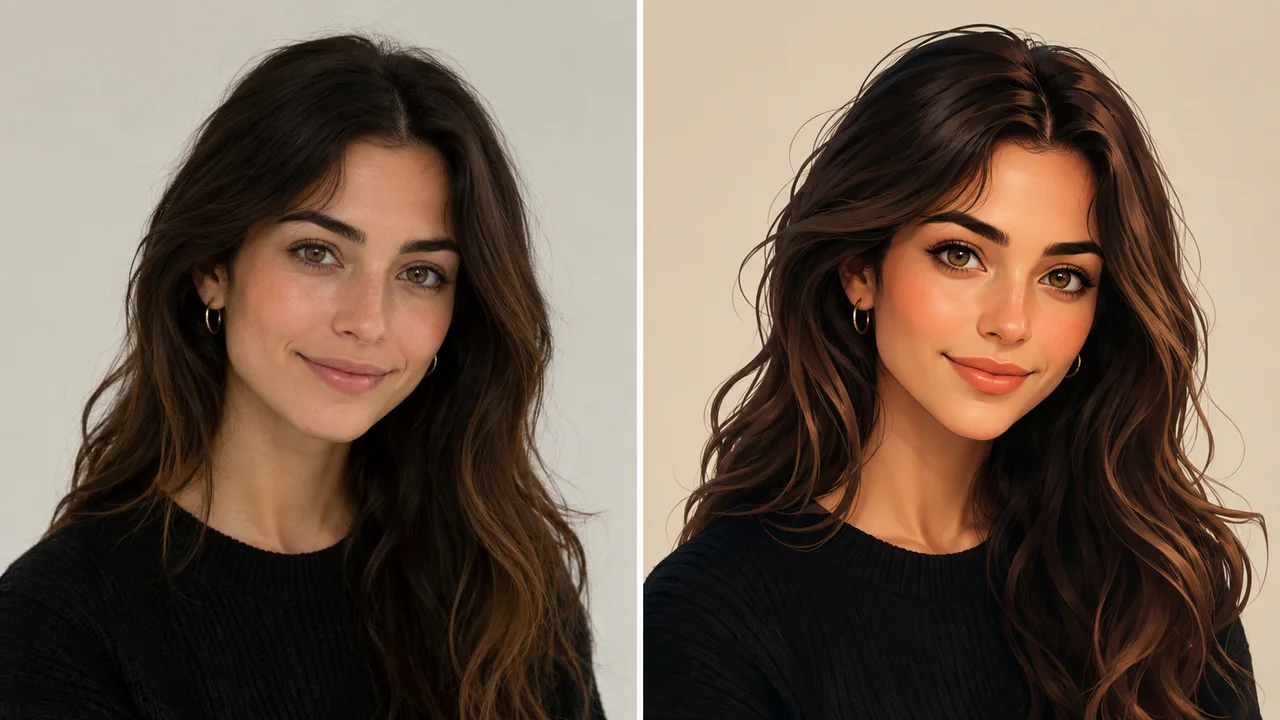
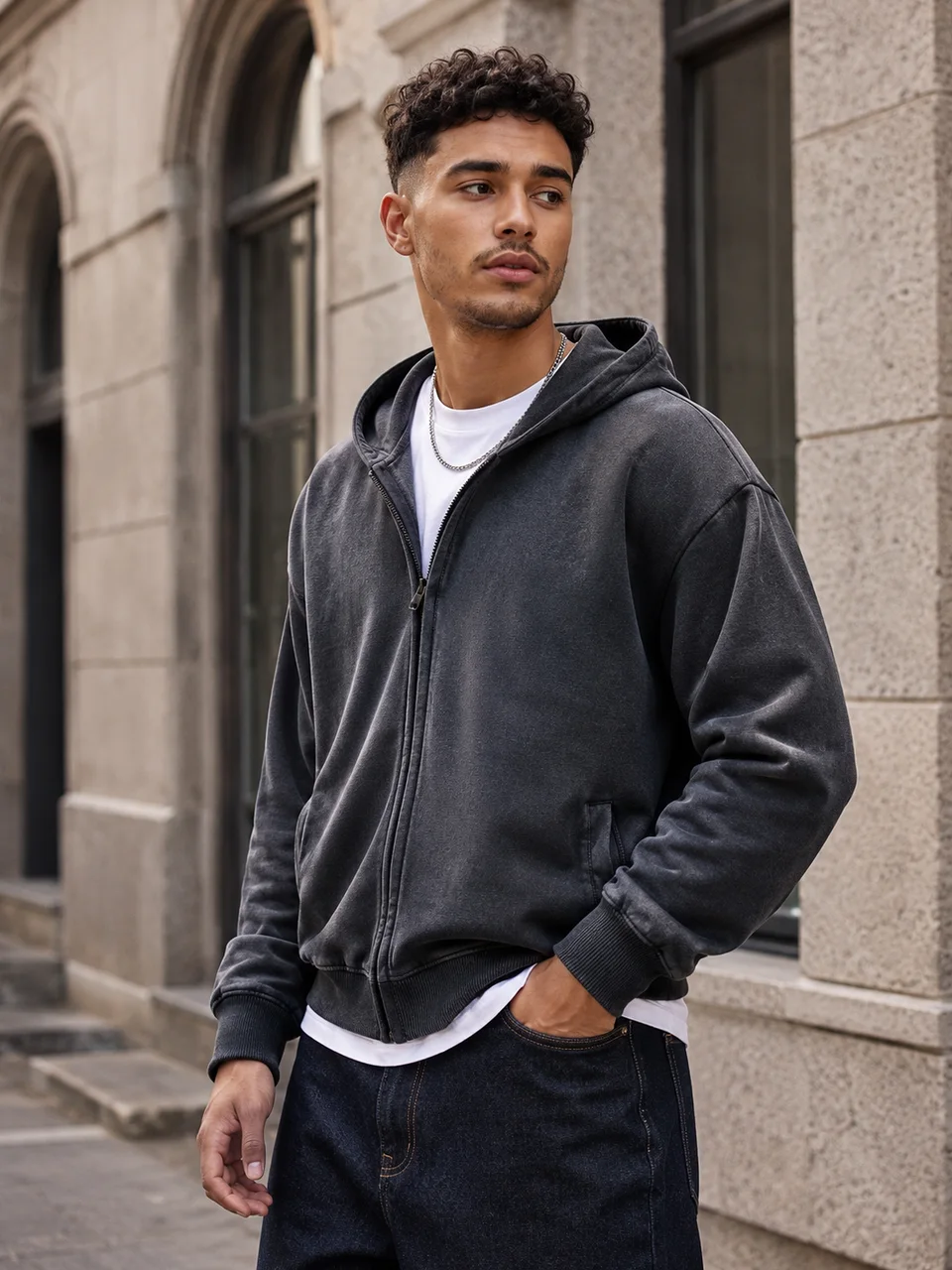
Upload a photo and AI Character Maker restyles it into an original character — the AI Character Maker photo-to-character workflow people search for as an AI character generator from photo.
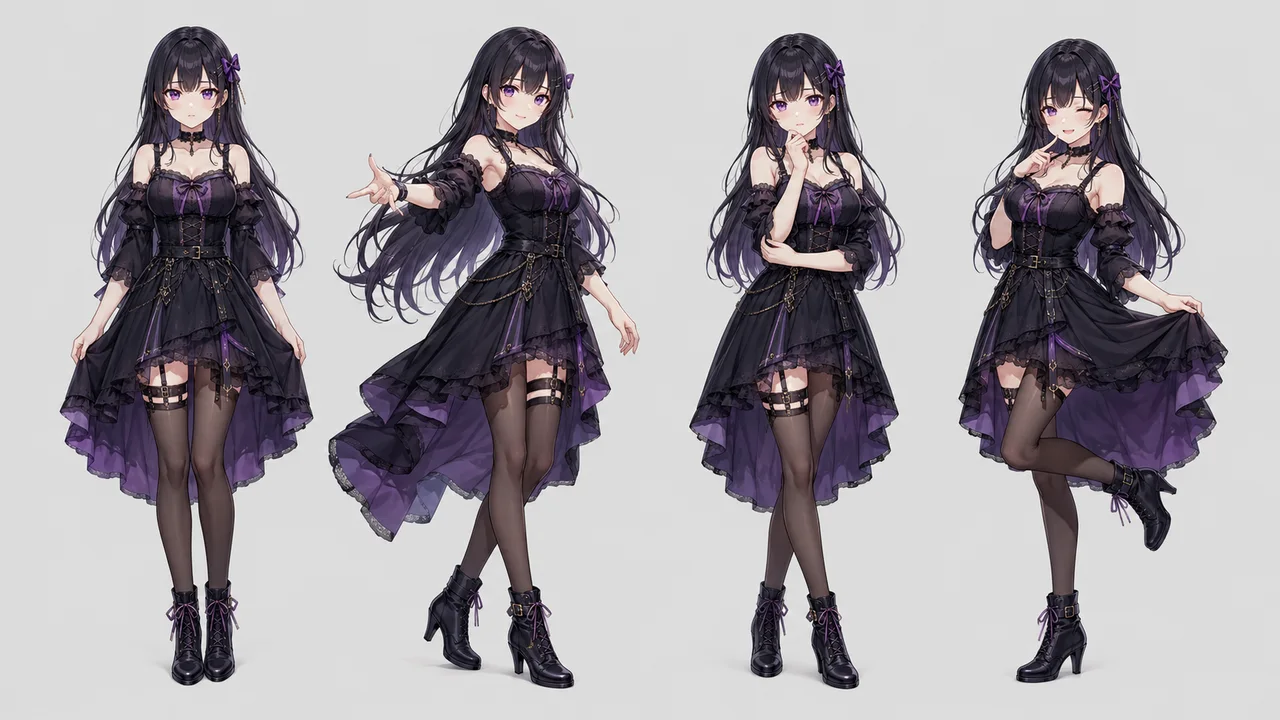
AI Character Maker keeps the same face and outfit while you change pose or expression, so your AI character stays recognizable scene to scene.
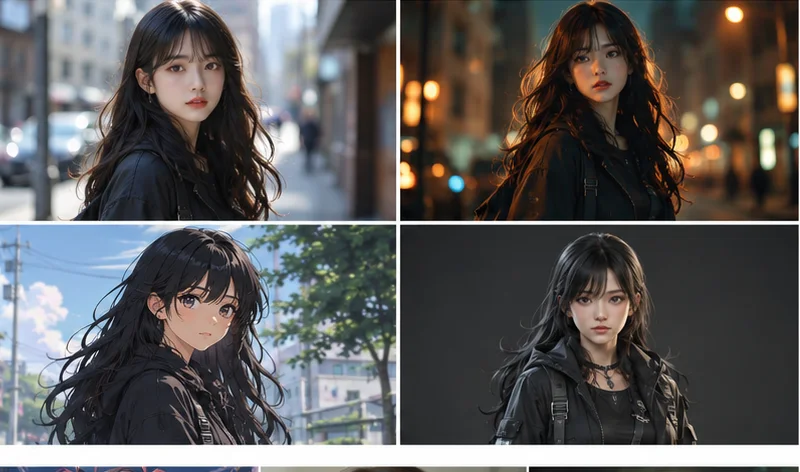
Create anime, cartoon, realistic, or game-ready characters from one workspace — a single AI character maker covering many AI character generator styles.
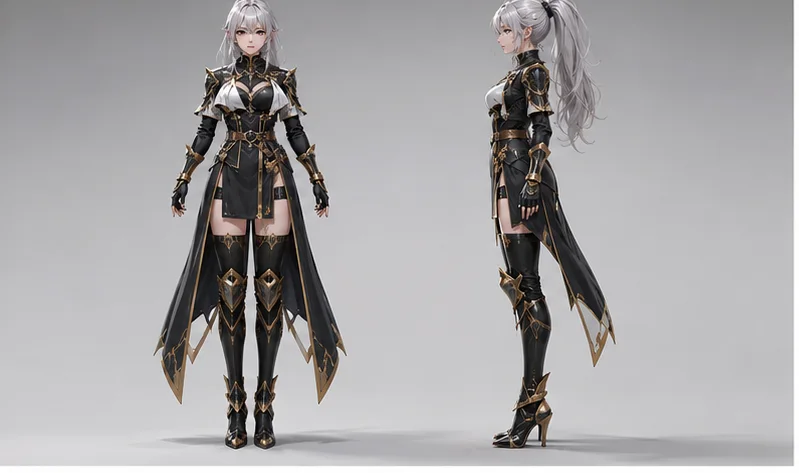
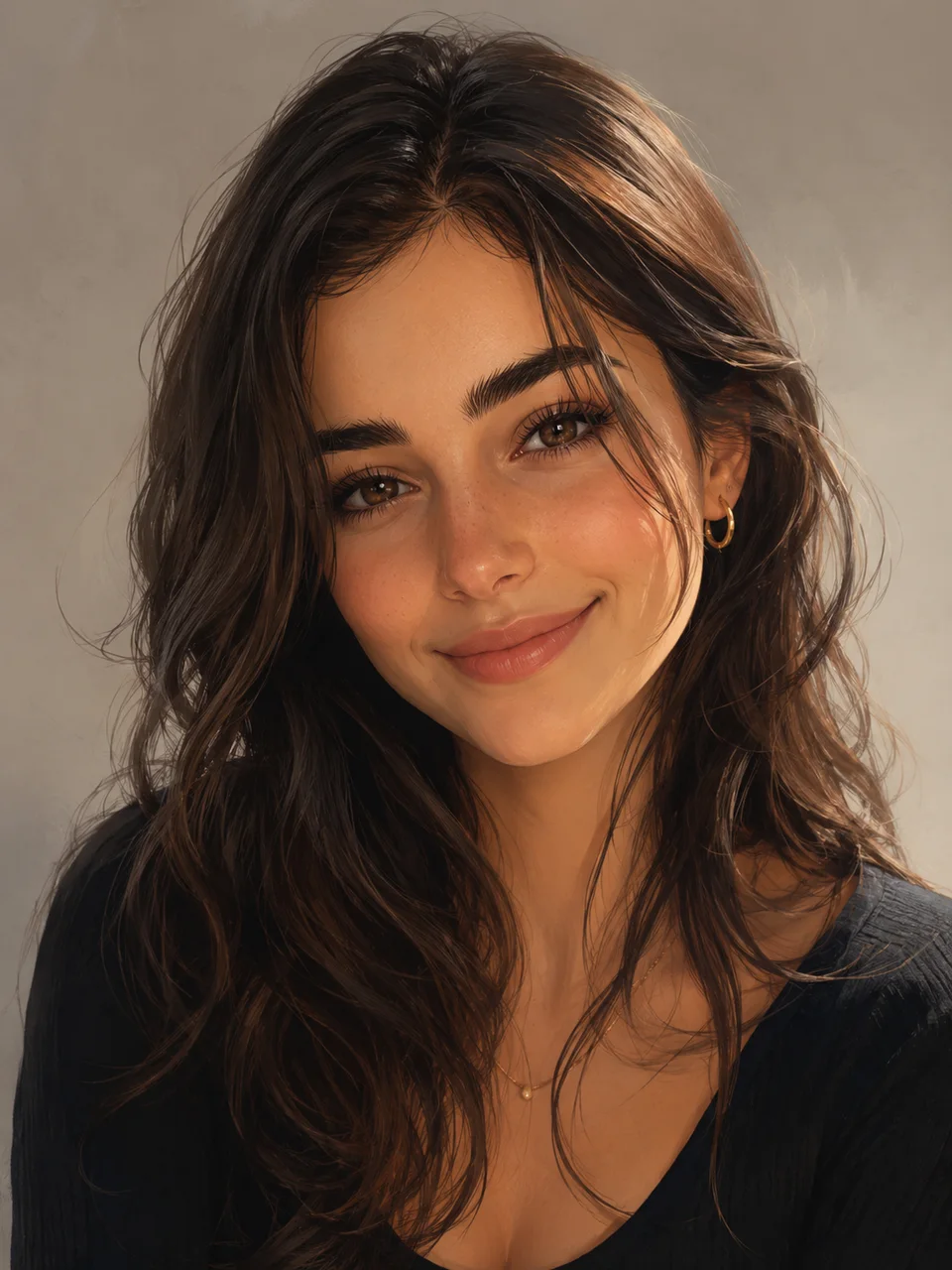
AI Character Maker generates close-up portraits and full-body character sheets, so you can build avatars or complete character designs from one prompt.
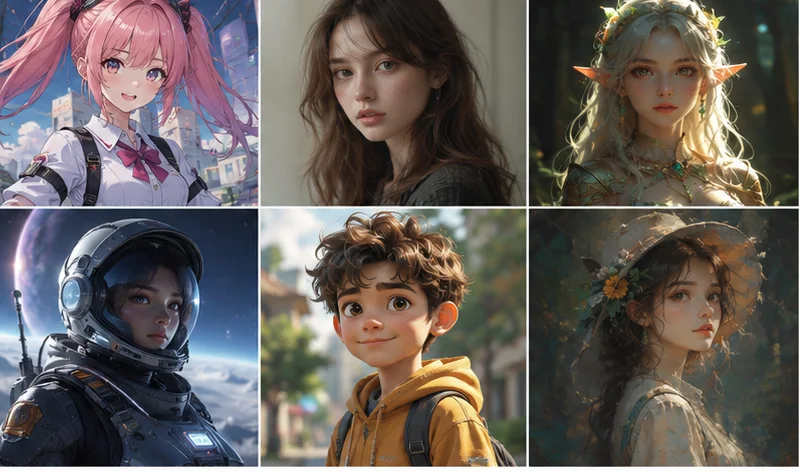
Review characters in the AI Character Maker workspace, regenerate variations, then download the AI character image you want in PNG.
Use cases
AI Character Maker fits anyone who needs an original character fast — from indie game art to social avatars and story characters.
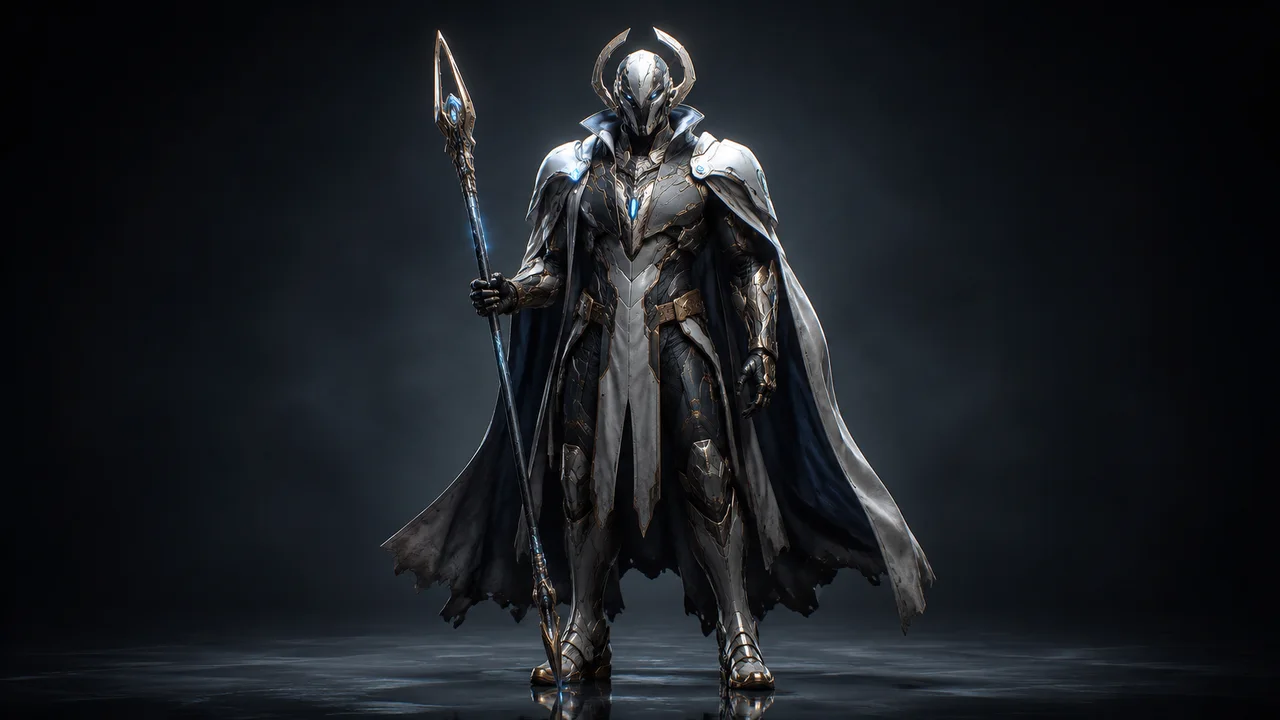
Use AI Character Maker for hero, NPC, or D&D-style characters in prototypes and concept art. AI Character Maker turns short prompts into game-ready visuals fast.
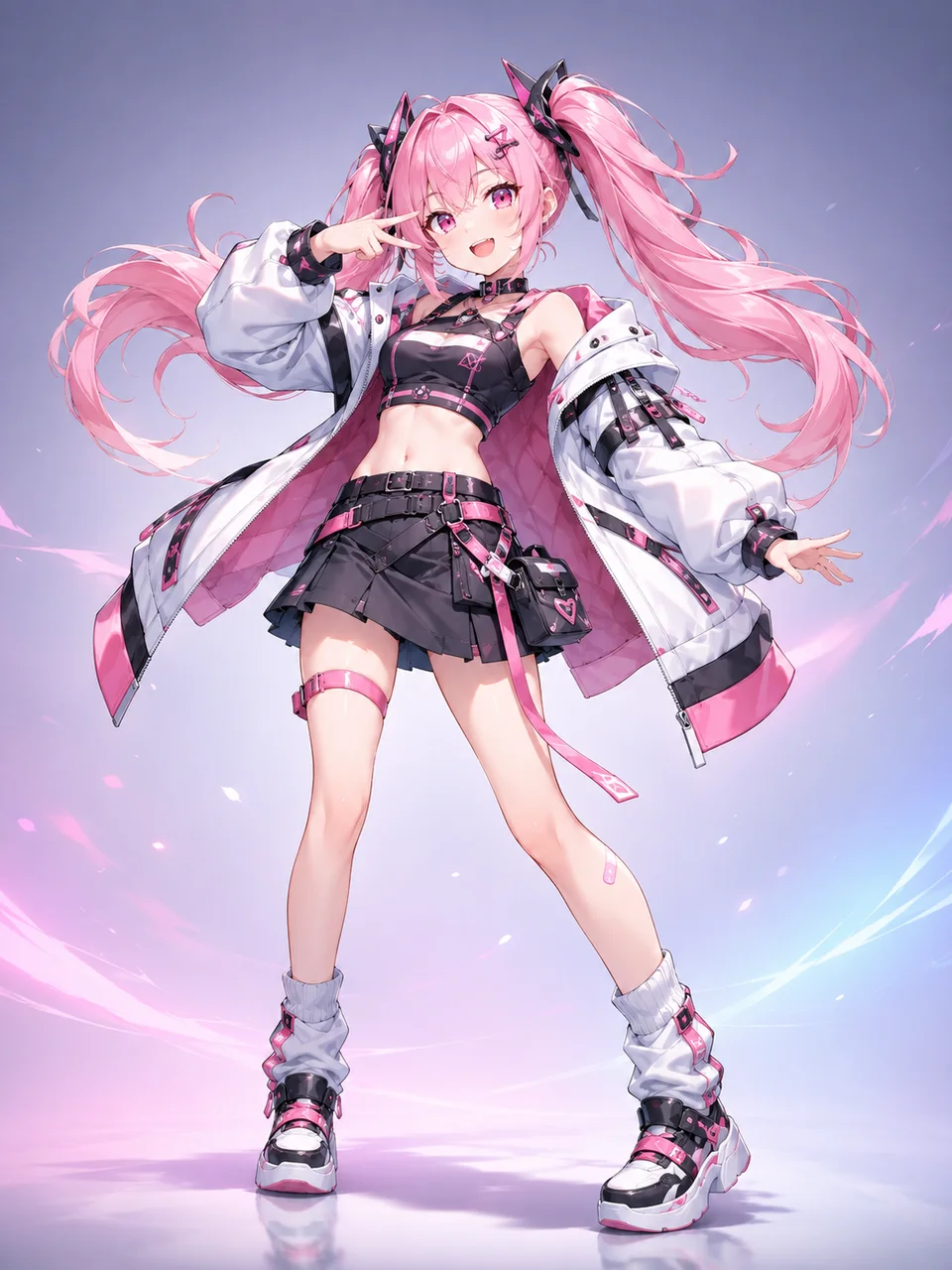
Generate anime-style characters and avatars for streams, posts, and fan art — AI Character Maker doubles as an AI anime character generator inside one tool.
Visualize protagonists and side characters for novels, comics, and scripts in AI Character Maker, so your story characters get a clear look from a single description.
Create a stylized character avatar from a photo in AI Character Maker for profiles, banners, and creator branding without hiring an illustrator.
Design a consistent brand mascot with AI Character Maker and reuse the same character across campaigns, ads, and social channels.
Spin up multiple character looks quickly to explore a direction before committing to final art, all from the same AI Character Maker workspace.
How it works
The AI character maker workflow stays fast: describe or upload a character, choose a style, then generate and download your AI character.
Step 01
Type a character description in the text tab, or upload a photo in the image tab to start AI Character Maker.
Step 02
Pick the look you want in AI Character Maker — anime, realistic, or game — and adjust the native settings before you create.
Step 03
Run AI Character Maker, compare variations, then download your AI character image when it looks ready.
User reviews
These reviews show how game artists, streamers, writers, and brands create original characters without rebuilding art from scratch.
Indie Game Artist
“With AI Character Maker I spin up hero and NPC concepts in minutes, so the team reviews character directions before committing to final art.”
VTuber & Streamer
“It works as an anime character generator for my stream avatars and fan art, so I do not have to redraw every look by hand.”
Comic Writer
“Visualizing protagonists from a short description keeps my story characters consistent panel to panel, which saves a lot of redrawing.”
Brand Designer
“We built a brand mascot and reused the same character across campaigns thanks to how consistent the generated results stay.”
FAQ
Answers cover how AI Character Maker works as an AI character generator, from photo input and styles to consistency and commercial use.
An AI character maker — also called a character creator AI — is a tool that creates an original character image from a text prompt or a photo. Instead of editing an existing picture, you generate a brand-new character to use for games, stories, avatars, and more.
Create your first AI character online — describe it or upload a photo, pick a style, then download the result from one AI Character Maker workspace.
Make a character