Vogoo.ai logoVogoo.ai
Video
Image
Audio
AI Tools
AI Models
AI Effects
AI Girl
Assets
X (Twitter)
AI Lip Sync Tool
Portrait photo(0/1)
Voice / audio track
Cost 130 creditsRemaining 15 credits
Preview
Sample

Upload a portrait photo and a voice track to create your lip-synced video.

AI Lip Sync — realistic lip sync from one photo

AI Lip Sync Tool

The AI lip sync tool matches mouth movements to your audio. Upload a portrait photo and a voice track, and the lip sync AI animates the face into a natural talking video — accurate lips, expression, and head motion, with no camera, actor, or editing.

AI Lip Sync toolPhoto + audio → videoFrame-accurate lip syncNatural head motionNo watermarkFree to start
Try the AI lip sync tool

Features Flow

Why the AI Lip Sync Tool Looks Real

An AI lip sync tool synchronizes a face to a voice track. You upload a portrait photo and audio, and the lip sync AI aligns the mouth, jaw, and expression to every word — turning a still image into a realistic talking video that looks recorded, not animated.

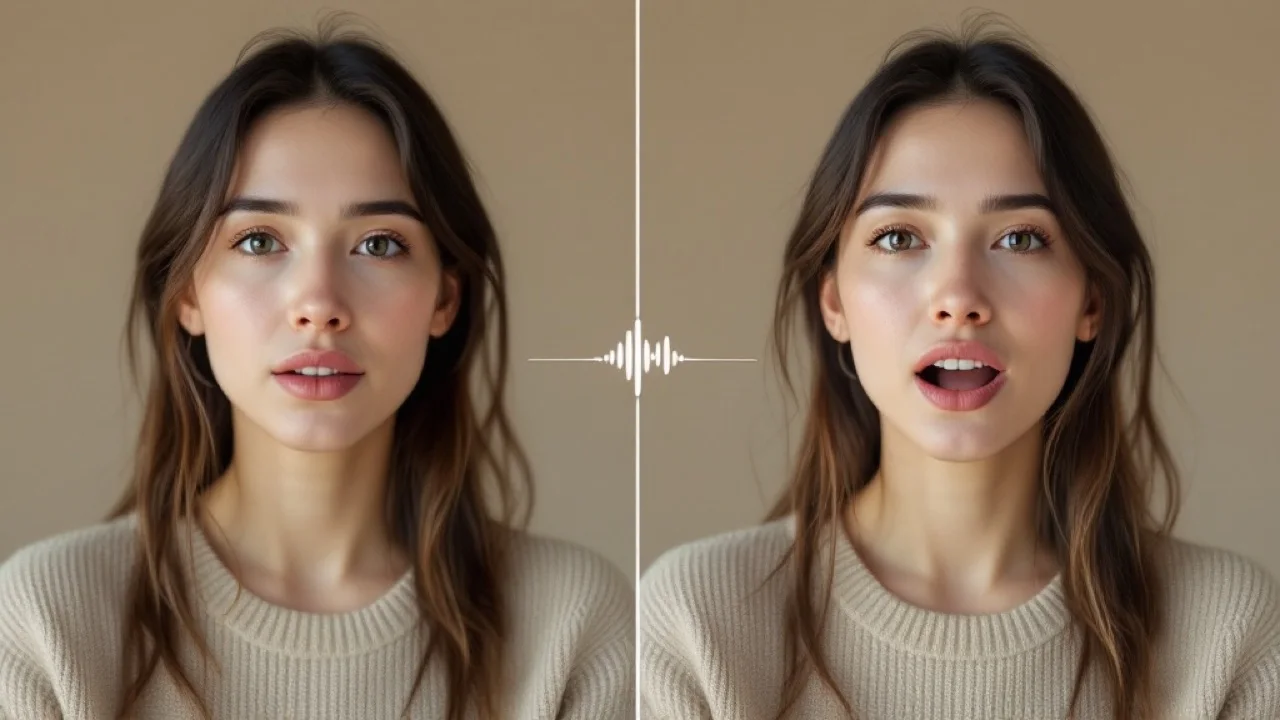
AI lip sync tool aligning mouth movements to an audio trackLip sync

AI Lip Sync accuracy

mouth matches every word

01

Frame-accurate lip sync

The AI lip sync tool aligns mouth shapes to every syllable of your audio, so speech looks spoken — not pasted on. AI Lip Sync is the accuracy engine behind a natural, believable AI lip sync video.

  • Phoneme-accurate mouth movement
  • Lips, jaw, and expression follow the voice
  • Reads as recorded, not animated
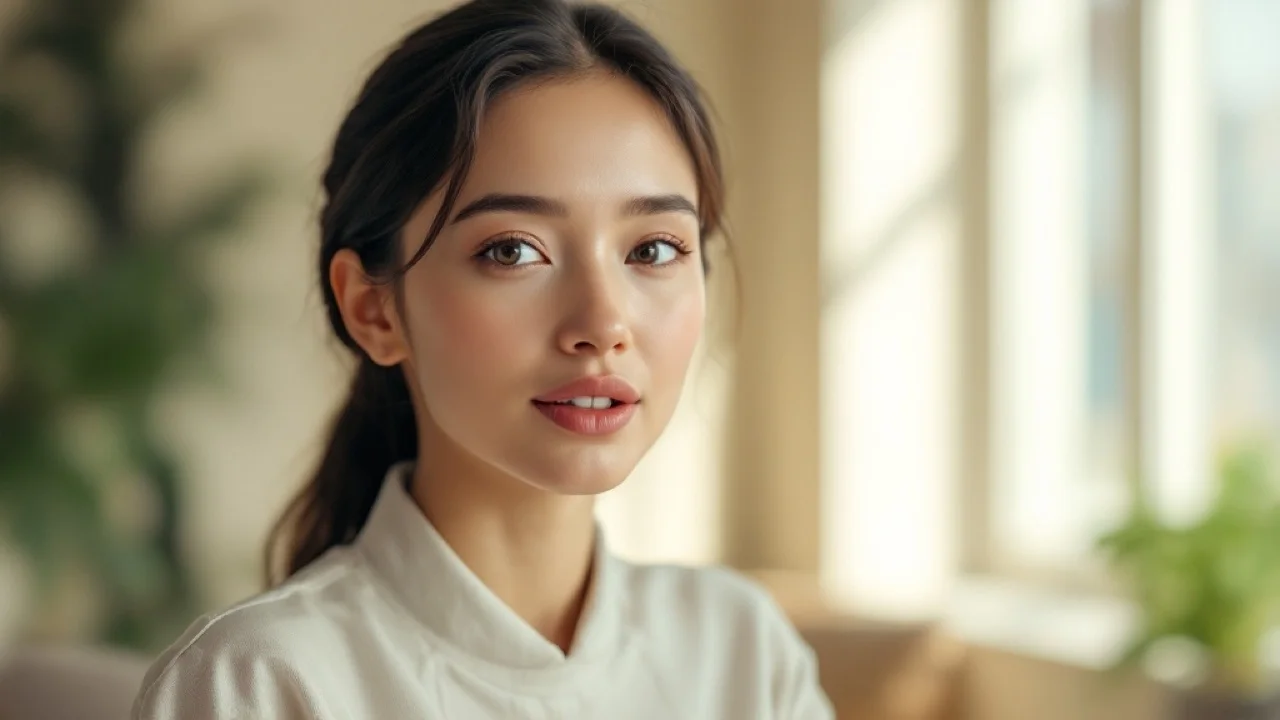
AI lip sync tool turning a still photo into a talking videoLip sync

Photo to talking video

one portrait starts speaking

02

Turn a still photo into a talking video

Upload one front-facing photo and AI Lip Sync animates it into a full talking clip — a single portrait becomes an AI lip sync spokesperson in minutes, no footage or filming required.

  • Works from a single portrait photo
  • Keeps the original face and framing
  • Great for ai lip sync video and avatars
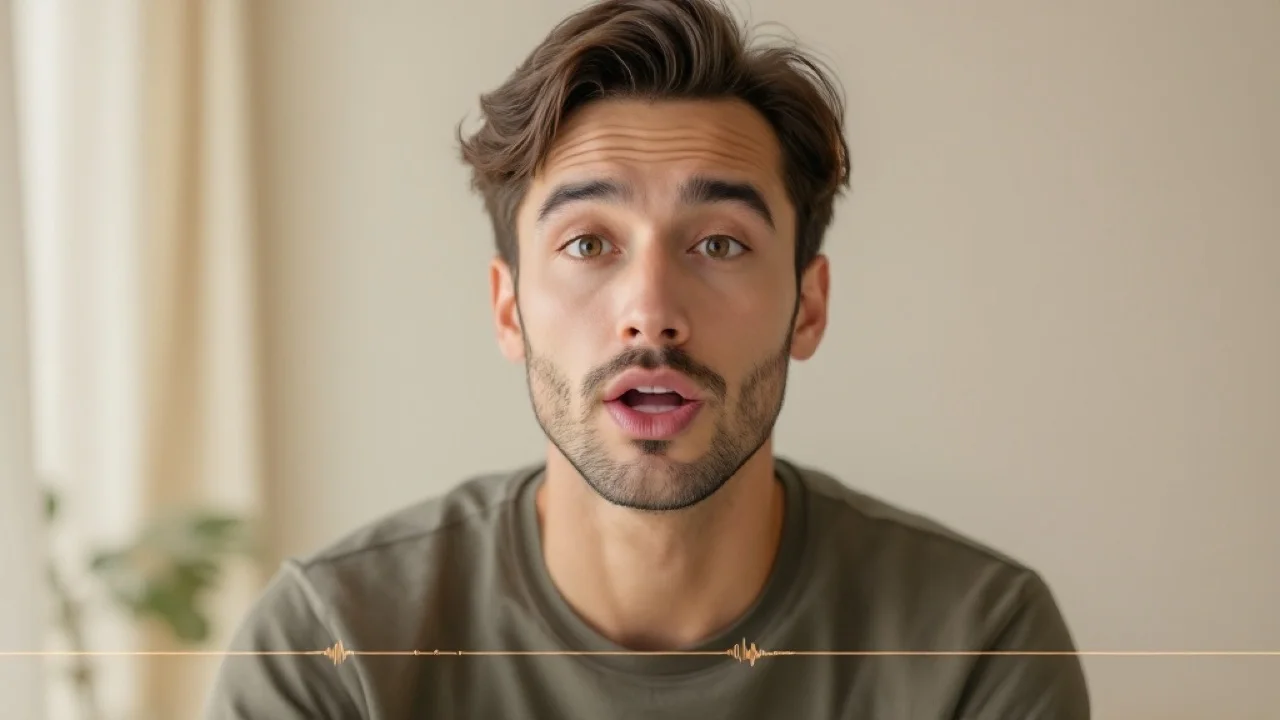
AI lip sync tool with natural head and facial motion on a portraitLip sync

Realistic motion

expression and head movement

03

Lifelike head and facial motion

Beyond the mouth, AI Lip Sync adds subtle blinks, head tilts, and expression, so the AI lip sync video feels human instead of a flat, looping animation.

  • Natural blinks and head motion
  • 720p talking-head output
  • Clips up to about 15 seconds
AI lip sync tool exporting a clean watermark-free talking videoLip sync

Online & watermark-free

download ready to share

04

Browser-based, no software, no watermark

Run the whole AI lip sync generator in your browser — no After Effects, no plugins. The AI lip sync tool needs no install: upload, generate, and download a clean MP4 with no watermark. Start with free Vogoo credits.

  • No install, runs online
  • Clean MP4, no watermark
  • Free credits to start

Use cases

What People Use the AI Lip Sync Tool For

From faceless videos to explainers, the AI lip sync tool turns any photo into a lip-synced talking video in seconds — a fast, online AI lip sync tool for everyday content.

Social creators & Shorts

Narrate faceless videos with a lip-synced talking head instead of filming yourself — the AI lip sync tool is perfect for short-form and UGC content.

Marketing & UGC ads

Turn a product or persona photo into a talking spokesperson for posts and ads with the AI lip sync tool.

Education & explainers

Put an AI lip sync presenter on slides and courses without a camera, studio, or on-screen host.

Virtual spokespeople & avatars

Give a brand avatar a consistent voice and accurate lip sync for demos, onboarding, and announcements.

Dubbing & localization

Lip-sync the same face to different language voice tracks to localize one message fast with the lip sync AI.

Accessibility & voiceovers

Add an AI lip sync presenter to narration and voiceovers so information is easier to follow.

How it works

How to Use the AI Lip Sync Tool in 3 Steps

The online AI lip sync tool makes it simple: upload a photo, add a voice track, and download your lip-synced talking video.

01

Step 01

Upload your photo

Add a clear, front-facing portrait you want to bring to life. The AI lip sync tool reads the face and gets it ready to speak.

02

Step 02

Add your audio

Upload the voice track (MP3, WAV, AAC, OGG) that drives the lip sync. AI Lip Sync will match the mouth to the speech.

03

Step 03

Generate & download

The AI lip sync tool renders a talking video synced to your audio, then you download a clean, no-watermark MP4.

Why creators use it

Why Use the AI Lip Sync Tool

The AI lip sync tool delivers accurate lip sync, secure uploads, and clean, watermark-free output — without a camera, actor, or video editing.

Accurate lip sync

The AI lip sync tool matches mouth and expression to every word for a natural talking head.

Secure uploads

Your photo and audio are processed securely for your task and never shared.

No watermark

Your lip-synced video downloads clean — no watermark baked onto the result.

No editing skills

No camera, actor, or video editor. Upload a photo and audio and AI Lip Sync does the rest.

User reviews

What Creators Say About the AI Lip Sync Tool

Creators use the AI lip sync tool for faceless videos, social content, and explainers that need a fast, realistic lip-synced talking head.

EF

Elena Fischer

Content Creator

“The AI lip sync tool lets me put a real talking host on every faceless video without turning on a camera. The lips actually match the audio.”

MR

Marcus Rivera

Social Media Manager

“I turn a product photo into a lip-synced spokesperson in seconds. The clips feel recorded, not animated.”

PN

Priya Nair

Course Creator

“My slides finally have a presenter. I upload a portrait and my narration and the lip sync AI does the rest.”

EF

Elena Fischer

Content Creator

“The AI lip sync tool lets me put a real talking host on every faceless video without turning on a camera. The lips actually match the audio.”

MR

Marcus Rivera

Social Media Manager

“I turn a product photo into a lip-synced spokesperson in seconds. The clips feel recorded, not animated.”

PN

Priya Nair

Course Creator

“My slides finally have a presenter. I upload a portrait and my narration and the lip sync AI does the rest.”

EF

Elena Fischer

Content Creator

“The AI lip sync tool lets me put a real talking host on every faceless video without turning on a camera. The lips actually match the audio.”

MR

Marcus Rivera

Social Media Manager

“I turn a product photo into a lip-synced spokesperson in seconds. The clips feel recorded, not animated.”

PN

Priya Nair

Course Creator

“My slides finally have a presenter. I upload a portrait and my narration and the lip sync AI does the rest.”

TB

Tom Becker

Marketer

“Great for quick explainers and ads. The talking video looks natural and downloads with no watermark.”

AP

Aisha Patel

Indie Founder

“I localized one announcement into three languages by swapping the voice track — same face, accurate lip sync each time.”

DP

David Park

Hobbyist

“Making a photo talk is genuinely fun, and the lip sync is way more realistic than the talking-photo apps I tried before.”

TB

Tom Becker

Marketer

“Great for quick explainers and ads. The talking video looks natural and downloads with no watermark.”

AP

Aisha Patel

Indie Founder

“I localized one announcement into three languages by swapping the voice track — same face, accurate lip sync each time.”

DP

David Park

Hobbyist

“Making a photo talk is genuinely fun, and the lip sync is way more realistic than the talking-photo apps I tried before.”

FAQ

AI Lip Sync Tool FAQ

Answers to the questions people ask about the AI lip sync tool — how it works, free credits, formats, accuracy, and languages.

More Vogoo Tools For Video

AI Talking AvatarImage to VideoText to VideoAI Character Maker

Lip-Sync Any Photo to Audio with AI

Upload a portrait and a voice track — the AI lip sync tool returns a realistic, no-watermark talking video in seconds, free to start.

Try the AI lip sync tool