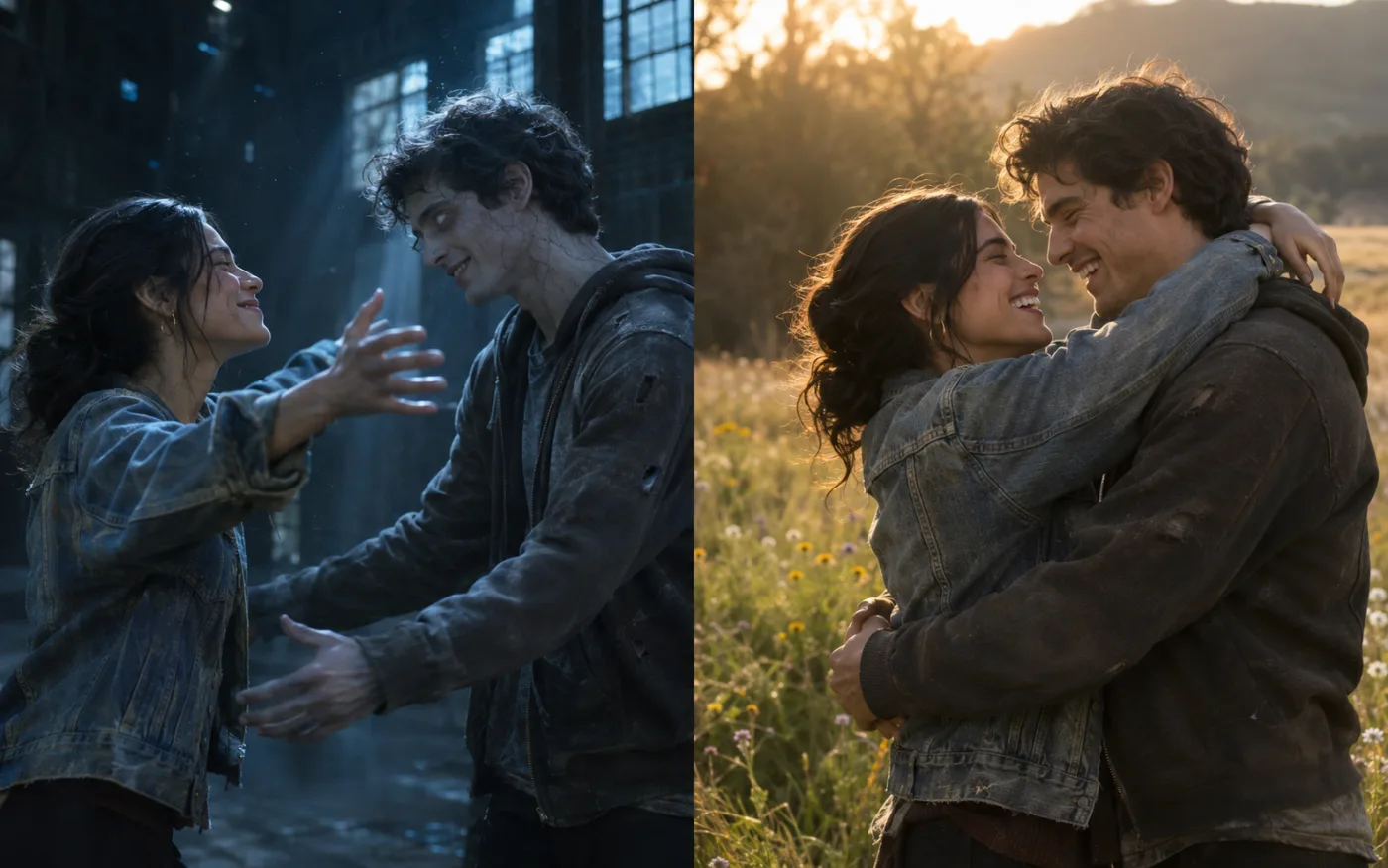
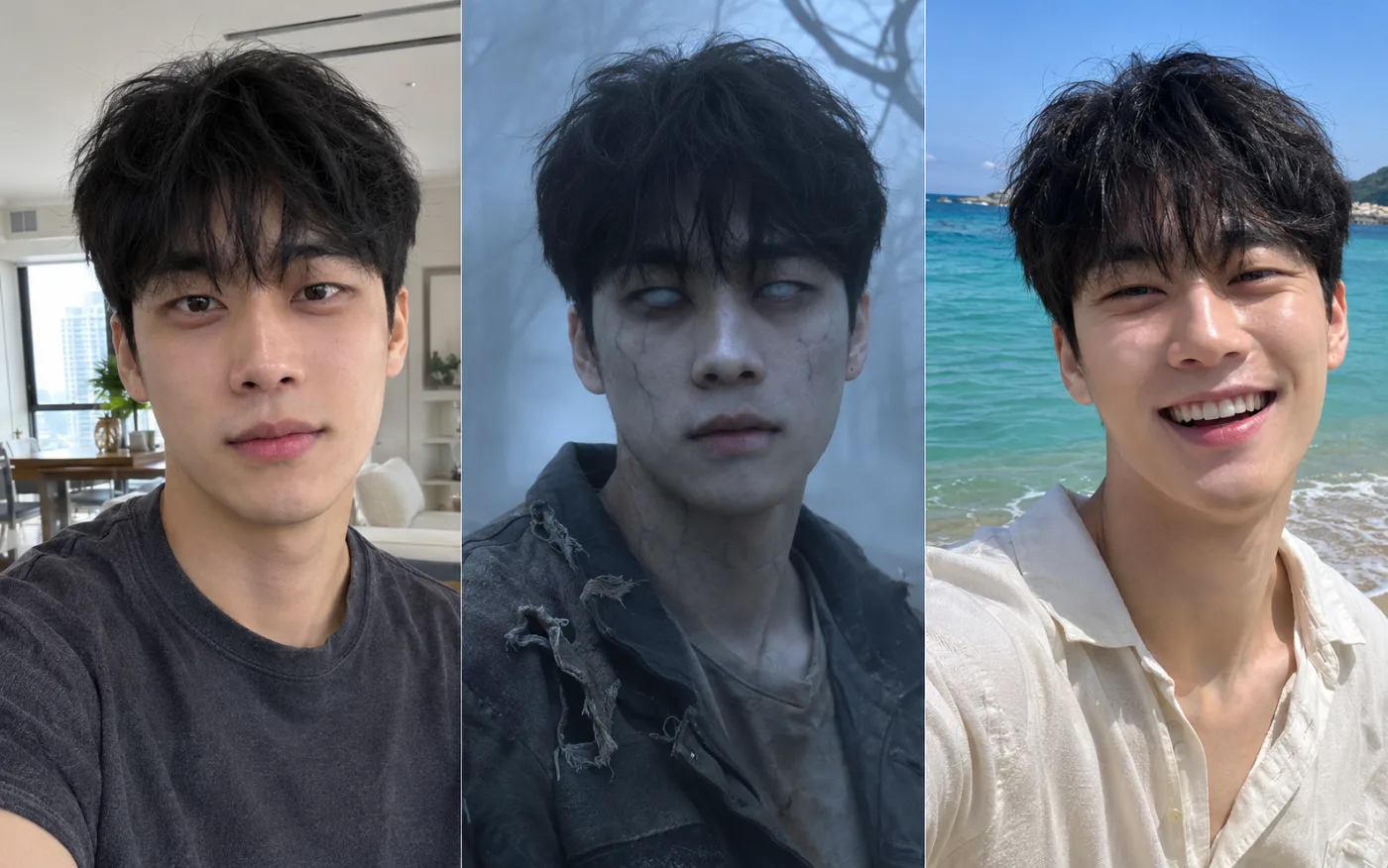
The zombie should still look like the person you love. Upload two photos, tap Zombie Love Story and get your AI zombie video: the hug, the memory, gentle makeup instead of gore.
Describe the video content, such as scene, action, style, etc.
0 / 5000
5s
1
720p
16:9
Generate Audio
AI Zombie Video Ideas
AI Zombie Video Ideas
Tap an idea to load its prompt, then upload your photos
What Is an AI Zombie Video?
An AI zombie video is a short clip from the AI zombie trend: one person has turned, a loved one recognises them and hugs them, and the scene cuts to a happy memory.
Unlike a zombie filter on one selfie, an AI zombie video tells that zombie love story with two photos, and both faces stay yours.
Every idea card follows these five lines; use them to write your own AI zombie video prompt.
01
Name the Roles
Write “the person in image 1” for the survivor and “the person in image 2” for the zombie, in every beat, so the faces do not swap.
02
Keep the Zombie Gentle
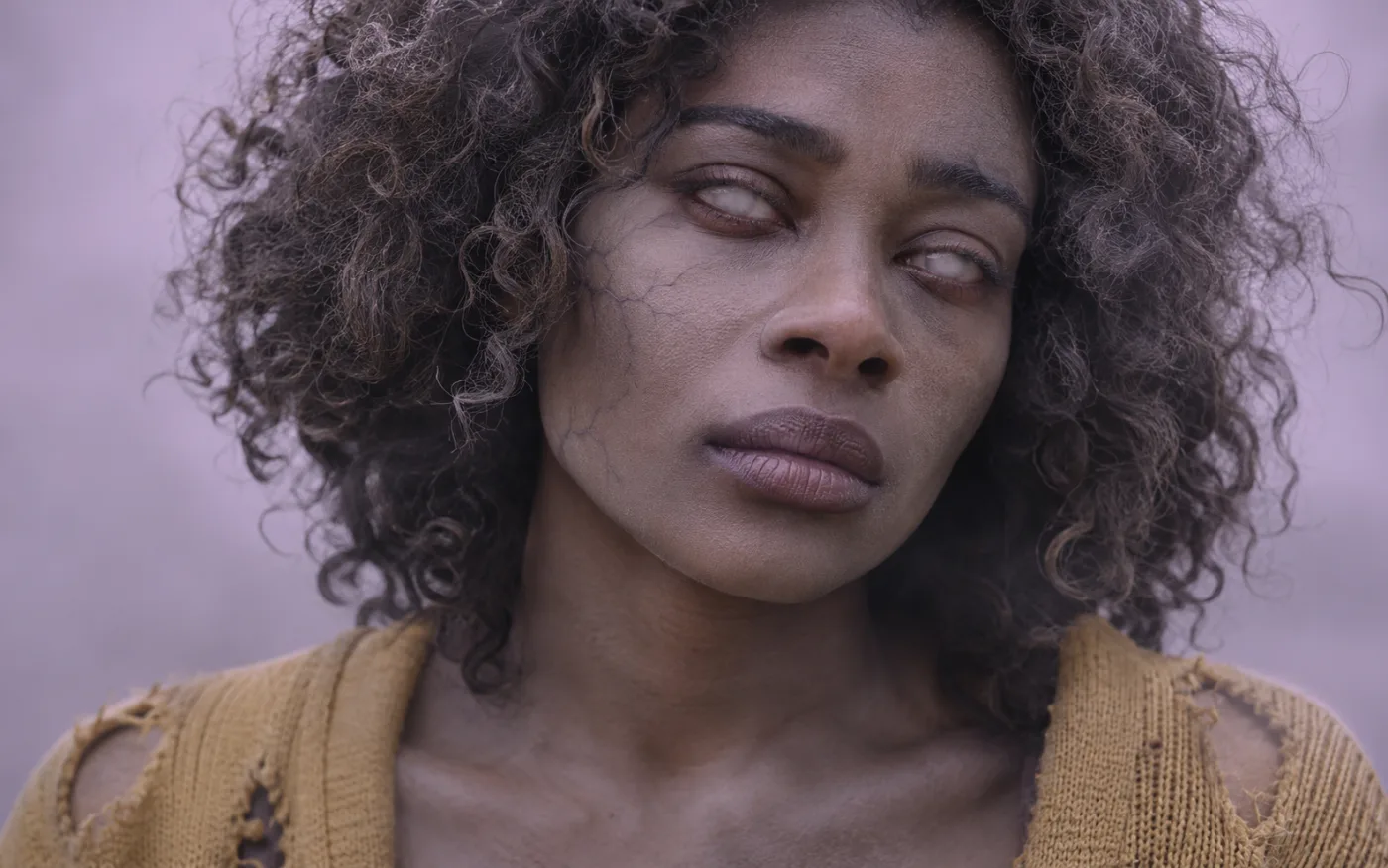
Pale grey skin, cloudy eyes, dusty clothes. A zombie you can still recognise is what makes the zombie hug hurt.
03
One Clear Choice
The survivor lowers the flashlight and opens both arms. One simple gesture reads better than a whole fight.
04
Cut on the Hug
Ask for a match cut at the moment of contact, the signature of every zombie love story, with the same pose and framing on both sides.
05
Opposite Memory
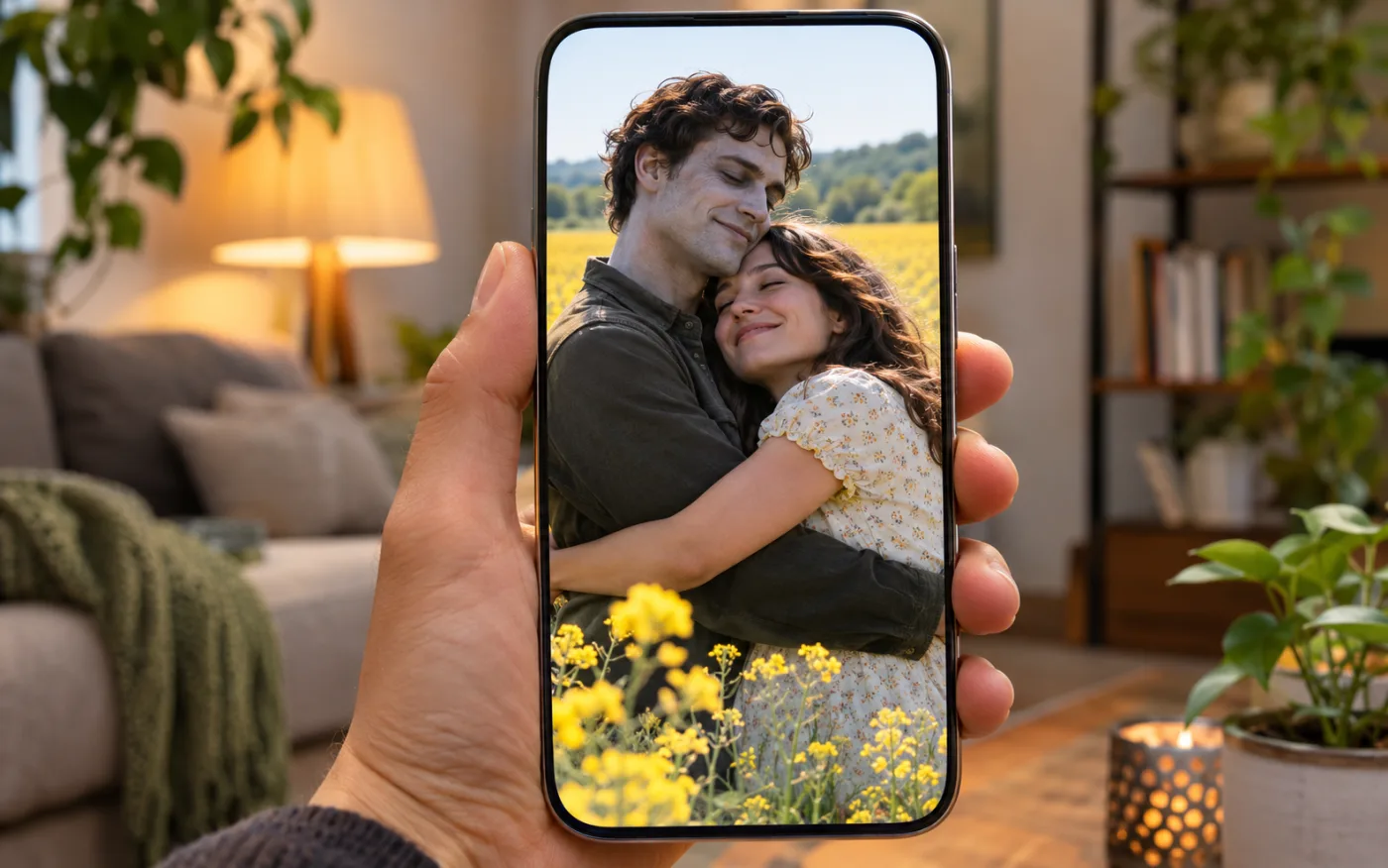
Dark and cold before, warm and sunny after: a meadow, a beach, a first dance. Every AI zombie video idea card includes it.
Features
Why Make Your AI Zombie Video Here
The story only lands when both people are obviously you.
Two Photos, Two Faces That Stay Yours
The hard part of an AI zombie video is one face in three states: the photo, the zombie and the healthy memory. Each photo goes in as its own reference image and every zombie love story prompt names image 1 and image 2 in each beat, so the two people do not swap.
A Zombie You Still Recognise, Without Gore
The AI zombie trend works because the zombie is still clearly your person. The idea prompts ask for a makeup-level look: pale grey skin, cloudy eyes and dusty clothes on clean skin. That keeps the zombie love story sad and sweet.
Vertical for TikTok and Reels, Sound On Request
Pick 9:16 for TikTok, Reels and Shorts or 16:9 for YouTube. Switch on Generate Audio and Seedance 2.5 renders an emotional score at no extra credit cost. An AI zombie video runs 4 to 15 seconds, up to 1080p.
Use Cases
Who Makes AI Zombie Videos
Six people who join the AI zombie trend.
Couples Posting a Zombie Love Story
Every couple on the feed has posted one. Partners upload a photo each and post their own AI zombie video the same night.
Long-Distance Partners
Long-distance couples send an AI zombie video that ends in the hug they are waiting for.
Best Friends and Siblings
Friends and siblings tap Best Friends Rooftop for a zombie love story about friendship.
Pet Owners and Their Zombie Dog
Owners tap Zombie Dog and get an AI zombie video with their own pet running into the hug.
Friend Groups Doing the Zombie Group Dance
Squads upload their photos and tap the card for a funny AI zombie video on a neon street.
Creators Riding the AI Zombie Trend
Creators change the memory scene and post a fresh AI zombie video while the sound is hot.
Add the survivor first and the zombie second: clear faces, no sunglasses, up to 10 MB each in PNG, JPG or WebP.
Step 2
Tap an Idea or Edit the Prompt
Pick one of six ideas, from Zombie Love Story to Zombie Group Dance, change the memory scene, choose 9:16 and switch on Generate Audio for sound.
Step 3
Generate and Post
The button shows the credit cost before you render. Download your AI zombie video as an MP4, or rerun with a clearer photo.
FAQ
AI Zombie Video FAQ
The AI zombie trend, the zombie love story prompt, the zombie dog, sound and cost.
What Is the AI Zombie Trend, or Zombie Hug Trend?
A short-video trend on TikTok and Reels, also called the zombie hug: someone meets a loved one who has turned into a zombie, chooses to hug them anyway, and the clip cuts to a happy memory of the two.
How Do I Make an AI Zombie Video With My Own Photos?
Upload one clear photo of each person, tap Zombie Love Story and generate. The first photo is the survivor and the second is the zombie.
Which Photo Turns Into the Zombie?
The second one. The idea prompts call the survivor “image 1” and the zombie “image 2”. To swap who turns, swap the two numbers in the prompt.
Is the AI Zombie Video Gory?
The idea prompts ask for a makeup-level look: pale grey skin, cloudy eyes and dusty clothes on clean skin. You can edit the prompt, but the gentle look is what the AI zombie trend uses.
What Is the Zombie Love Story AI Prompt?
Four beats: the zombie appears, the survivor hesitates, they hug, and a match cut lands on a happy memory. The full zombie love story prompt loads in the prompt box and you can edit any word.
Which Memory Scene Works Best in a Zombie Love Story?
One that reads in a second and looks nothing like the dark opening: a sunny meadow, a beach, a first dance, your first-date café. Edit the last beat of the zombie love story prompt to set yours.
Can I Make an AI Zombie Video With My Dog or Cat?
Yes. Upload your photo first and your pet’s photo second, then tap Zombie Dog. The Zombie Dog prompt asks to keep the breed and markings from your photo. For a cat, change “dog” to “cat” in the prompt.
Can I Make the Zombie Group Dance?
Yes. Upload a photo of each friend (up to 9 reference images) and tap Zombie Group Dance. It is the funny version of the AI zombie trend: everyone dances in sync on a neon street.
Is There a Free AI Zombie Video Generator?
Video generation here costs credits, and the 20 sign-up credits are not enough for a video. The Generate button shows the cost first. One-time Mini Packs start at $19.99 for 901 credits that never expire, with no subscription.
Does the AI Zombie Video Have Sound?
Yes, with Generate Audio switched on (it is off by default): Seedance 2.5 renders an original score at no extra credit cost. To use the AI zombie trend song, add it from the app’s sound library when you post.
Why Do the Faces Change or Swap?
Blurry photos, sunglasses and group shots make faces drift. Use sharp front-facing photos, keep “image 1” and “image 2” in every beat and rerun.
How Long Should an AI Zombie Video Be?
A zombie love story needs about 10 to 15 seconds for all four beats; 4 to 8 seconds is enough for the hug and the cut alone.
Can I Use Another Model for My AI Zombie Video?
Yes. The Reference to Video menu also lists Seedance 2.0 and Wan 2.7, and Kling 3.0 sits on the Image to Video tab, where one photo of you both becomes the first frame. Seedance 2.5 is the default because it handles several reference photos and renders audio.
Is the Zombie Love Story a Filter or a Template?
Neither. The zombie love story is a video format, and a zombie filter only repaints one selfie. Here you make an AI zombie video from two photos and an editable prompt on Seedance 2.5.
Whose Photos Can I Use?
Your own, or photos of people who agreed to it. Skip celebrities and strangers, and label the result as AI when you post.