
01
Text to video in 1080p
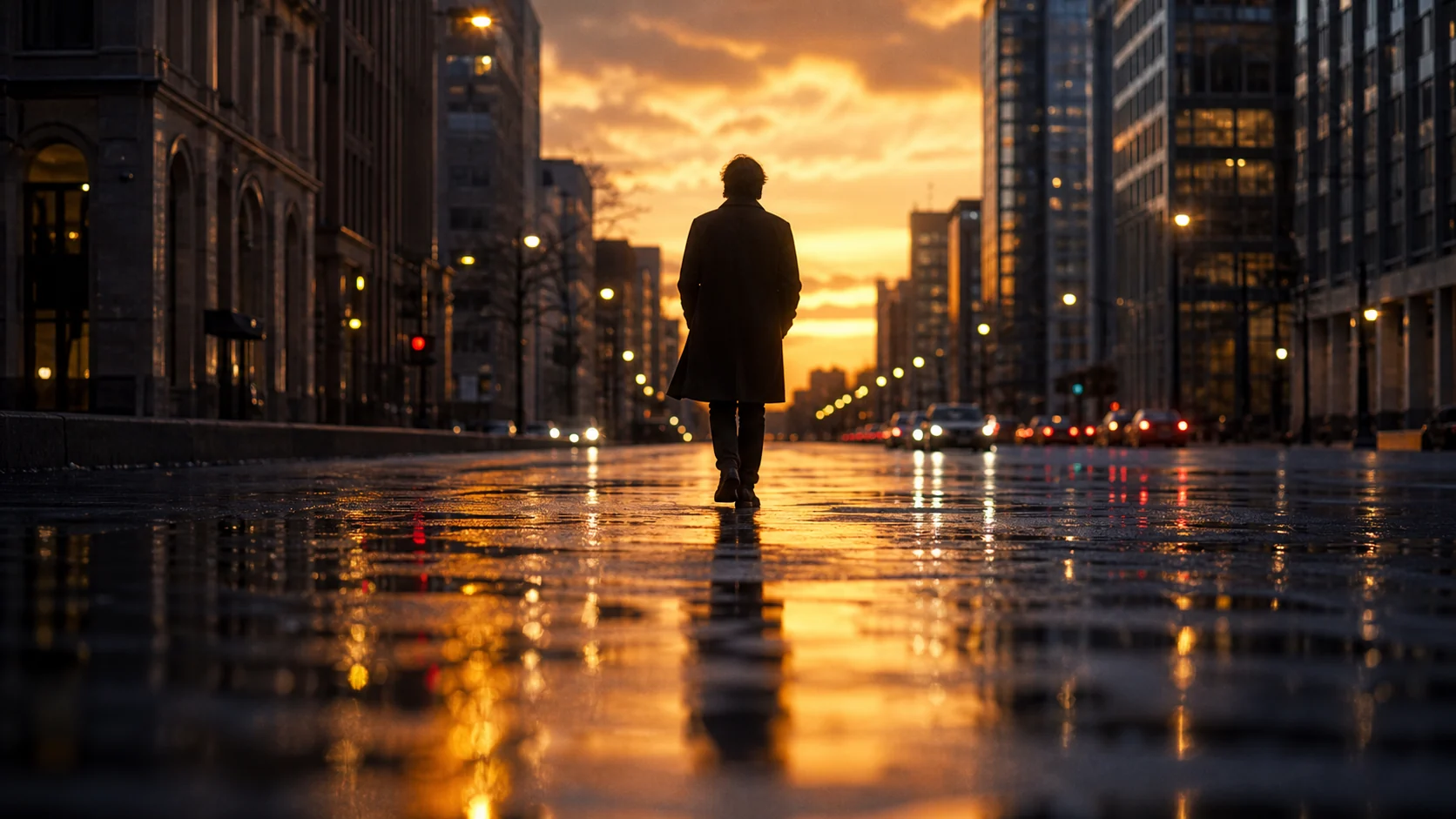
Type a scene and the Wan 2.7 video generator renders a sharp 1080p clip with native audio. Wan 2.7 handles complex scenes and motion-heavy prompts with noticeably better coherence than earlier Wan versions.
Open-source AI video generation
Wan 2.7 is Alibaba's latest open-source video model with significantly improved motion coherence and 1080p output. Use the Wan 2.7 video generator in Vogoo to turn prompts or images into smooth, cinematic clips with native audio — no local GPU required.
Features
The Wan 2.7 video generator turns a prompt or image into a 1080p clip with native audio and coherent motion — built for creators who want open-source quality in the cloud.
Type a scene and the Wan 2.7 video generator renders a sharp 1080p clip with native audio. Wan 2.7 handles complex scenes and motion-heavy prompts with noticeably better coherence than earlier Wan versions.
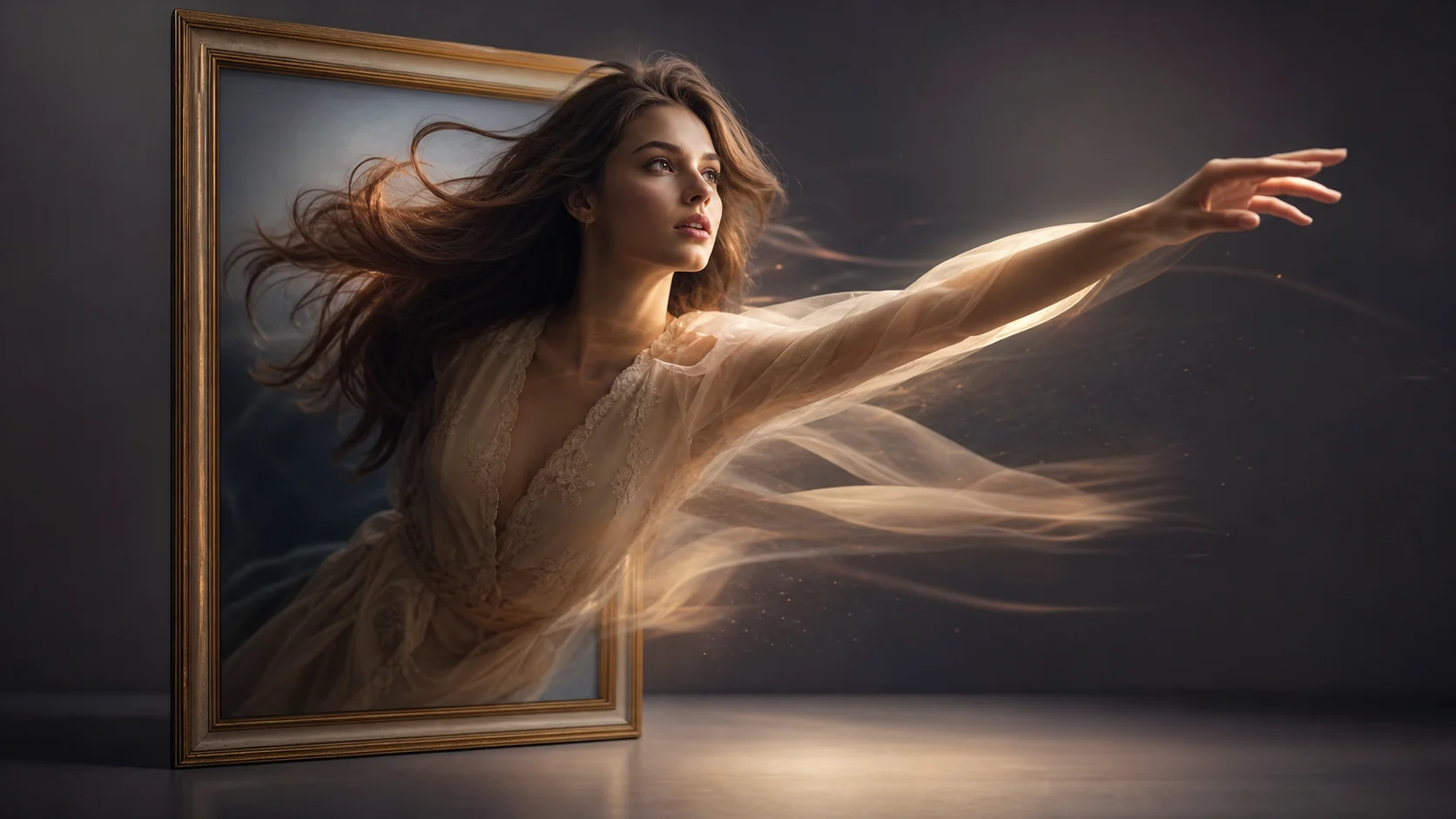
Upload a still and Wan 2.7 animates it while preserving subject identity, composition, and fine detail. The Wan 2.7 video generator is ideal for turning product photos, concept art, or portraits into motion clips.
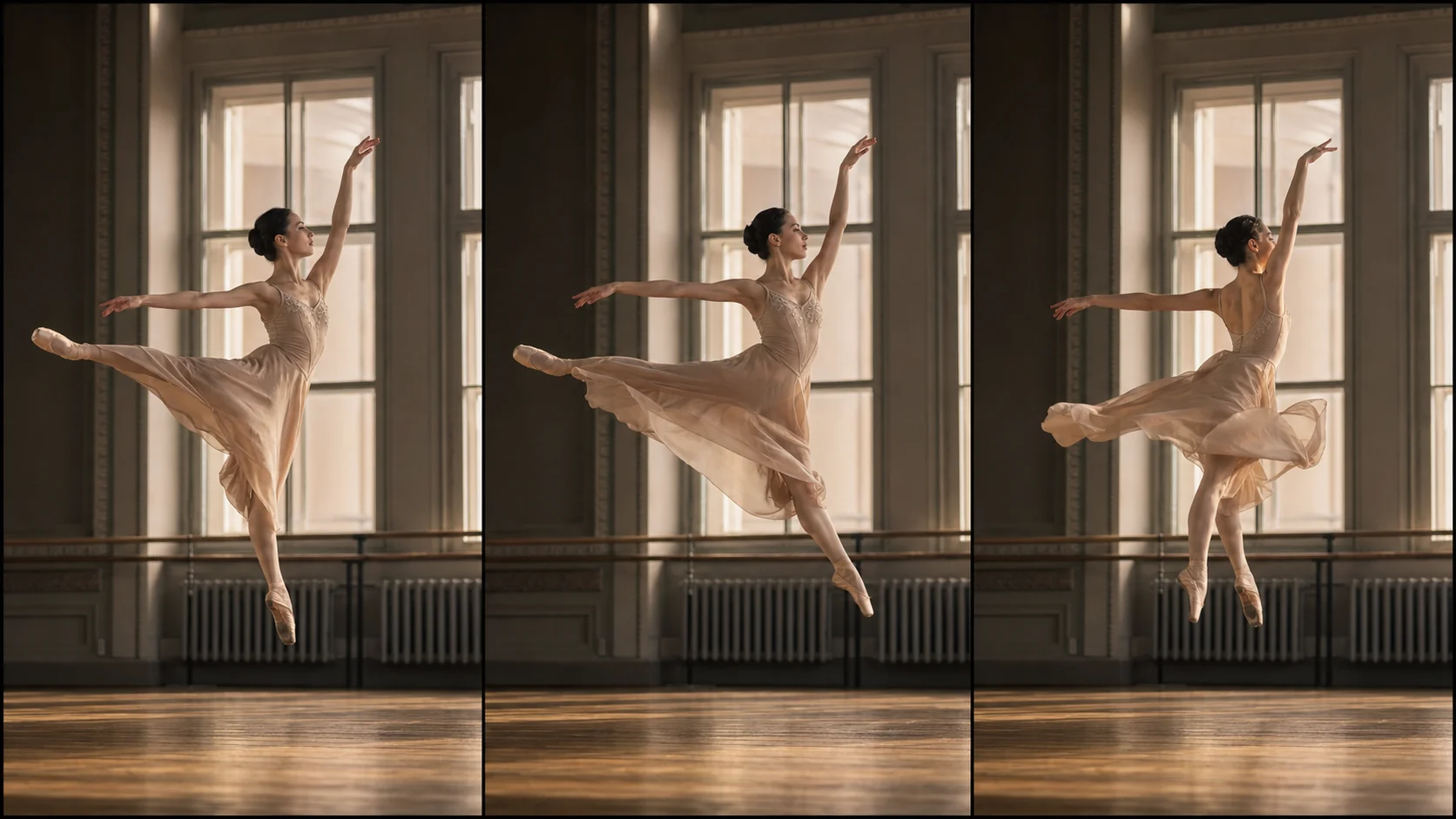
Wan 2.7 improves on earlier Wan models with stronger temporal consistency — subjects stay stable, backgrounds hold their shape, and motion flows naturally from the first frame to the last.
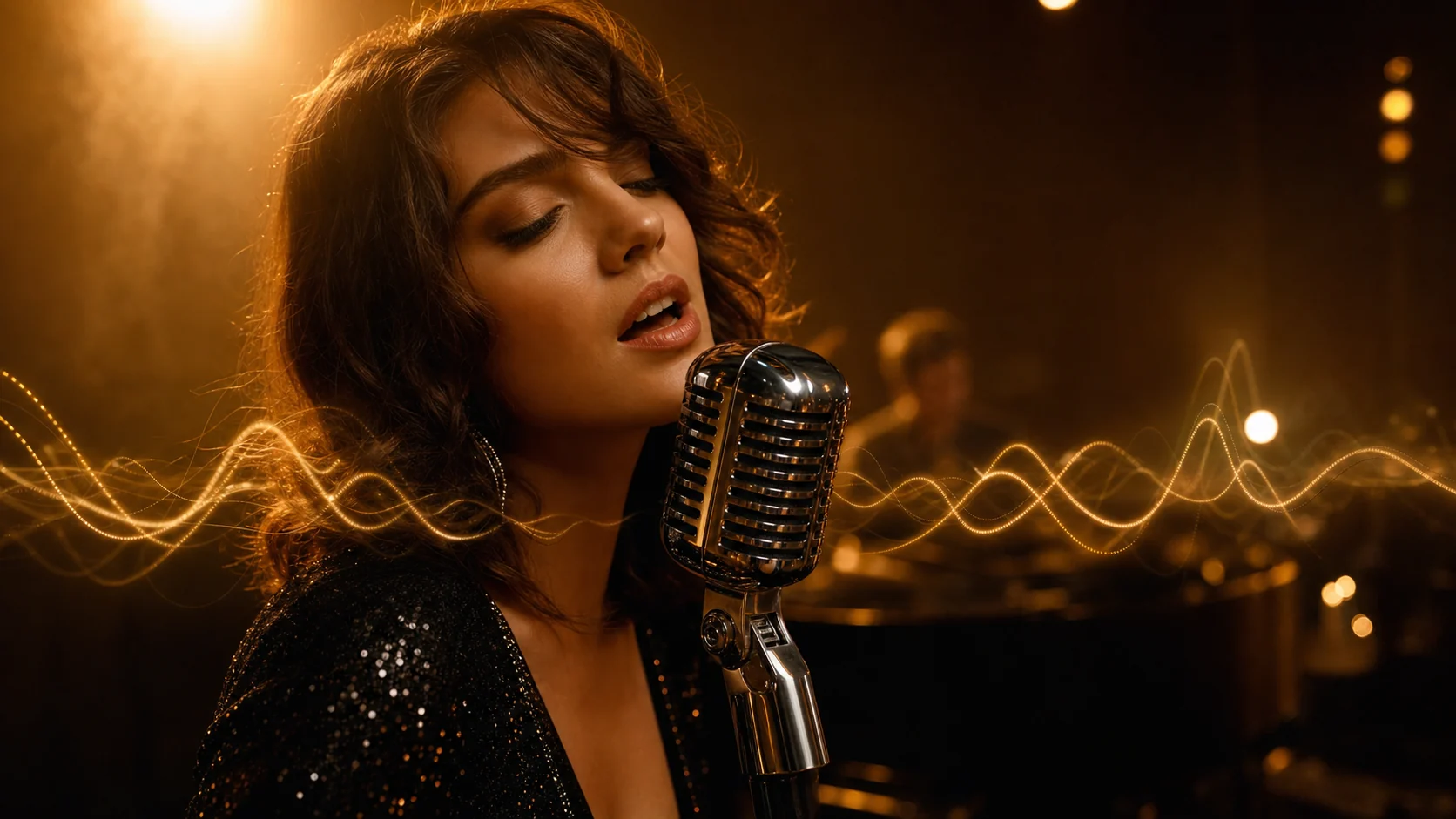
The Wan 2.7 video generator produces synced audio in the same pass as the video — ambient sound, music, or effects that match the clip without a separate audio step.
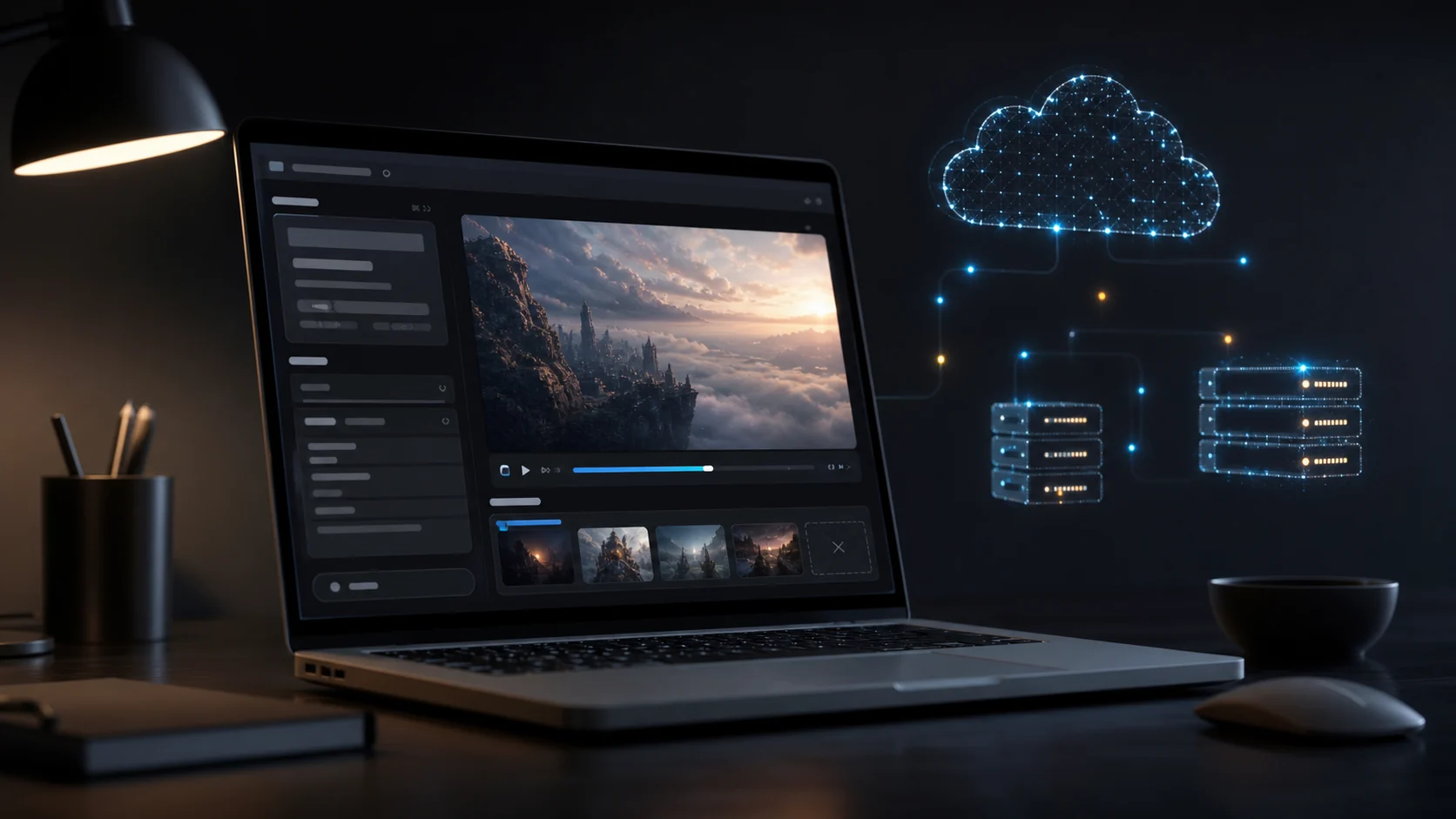
Wan 2.7 is fully open-source on HuggingFace and GitHub. In Vogoo you run the same model in the cloud — no hardware setup, no VRAM requirements, just prompt and generate.
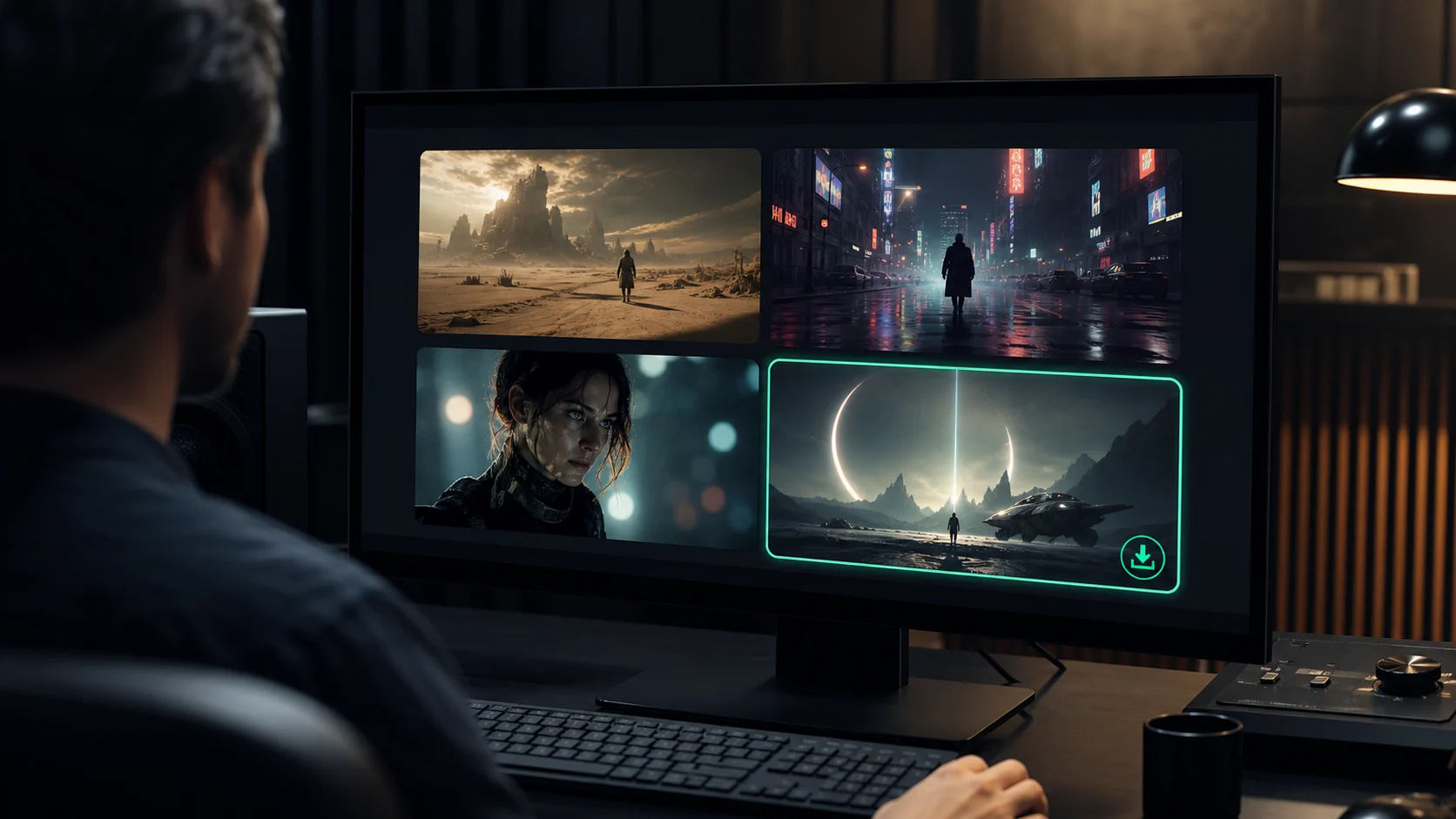
Review Wan 2.7 clips in the Vogoo workspace, generate multiple takes to compare motion and framing, then download the MP4 you want in a single workflow.
Compare
See how Wan 2.7 fits alongside the other Vogoo video models on resolution, duration, cost, and open-source availability.
| Wan 2.7 | Seedance 2.0 Mini | Seedance 2.5 | |
|---|---|---|---|
| Best for | Open-source 1080p creation | Fast, low-cost iteration | Top-end cinematic output |
| Max resolution | 1080p | 480p–720p | 1080p / 4K |
| Max duration | 15s | 15s | 30s |
| Credits per clip | 32+ | 4+ | 6+ |
| Native audio | Yes | Yes | Yes |
| Open source | Yes (HuggingFace) | No | No |
Use Seedance Mini for fast low-cost drafts, Wan 2.7 for open-source 1080p clips, and Seedance 2.5 for top-end cinematic quality.
Use cases
Wan 2.7 fits anyone who needs open-source 1080p AI video — from social content and product motion to previz and research.
Use the Wan 2.7 video generator to produce TikTok, Reels, and Shorts from a prompt or product image at 1080p — sharper output than lightweight models for feeds that reward quality. Select 9:16 for vertical social formats or 16:9 for YouTube Shorts and landscape content.
Animate product stills, lifestyle images, or ad concepts into motion clips for listings, launches, and paid campaigns without booking a production shoot. Generate multiple variations quickly to find the best-performing creative before a campaign goes live.
Turn scripts or reference frames into previz clips so directors and teams can review motion direction before committing to a full render. Generate multiple takes from the same script to explore different interpretations and share them with stakeholders for early feedback.
Wan 2.7 is the same open-source model available on HuggingFace. Use Vogoo to run it online while local researchers and developers work with the weights directly. Instructors and students can compare open-source generation quality in the browser and download clips for analysis.
Generate background loops, intros, and transitions from text or image input — consistent motion and native audio ready to drop into any editing timeline. Native audio generation means clips arrive with matching soundscapes, reducing post-production time.
Generate multiple takes from the same prompt with slight variations to find the motion, framing, and timing that works before committing to a final output. Credits are confirmed before each generation, so you stay in control of how many takes you produce.
How it works
The Wan 2.7 workflow stays simple: describe or upload, choose settings, then generate and download your 1080p clip.
Step 01
Enter a prompt in the text field to use the Wan 2.7 text-to-video generator, or upload an image to animate it with coherent motion. Be specific about subject, action, lighting, and camera direction for the most accurate results.
Step 02
Pick duration (2–15 seconds), aspect ratio, and whether to generate native audio alongside the clip. Longer durations and 1080p resolution give more cinematic results; shorter clips are faster to generate and use fewer credits.
Step 03
Run the generator, review the takes in the preview panel, then download the 1080p MP4 clip you want. Generate several takes from the same input to compare different motion interpretations before saving the final version.
FAQ
Answers cover what Wan 2.7 is, how it compares to earlier versions, resolution and duration, open-source availability, audio, and how to use it in Vogoo.
Wan 2.7 is Alibaba's latest open-source video generation model. It creates 1080p clips from text prompts or images with native audio and improved motion coherence over earlier versions. The model is part of Alibaba's ongoing open-source initiative to make high-quality video generation accessible to researchers, developers, and creators worldwide. Built on a transformer-based architecture optimized for temporal consistency, it supports text-to-video and image-to-video modes — both available in the Vogoo cloud workspace without any local GPU or installation required.
Generate your first Wan 2.7 video clip — describe a scene or upload an image, pick your settings, then download the 1080p MP4 from one workspace.
Generate a video