Vogoo.ai logoVogoo.ai
Upgrade
Video
Image
Audio
Prompts
AI Tools
AI Effects
AI Girl
AI Models
Assets
X (Twitter)

YouTube Banner Maker AI

Vogoo YouTube Banner Maker AI turns one prompt into a 2560 × 1440 channel banner, marks the 1235 × 338 safe area, and keeps the recommended YouTube banner size ready.

Exact 2560×1440 canvasSafe area drawnPrompt to youtube banneryoutube banner maker ai free to start
Make my banner

YouTube Banner Maker AI Prompt Guide

YouTube Banner Maker AI prompts work best when channel, scene, title and crop-safe centre come first.

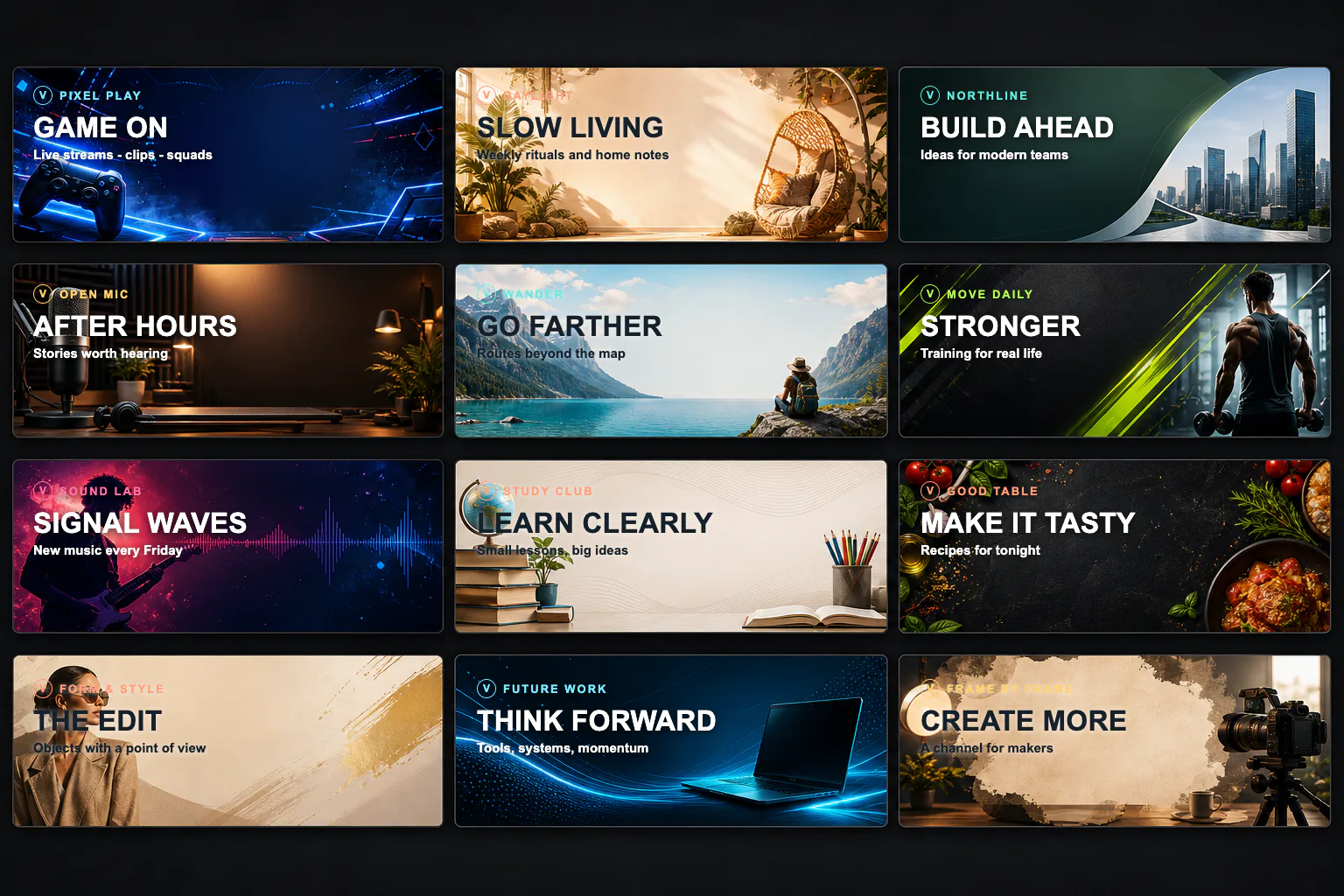
AI prompt workspace showing six YouTube channel banner concepts

Prompt formula for clean YouTube channel art

Give the model four decisions before style: channel, scene, title and crop note.

  • Define the channel: Name the niche first.
  • Choose one scene: Use one subject or environment.
  • Keep text short: Put one title in quotes.
  • Protect the edges: Ask for quiet outer edges.
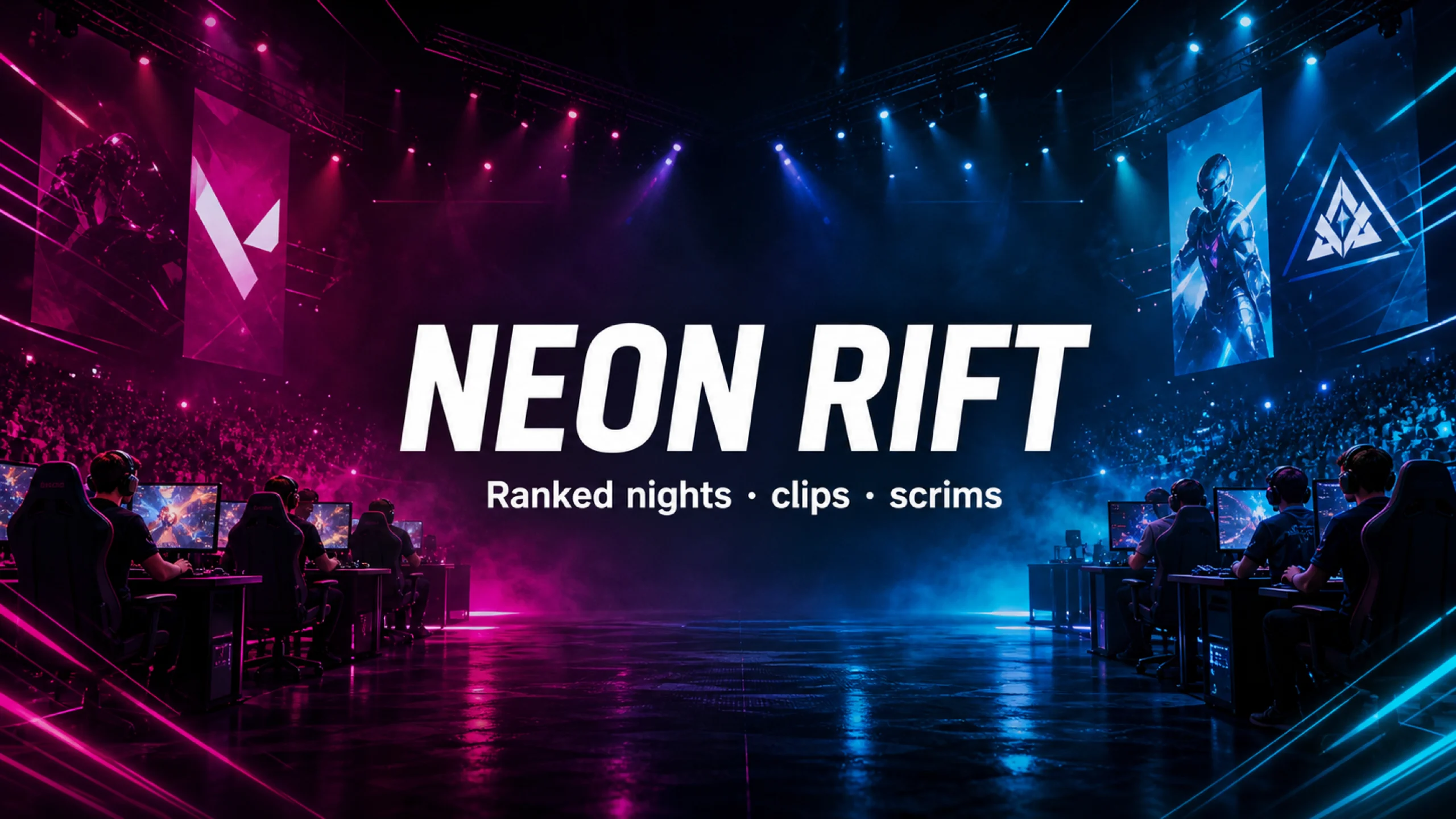
Gaming channel banner, name first reference asset preview2560 × 1440

Gaming YouTube Banner

Gaming banners can carry motion and energy, but the channel name still belongs in the centre band. Push sparks, characters and arena detail toward the edges.

Design tips

  • Use one neon colour pair against a dark scene.
  • Keep the name wider than character or weapon detail.
  • Leave one calm side for avatars or future sponsor marks.
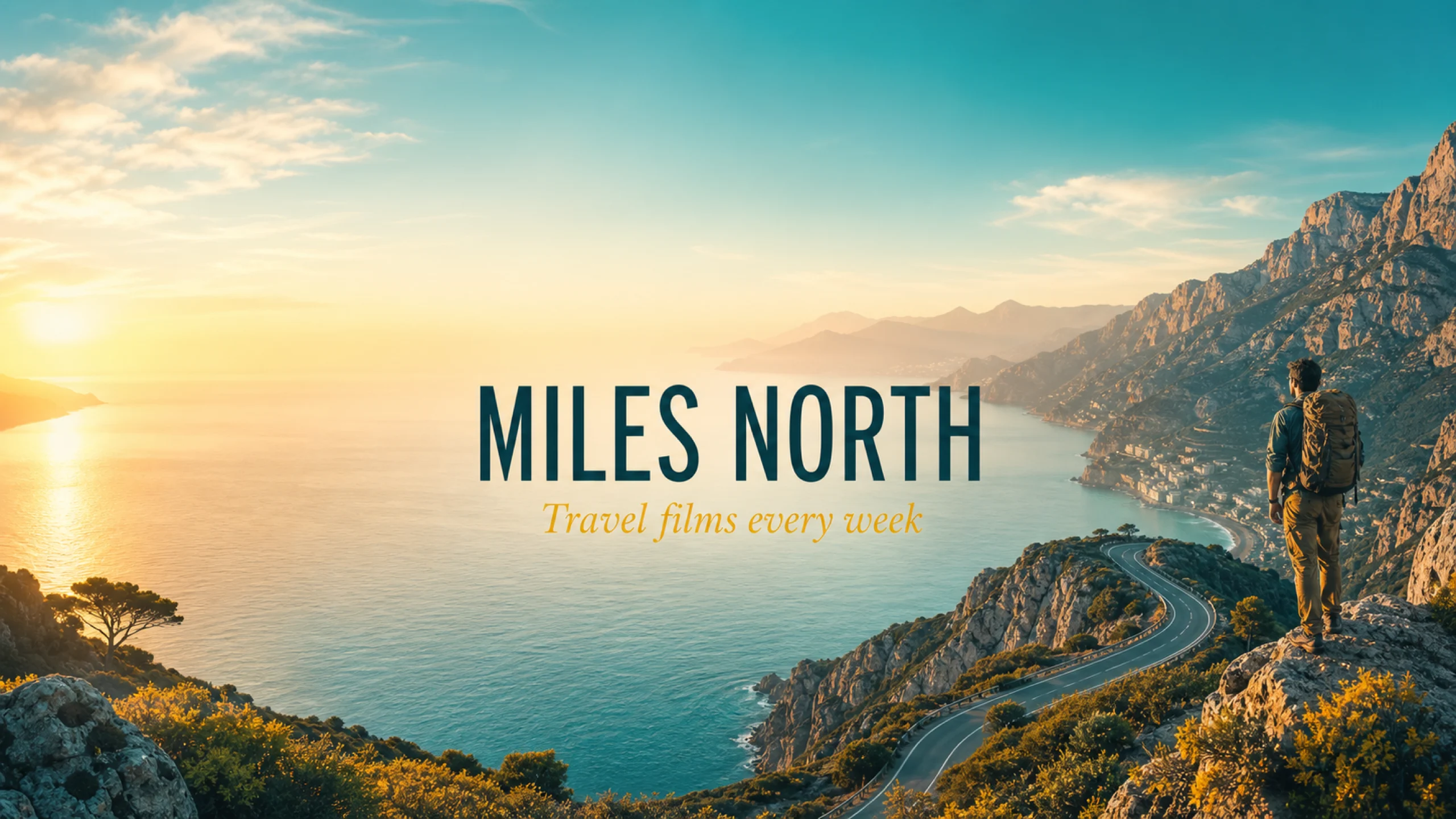
Travel channel banner with room for a place name reference asset preview2560 × 1440

Travel YouTube Banner

Travel banners need open space more than postcard density. Keep landmarks, roads or horizon lines wide, then place the channel name where every crop keeps it.

Design tips

  • Use one destination mood instead of a postcard collage.
  • Let sky, water or road texture carry the cropped edges.
  • Keep place names short enough to read on mobile.
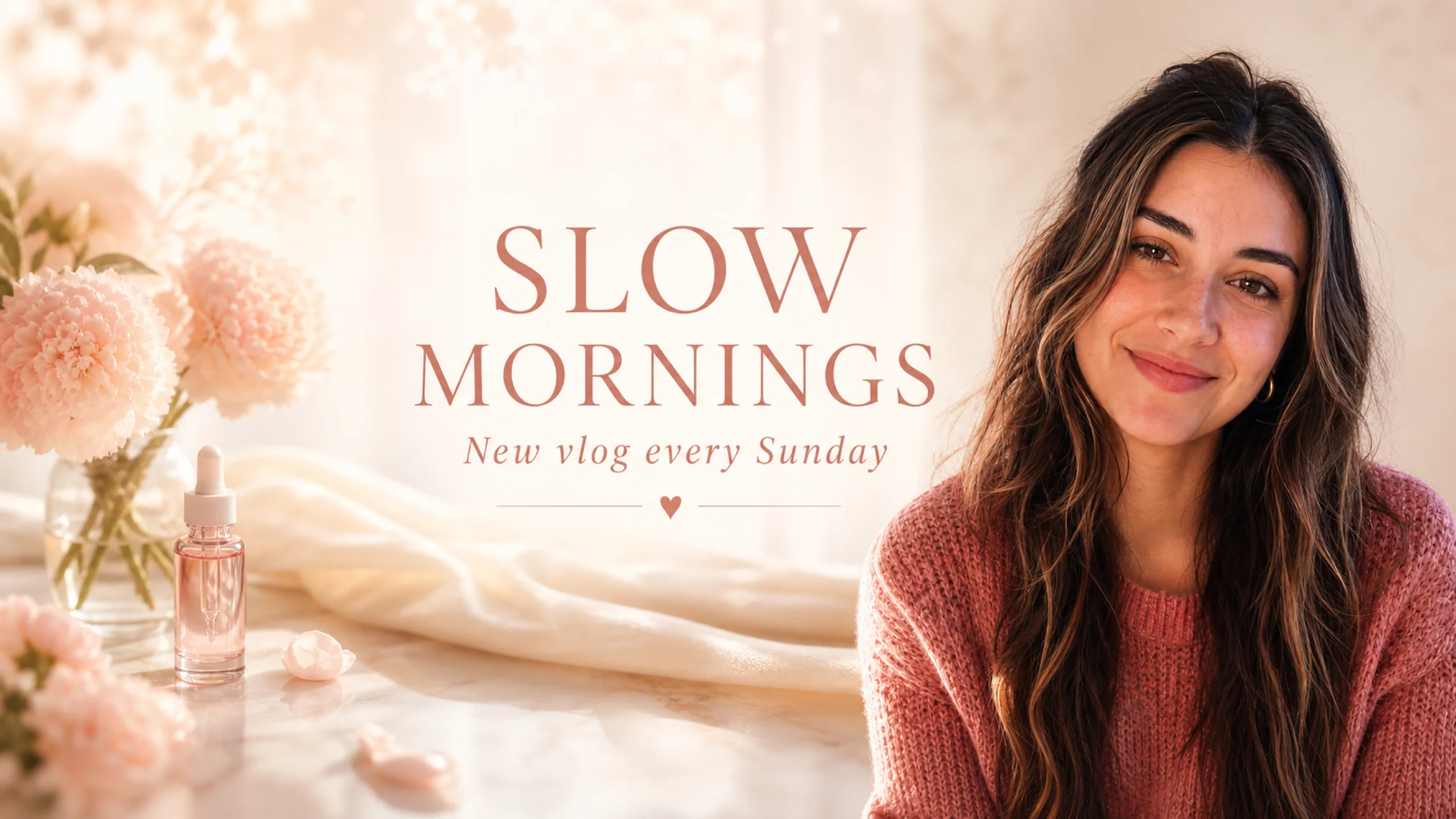
Vlog banner that reads as a person, not a brand reference asset preview2560 × 1440

Vlog banner that reads as a person, not a brand

A prompt direction for daily vloggers and lifestyle channels where the upload rhythm matters more than the graphics.

Design tips

  • One warm colour field and one short line. Collage-style vlog banners are the first thing to fall apart once YouTube recompresses the upload.
Company channel art that reads as a brand reference asset preview2048 × 1152

Business YouTube Banner

Company channel art works best as a brand header. Use the banner to make the channel feel credible, then let videos and descriptions handle the fuller pitch.

Design tips

  • Match the palette to your product UI or website.
  • Show one product cue, not a full dashboard tour.
  • Skip contact details unless the banner is for a local service.

YouTube Banner Size: 2560 × 1440 Pixels

YouTube banner size is 2560 × 1440 pixels at 16:9, with 2048 × 1152 as the minimum upload. Start at the recommended size and the crop, stretch and rejection problems mostly disappear.

Recommended

2560 × 1440

2K output

YouTube recommends this size, and it is the one that fills a TV screen without softening. Start here unless you have a reason not to.

Minimum accepted

2048 × 1152

2K output

The smallest upload YouTube accepts. Anything below it is rejected — useful when you need a lighter file, but it leaves less room on large screens.

Why Creators Choose This YouTube Banner Generator

YouTube banner maker ai is built around one job: producing channel art that uploads cleanly the first time, at the size YouTube actually asks for.

YouTube banner maker with a locked 2560 × 1440 canvas

YouTube banner maker opens on the 2560 × 1440 preset YouTube recommends, so the file starts at the right size.

Exact-pixel export, not an approximate ratio

Downloads leave at the target pixel dimensions instead of a browser-rescaled preview.

Resolution that survives the big canvas

Large outputs step up in resolution before export, so a 2560-wide youtube banner is not enlarged from a tiny frame.

Prompt to channel art, no design tools to learn

Describe genre, mood, colour and subject; youtube banner maker ai returns original channel art.

YouTube-ready channel art

Every banner starts from the selected 2560 × 1440 or 2048 × 1152 channel-art canvas, not a generic 16:9 image.

Clean downloads once you sign in

Signed-in generations download without a Vogoo watermark.

YouTube Banner Size for All Devices

YouTube banner maker ai marks the 1235 × 338 official safe area and the 1546 × 423 conversion on the 2560 × 1440 canvas.

2560 × 1440 px · 16:9 · full TV view
Desktop keeps roughly this strip
Safe area — name & logo here1235 × 338 official · ≈1546 × 423 on this canvas
YouTube keeps 1235 × 338 px visible on every device, measured on the 2048 × 1152 minimum canvas. Scaled onto the 2560 × 1440 canvas this youtube banner maker uses, that region is about 1546 × 423 px — a conversion of YouTube’s figure, not a second specification.

Official safe area: 1235 × 338

YouTube documents 1235 × 338 px as the area guaranteed to stay visible, measured on the 2048 × 1152 minimum canvas. Text and logos belong inside it.

Derived on the 2560 canvas: 1546 × 423

Scaling that same region onto the recommended 2560 × 1440 canvas gives roughly 1546 × 423 px. It is a conversion of the official figure, not a separate YouTube specification.

One image, three crops

TV shows the full 2560 × 1440, desktop keeps a wide strip, and mobile keeps little more than the safe area. YouTube banner maker centres the subject so the mobile crop still carries the point.

Decorations work against you

YouTube asks that banners avoid baked-in drop shadows, outlines and borders. Flat, high-contrast artwork survives all three crops far better.

How to Make a YouTube Banner With AI

Describe the channel, keep the preset, check the centre band, then download.

01
1

Step 01

Describe the channel banner

Name the channel type, mood, colours and main subject.

02
2

Step 02

Keep the 2560 × 1440 preset

Use the recommended YouTube banner size instead of a custom ratio.

03
3

Step 03

Check the safe area

Keep the name, logo and short title inside the centre band.

04
4

Step 04

Generate and download

Choose the best render and download the 2560 × 1440 file.

Who Uses This YouTube Channel Banner Maker

YouTube banner maker ai covers channel types that need different things from the same 2560 × 1440 slot, from gaming contrast to podcast legibility.

Gaming channel banner

YouTube banner maker gives streamers a high-contrast gaming banner that keeps the channel name legible.

Music channel art

Ask for stage light, waveform motifs or artist texture without reusing cover artwork.

Podcast channel banner

Podcast banners keep the show title inside the safe area and let the studio mood sit outside it.

Vlog & personal brand

Vlog banners work best with one friendly title and a short schedule line.

Education & tutorial channels

Teaching banners need a clear subject cue and one promise line, not a full lesson slide.

Business & product channels

Business banners need one promise, one product cue and a calm colour field.

YouTube Banner Ratio and Header Size Table

YouTube banner maker ai uses exact pixel targets instead of shape guesses, because a matching ratio can still be the wrong upload file.

Channel assetPixel targetShape
Channel assetYouTube channel banner
Pixel target2560 × 1440 px
Shape16:9
Channel assetTwitter / X header
Pixel target1500 × 500 px
Shape3:1
Channel assetLinkedIn profile banner
Pixel target1584 × 396 px
Shape4:1
Channel assetFacebook cover
Pixel target851 × 315 px
Shape≈2.7:1
Channel assetTwitch banner
Pixel target1200 × 480 px
Shape5:2
Channel assetShopify store banner
Pixel target2048 × 1024 px
Shape2:1

Why a matching ratio can still be the wrong file

A ratio only describes shape. 1024 × 576 is 16:9, but it is still below YouTube’s minimum upload.

Exact size is the delivery spec. Vogoo starts from 2560 × 1440 so the download is built for the channel art slot before crops, logos or text.

AI YouTube Banner Maker: Common Questions

Sizes, safe areas, watermarks and the upload failures that send creators looking for answers.

A YouTube banner is the wide image across the top of a channel page. YouTube recommends 2560 × 1440 pixels, and the same slot is also called channel art, channel cover or header.

More Vogoo Tools to Use With the YouTube Banner Maker AI

AI Twitter Header GeneratorText to ImageImage UpscalerBackground Remover

Make a YouTube Banner at the Right Size

Describe the channel, keep the 2560 × 1440 preset, and download art that is already the size YouTube expects.

Open the youtube banner maker