8 Best Midjourney Alternatives in 2026, Free and Paid

The best free alternative to Midjourney and seven more options, compared on free tiers, entry price, privacy and open-source choices, with official prices.
In this article
Midjourney still makes some of the most striking images around, but it has no free plan. Its own plan guide says "all Midjourney plans are subscriptions." The cheapest, Basic, is $10/month ($8/month billed annually) for 200 minutes of fast GPU time. Your images are also public unless you pay for Pro or Mega, because Stealth Mode, which keeps images and videos private, is only available on those two plans.
So most people searching for Midjourney alternatives want one of three things: something free, something private, or something open source. This guide covers all three. The best free alternative to Midjourney is near the top. Every price below comes from the tool's official pricing page, read on November 21, 2026. Vogoo runs most of the hosted models mentioned here in production, so its credit figures come from the live pricing table. We haven't run a formal side-by-side quality test, so you won't find invented scores.
TL;DR
- Best overall Midjourney alternative: Vogoo. Midjourney V7 sits next to Nano Banana Pro, GPT Image 2.6, Seedream 5.5 and Qwen Image 3.0 on one credit balance.
- Best free alternative to Midjourney: Google Gemini with Nano Banana 2, free in the Gemini app.
- Best free daily allowance: Leonardo (150 fast tokens a day) or Krea (100 units a day).
- Best for text in images: Ideogram.
- Best open-source Midjourney alternative: Qwen-Image, under Apache 2.0.
8 Best Midjourney Alternatives at a Glance
| Tool | Best for | Free option | Cheapest paid plan (official, Nov 21, 2026) | Standout |
|---|---|---|---|---|
| Vogoo | Midjourney V7 plus other top models | 20 signup credits + daily check-in | Lite: $19/mo billed yearly, 500 credits | 27 image models on one balance |
| Google Gemini | Best free alternative | Free Nano Banana 2 | Google AI plans raise limits | Free image generation and editing |
| Leonardo | Daily free generation | 150 fast tokens/day | Essential: $12/mo, 8,500 tokens | 80+ models on paid plans |
| Ideogram | Text and typography | — | Plus: $20/mo ($180/year) | Unlimited slow credits on Plus |
| Krea | Free daily use plus editing | 100 units/day | Basic: $5/mo (annual pricing shown) | Upscaler up to 22K |
| Adobe Firefly | Commercial design work | Limited free daily generations | Standard: 2,000 credits/mo | Generative Fill on paid plans |
| Qwen-Image | Open source and local | Free to self-host | — | Apache 2.0 license |
| OpenArt | Consistent characters | Not listed | Starter: $14/mo, 4,000 credits | 100+ models |
Adobe showed regional-currency prices when we checked, so we've listed Firefly's credits rather than a USD price. A dash means the official page doesn't state it.
Why Look for a Midjourney Alternative?
- No free plan. Every Midjourney tier is a paid subscription, starting at $10/month.
- Public by default. Stealth Mode is only on Pro ($60/month) and Mega ($120/month).
- Limited fast time on Basic. Basic includes 3.3 hours (200 minutes) of fast GPU time, and unlimited Relax images start on Standard ($30/month).
- No local option. If you need to run a model offline or fine-tune it, you need open weights.
Use Midjourney V7 Without a Midjourney Subscription
Midjourney V7, Nano Banana Pro, GPT Image 2.6, Seedream 5.5 and Qwen Image 3.0 share one Vogoo credit balance. See the cost before you generate.
Try Vogoo Text to Image1. Vogoo — Best Overall Midjourney Alternative
Best for: creators who like Midjourney's look but want other models, and pay-as-you-go credits, in the same place.
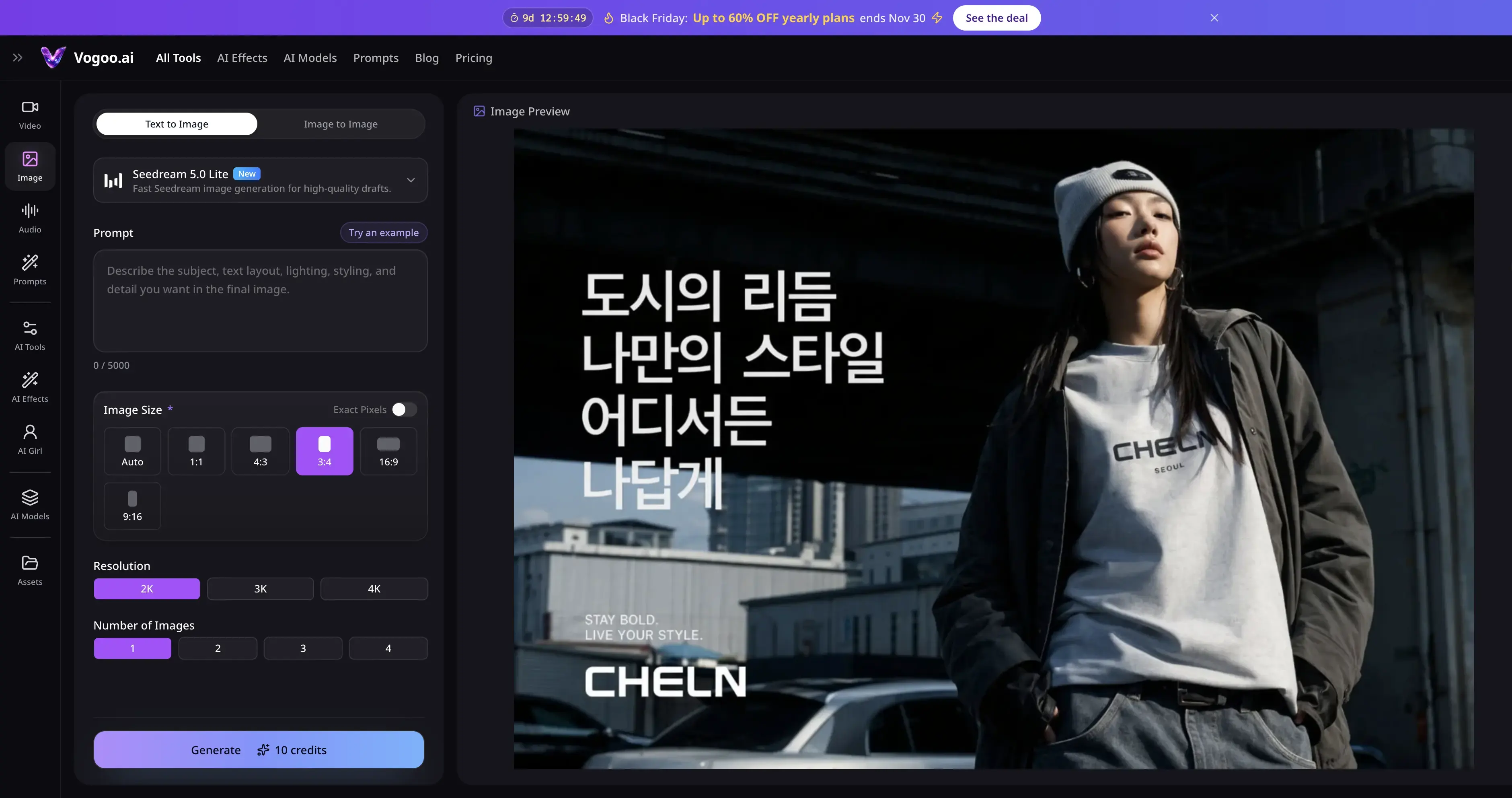
Vogoo is an AI creative studio for image, video and audio. Disclosure: it's our product, so weigh this entry accordingly. Every figure below is on our public pricing page.
The image menu includes Midjourney V7 at 28 credits per image, so you don't have to give it up. Beside it are Nano Banana Pro (63 credits), Nano Banana 2 (28), GPT Image 2.6 (6), Seedream 5.5 (12), Qwen Image 3.0 (9) and Z-Image Turbo (3), 27 image models in all. You can write a prompt once and compare looks before committing to a model, and image to image covers edits. Credit packs never expire, and failed generations don't cost credits.
Pros:
- Midjourney V7 plus 26 other image models on one balance
- Cheap options from 3 credits per image
- Credit packs never expire; failed runs are free
- Image to image, upscaling and video in the same studio
Cons:
- Free tier is small: 20 signup credits that expire after 30 days, plus daily check-ins
- Without a paid plan, each image costs at least 20 credits
- No Midjourney-style Discord community or style codes
Generate Images on Vogoo
🎨 27 image models • 💳 Credits never expire2. Google Gemini — Best Free Alternative to Midjourney
Best for: anyone who wants good images and edits for free.
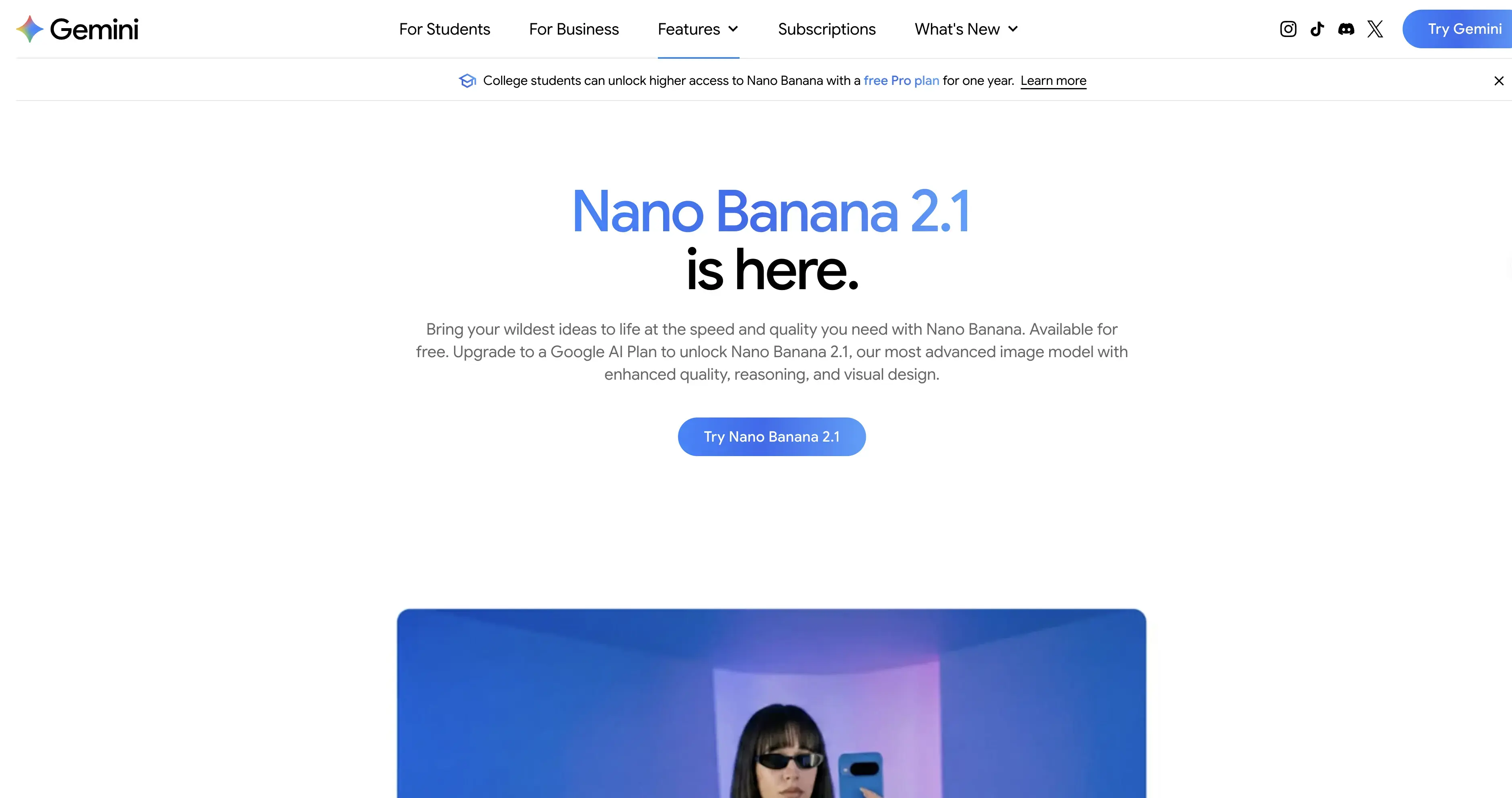
Google's image generation overview marks Nano Banana 2, its "image generation and editing model," as available for free in the Gemini app. Paid Google AI plans unlock Nano Banana 2.1 and higher limits. Google says limits are "compute-based" and "refresh every 5 hours until you reach your weekly limit," with AI Plus at 2x, AI Pro at 4x, and AI Ultra at 5x or 20x the AI Pro limit.
For a free Midjourney alternative, nothing else here matches this mix of quality and price. You also get conversational editing: you can ask for a change in plain words instead of re-rolling a prompt. Image editing isn't available to users under 18.
Pros:
- Free image generation and editing in the Gemini app
- Edit by describing changes in plain language
- Higher limits on paid Google AI plans
Cons:
- Limits are compute-based, with no fixed image count
- Fewer artistic style controls than Midjourney
- Editing not available to users under 18
3. Leonardo — Best Daily Free Allowance
Best for: hobbyists who want a fixed amount of free generation every day.
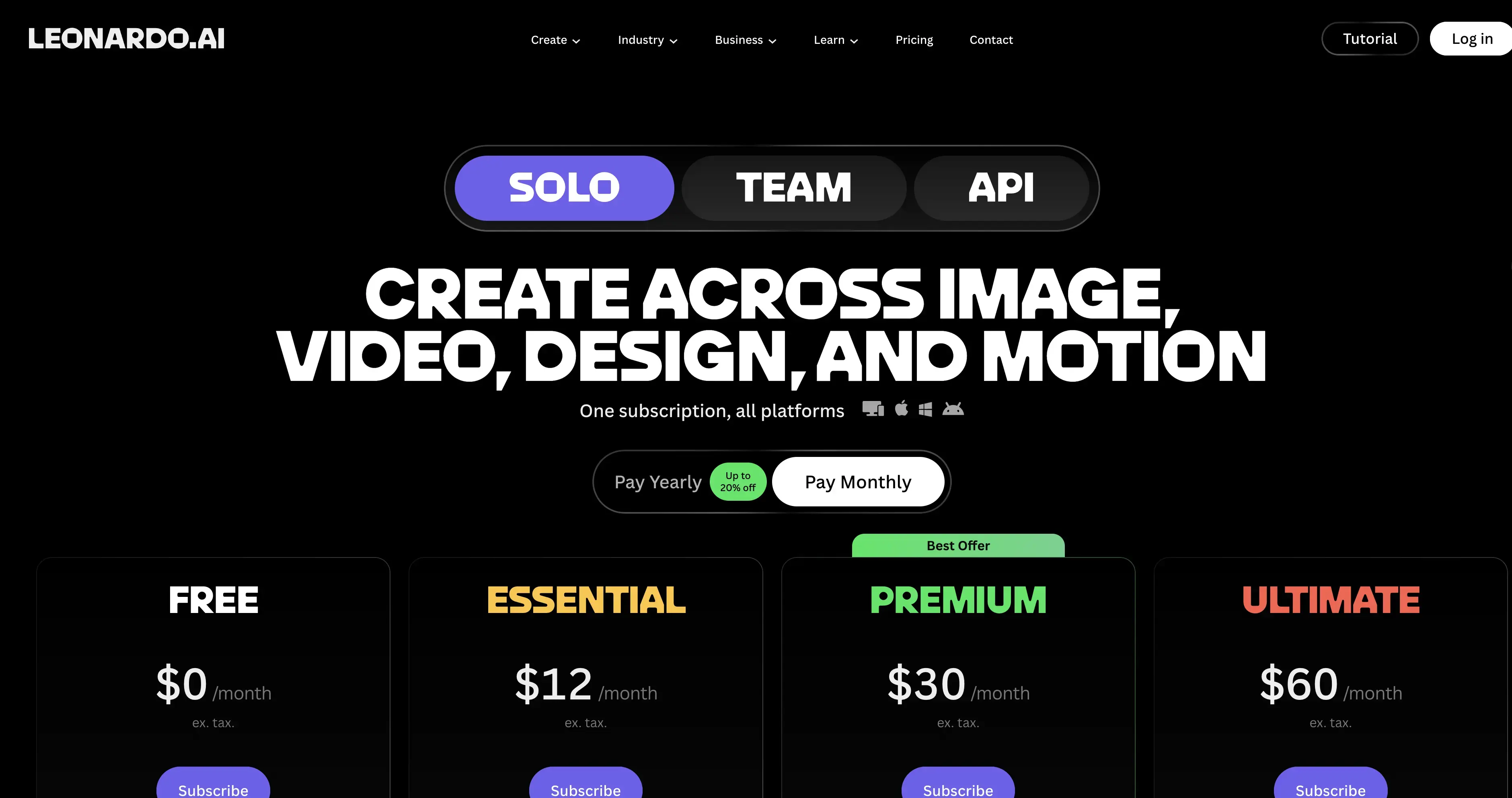
Leonardo's free plan gives 150 fast tokens a day, but only with "Auto" model access and public creations. Essential is $12/month for 8,500 fast tokens a month, a 25,500-token bank, access to 80+ models, private creations, and 10 personal AI models. If Midjourney's public gallery is your sticking point, Essential's private creations solve it for less than Midjourney's Pro plan.
Pros:
- 150 free fast tokens every day
- Private creations from $12/month
- 80+ models and personal AI models on paid plans
Cons:
- Free plan is limited to Auto model access
- Free creations are public
- Token costs vary by model and settings
4. Ideogram — Best for Text and Typography
Best for: posters, logos and social graphics where the words have to be spelled right.
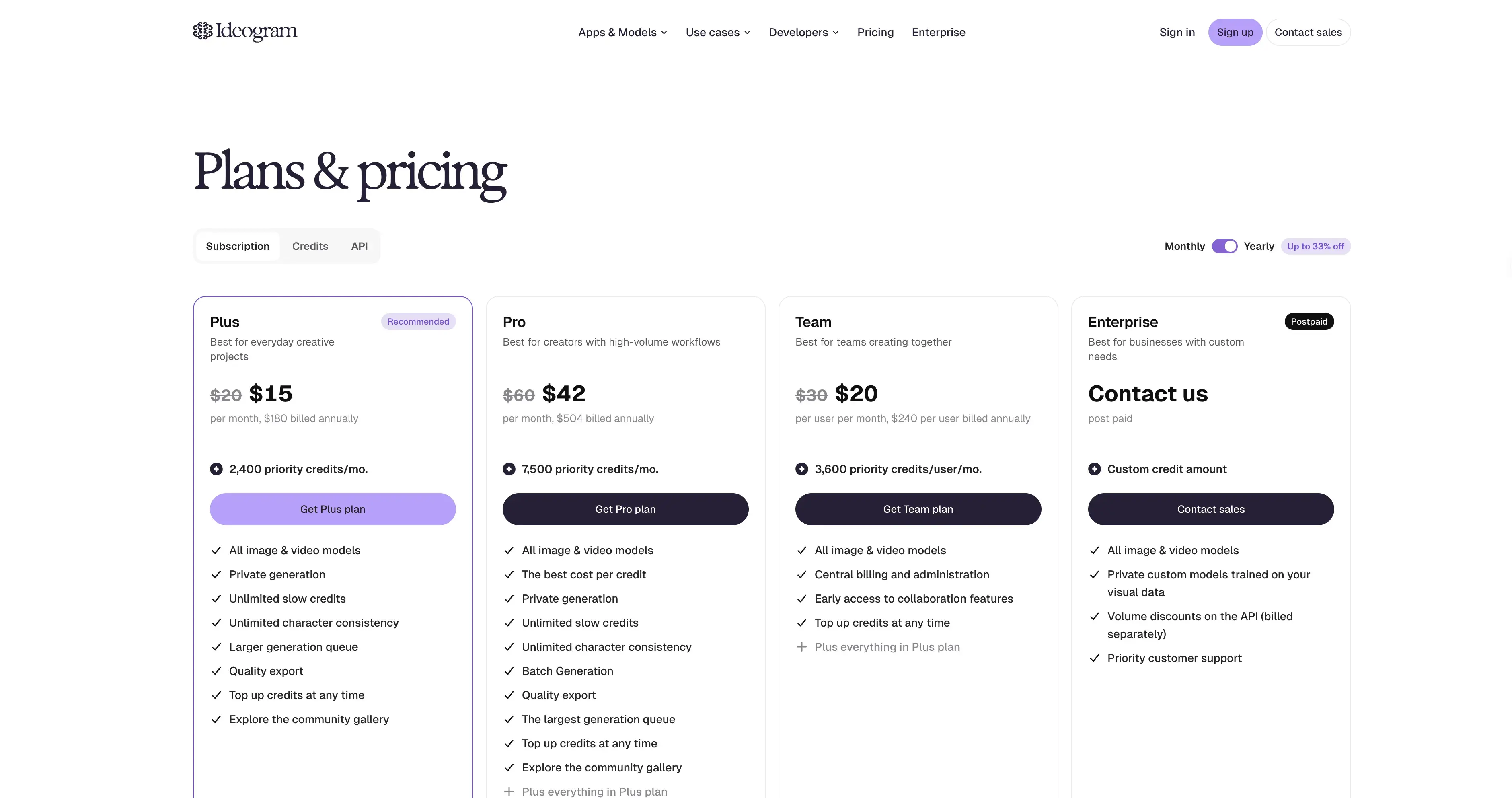
Ideogram's paid plans are built around priority credits plus unlimited slow generation. Plus is $20/month, or $180 billed annually, for 2,400 priority credits a month, with "unlimited slow credits," private generation, all image and video models, and unlimited character consistency. Pro is $60/month for 7,500 priority credits and batch generation. Plus is the closest match to Midjourney Standard's unlimited Relax images, and it includes private generation.
Pros:
- Unlimited slow credits on Plus
- Private generation included on Plus
- Character consistency and all models included
Cons:
- No free plan shown on the pricing page
- Priority credits are capped monthly
- Plus costs more than Midjourney Basic
5. Krea — Best for Free Daily Use Plus Editing
Best for: people who want many models and editing tools with a daily free allowance.
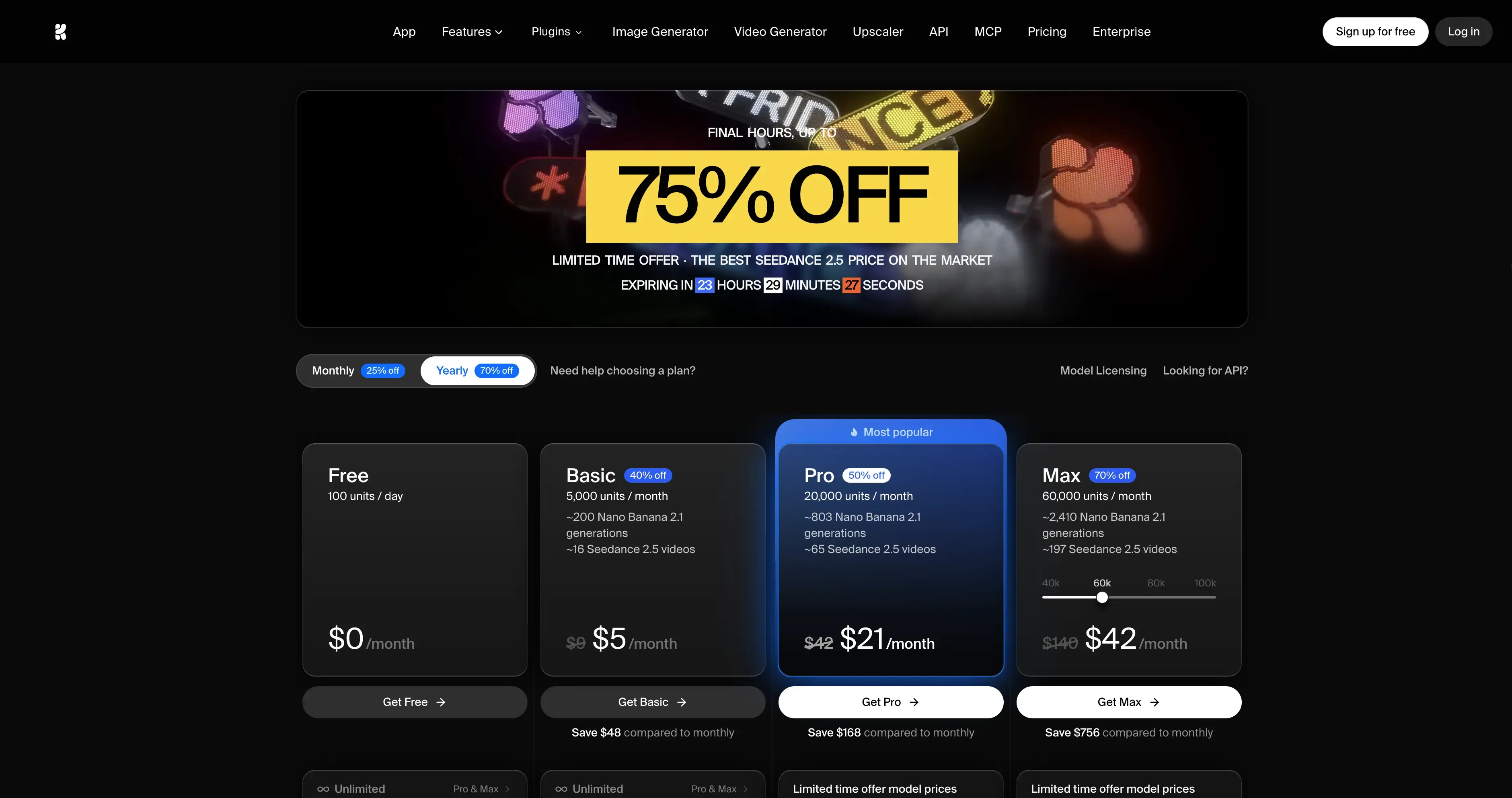
Krea gives free users 100 compute units a day, with no card required. Its image lineup includes Krea's own models plus Nano Banana 2.1, GPT Image 2.6, Flux, Seedream and Ideogram. The image editor ("Edit any image with words") and an upscaler up to 22K cover the polish Midjourney users often do elsewhere. Basic shows $5/month for 5,000 units at its annual rate.
Pros:
- 100 free units every day
- Image editor plus upscaling to 22K
- Many top models in one place
Cons:
- Units do not roll over
- Top-up packs expire after 90 days
- Free-plan commercial terms are unclear on the page
6. Adobe Firefly — Best for Commercial Design Work
Best for: designers already in the Adobe ecosystem.
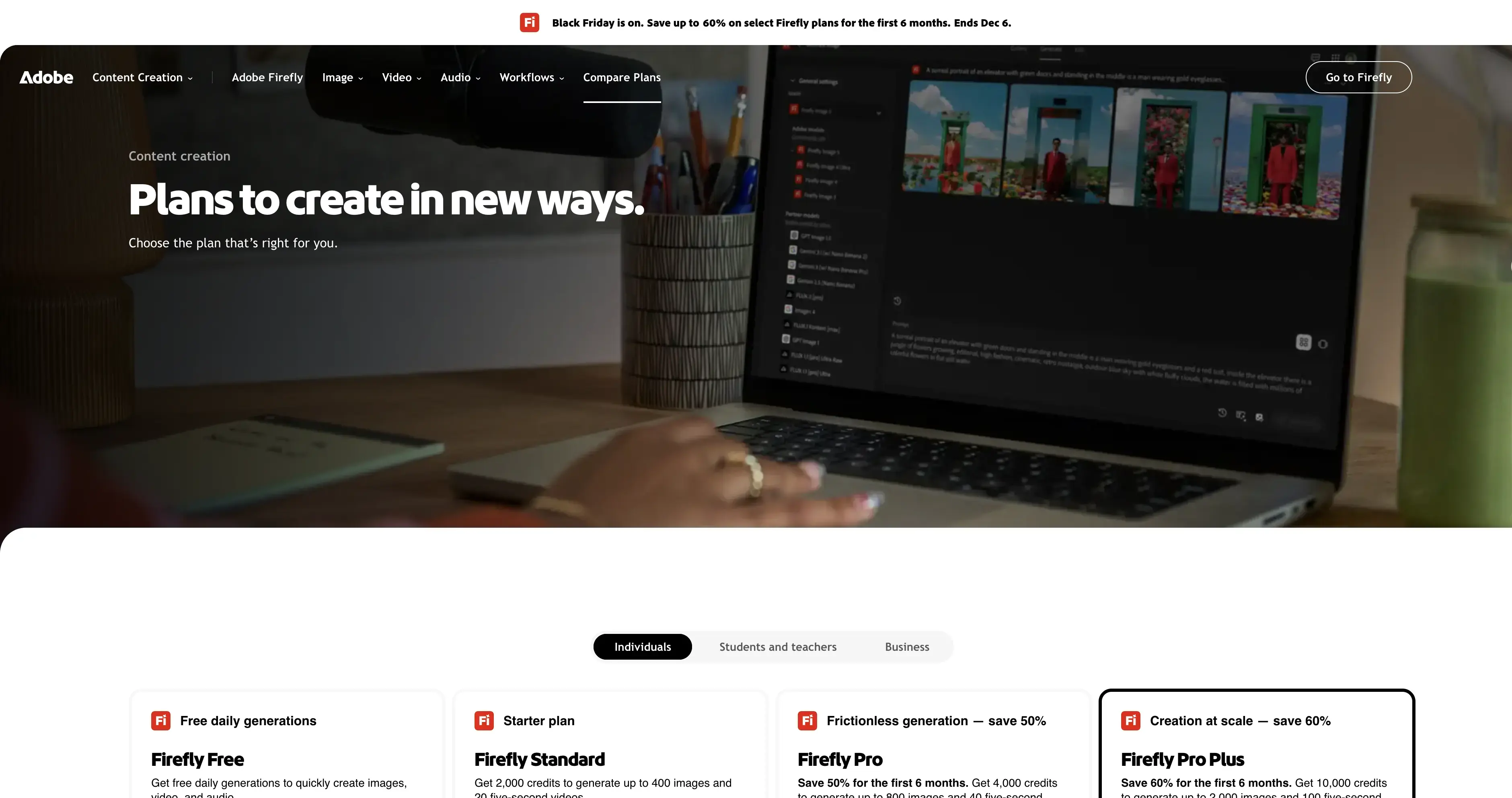
Firefly Free includes limited free daily generations for images and video. Firefly Standard includes 2,000 monthly generative credits, which Adobe says covers "up to 400 images and 20 five-second videos." Paid plans include unlimited generations with select Firefly image models for features like Generative Fill, and Pro adds full Photoshop on web and mobile. Adobe also lists partner models, including GPT Image.
Pros:
- Free daily generations to start
- Generative Fill and Photoshop integration on paid plans
- Partner models alongside Firefly
Cons:
- Prices shown in local currency, varying by region
- Full Photoshop only on Pro and above
- Free daily amount not stated as a number
7. Qwen-Image — Best Open-Source Midjourney Alternative
Best for: developers and studios who want to run image generation themselves.
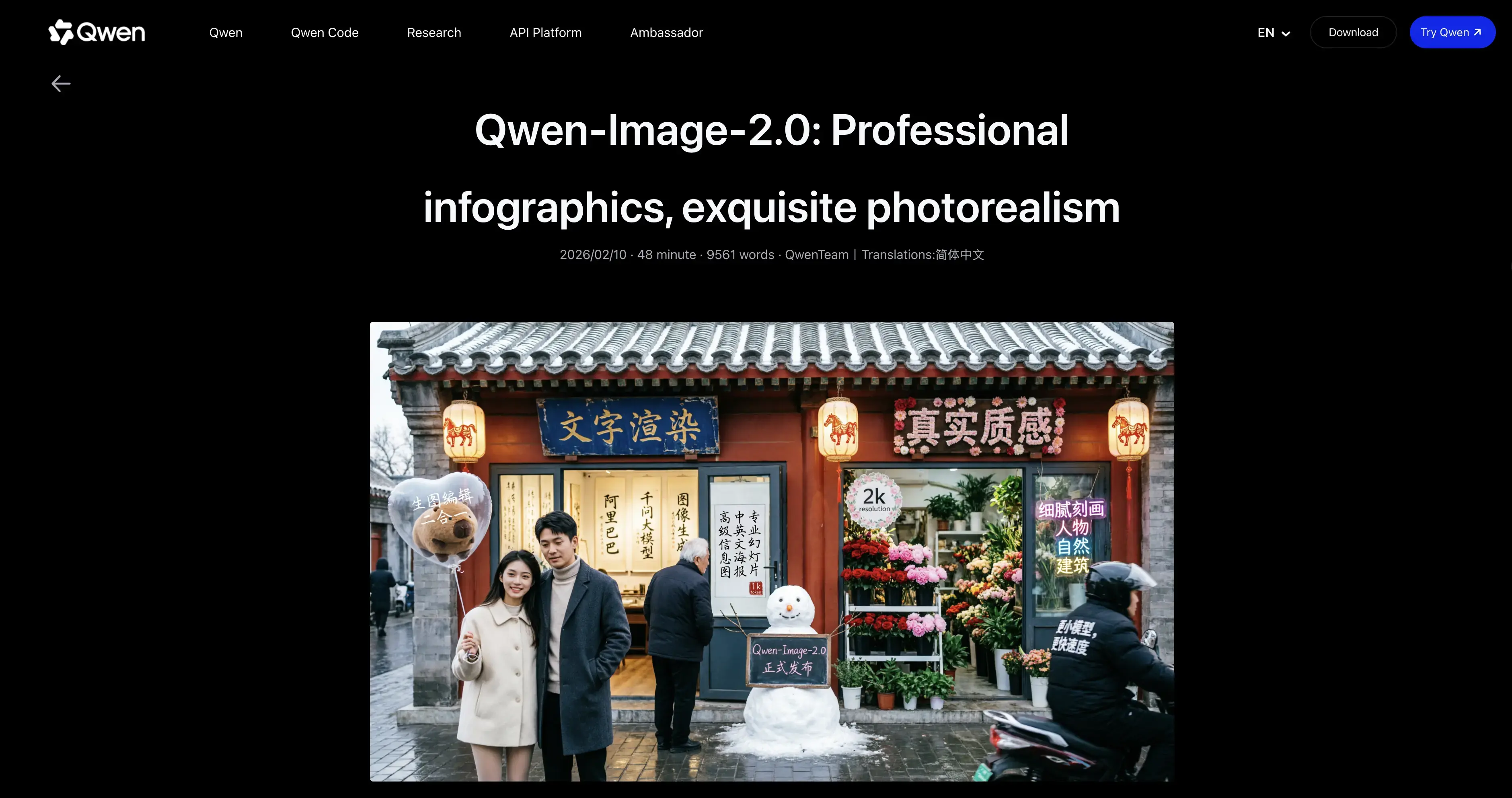
Qwen-Image, from Alibaba's Qwen team, is licensed under Apache 2.0, so you can download it, run it locally and fine-tune it. Its README highlights text rendering, "especially for Chinese," and the edit versions add multi-image editing and better character consistency. In February 2026 the team launched Qwen-Image-2.0, which unifies generation and editing in a single model. If you'd rather not host it yourself, Qwen Image 3.0 is on Vogoo at 9 credits per image.
Pros:
- Apache 2.0 license
- Strong text rendering, including Chinese
- Free to run on your own hardware
Cons:
- Self-hosting needs a capable GPU and setup
- No built-in community gallery like Midjourney
- Check the license of the exact version you download
8. OpenArt — Best for Consistent Characters
Best for: storytellers who need the same character across many images.
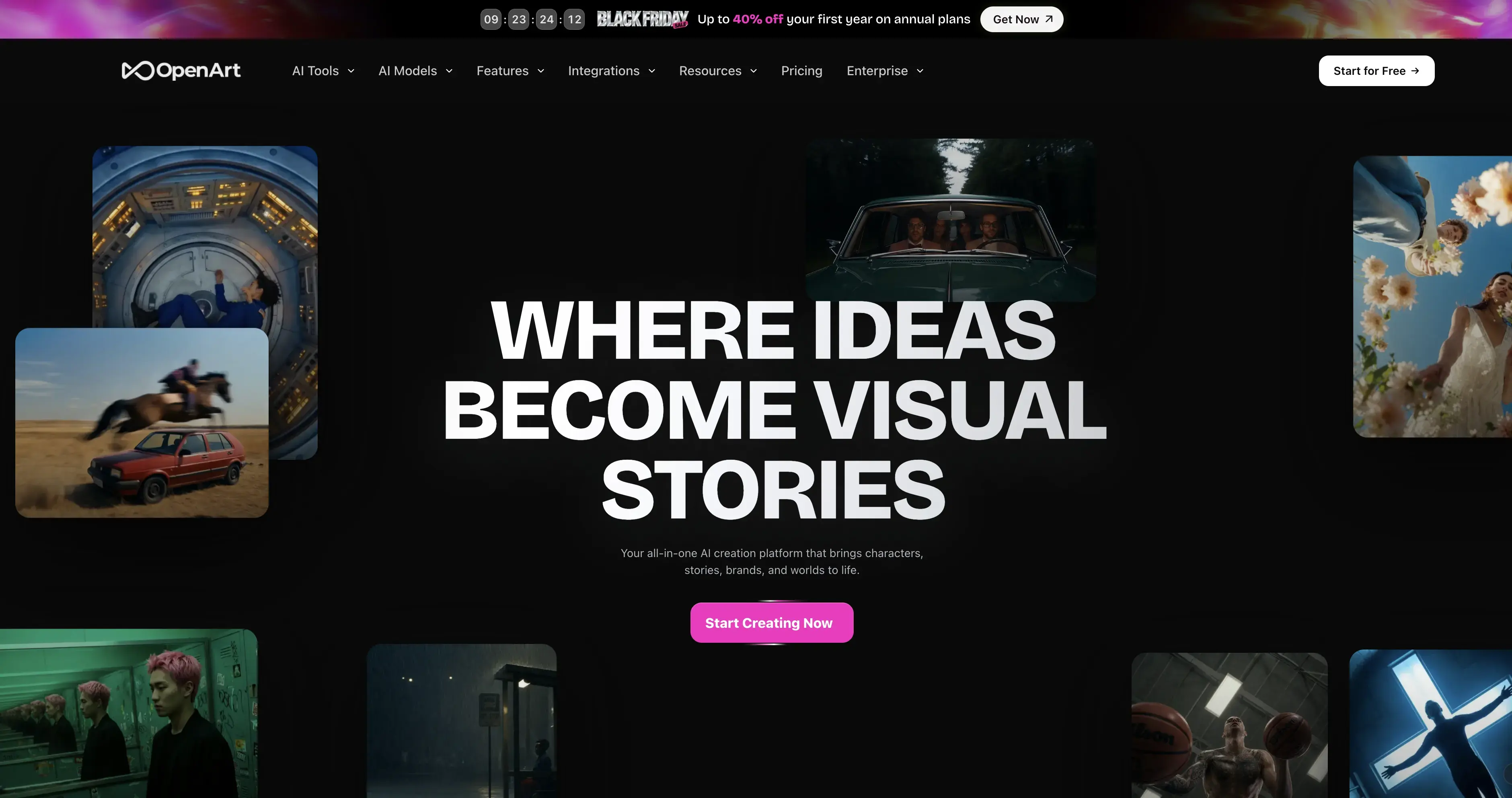
OpenArt focuses on consistent characters and its Director tool, with access to "100+ premium image, video, and audio models." Starter lists 4,000 credits a month at $14/month, and every paid plan is watermark-free. Commercial use rights start at Plus, and subscription credits don't carry over.
Pros:
- Consistent characters and Director workflow
- 100+ models
- Watermark-free on paid plans
Cons:
- No free plan shown on the pricing page
- Commercial rights start at Plus
- Credits do not carry over
How We Compared These Alternatives
We put the same four questions to every tool and answered them only from official pages read on November 21, 2026:
- Is there a real free option? Free tier, daily allowance or self-hosting.
- What does the cheapest paid plan include?
- Are images private? Midjourney charges extra for this, so we checked who includes it.
- Is there an open or local option?
How to Choose the Right Midjourney Alternative
- You want it free: Google Gemini first, then Leonardo or Krea's daily allowances.
- You want privacy without paying $60/month: Leonardo Essential or Ideogram Plus.
- You still want Midjourney's look sometimes: Vogoo, which hosts Midjourney V7 next to other models.
- You need perfect text: Ideogram.
- You want open source: Qwen-Image.
- You work in Adobe apps: Firefly.
Final Verdict
The best free alternative to Midjourney is Google Gemini's Nano Banana 2. It's free, it's good, and you can edit by describing changes. For a daily free allowance, choose Leonardo or Krea. For text-heavy designs, choose Ideogram. For open source, choose Qwen-Image. And if you want Midjourney V7 and the newest models from other labs without stacking subscriptions, start with Vogoo.
Edit an Image on Vogoo
🖼️ Edit any image • 💳 See credits before you generateFAQs About Midjourney Alternatives
What is the best free alternative to Midjourney?
Google Gemini with Nano Banana 2. Google lists it as free in the Gemini app, for both generating and editing images. Leonardo (150 fast tokens a day) and Krea (100 units a day) also have free allowances.
Does Midjourney have a free plan?
No. Midjourney's plan guide says all plans are subscriptions. Basic starts at $10/month, or $8/month billed annually.
Is there an open-source Midjourney alternative?
Yes. Qwen-Image is released under Apache 2.0 and can run on your own hardware.
Which Midjourney alternative keeps my images private?
Leonardo Essential ($12/month) makes creations private, and Ideogram Plus ($20/month) includes private generation. On Midjourney, Stealth Mode needs Pro or Mega.
Can I use Midjourney V7 without a Midjourney subscription?
Yes. Vogoo offers Midjourney V7 at 28 credits per image, next to 26 other image models on the same credits.