8 Best Flux Kontext Alternatives for Image Editing

Flux Kontext alternatives compared for prompt-based image editing: free options, open-source models, multi-reference editing, and where each one beats Kontext.
In this article
FLUX.1 Kontext made "edit this photo with a sentence" feel normal. You upload an image, type "change the jacket to red leather" or "put this product on a marble counter," and the subject stays recognizable. When Black Forest Labs (BFL) launched it on May 29, 2025, it was one of the first models that let you keep building on earlier edits across several turns.
It also has known limits, and BFL lists them itself. In the Kontext announcement's failure cases, BFL notes that long multi-turn sessions "can introduce visual artifacts," that the model sometimes misses instructions, and that its world knowledge is limited (BFL announcement). The open-weights Kontext [dev] model ships under the FLUX.1 [dev] Non-Commercial License. And image editing has moved on: BFL's own FLUX.2 can reference up to 10 images at once, and Google, OpenAI, Alibaba's Qwen team and ByteDance all ship strong instruction-based editors.
This guide compares the Flux Kontext alternatives worth trying in November 2026, grouped by what you actually need: a free editor, an open-source model you can run locally, multi-reference compositing, or a design-tool workflow. Every feature, license and price comes from the vendor's official pages, read on November 20, 2026. We haven't run a scored benchmark across all eight, so you won't find invented win rates. Vogoo is our product and runs several of these models in production, so where we know something from that, we say so.
TL;DR
- Best overall Flux Kontext alternative: Vogoo. It runs Flux Kontext Pro and Max next to Nano Banana, GPT Image, Seedream, Qwen Image and Midjourney V7, so you can rerun the same edit on another model with one balance.
- Stay in the FLUX family: FLUX.2, which is BFL's newer model with up to 10 reference images and an Apache 2.0 [klein] variant.
- Best free editor: Nano Banana 2 in the Gemini app, which is free with limits that refresh every 5 hours.
- Best open-source model to run locally: Qwen-Image-Edit, licensed under Apache 2.0.
- Best for designers already in Adobe: Firefly with Generative Fill.
8 Best Flux Kontext Alternatives at a Glance
| Tool | Best for | Free option | Open weights | Standout |
|---|---|---|---|---|
| Vogoo | Comparing edit models on one balance | 20 signup credits + daily check-in | No (hosted) | Kontext Pro/Max plus Nano Banana, GPT Image, Seedream, Qwen; up to 9 reference images |
| FLUX.2 | Staying with BFL | — | [dev] and [klein] | Up to 10 reference images, 4 MP output |
| Nano Banana (Gemini) | Free everyday edits | Yes, Nano Banana 2 | No | Edit in chat; limits refresh every 5 hours |
| ChatGPT | Conversational edits | Limited image creation | No | Edit by talking it through |
| Qwen-Image-Edit | Local, commercial-friendly use | Free to download | Yes, Apache 2.0 | Multi-image edits, text editing, ControlNet |
| Adobe Firefly | Designers in Adobe apps | Limited free daily generations | No | Generative Fill, Photoshop on Pro |
| Krea | Daily edits plus upscaling | 100 units/day | No | Image Editor, upscaler up to 22K |
| Dreamina | Seedream-based edits | Free daily credits | No | Seedream 5.0 Pro, image and video in one app |
Why Look for a Flux Kontext Alternative?
The reasons people switch come down to four things, and each one is documented:
- Long edit chains degrade. BFL says excessive multi-turn editing can introduce visual artifacts. If you build an image over 10 or more edits, expect to restart from a clean source at some point.
- Instruction misses. BFL also says Kontext "occasionally fails to follow instructions accurately." On a stubborn edit, rerunning the same prompt on a different model is often faster than rewording it five times.
- Licensing for local use. Kontext [dev] is under a non-commercial license. If you want open weights for a commercial pipeline, Qwen-Image-Edit (Apache 2.0) or FLUX.2 [klein] (Apache 2.0) are cleaner options.
- Multi-reference work. Combining a person, a product and a background works better on newer models built for several inputs, such as FLUX.2 (up to 10 references), Qwen-Image-Edit-2509 (best with 1 to 3 inputs) and Vogoo's image-to-image (up to 9 references).
On price, Kontext is still cheap on BFL's API at $0.04 per image for [pro] and $0.08 for [max]. Most people switch because of failure modes and licensing, not cost.
Run one edit on Kontext, Nano Banana and Seedream
Upload a photo, write the change once, and switch models without switching apps. Vogoo's image-to-image takes up to 9 reference images.
Try Vogoo Image to Image1. Vogoo — Best Overall Flux Kontext Alternative
Best for: people who like Kontext but want a fallback model one click away when an edit fails.
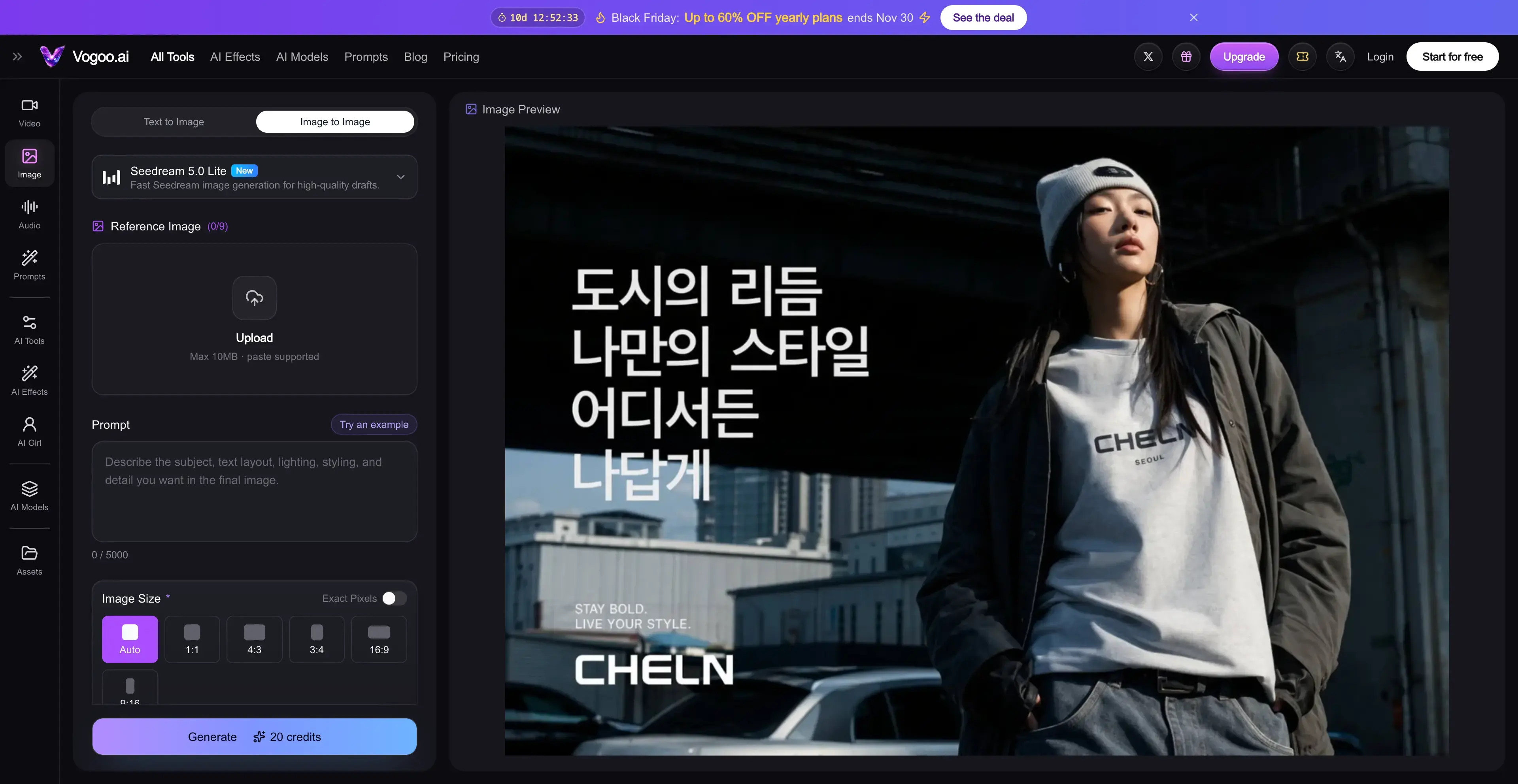
Vogoo is an AI creative studio for image, video and audio. Disclosure: it's our product, so weigh this entry accordingly. The model list and credit costs below are on our public pricing page.
The main reason it suits Kontext users is that you don't have to give Kontext up. Vogoo's image-to-image editor runs Flux Kontext Pro (9 credits per image) and Flux Kontext Max (18 credits) alongside Nano Banana, Nano Banana 2 and Nano Banana Pro, GPT Image 2.5 and 2.6, Seedream 4.5, 5.0 and 5.5, Qwen Image 3.0, Kling 3.0 Image and Midjourney V7. When Kontext misses an instruction or drifts after several turns, you rerun the same prompt and reference on another model without re-uploading anywhere else. The editor accepts up to 9 reference images, sets exact output pixel sizes, and exports up to 4K on supported models.
Credit costs vary widely by model. Qwen Image 3.0 is 9 credits, Seedream 5.5 is 12, Nano Banana 2 is 28 and Nano Banana Pro is 63, and the editor shows the exact cost before you generate. Credits aren't deducted for failed generations, and credit packs bought on top of a plan never expire.
Pros:
- Flux Kontext Pro and Max plus 20+ other edit-capable models on one balance
- Up to 9 reference images per edit
- Exact pixel sizes and up to 4K on supported models
- No credits charged for failed generations; packs never expire
Cons:
- Free tier is small: 20 signup credits that expire after 30 days, plus daily check-ins
- Hosted only, so no local or offline use
- Premium models like Nano Banana Pro cost much more per edit
Switching notes: keep your best Kontext prompts. Short instructions like "replace X with Y, keep everything else" carry over well to Nano Banana, GPT Image and Seedream. Test one image on each before you commit to a batch.
Edit a Photo on Vogoo
🖼️ Kontext + 20 more edit models • 📎 Up to 9 references • ✅ Failed runs are free2. FLUX.2 — Best for Staying in the FLUX Family
Best for: Kontext users who like BFL's look and want the newer model.
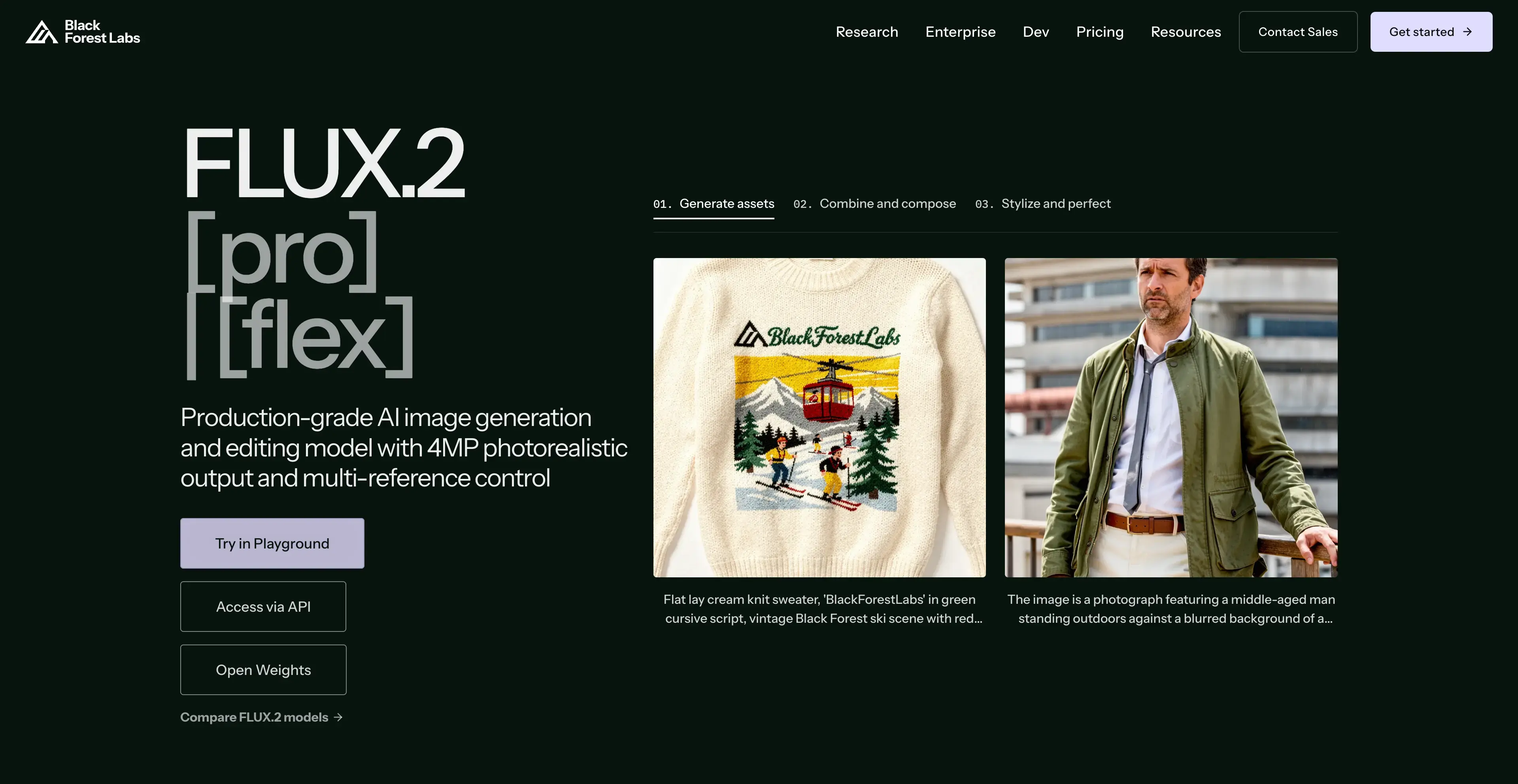
FLUX.2 launched on November 25, 2025, and BFL describes it as combining "image generation and editing in a single architecture." The headline upgrade over Kontext is multi-reference: it can reference up to 10 images at once and outputs up to 4 MP. Variants include [pro] and [max] for quality, [flex] for control over steps and guidance, a 32B open-weight [dev] model, and [klein] 4B and 9B models released under Apache 2.0.
Pricing is per megapixel on BFL's API. FLUX.2 [pro] costs $0.03 for the first megapixel and $0.015 for each additional megapixel and reference image. [klein] 4B costs $0.014 for the first megapixel. You can test the models without code in BFL's Playground, where BFL's docs say the price matches the API.
Pros:
- Same team and visual style as Kontext
- Up to 10 reference images and 4 MP output
- Apache 2.0 [klein] models for local commercial use
Cons:
- API-first; the Playground is a test interface, not a full editor
- Per-megapixel pricing takes some math to compare
- No free credit stated on BFL pages
Who shouldn't switch: people who want a consumer app with history, folders and presets. FLUX.2 is a model you reach through an API or a host.
3. Nano Banana (Gemini) — Best Free Flux Kontext Alternative
Best for: quick everyday edits without paying anything.
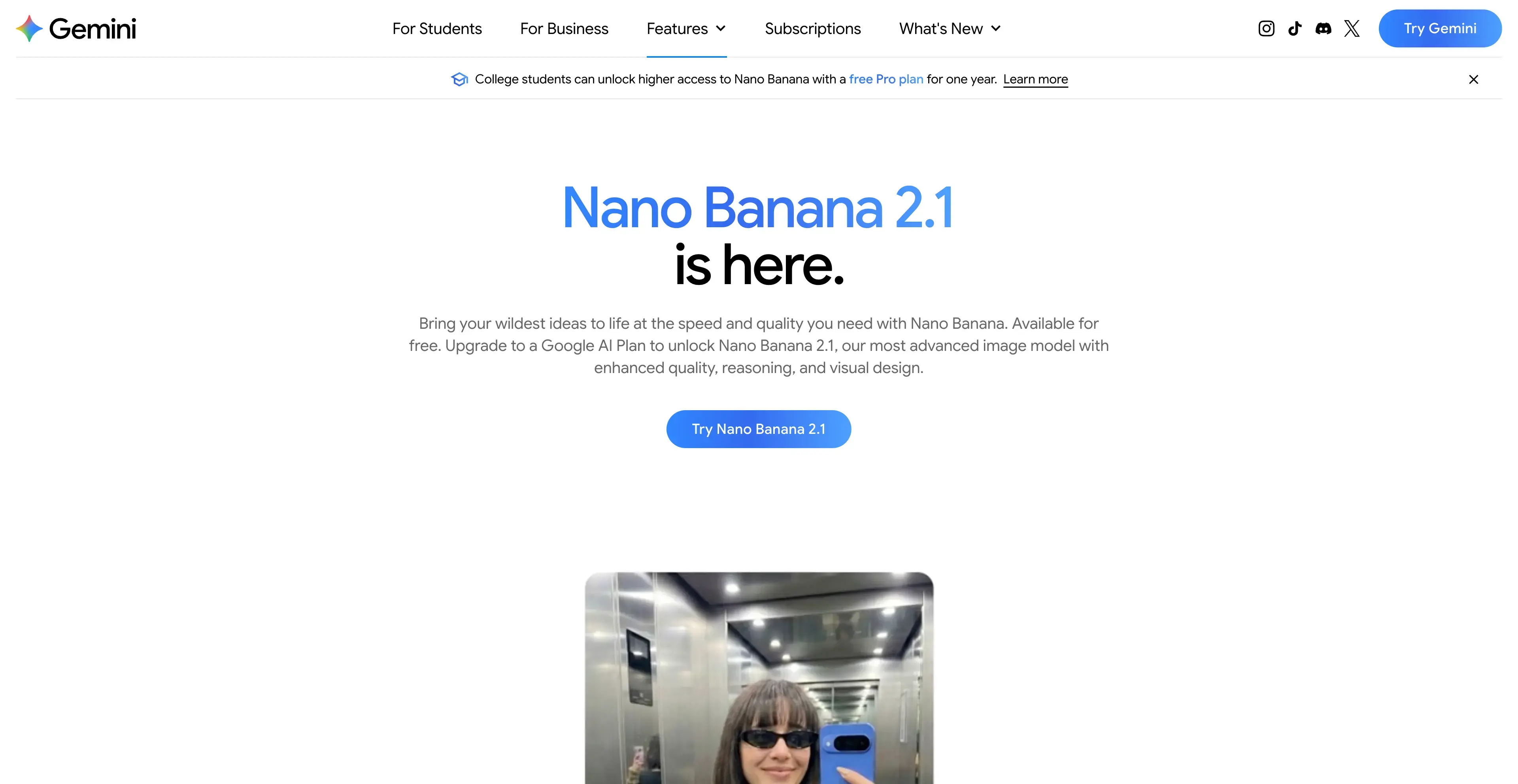
Google's Gemini app lists Nano Banana 2 as a free "image generation and editing model." You upload a photo, describe the change in chat, and keep refining in the same conversation. Paid Google AI plans add Nano Banana 2.1 and higher limits.
Limits aren't a fixed number of images. Google's help center says they're "compute-based" and refresh every 5 hours up to a weekly cap. AI Plus gets 2x the standard limits, AI Pro 4x, and AI Ultra 5x or 20x the AI Pro limits. Image editing isn't available to users under 18.
Pros:
- Free editing with Nano Banana 2
- Conversational edits in the Gemini app you may already use
- Limits refresh every 5 hours
Cons:
- No fixed image count, so heavy users hit caps unpredictably
- Best model (Nano Banana 2.1) needs a paid Google AI plan
- Not available to users under 18
Who shouldn't switch: batch workflows. A chat interface is slow for editing 50 product shots the same way.
4. ChatGPT — Best for Conversational Edits
Best for: people who like to explain an edit in plain language and adjust it back and forth.
ChatGPT's free plan includes "limited image creation," and you can upload a photo and ask for changes in the same chat. Higher plans expand that: Plus offers "more complex and accurate image creation," and Pro lists "unlimited and faster image creation." Its strength is the back-and-forth. You can ask why an edit looks off, then fix it in the next message.
OpenAI's pricing page doesn't publish image counts per plan, so free-tier capacity is hard to plan around.
Pros:
- Free image creation in a chat you may already use
- Easy to refine an edit through conversation
- Pro plan lists unlimited image creation
Cons:
- Free-plan image limits are not published
- No open weights or local option
- Less control over exact output size than dedicated editors
Who shouldn't switch: if you need repeatable edits at a fixed size and style, a dedicated editor or API is easier to keep consistent.
5. Qwen-Image-Edit — Best Open-Source Flux Kontext Alternative
Best for: ComfyUI and local users who need a license that allows commercial use.
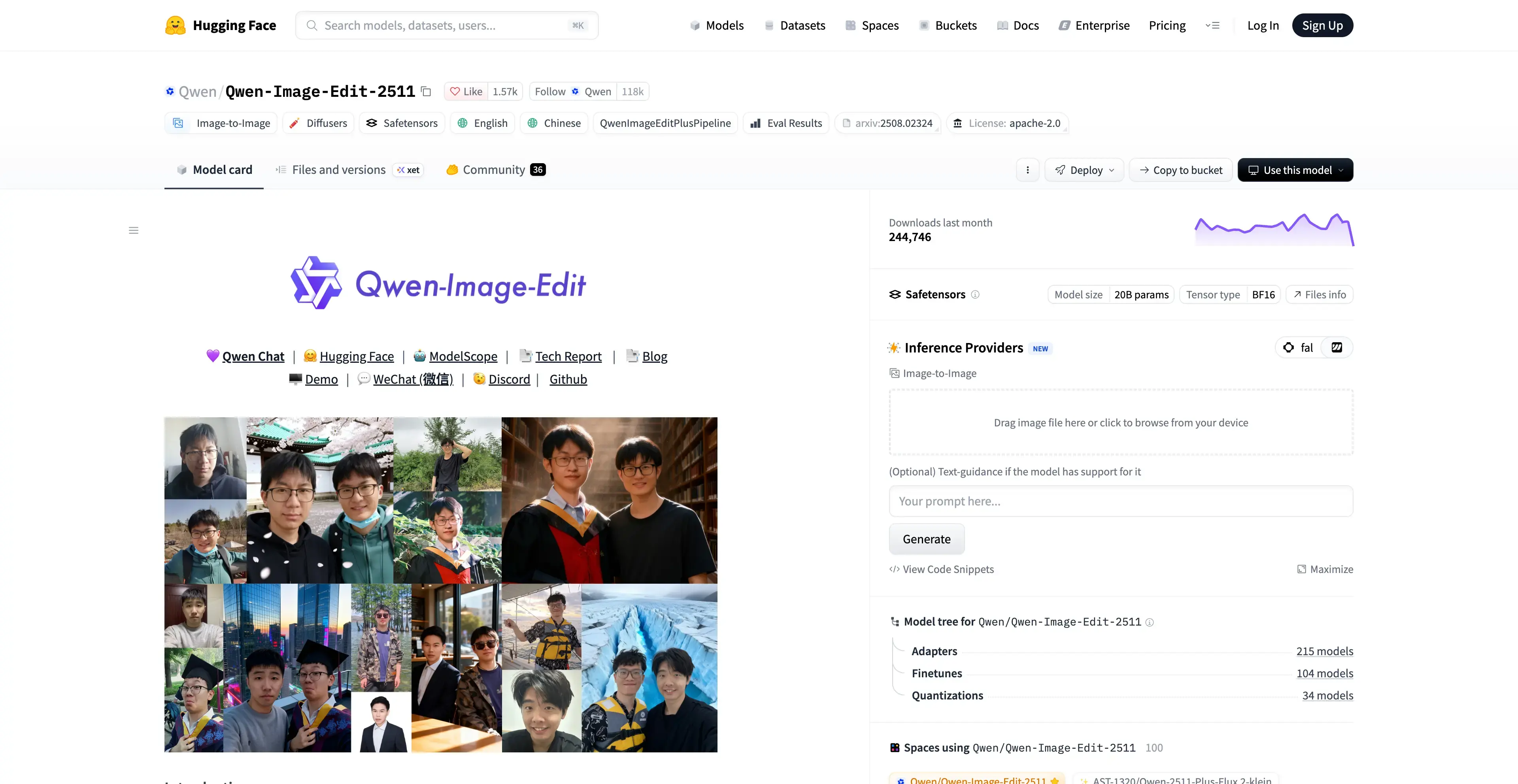
Alibaba's Qwen team publishes Qwen-Image-Edit under Apache 2.0. That's the biggest practical difference from Kontext [dev], which is non-commercial. The 2509 release added multi-image editing (person plus person, person plus product, person plus scene) and says it works best with 1 to 3 input images. It can edit text fonts, colors and materials, and it supports ControlNet inputs such as depth, edge and keypoint maps. The 2511 release (December 23, 2025) focuses on less image drift, better character consistency and built-in LoRA support.
Qwen also announced Qwen-Image-2.0 in February 2026, which unifies generation and editing in a single model. If you don't want to run models locally, Vogoo hosts Qwen Image 3.0 for image-to-image.
Pros:
- Apache 2.0 license, unlike Kontext [dev]
- Multi-image edits with 1 to 3 inputs
- Text editing plus depth, edge and keypoint ControlNet
Cons:
- Running it locally needs a capable GPU and setup time
- No official consumer app from the model page
- Best results are capped at about 3 inputs
Who shouldn't switch: if you've never set up a local model, a hosted editor will save you an afternoon.
6. Adobe Firefly — Best for Designers in Adobe Apps
Best for: designers who want edits to land inside a Photoshop workflow.
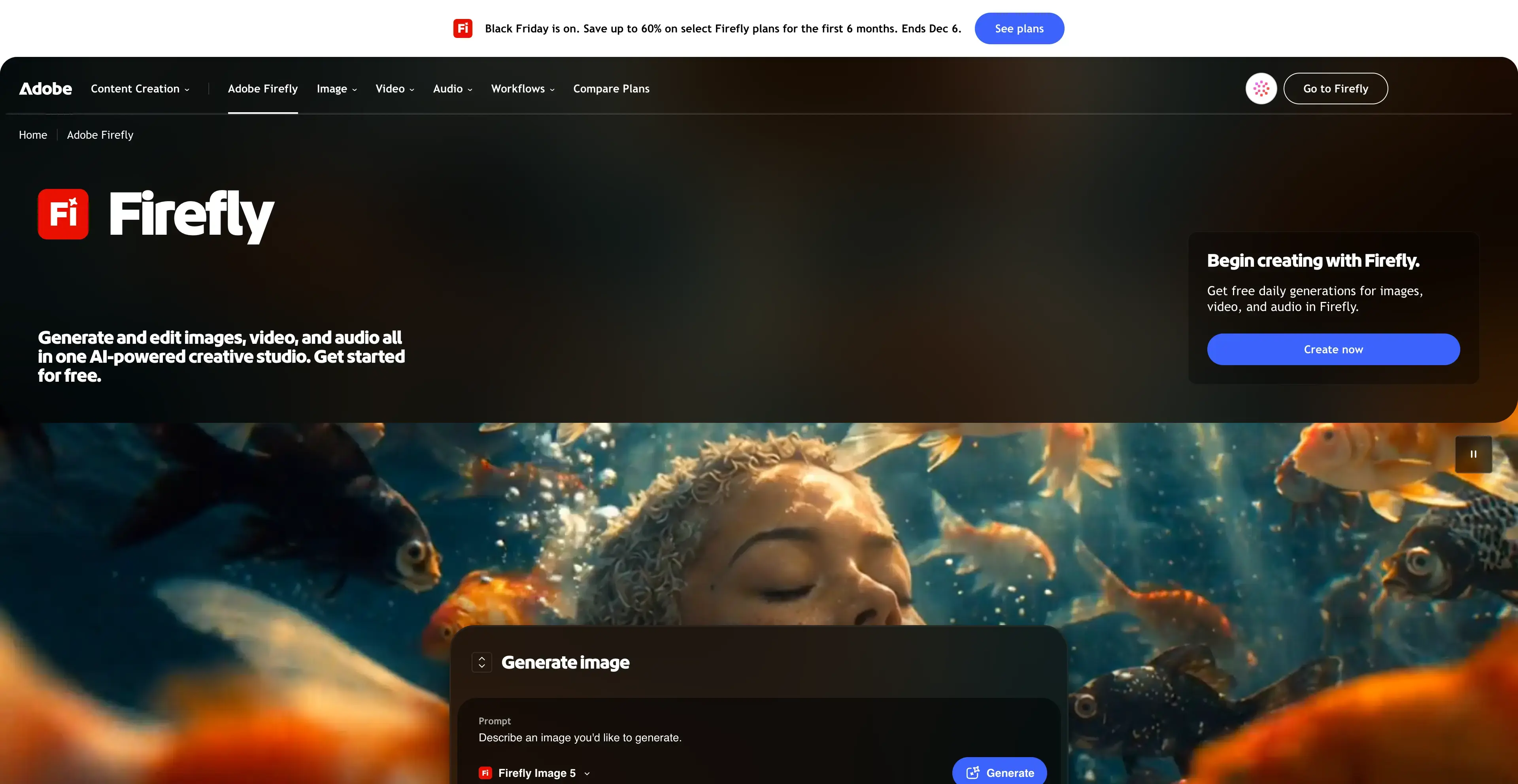
Firefly's free plan offers "limited free daily generations for images and video." Paid plans add monthly generative credits. Firefly Standard includes 2,000 credits, which Adobe says covers up to 400 images and 20 five-second videos. Paid plans also include unlimited generations with select Firefly image models for features like Generative Fill. Pro adds full access to Photoshop on web and mobile. Firefly also lists partner models, including GPT Image.
Adobe's plans page showed prices in local currency when we checked, so we haven't quoted a USD figure.
Pros:
- Generative Fill edits a selected area, not the whole image
- Fits into Photoshop and other Adobe apps
- Partner models available alongside Firefly
Cons:
- Generative Fill is not on the free plan
- Photoshop access starts at Firefly Pro
- Credit math differs between images and video
Who shouldn't switch: if you never open Photoshop, you're paying for an ecosystem you won't use.
7. Krea — Best for Daily Edits Plus Upscaling
Best for: creators who edit a little every day and want to upscale the result.
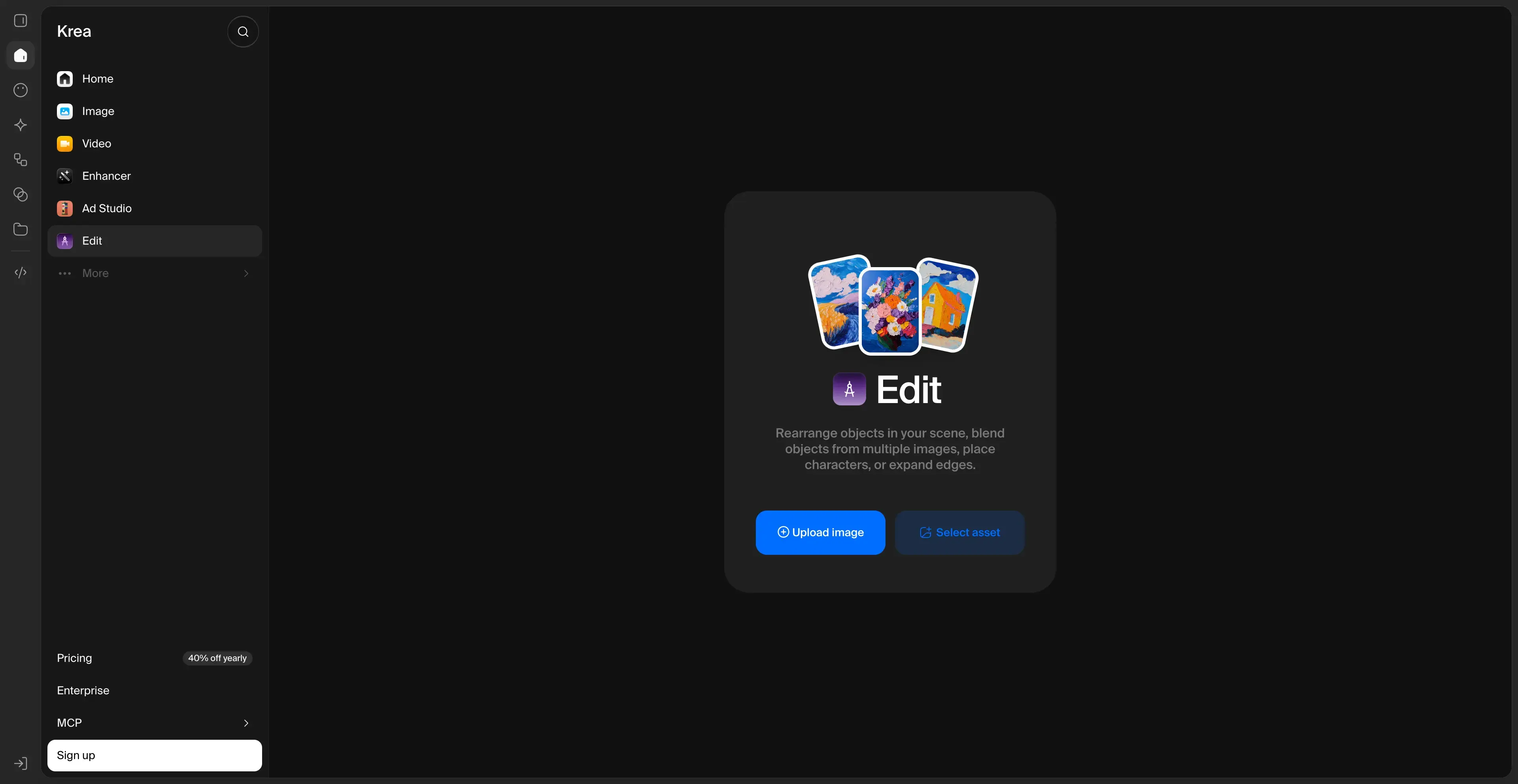
Krea's Image Editor lets you "edit any image with words," and the free plan includes 100 compute units per day with no card required. The model list covers Nano Banana 2.1, GPT Image 2.6, Flux and Seedream. Around them sit an upscaler for images and video up to 22K, LoRA training and Nodes for building workflows.
Basic shows $5 a month for 5,000 units at the annual rate. Paid units don't roll over, and top-up packs expire after 90 days.
Pros:
- 100 free units every day, no card needed
- Image Editor plus an upscaler up to 22K
- Several edit models, including Flux and Nano Banana
Cons:
- Monthly units expire at the end of each cycle
- Top-up packs expire after 90 days
- Free-plan commercial terms are unclear (the plan card and FAQ disagree)
8. Dreamina — Best for Seedream-Based Edits
Best for: CapCut users and anyone who prefers ByteDance's Seedream models.
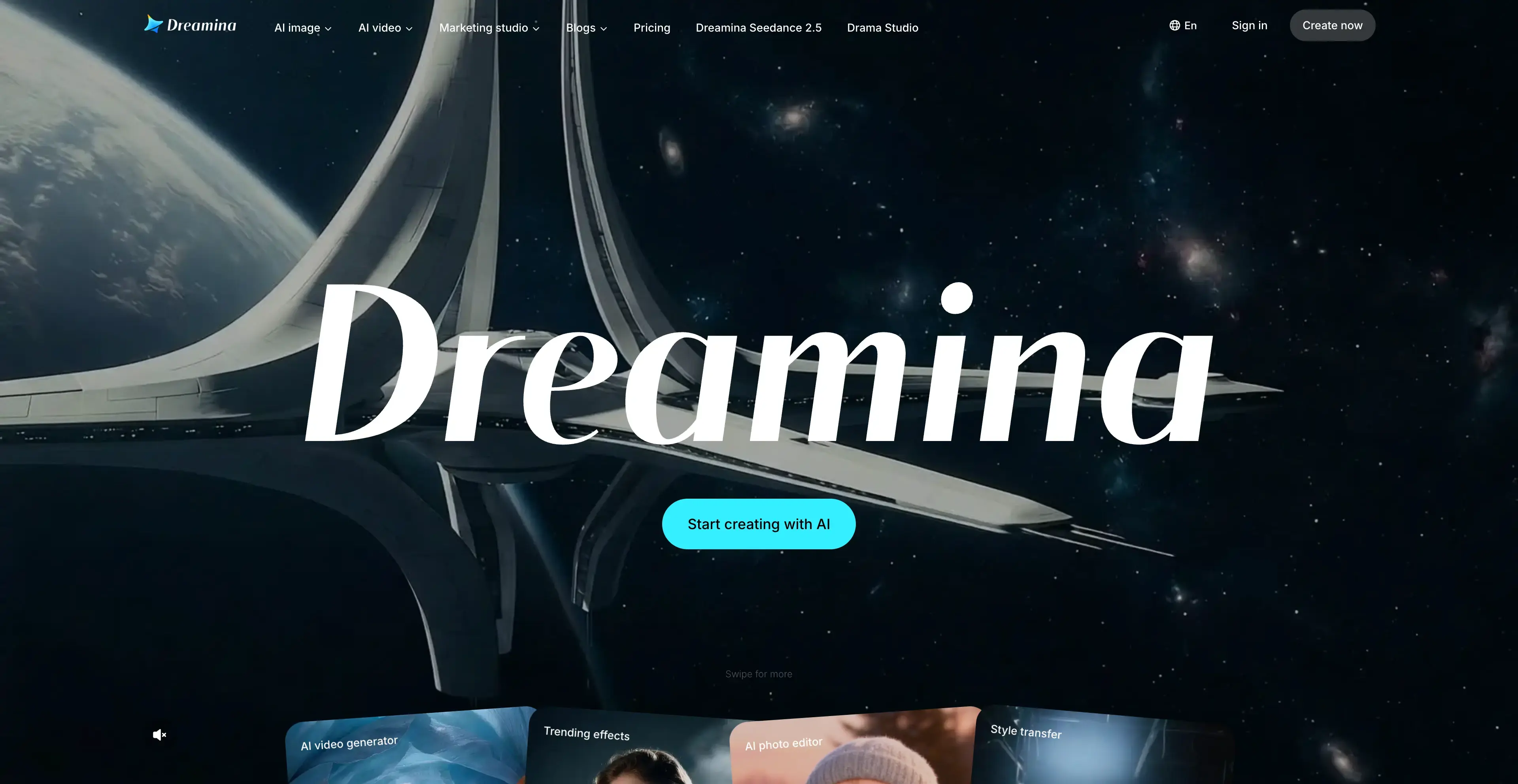
Dreamina, from CapCut, features Seedream 5.0 Pro in its image tools and "provides free daily credits for generating images and videos." Its VIP plan advertises 10 top AI image and video models in one plan "with unlimited generations." Because it sits next to CapCut, it's convenient if your edited image is headed into a video.
Dreamina says its displayed pricing is "for reference only" and didn't show plan prices when we checked, so confirm the price in your region before subscribing.
Pros:
- Seedream 5.0 Pro for image editing
- Free daily credits
- Close to CapCut for image-to-video work
Cons:
- Plan prices not shown publicly when we checked
- Daily free credit amount not published
- Fewer non-ByteDance models than multi-model studios
How We Compared These Alternatives
Each tool was checked against the same four questions, answered only from its official pages on November 20, 2026:
- Edit quality signals. Does it support instruction-based editing on an uploaded image, and how many reference images can it take?
- Cost to start. Is there a free tier, and does the paid entry point publish what it includes?
- License. Are there open weights, and do they allow commercial use?
- Workflow. Is it a chat, an editor, an API or a design tool, and does it fit batch work?
Here's how the open-weight options compare on license, which is the question Kontext [dev] users ask most:
| Model | Open weights | License |
|---|---|---|
| FLUX.1 Kontext [dev] | Yes | FLUX.1 [dev] Non-Commercial License |
| FLUX.2 [dev] | Yes (32B) | — |
| FLUX.2 [klein] 4B / 9B | Yes | Apache 2.0 |
| Qwen-Image-Edit-2511 | Yes | Apache 2.0 |
A dash means we didn't confirm the license on an official page, so check before shipping commercially.
How to Choose the Right Flux Kontext Alternative
- You want Kontext plus a backup model in one place: Vogoo.
- You want BFL's newest editing model: FLUX.2.
- You want free and fast: Nano Banana 2 in Gemini, or Krea's 100 daily units.
- You'd rather describe edits in conversation: ChatGPT.
- You run ComfyUI and need commercial rights: Qwen-Image-Edit or FLUX.2 [klein].
- You live in Photoshop: Adobe Firefly.
- Your image is going into a CapCut video next: Dreamina.
A quick way to decide: pick one image and one edit that Kontext struggles with, such as swapping text on a sign or adding a second product to a scene. Run that exact prompt on two or three tools from this list. Ten minutes of side-by-side testing tells you more than any ranking.
Final Verdict
Kontext is still a good editor, and it's still available, including on Vogoo. Its documented weak spots are artifacts in long edit chains, occasional instruction misses and a non-commercial [dev] license. The best Flux Kontext alternative depends on which of those affects you. For the easiest switch, start with Vogoo, where you can keep Kontext and rerun any failed edit on Nano Banana, GPT Image, Seedream or Qwen in the same editor. Go to FLUX.2 for BFL's newest model, Qwen-Image-Edit for open-source commercial use, and Nano Banana in Gemini if you just want free.
Try Vogoo AI Image Generator
🎨 Create from a prompt • 🖼️ 20+ image modelsFAQs About Flux Kontext Alternatives
Is there a free alternative to Flux Kontext?
Yes. Nano Banana 2 in the Gemini app is free with compute-based limits that refresh every 5 hours. Krea gives 100 free units a day, and ChatGPT's free plan includes limited image creation. For local use, Qwen-Image-Edit is free to download under Apache 2.0.
Can I use Flux Kontext dev commercially?
FLUX.1 Kontext [dev] is released under the FLUX.1 [dev] Non-Commercial License. Its model card also mentions using outputs commercially as described in that license, so read the license itself before you ship. If you need open weights with clearer commercial terms, Qwen-Image-Edit and FLUX.2 [klein] use Apache 2.0.
Flux Kontext vs Qwen Image Edit: which is better?
Kontext is a hosted, fast iterative editor from BFL. Qwen-Image-Edit is an Apache 2.0 open model with multi-image editing, text editing and ControlNet support. Choose Qwen for local commercial pipelines and Kontext for quick hosted edits. Vogoo runs both families, so you can compare them on the same image.
Flux Kontext vs Nano Banana: which should I use?
Use Nano Banana when you want free, conversational edits in the Gemini app. Use Kontext when you want a fast hosted editor at a low per-image API price ($0.04 for [pro]).
Is FLUX.2 better than Flux Kontext?
For multi-reference work, it's built for it, with up to 10 reference images and 4 MP output. For a single quick edit, Kontext is still capable and cheap. Many teams keep both.