Vogoo.ai
  • Meigen Gallery
  • Pricing
Start for free
Vogoo.ai
Home/AI Music Generator/iLoveSong AI

iLoveSong AI · AI Song Generator

iLoveSong AI

iLoveSong AI is a web-based song generator: describe a track or paste your own lyrics and it returns a full song — male, female, or auto vocals, or a clean instrumental — with a custom mode, voice upload, and even an AI singer video from a photo. It is a fast way to turn an idea into a finished MP3 or MP4, though its free tier is capped and some creators want clearer credits. Vogoo does the same in the box below — Suno-powered, with the exact credit cost shown up front. Make your song free now.

Key Features of iLoveSong AI

Everything the iLoveSong AI music generator does at a glance — each feature is broken down in detail below.

  • Text & lyrics to song: Describe a song in a prompt or paste your own lyrics — it can even write the lyrics for you — then get a complete track.
  • Custom Mode for full control: Set the genre, substyles, song structure, and BPM instead of leaving everything to the AI.
  • Male, female, auto & instrumental: Choose a male, female, or auto vocal, or generate a clean instrumental with no vocals at all.
  • Upload your own voice: Upload a sample of your own voice so it becomes the singer on the generated song.
  • Multiple model versions: Switch between model versions (up to V9) to balance speed, fidelity, and vocal quality.
  • AI music videos from a photo: Animate a portrait photo into an MP4 music video where the person appears to sing your track.
  • Full-length songs: Generate complete songs up to about eight minutes, with intro, verses, chorus, and outro.
  • MP3 & MP4 export, commercial-ready: Download finished songs as MP3 or MP4; paid plans add commercial rights and unlimited exports.

Features

What iLoveSong AI Can Do

iLoveSong AI turns a prompt or your own lyrics into a complete song — with a custom mode, voice upload, multiple model versions, and even AI singer videos.

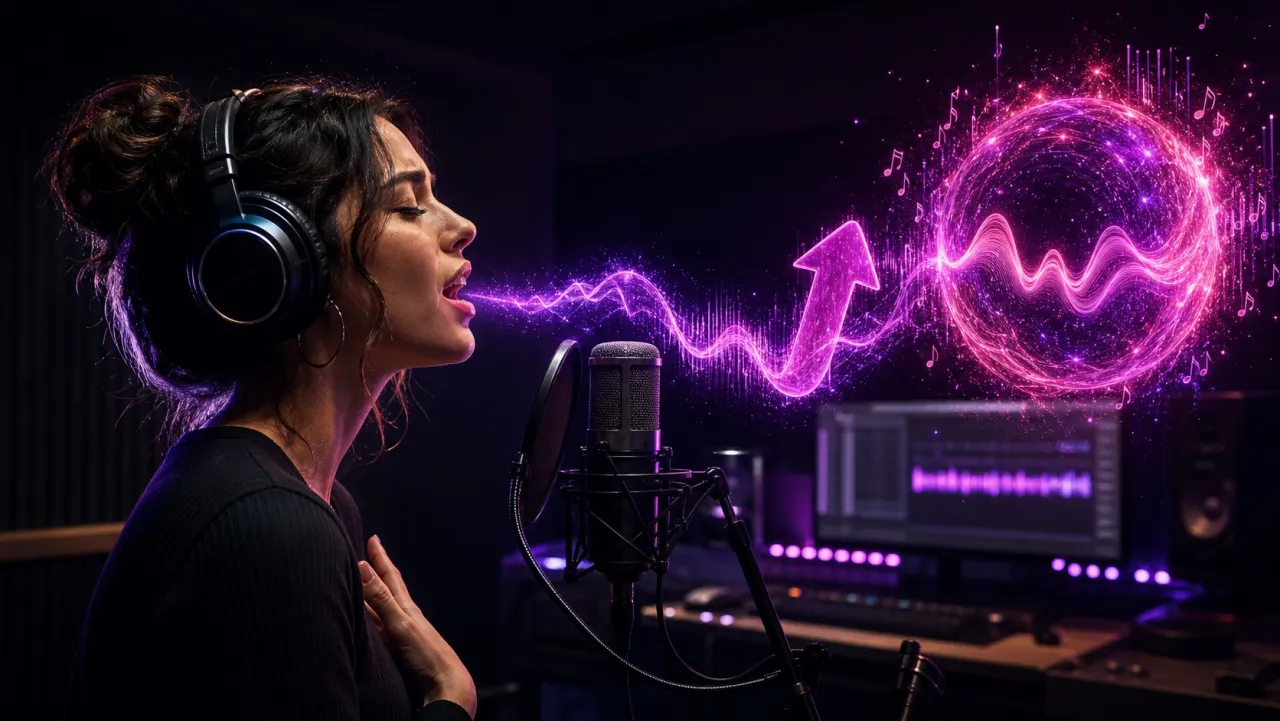
iLoveSong AI turning a page of lyrics into a full song with sound waves and music notesiLoveSong AI music generator — text or lyrics to song
01

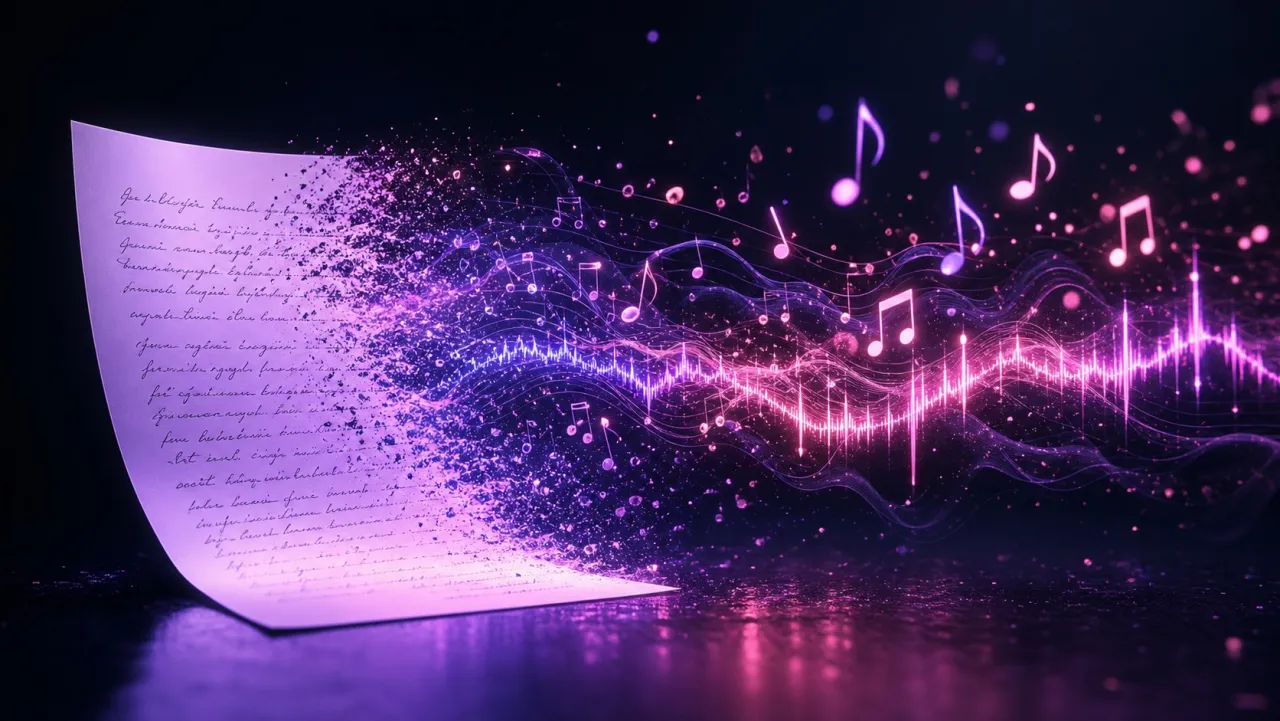
Text & lyrics to song

Type a one-line prompt like "dreamy synth-pop about a road trip," or paste a verse and chorus you already wrote — and if you have no words yet, iLoveSong AI can draft the lyrics for you. From there it composes the melody, arranges the instruments, and records the vocals into one finished track, so a rough idea becomes a complete song without opening a DAW.

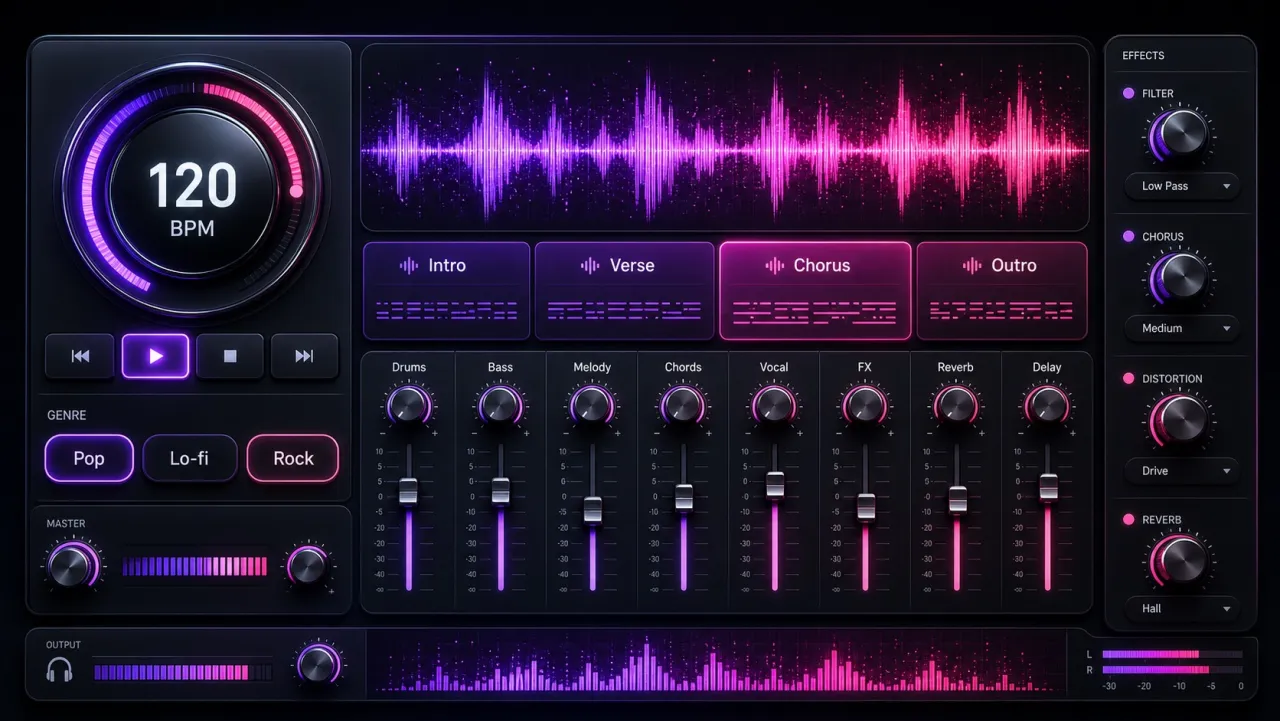
iLoveSong AI custom mode controls showing genre, BPM, and song structureCustom Mode — genre, structure, and BPM
02

Custom Mode for full control

Basic mode is one prompt in, one song out. Custom mode hands you the console: pick a genre and substyles — say lo-fi hip-hop over a jazz piano bed — lay out the structure section by section (intro, verse, pre-chorus, chorus, bridge, outro), and set the BPM so a ballad sits near 70 and a dance track near 128. It is the difference between "surprise me" and "build exactly this."

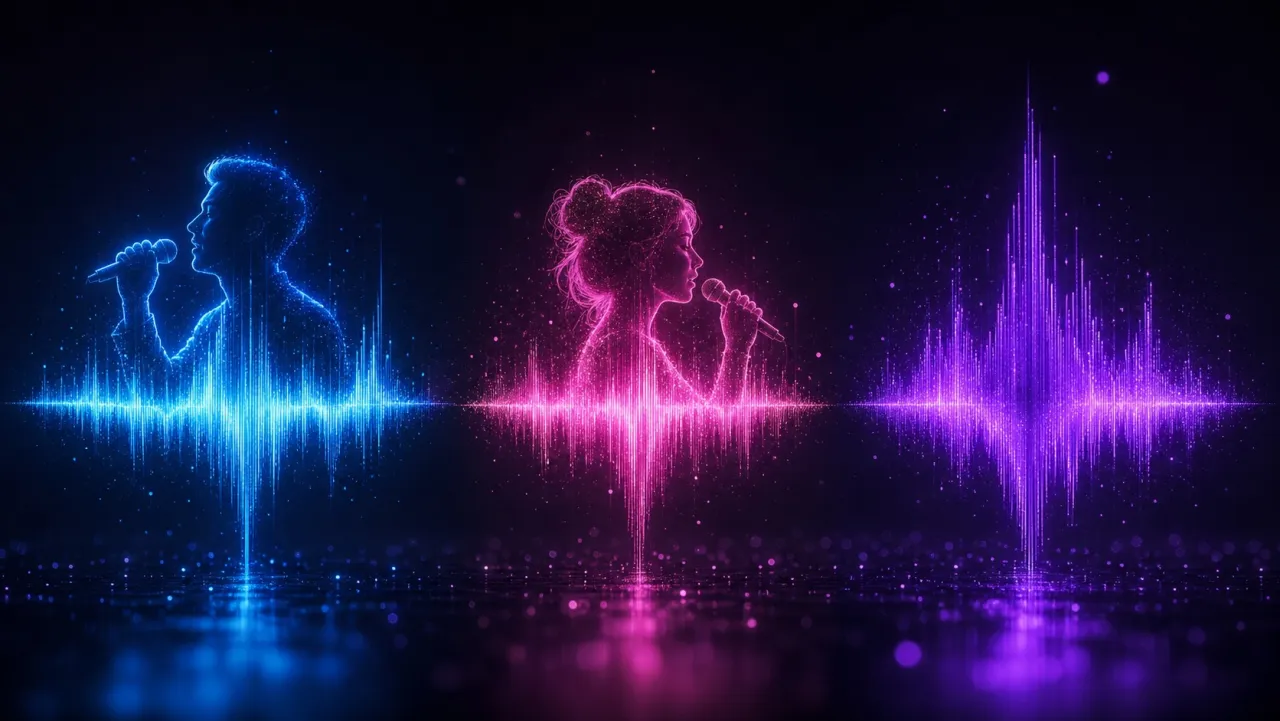
iLoveSong AI vocal options — male, female, and instrumental waveformsMale, female, auto — or instrumental
03

Male, female, auto & instrumental

Choose a male or female lead to fit the song, let Auto match the voice to your prompt, or switch vocals off for a clean instrumental. The instrumental option is the one podcasters and video editors reach for — a backing track, an intro bed, or looping background music with no lyrics to talk over.

iLoveSong AI voice upload — a singer’s own voice becomes the vocalistVoice upload — your own voice sings
04

Upload your own voice

Upload a short sample of your own voice and iLoveSong AI makes you the singer on the finished song, while the AI still writes the melody and plays every instrument. It is how a non-musician turns a personal message into a track that sounds self-recorded — a favorite for surprise gifts and for creators who want their own voice on a theme song.

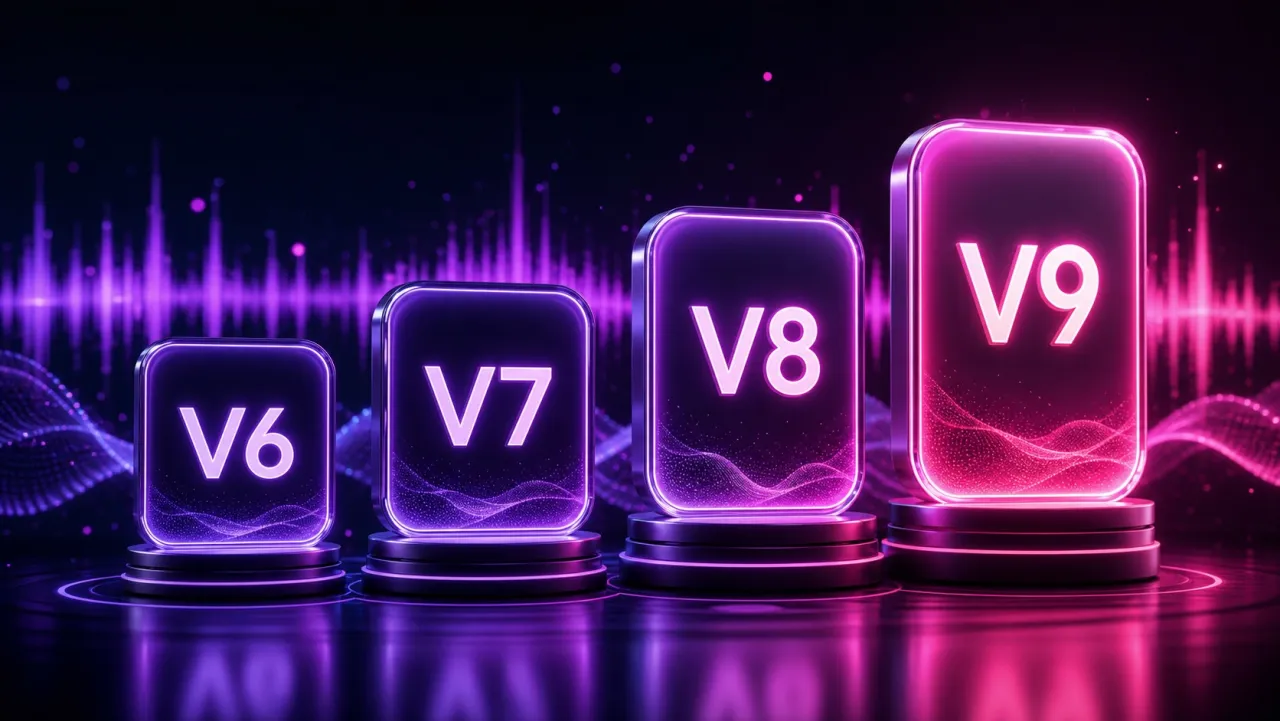
iLoveSong AI model versions V6, V7, V8, and V9Multiple iLoveSong AI model versions
05

Multiple model versions

iLoveSong AI runs on its own engine, not Suno, and ships several model versions from V6 up to V9. Older versions render faster while you iterate on ideas; the newer V8 and V9 aim for more natural vocals and higher-fidelity mixes for the final take — so you trade speed against quality per song.

iLoveSong AI music video generated from a portrait photo of a singerAI singer video from a portrait photo
06

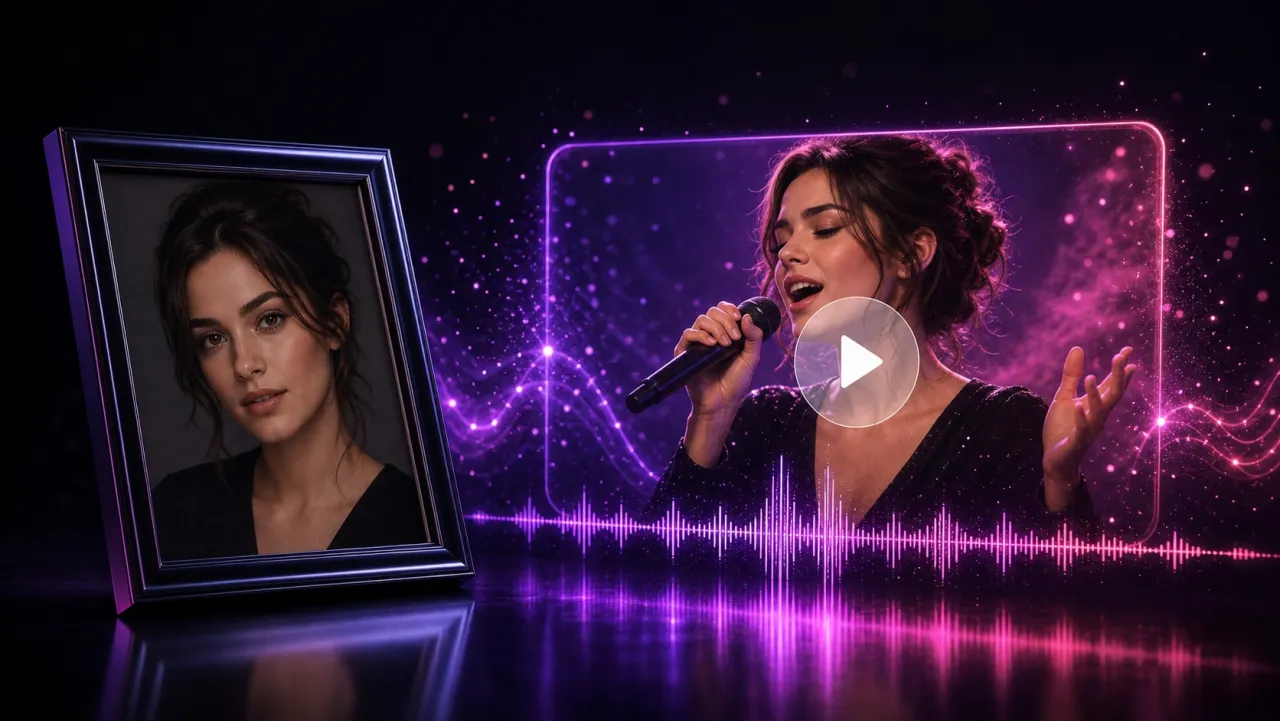
AI music videos from a photo

Beyond audio, drop in a single portrait photo and iLoveSong AI animates the face to lip-sync your track, then exports it as an MP4 music video with the audio already synced. One still image becomes a shareable video for Reels, Shorts, or TikTok — no camera and no editing timeline.

iLoveSong AI full-length song timeline with intro, verse, chorus, and outroFull-length songs up to ~8 minutes
07

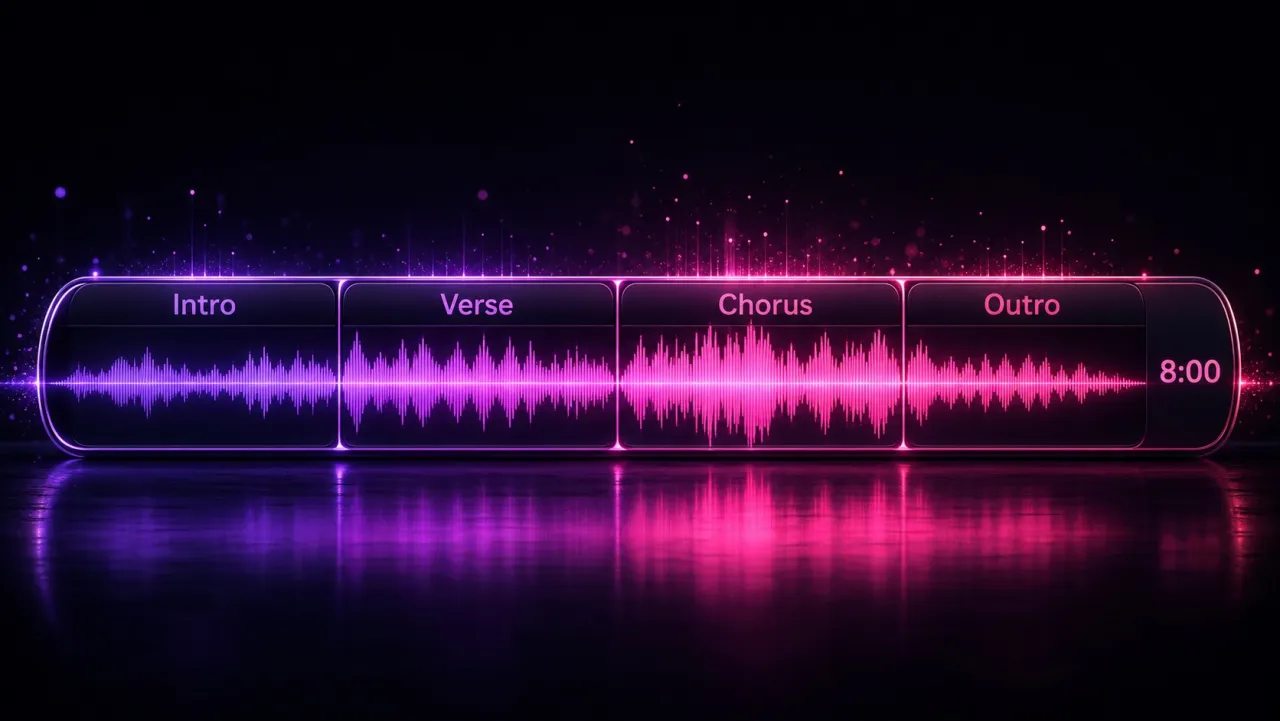
Full-length songs

This is not a 15-second clip. iLoveSong AI generates complete songs up to about eight minutes with a real arc — intro, verses, a repeating chorus, a bridge, and an outro — so the result stands up as an actual release, a full-length YouTube backing track, or an end-to-end demo rather than a loop.

iLoveSong AI song exported and downloaded as MP3 audio or MP4 videoDownload as MP3 or MP4
08

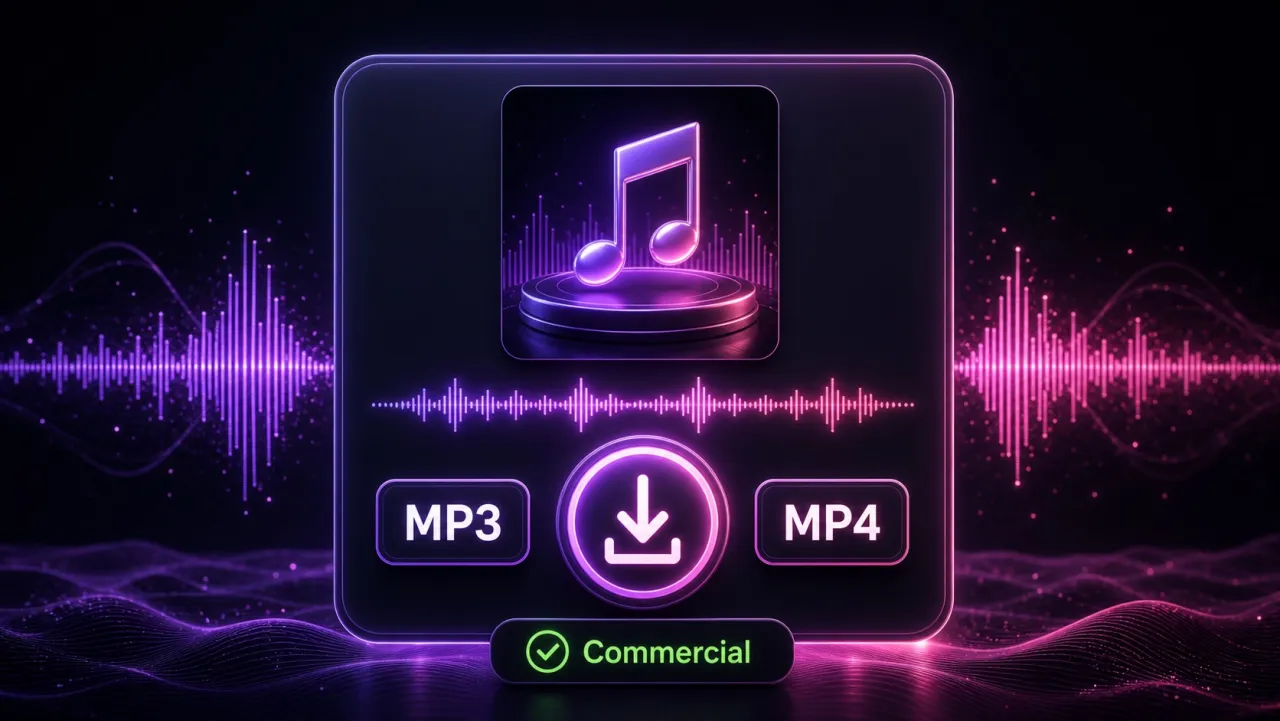
MP3 & MP4 export, commercial-ready

Download the finished song as an MP3 for streaming and audio use, or as an MP4 when you generated the singer video. Free output is meant for personal experiments; iLoveSong AI’s paid plans add commercial usage rights and higher or unlimited export limits — what you need before a track goes into a monetized video or a client ad.

Where iLoveSong AI Fits

iLoveSong AI is an independent, web-based AI song generator. Rather than reselling another company’s engine, it runs its own model versions — V6 through V9 — and pairs song generation with extras many generators skip: uploading your own voice as the singer, and turning a portrait photo into an AI singer video. Its pitch is breadth for everyday creators — text or lyrics in, a finished MP3 or MP4 out — which is why it shows up in “best AI song generator” and Suno-alternative roundups. Where it stays deliberately vague is transparency: it says little about the exact engine behind each version or how credits map to one finished song — the gap an open, Suno-powered tool like Vogoo is built to close.

Use cases

Who Uses an AI Song Generator Like iLoveSong AI

From songwriters to marketers, people use an iLoveSong AI music generator to turn ideas and lyrics into finished, original songs.

Musicians & songwriters

Paste your lyrics, generate three genre takes — indie folk, arena rock, synthwave — and hear which arrangement fits before you spend a session in your DAW. A fast way to prototype a song and lock the direction.

Content creators

Generate original background songs you actually own for YouTube, Twitch, and TikTok, instead of gambling on licensed tracks that trip Content ID and demonetize the upload. Match the mood to the moment — chill for a vlog, driving for a montage.

Social & short-form video

Spin up a catchy 8-to-15-second hook or a full theme song for Reels and Shorts in a couple of minutes, tuned to the pace of your edit — a trending sound that is uniquely yours.

Podcasters

Produce a matching intro sting, segment transition, and outro bed in one consistent style, using the instrumental-only option so nothing competes with your voiceover. Refresh your show sound without hiring a composer.

Marketers & brands

Turn a one-line brief into a jingle or campaign track in the exact genre, tempo, and vocal type the spot needs, then A/B two versions with your team before launch. Paid plans cover the commercial rights.

Gifts & special occasions

Write a personalized birthday, wedding, or anniversary song from a few lines about the person, in their favorite style — the heartfelt use case iLoveSong AI is known for. Add a photo and it becomes a singing music video.

What users say

What Creators Say About iLoveSong AI

On Reddit, creators say iLoveSong AI produces solid results — some feel its output holds up well against Suno, and the free daily samples are enough to get people hooked. Others note it can feel less versatile than Suno and ask how transparent its credits and plans really are.

Good output quality

Users describe iLoveSong AI songs as “decent” and, for some, on par with or better than what they got elsewhere for the same prompt.

Free samples pull people in

A free daily allowance lets people try the generator before paying, which is what most creators want before committing to a plan.

Questions about transparency

Some threads ask whether iLoveSong AI is a fully independent product and how its credits work — a fair thing to check before subscribing.

How Vogoo Fills iLoveSong AI’s Gaps

This is where Vogoo comes in. Instead of guessing which engine you are on or how many credits a song will cost, Vogoo runs real Suno models in the open and shows the exact credit price before you hit generate. Where iLoveSong AI stops at a song plus a singer video, Vogoo wraps the same text- or lyrics-to-song flow — male, female, auto, or instrumental — inside a full image and video studio, so a finished track can become cover art and a music video without leaving the tab. You start free, keep your credits transparent, and only upgrade when you actually need more generations.

Compare

The Best iLoveSong.ai Alternative

iLoveSong AI is often compared to Suno. Here is how Vogoo — an open, Suno-powered iLoveSong.ai alternative — stacks up against iLoveSong AI and Suno on the things that matter.

iLoveSong AIVogooSuno
Underlying engineOwn models (up to V9)Suno V5 / V4.5+Suno (first-party)
Text & lyrics inputYesYesYes
Custom mode & structureYesYesYes
Upload your own audioYesYes — cover, add vocals or backing—
AI singer videoBuilt inVia avatar toolsNo
Image + video studio tooMusic video onlyYes — full studioNo
Free to startLimited freeYes — free to tryLimited free

iLoveSong AI packs voice upload and built-in singer videos; Vogoo focuses on transparent, Suno-powered song generation inside a full image and video studio. As an iLoveSong.ai alternative, it is free to try.

Why Vogoo

Why Create Your Song on Vogoo

A quick recap of what you get when you use Vogoo as your iLoveSong.ai alternative.

Runs Suno in the open

Vogoo generates songs with real Suno models and shows the exact credit cost before you generate — no mystery engine or hidden wrapper.

One studio, not just songs

Turn a finished track into a music video with talking-avatar and lip-sync tools, and make cover art with image and video generators — all in one place.

Free to start

Try the song generator free, keep your credits transparent, and only upgrade when you actually need more generations.

Your lyrics, your control

Paste your own lyrics, pick the vocal type, or switch on custom mode for title and style — the same control an iLoveSong AI power user expects.

More Vogoo Tools To Build Around Your Song

Text to MusicText to VideoText to ImageImage to Video

FAQ

iLoveSong AI — Frequently Asked Questions

Answers on what iLoveSong AI is, whether iLoveSong AI is free and safe, iLoveSong AI vs Suno, using your own lyrics, downloading MP3s, and the best iLoveSong AI alternative.

Create Your iLoveSong AI-Style Song on Vogoo

Turn a prompt or your own lyrics into a full, Suno-powered song — pick male, female, or instrumental vocals, then download the MP3. Free to try.

Generate a song free
Vogoo.ai

The free AI picture generator that exports at exact pixel image sizes — start from a prompt template, post without cropping.

Product
  • Text to Video
  • Image to Video
  • Text to Image
  • Image to Image
  • Text to Music
  • Pricing
AI Models
  • Seedance 2.0 Mini
  • Reve 2.0
  • Nano Banana 2 Lite
  • iLoveSong AI
Company
  • About
  • Contact us
Legal
  • Cookie Policy
  • Privacy Policy
  • Terms of Service
  • Refund Policy
© 2026 Vogoo.ai. All Rights Reserved.