8 Best AI Mimic Motion Tools in 2026, Compared

AI mimic motion tools compared: copy movement from a reference video onto any character, with free options, prices, and what to use if you meant GoMotion AI or MotionMaker.

In this article
You have a dance clip, a reaction, or a walk cycle you love, and a character you want to move exactly like that. AI mimic motion tools do this. You upload a reference video and a character image, and the model copies the movement, timing and expressions onto your character. The hard part isn't finding a tool. It's knowing which one keeps the face stable, which one is free to try, and which one quietly watermarks your export.
This guide compares eight tools that actually do motion transfer. Every price and limit comes from each tool's official site, read on November 21, 2026. Vogoo runs Kling's motion control models in production, so that entry draws on real studio settings. We haven't run a formal side-by-side benchmark, so you won't find invented scores. We also answer a search that keeps landing on this topic by mistake: people looking for sites like GoMotion AI or a MotionMaker alternative. Those two tools do something different, and we explain what to use instead.
TL;DR
- Best overall AI mimic motion tool: Vogoo. It runs Kling 2.6 and Kling 3.0 Motion Control alongside 30+ video models, with the credit cost shown before you generate.
- Best free option: Viggle, whose free plan refreshes credits daily. Exports are watermarked.
- Best for anime and style transfer: DomoAI.
- Best open-source option: Wan-Animate, which can both animate a character and replace a person in a video.
- Looking for GoMotion AI or MotionMaker? Those make faceless YouTube videos and motion graphics, not motion transfer. Jump to the section on those two tools.
AI Mimic Motion Tools at a Glance
| Tool | Best for | Free option | Cheapest paid plan (official, Nov 21, 2026) | Standout |
|---|---|---|---|---|
| Vogoo | Motion control plus 30+ video models | 20 signup credits + daily check-in | Lite: $19/mo billed yearly | Kling 2.6 and 3.0 Motion Control |
| Kling Motion Control | Faithful body and facial motion | — | Shown after sign-in | "Zero character distortion" claim, one subject |
| Viggle | Free meme-style character swaps | Daily refreshing credits, watermarked | Pro: $7.99/mo | Swap single or multiple characters |
| DomoAI | Anime and stylized motion | Free plan with credits | Basic: $9/mo billed annually | Character to Video, 30+ styles |
| Wan-Animate | Open-source animation and replacement | Free to self-host | — | Animate or replace characters |
| GoEnhance | Restyling and person replacement | Free tokens | Pricing page didn't load | GoEnhance Animate |
| Pika | Motion transfer inside a cheap all-rounder | Credit packs only | Starter: $8/mo billed annually | Motion Transfer app |
| Krea | Daily free use with many models | 100 units/day | Basic: $5/mo (annual pricing shown) | Motion Transfer plus upscaling |
A dash means the official page we read doesn't state it.
What Makes a Good AI Mimic Motion Tool?
Motion transfer fails in predictable ways, so we judged each tool on four things:
- Identity hold. Does the character's face and outfit survive fast moves and head turns?
- Motion fidelity. Are timing, hand positions and expressions copied, or just roughly suggested?
- Input limits. How long can the reference clip be, and how many subjects can it handle? Kling's FAQ, for example, says Motion Control "currently supports one primary subject."
- Real cost. Watermarks, upload limits and commercial rights matter more than the headline price.
Copy Any Move Onto Your Character
Upload a reference video and a character image, then run Kling 2.6 or Kling 3.0 Motion Control on Vogoo. The credit cost shows before you generate.
Try Motion Control on Vogoo1. Vogoo — Best Overall AI Mimic Motion Tool
Best for: creators who want Kling-grade motion control without a separate Kling subscription.
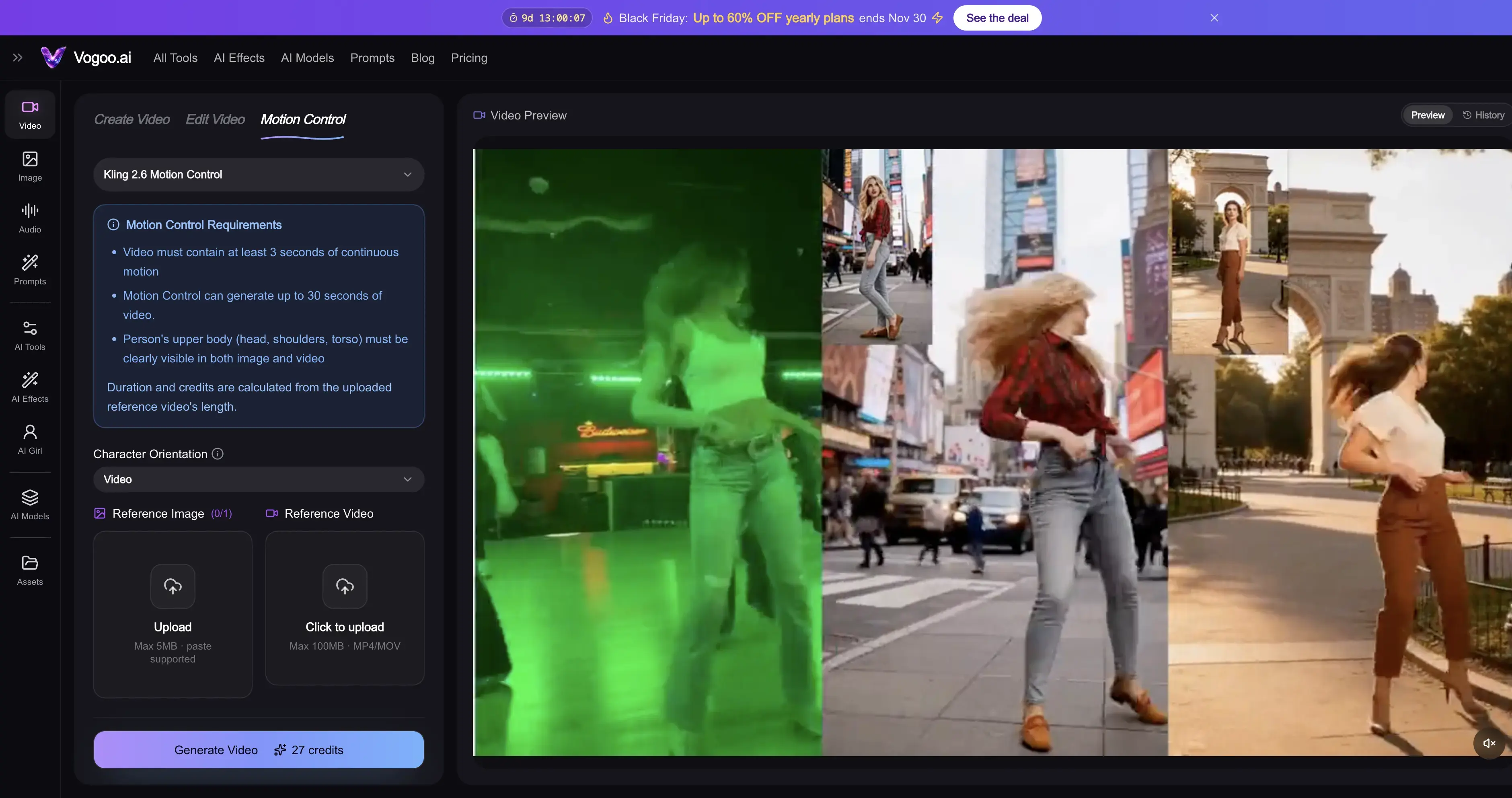
Vogoo is an AI creative studio for video, image and audio. Disclosure: it's our product, so weigh this entry accordingly. The Motion Control studio runs Kling 2.6 Motion Control at 1080p and Kling 3.0 Motion Control. You upload a reference video, add your character, and describe the scene in a prompt. Because it sits inside a full studio, the same credits also cover image to video, video to video, lip sync and more than 30 text-to-video models. That helps when a motion clip needs a matching intro shot or a voiceover.
Vogoo's pricing page shows the credit cost before every generation. Credit packs never expire, and failed generations don't cost credits. Lite is $19/month billed yearly for 500 credits a month.
Pros:
- Kling 2.6 Motion Control (1080p) and Kling 3.0 Motion Control
- Same credits cover image to video, lip sync and 30+ video models
- Credit packs never expire; failed runs are free
- Credit cost shown before you generate
Cons:
- Free tier is small: 20 signup credits that expire after 30 days, plus daily check-ins
- Without a paid plan, each video costs at least 120 credits
- Single primary subject, the same limit as Kling Motion Control
Open Vogoo Motion Control
🕺 Kling Motion Control • 💳 See credits before you generate2. Kling Motion Control — Best for Faithful Body and Face Motion
Best for: people who want the model maker's own motion control and are happy to use Kling's app.
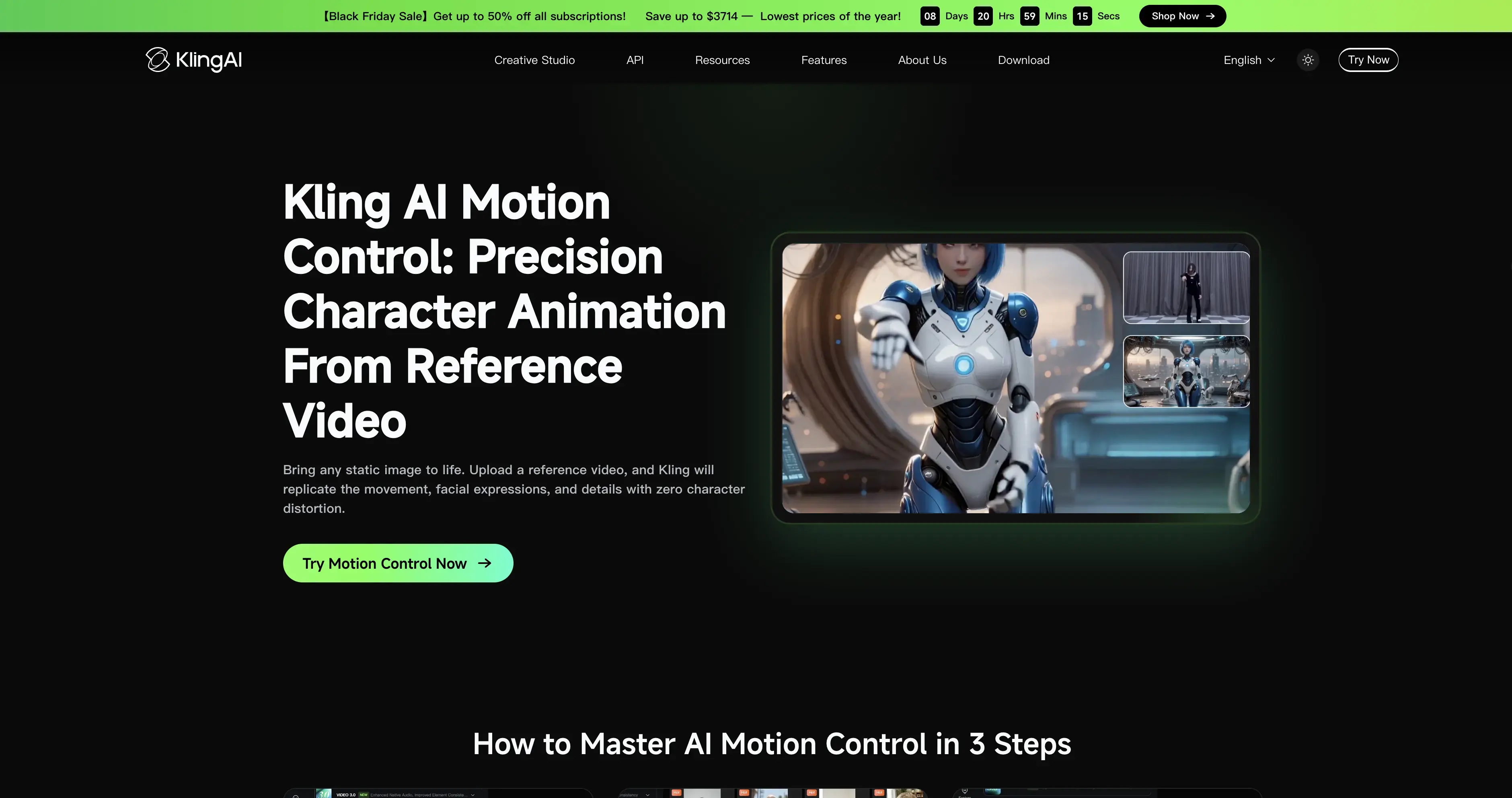
Kling describes Motion Control simply: "Upload a reference video, and Kling will replicate the movement, facial expressions, and details with zero character distortion." Its FAQ adds two limits worth knowing. It works on "human, anime, and 3D characters," and it "focuses on movement and expressions." For speech and lip sync, Kling points you to standard Video 3.0 instead.
Kling's consumer membership prices appear only after you sign in, so we haven't listed a number. If you'd rather not sign up for Kling, the same Kling motion control models are available on Vogoo.
Pros:
- Copies movement and facial expressions from a reference clip
- Works on human, anime and 3D characters
- Direct from the model maker
Cons:
- One primary subject per clip
- Lip sync needs a separate Video 3.0 run
- Pricing hidden until sign-in
3. Viggle — Best Free AI Mimic Motion Tool
Best for: memes and quick character swaps where a watermark is acceptable.
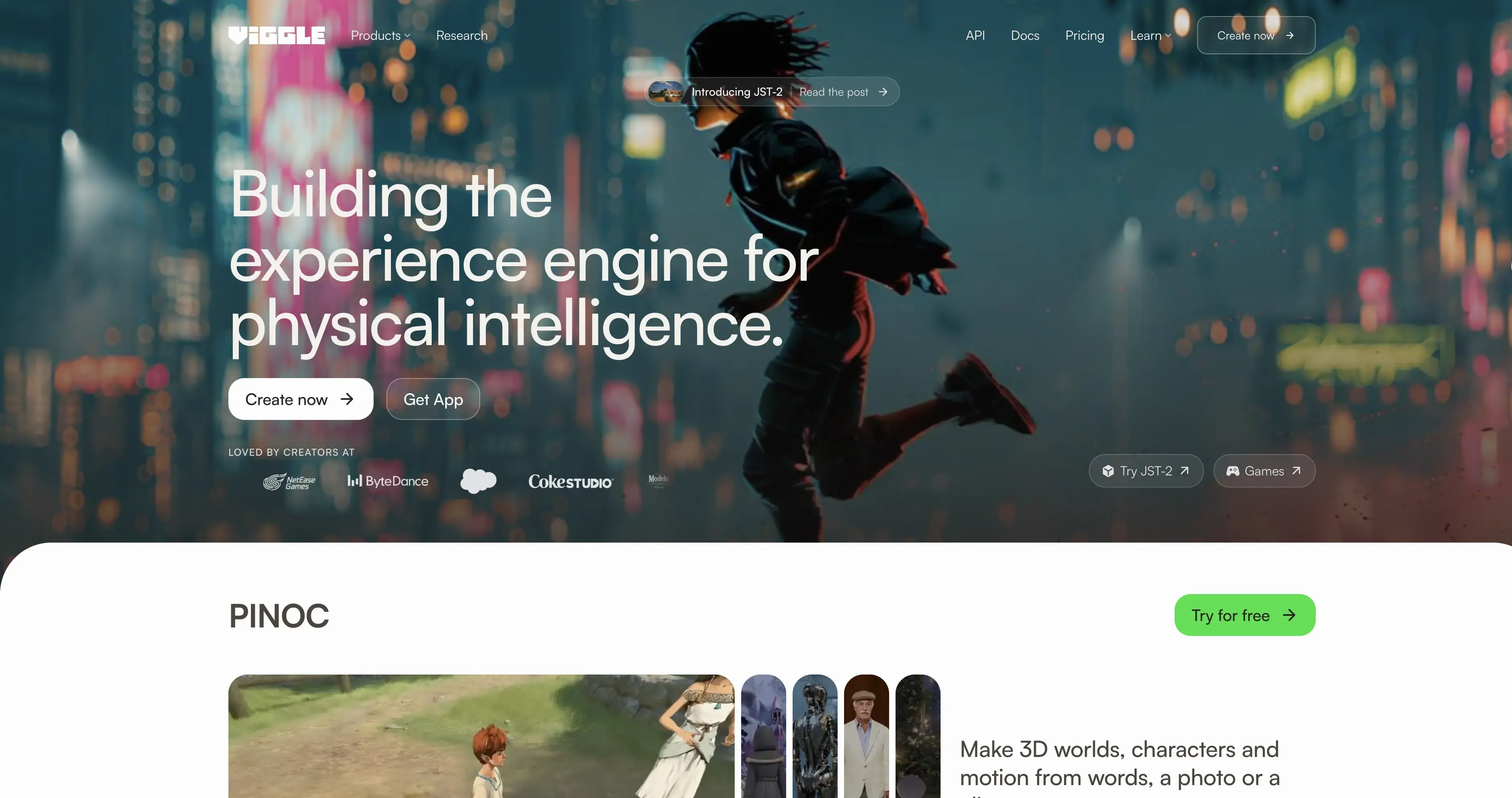
Viggle's homepage pitch is "Swap characters. Put any character into any moment." Its Meme Maker covers swapping a single character, swapping multiple characters, and adding motion to a character. That multi-character swap is something Kling's single-subject Motion Control doesn't offer.
The free plan's credits refresh daily, with one generation at a time, a 1-minute upload limit, 7-day asset storage and watermarked Mix videos. Pro is $7.99/month (shown discounted from $9.99) for 80 credits, 10-minute uploads, permanent storage and no watermark.
Pros:
- Free credits refresh every day
- Can swap multiple characters in one clip
- Pro is only $7.99/month
Cons:
- Free exports are watermarked
- Free plan allows 1-minute uploads and one generation at a time
- Pro includes only 80 credits a month
4. DomoAI — Best for Anime and Stylized Motion
Best for: turning dance or action clips into anime and other art styles.
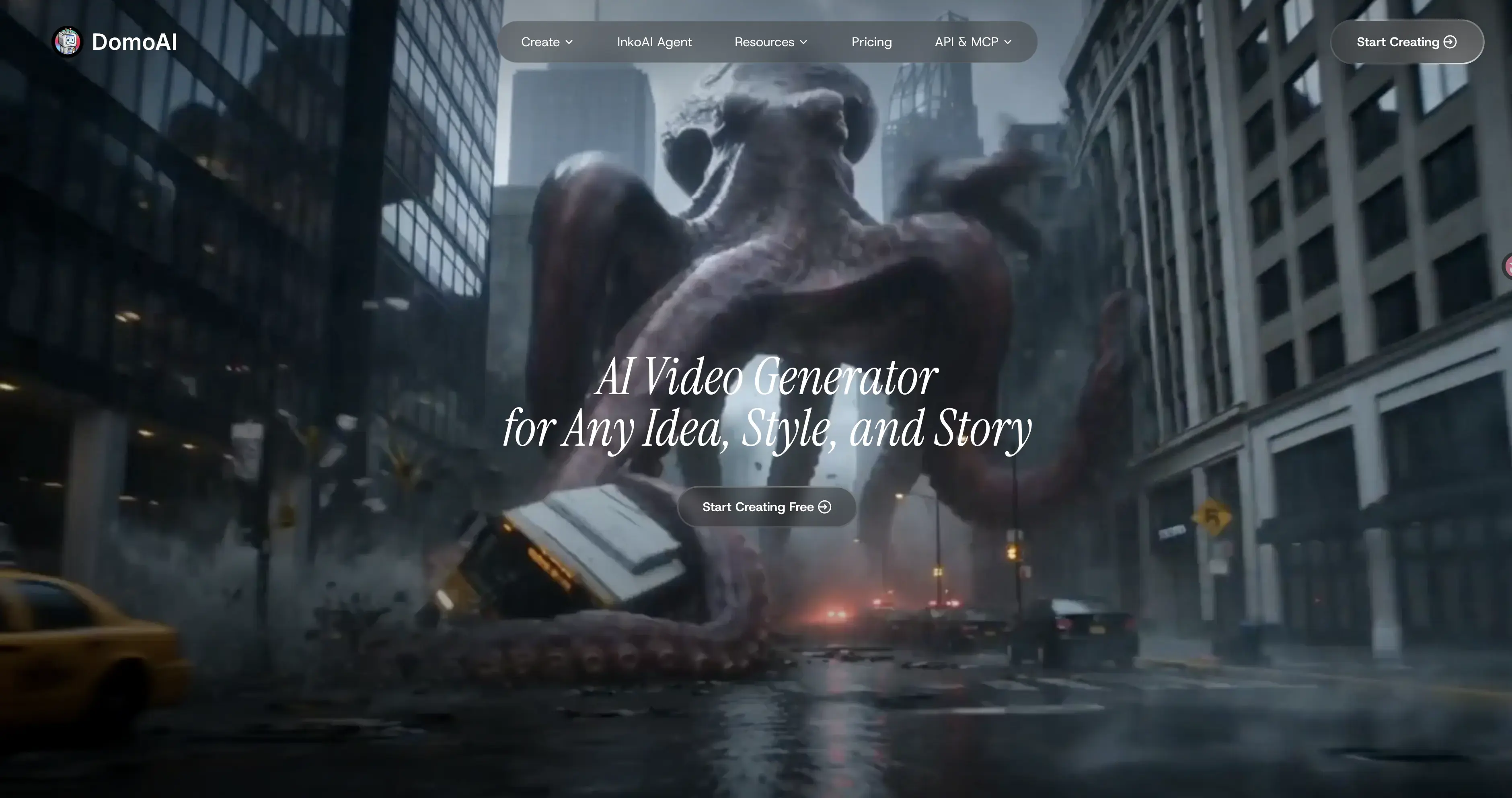
DomoAI covers both halves of mimic motion. "Character to Video" brings photo characters to life by "uploading motion videos to specify actions (walking, jumping, dancing)." "Video to Video" restyles existing footage "into anime, realistic, or any style." Its "Motion & Style Reference" lets you transfer dance moves or custom styles from a reference.
The FAQ says there's a free plan with credits but doesn't give the amount. Basic is $9/month billed annually for 600 monthly credits, and the page shows $13 next to it, which is presumably the monthly-billing price.
Pros:
- Character to Video driven by your own motion clip
- Strong anime and style-transfer focus
- Basic includes 600 credits a month
Cons:
- Free credit amount not published
- Basic has no Relax mode
- Less suited to photoreal output than Kling-based tools
5. Wan-Animate — Best Open-Source AI Mimic Motion Model
Best for: developers who want to run motion transfer on their own GPU.
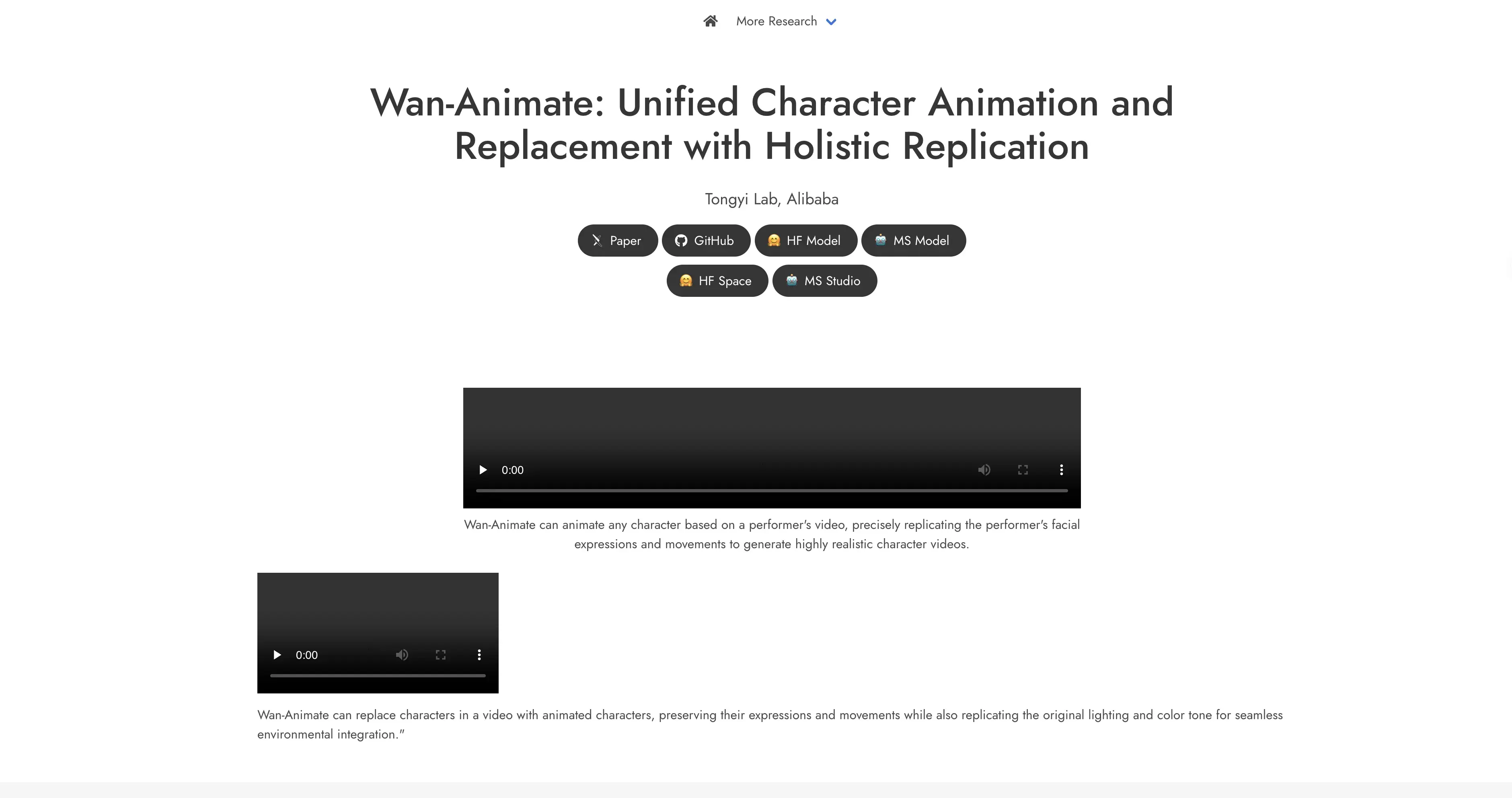
Wan-Animate, from Alibaba's Wan team, "can animate any character based on a performer's video." It can also "replace characters in a video with animated characters." The Wan2.2 repository lists Wan2.2-Animate-14B weights for "character animation and replacement" on Hugging Face and ModelScope.
Check the license before commercial work. The Wan2.2 README says its models are licensed under Apache 2.0, but the Wan-Animate project page says the project is "intended solely for academic research and effect demonstration."
Pros:
- Free to self-host
- Animates characters and replaces people in existing video
- Weights published on Hugging Face and ModelScope
Cons:
- Needs a capable GPU and setup time
- License statements conflict; verify before commercial use
- No hosted free tier from the project itself
6. GoEnhance — Best for Restyling and Person Replacement
Best for: creators who want anime-style video-to-video plus person replacement in one tool.
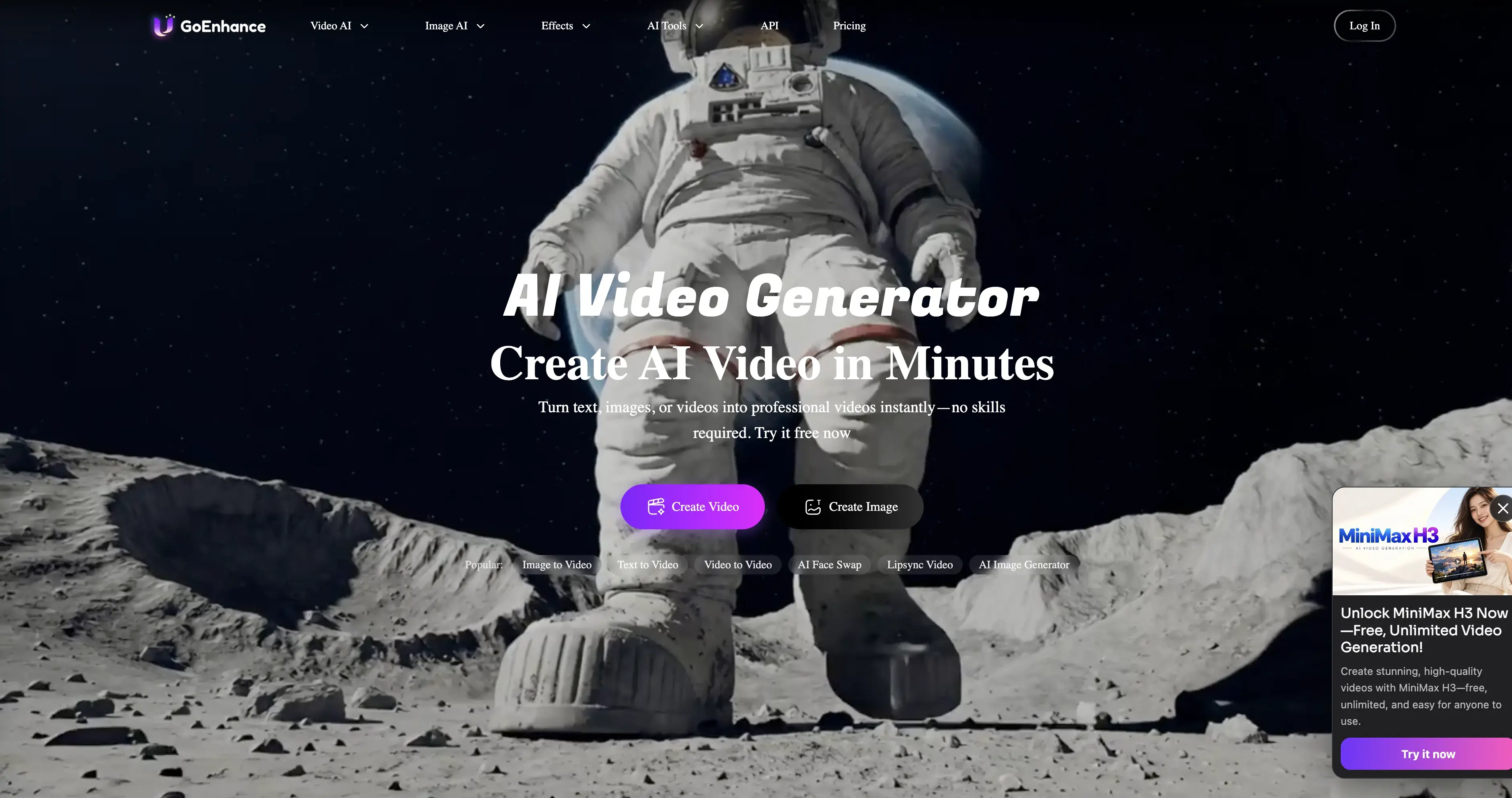
GoEnhance offers "Video to Video" to turn footage "into different anime style videos," along with video style transfer tools. Its Animate tool aims to "replace any person in a video with AI precision."
The FAQ mentions a free tier with some tokens. Commercial use is limited to subscribers on Standard, Pro and Mega, so Free and Basic users are personal-use only. GoEnhance's pricing page didn't load when we checked, so we haven't listed plan prices.
Pros:
- Anime video-to-video and style transfer
- Person replacement with GoEnhance Animate
- Free tokens to start
Cons:
- Commercial use only on Standard plans and above
- Plan prices not visible when we checked
- Free token amount not published
7. Pika — Best Budget All-Rounder With Motion Transfer
Best for: social creators who want motion transfer plus other video tools for a low monthly price.
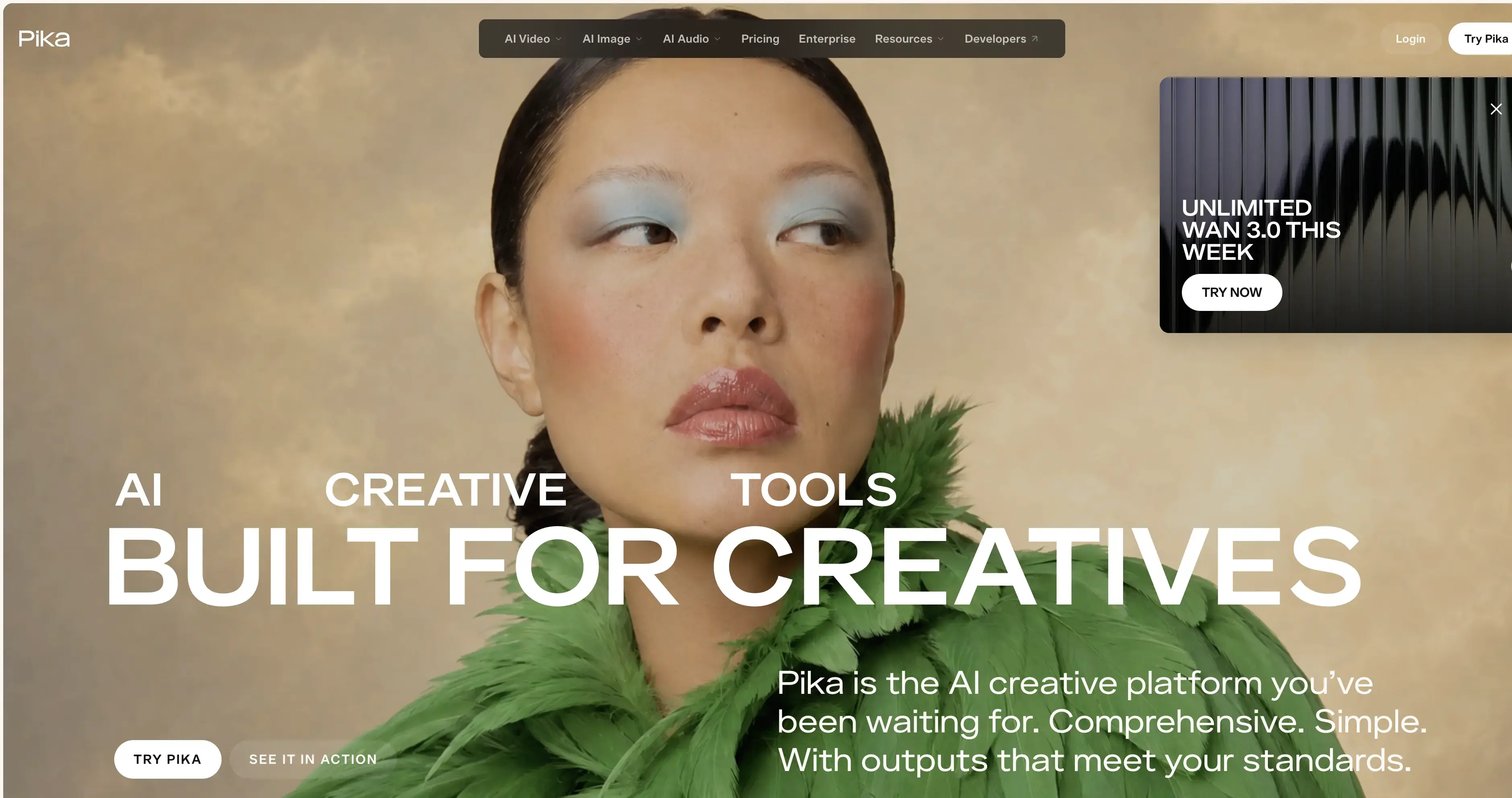
Pika lists Motion Transfer among its apps, next to Swap Anything, Pikaframes and Character Studio. It also hosts other video models such as Seedance 2.5, Kling 4.0 and MiniMax H3. Starter is $8/month billed annually ($10 monthly) for 600 credits, with no watermark on any tier.
The free tier has no monthly credits (credit packs only) and doesn't include a commercial license.
Pros:
- Motion Transfer plus a full set of social video apps
- Starter is $8/month billed annually
- No watermark on any tier
Cons:
- Free tier has no monthly credits
- No commercial license on the free tier
- Plan credits do not roll over
8. Krea — Best for Daily Free Use
Best for: people who want to experiment a little every day without paying.
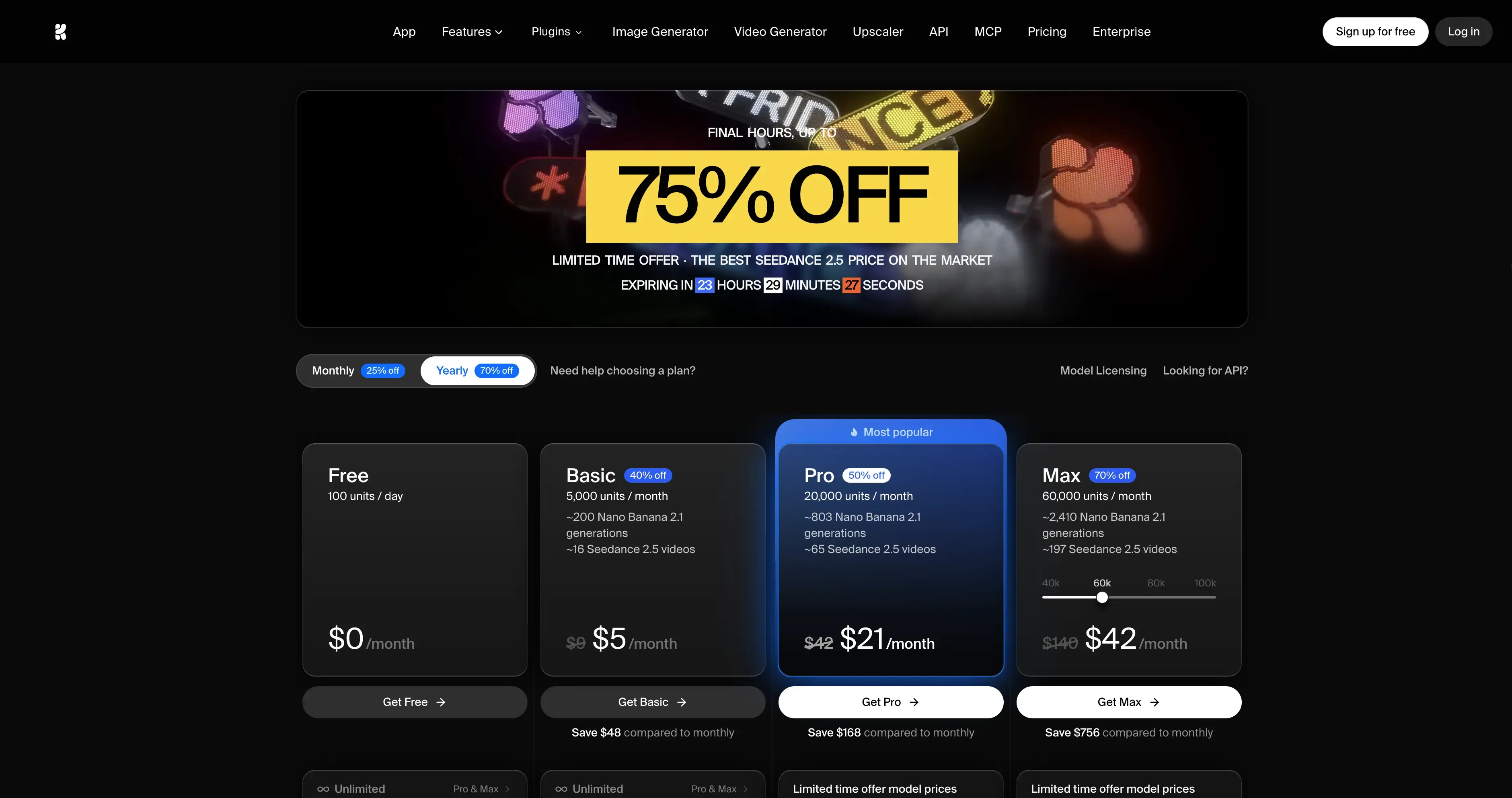
Krea lists Motion Transfer among its tools, along with an upscaler for images and video up to 22K and a broad video lineup that includes Kling 4.0 and Seedance 2.5. The free plan gives 100 compute units per day with no card required. Basic shows $5/month for 5,000 units at its annual rate.
Pros:
- 100 free units every day
- Motion Transfer plus upscaling up to 22K
- Many video models in one place
Cons:
- Paid units do not roll over
- Top-up packs expire after 90 days
- Free-plan commercial terms are unclear on the page
Looking for Sites Like GoMotion AI or a MotionMaker Alternative?
These two names show up in searches for AI mimic motion, but neither one copies movement onto a character:
- GoMotion AI makes "complete, ready-to-upload YouTube videos in one click": real footage, motion graphics, voiceover, captions and music. It's a faceless-YouTube tool. Its Shorts plans start at $19/month for 2,400 credits.
- MotionMaker AI creates "animated videos and motion graphics for YouTube, socials and ads." The free plan allows up to 6 AI uses a day with watermarked exports. Pro is $20/month.
If one of them isn't working for you, pick a replacement by job. For a short video from a script or prompt, use a text-to-video model such as Vogoo's text to video. For a character copying a real person's movement, use one of the eight tools above.
How to Choose the Right AI Mimic Motion Tool
- You want the best motion fidelity: Kling Motion Control, directly or through Vogoo.
- You want it free: Viggle (watermarked) or Krea's daily units. You can also self-host Wan-Animate.
- You want anime or art styles: DomoAI or GoEnhance.
- You need several characters in one clip: Viggle's multi-character swap.
- You also need intros, lip sync or other shots: Vogoo or Pika, so everything stays on one balance.
Final Verdict
The best AI mimic motion tool depends on how real you need it to look. For faithful, photoreal motion, use Kling's Motion Control models. Vogoo gives you those plus a full video studio on credits that never expire. For free experiments, use Viggle. For anime, use DomoAI. For open source, use Wan-Animate.
Animate a Photo on Vogoo
📸 Start from one photo • 🎬 30+ video modelsFAQs About AI Mimic Motion
What is AI mimic motion?
It's motion transfer. You give the model a reference video of someone moving and an image of your character, and it generates a clip where your character copies that movement, timing and expression.
Is there a free AI mimic motion tool?
Yes. Viggle's free plan refreshes credits daily, with watermarked exports. Krea gives 100 free units a day. Wan-Animate is free to self-host if you have a capable GPU.
Can AI mimic motion handle more than one person?
It depends on the tool. Kling Motion Control currently supports one primary subject. Viggle's Meme Maker can swap multiple characters.
What are sites like GoMotion AI?
GoMotion AI makes faceless YouTube videos, not motion transfer. For similar results, look at script-to-video and text-to-video tools. For copying a person's movement onto a character, use a mimic motion tool such as Kling Motion Control or Viggle.
MotionMaker AI isn't working. What's an alternative?
MotionMaker makes motion graphics videos. If it isn't loading, use another motion graphics or text-to-video tool for the same job. If you actually wanted a character to copy a dance or action, any tool in this list will do it.