7 Best DomoAI Alternatives in 2026, Free and Paid

DomoAI alternatives for video style transfer, character animation and motion copying, compared on free options, price and what each does better.

In this article
DomoAI is known for turning ordinary footage into anime. Its homepage lists three core jobs. "Video to Video" transforms existing footage "into anime, realistic, or any style." "Character to Video" animates photo characters with your own motion clips. "Motion & Style Reference" transfers dance moves or custom styles. Basic is $9/month billed annually for 600 credits. The FAQ mentions a free plan with credits but doesn't say how many.
People search for a DomoAI alternative for a few common reasons. They want a clearer free tier, more realistic (less anime) output, stronger motion fidelity, or a tool that also handles regular video generation. This guide compares seven options by those jobs. Every price and feature comes from the tool's official site, read on November 21, 2026. Vogoo runs the video-to-video and motion control models mentioned here in production. We haven't run a formal side-by-side quality test, so you won't find invented scores.
TL;DR
- Best overall DomoAI alternative: Vogoo, with video to video, Kling motion control and 30+ video models on one credit balance.
- Best free DomoAI alternative: Viggle, whose free credits refresh daily. Exports are watermarked.
- Best for editing real footage: Runway, with Aleph 2.0.
- Closest match for anime restyling: GoEnhance.
- Best open-source option: Wan-Animate.
DomoAI Alternatives at a Glance
| Tool | Best for | Free option | Cheapest paid plan (official, Nov 21, 2026) | Standout |
|---|---|---|---|---|
| Vogoo | Restyle, motion control and generation in one studio | 20 signup credits + daily check-in | Lite: $19/mo billed yearly | Video to video plus Kling Motion Control |
| Viggle | Free character swaps | Daily refreshing credits, watermarked | Pro: $7.99/mo | Multi-character swaps |
| Runway | Editing real footage | 125 one-time credits | Standard: $12/mo billed annually | Aleph 2.0 video editing |
| Kling Motion Control | Faithful motion copying | — | Shown after sign-in | Movement and facial expressions |
| GoEnhance | Anime restyling and person replacement | Free tokens | Pricing page didn't load | Anime video to video |
| Pika | Cheap all-rounder | Credit packs only | Starter: $8/mo billed annually | Swap Anything, Motion Transfer |
| Wan-Animate | Open source | Free to self-host | — | Animate or replace characters |
A dash means the official page we read doesn't state it.
Why Look for a DomoAI Alternative?
- Unclear free tier. DomoAI confirms a free plan with credits but doesn't publish the amount.
- Anime-first output. It handles realistic styles too, but the brand and presets lean anime. If you need photoreal motion, Kling-based tools are more natural.
- Separate tools for other jobs. If you also need text-to-video, image-to-video or lip sync, a full studio saves a second subscription.
- Plan limits. Basic has no Relax mode, so every generation spends credits.
Restyle, Animate and Generate in One Place
Video to video, Kling Motion Control, image to video and 30+ video models share one Vogoo credit balance. Credit packs never expire.
Try Vogoo Video to Video1. Vogoo — Best Overall DomoAI Alternative
Best for: creators who restyle clips but also need motion control and regular video generation.
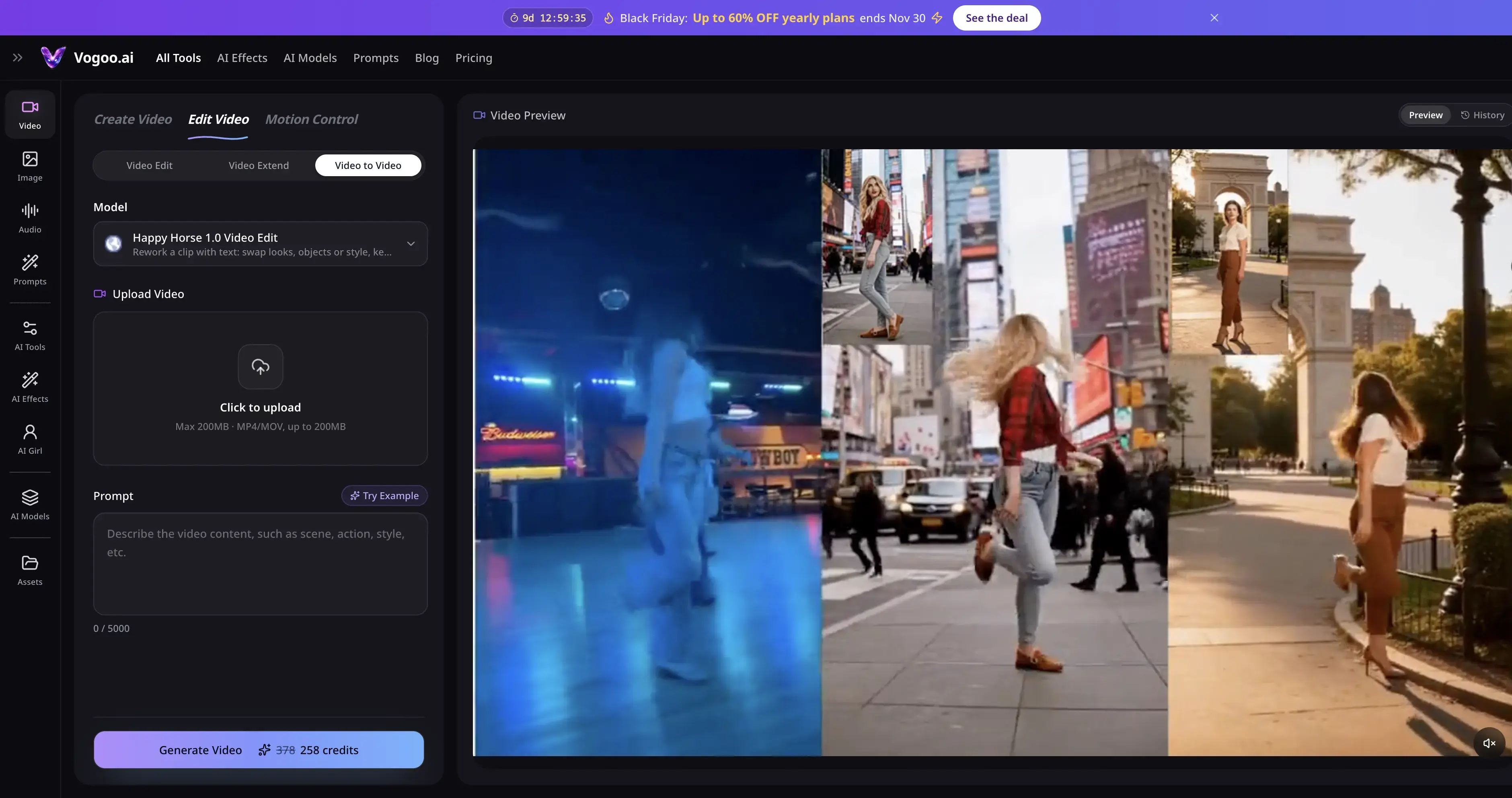
Vogoo is an AI creative studio for video, image and audio. Disclosure: it's our product, so weigh this entry accordingly. Video to video restyles or edits an uploaded clip, with HappyHorse 1.0 Edit available as a model. Motion Control copies movement from a reference video onto your character with Kling 2.6 or Kling 3.0 Motion Control, which covers DomoAI's "Character to Video" job. Around those sit video effects, image to video, lip sync and more than 30 text-to-video models.
Credits are shown before every generation, packs never expire, and failed generations don't cost credits. Lite is $19/month billed yearly for 500 credits.
Pros:
- Video to video plus Kling 2.6 and 3.0 Motion Control
- Text to video, image to video and lip sync on the same credits
- Credit packs never expire; failed runs are free
Cons:
- Fewer one-click anime presets than DomoAI
- Free tier is small: 20 signup credits for 30 days, plus daily check-ins
- Without a paid plan, each video costs at least 120 credits
Open Vogoo Motion Control
🕺 Copy any move • 🎨 Restyle any clip2. Viggle — Best Free DomoAI Alternative
Best for: memes and quick character swaps where a watermark is fine.
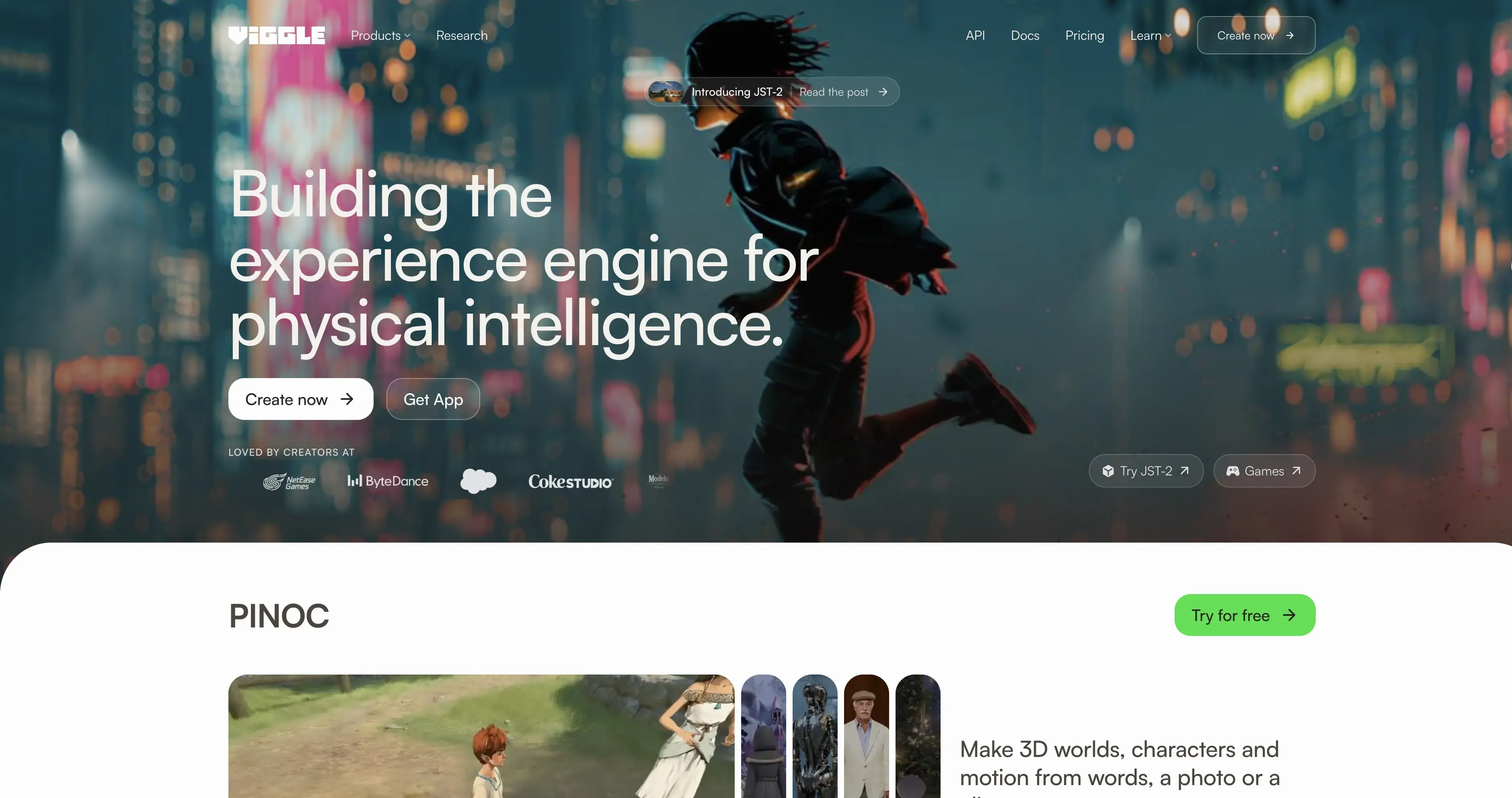
Viggle's pitch is "Swap characters. Put any character into any moment." Its Meme Maker can swap a single character, swap multiple characters, or add motion to a character. The free plan's credits refresh daily, with one generation at a time, 1-minute uploads, 7-day storage and watermarked Mix videos. Pro is $7.99/month for 80 credits, 10-minute uploads and no watermark.
Pros:
- Free credits refresh daily
- Swap multiple characters in one clip
- Pro is $7.99/month
Cons:
- Free exports are watermarked
- Pro includes only 80 credits a month
- Less focused on anime restyling than DomoAI
3. Runway — Best for Editing Real Footage
Best for: editors who want to change existing video precisely, not just restyle it.

Runway's pricing page lists Aleph 2.0 for editing existing video, alongside Gen-4.5 and partner models such as Kling 4.0 and Seedance 2.0 Pro. Pro and Max include unlimited 4K video upscaling. The free plan has 125 one-time credits that never expire. Standard is $12/month billed annually for 625 credits.
Pros:
- Aleph 2.0 for precise edits to real footage
- Free credits never expire
- Unlimited 4K upscaling on Pro and Max
Cons:
- No one-click anime presets
- Monthly credits on Standard and Pro reset every cycle
- Extra credits need a 1,000-credit minimum purchase
4. Kling Motion Control — Best for Faithful Motion Copying
Best for: realistic character animation driven by a reference clip.
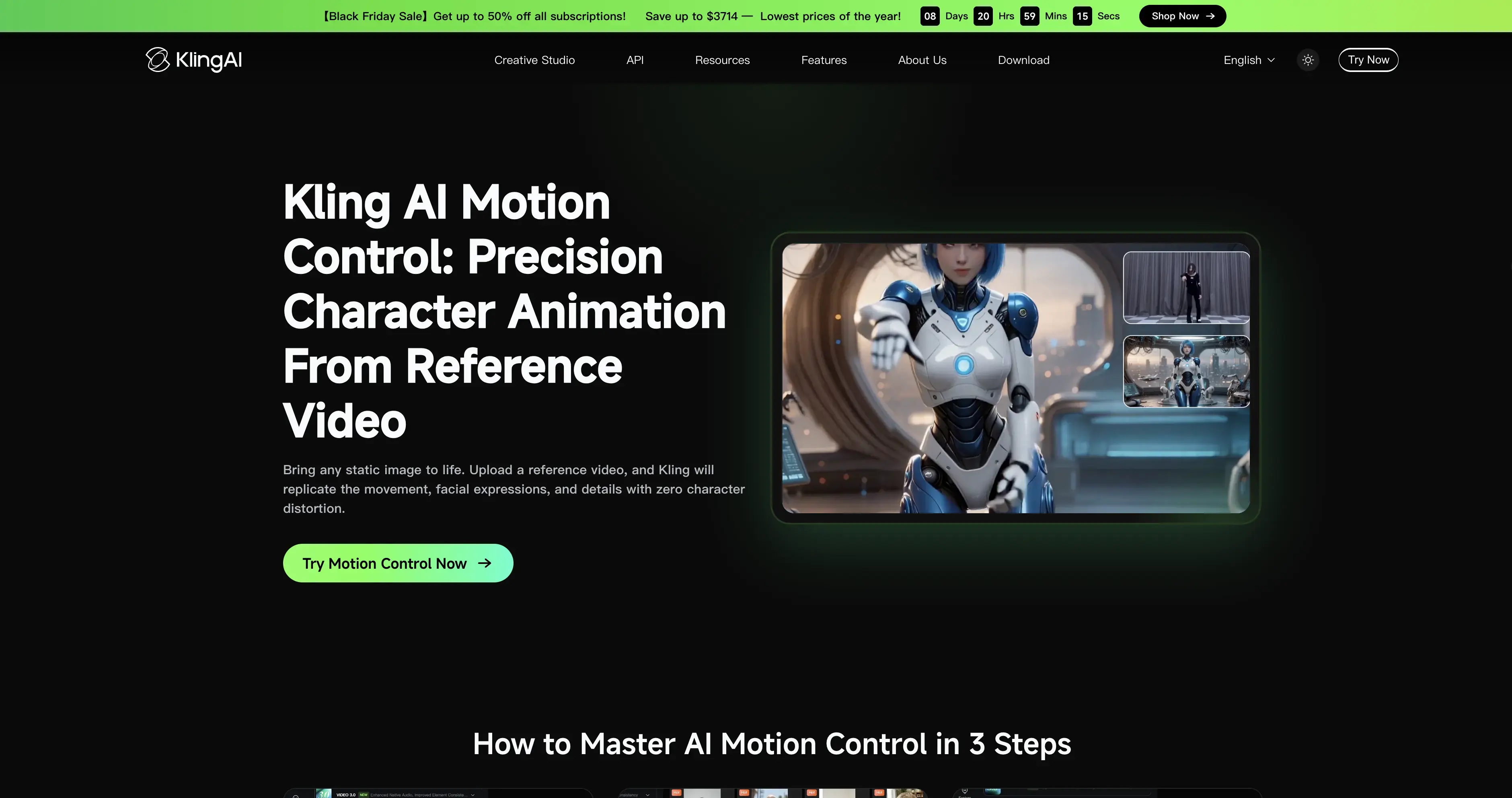
Kling says Motion Control will "replicate the movement, facial expressions, and details with zero character distortion" from a reference video. It works on human, anime and 3D characters, and currently supports one primary subject. For speech and lip sync, Kling points you to standard Video 3.0 instead. Consumer prices appear only after you sign in.
Pros:
- High-fidelity movement and facial expressions
- Works on human, anime and 3D characters
- Also available on Vogoo without a Kling account
Cons:
- One primary subject per clip
- No style-transfer presets
- Pricing hidden until sign-in
5. GoEnhance — Closest Match for Anime Restyling
Best for: DomoAI users who mostly turn footage into anime.
GoEnhance's "Video to Video" turns footage "into different anime style videos," and it offers video style transfer tools and GoEnhance Animate, which aims to "replace any person in a video with AI precision." The FAQ mentions a free tier with some tokens, and commercial use is limited to Standard, Pro and Mega subscribers. The pricing page didn't load when we checked.
Pros:
- Anime video to video, the closest match to DomoAI
- Person replacement with Animate
- Free tokens to start
Cons:
- Commercial use only on Standard plans and above
- Plan prices not visible when we checked
- Free token amount not published
6. Pika — Best Cheap All-Rounder
Best for: social creators who want swaps, motion transfer and generation for a low price.

Pika's apps include Swap Anything, Motion Transfer, Pikaframes and Character Studio, and it hosts models such as Seedance 2.5, Kling 4.0 and MiniMax H3. Starter is $8/month billed annually ($10 monthly) for 600 credits, with no watermark on any tier. The free tier is credit packs only and has no commercial license.
Pros:
- Swap Anything and Motion Transfer apps
- Starter is $8/month billed annually
- No watermark on any tier
Cons:
- Free tier has no monthly credits
- No commercial license on the free tier
- Plan credits do not roll over
7. Wan-Animate — Best Open-Source DomoAI Alternative
Best for: developers who want character animation and replacement on their own GPU.
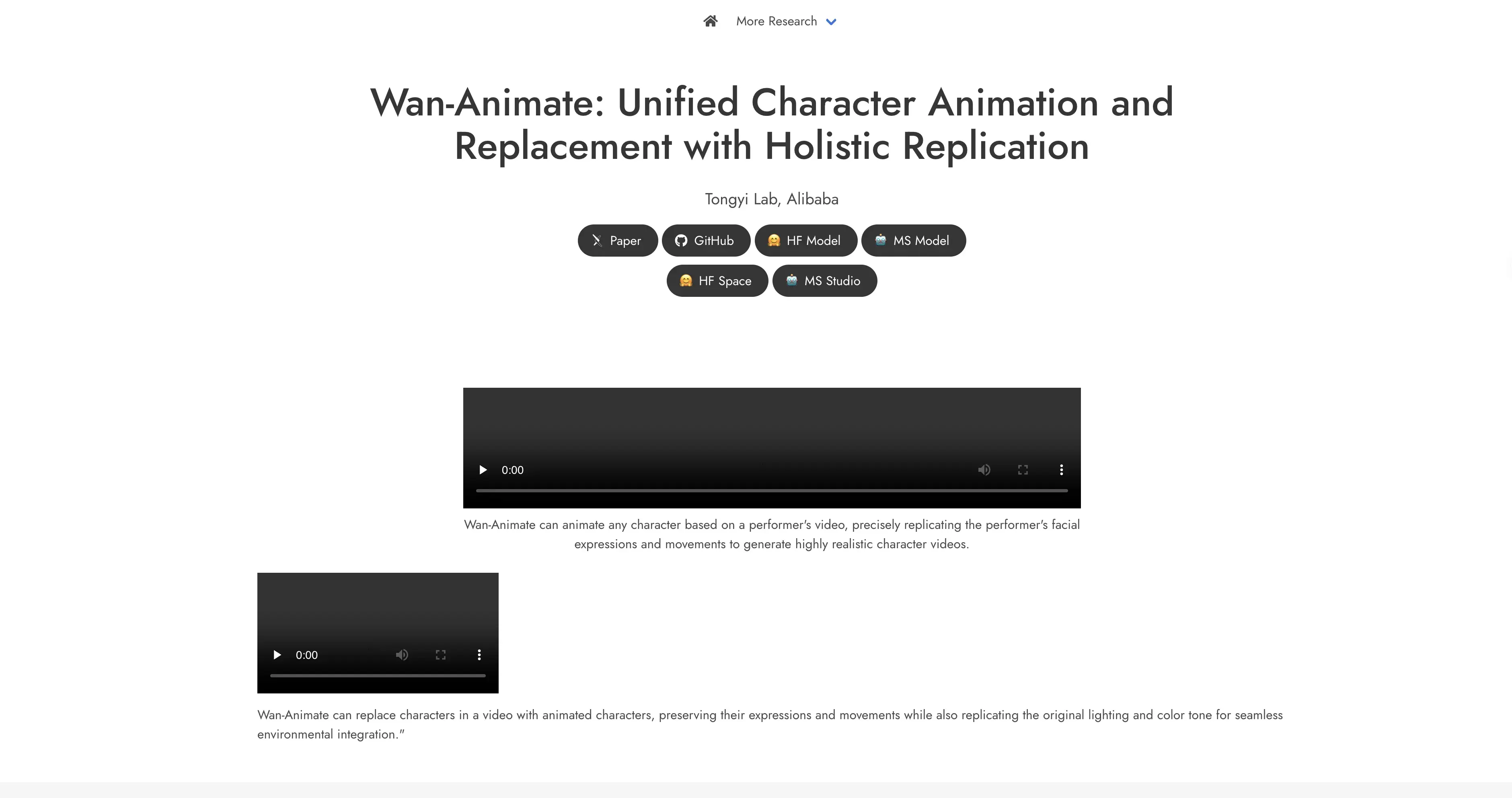
Wan-Animate "can animate any character based on a performer's video" and can "replace characters in a video with animated characters." The Wan2.2-Animate-14B weights are published on Hugging Face and ModelScope. Check the license first. The Wan2.2 README says Apache 2.0, while the Wan-Animate project page says it's "intended solely for academic research and effect demonstration."
Pros:
- Free to self-host
- Animates and replaces characters
- Published weights
Cons:
- Needs a capable GPU and setup time
- License statements conflict; verify before commercial use
- No anime presets out of the box
How to Choose the Right DomoAI Alternative
- You mostly turn videos into anime: GoEnhance, or stay on DomoAI.
- You want it free: Viggle (watermarked), or self-host Wan-Animate.
- You need realistic motion copying: Kling Motion Control, directly or on Vogoo.
- You edit real footage: Runway.
- You also generate new videos: Vogoo or Pika, so everything runs on one balance.
Final Verdict
DomoAI is still a solid choice for anime restyling. The right alternative depends on what you need beyond that. For a free tier you can see, use Viggle. For precise edits, use Runway. For faithful motion, use Kling Motion Control. For open source, use Wan-Animate. For restyling, motion control and regular generation from one credit balance, start with Vogoo.
Explore Vogoo Video Effects
✨ One-tap video effects • 💳 Credits never expireFAQs About DomoAI Alternatives
What is the best free DomoAI alternative?
Viggle's free plan refreshes credits daily, though exports are watermarked. If you have a capable GPU, Wan-Animate is free to self-host.
Is DomoAI free?
DomoAI says it offers a free plan with credits but doesn't publish the amount. Its Basic plan is $9/month billed annually for 600 credits.
Which DomoAI alternative is best for anime?
GoEnhance is the closest match, with video to video built for anime styles.
Which DomoAI alternative is best for realistic character animation?
Kling Motion Control copies movement and facial expressions from a reference video. You can use it on Kling or on Vogoo.