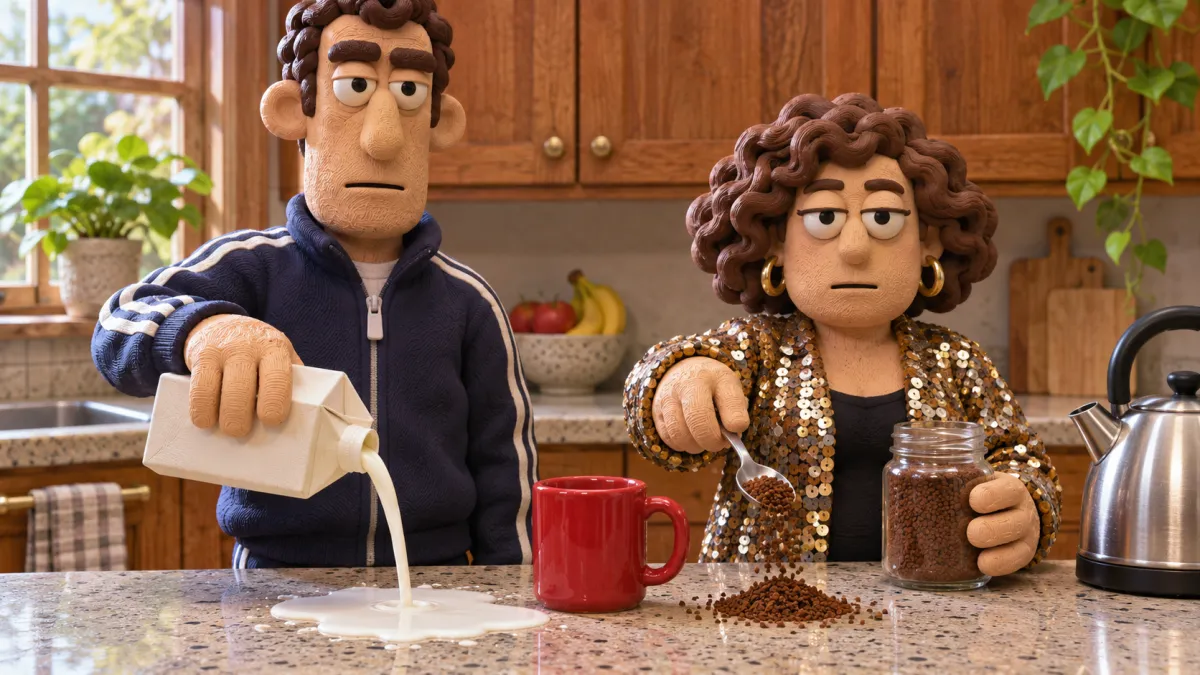
Time Pink Floyd TikTok Trend: Make Your Then-and-Now Post

How the Pink Floyd 'Time' TikTok trend works, how to match a childhood photo with a recent one, and where AI genuinely helps — restoring old prints and animating them — without faking the past.
In this article
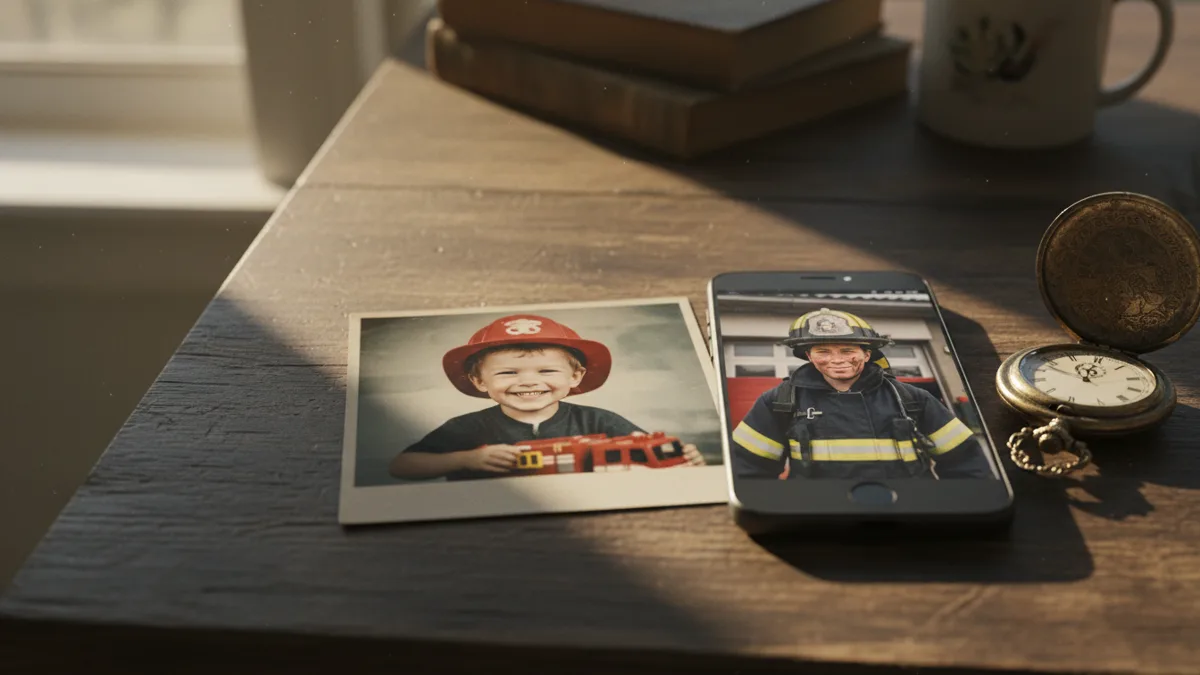
A blurry photo of a seven-year-old in a toy firefighter helmet. Swipe. The same person, grown up, in a real firefighter's uniform. Underneath, a slow, ticking Pink Floyd song. The Time Pink Floyd TikTok trend works because the payoff is real: the same face, the same quirks, decades apart. The hard part is usually the first photo — a faded print in a family album, scanned crooked, with a thumb in the corner.
This guide explains how the trend is built, how to pick and match your two photos, and where AI tools actually help: cleaning up an old print and giving it a few seconds of gentle motion. Trend details come from Fast Company's coverage on November 10, 2026; tool details are from Vogoo's own product pages as of 2026-11-16. Vogoo is not affiliated with Pink Floyd, TikTok or Fast Company.
Before you start
- Quick answer: Post two photos, then and now, as a TikTok photo carousel with the "Time" sound. AI is only needed to restore a faded old print with photo enhancer or to give it a few seconds of motion.
- Account: generating on Vogoo needs a free account, and downloads from signed-in accounts carry no watermark.
- Cost: new accounts get 20 free credits, enough for one image but not a video. Without a paid plan a video costs at least 120 credits; the Generate button shows the exact price before you start.
- If it fails: credits for a failed generation come back automatically, except for prompts blocked by content safety checks and rare jobs that time out after the model has started.
- Your photos: Vogoo stores the photo you upload, your prompt and the result to run the job and keep your history, and you can ask for a copy or deletion (privacy policy).
What is the Pink Floyd Time trend on TikTok?
Creators post a two-photo carousel set to "Time", the track from Pink Floyd's 1973 album The Dark Side of the Moon. The first photo shows them as a child, timed to a lyric about the sun staying the same; the second shows them now, timed to the line about being older. Fast Company reported that, according to trend-tracking agency Masterhooks, the format reached nearly 9 million views within weeks.
The best posts are not just "baby photo, adult photo". They show that something stayed the same: a girl in hair rollers at a salon who still wears rollers as an adult, a kid in a dress-up uniform who now does that job for real. Others swap the photos for clips — a childhood dance on a camcorder, then the same person dancing at a wedding.
Pick photos that tell one story
The match is the whole trend. Before you open any app, find a pair that shares at least one of these:
- Same pose or expression — the squint, the grin, the arms crossed.
- Same place — the kitchen, the front steps, the beach you still visit.
- Same object or habit — a guitar, a football shirt, a dog breed, hair rollers.
- A dream that came true — dress-up then, the real job or uniform now.
If you cannot find a perfect "now" photo, recreate the old one: same pose, same angle, similar clothes. That recreation is often the part people comment on most.
Real photos only
The trend's charm is that both photos are genuinely you. Use AI to restore or animate a real childhood photo, not to generate a fake one — a made-up "younger you" breaks the point of the post and viewers usually notice.
How to make the Time trend post with AI help

Step 1: Scan the old photo properly
Take the print out of the album sleeve, lay it flat in daylight and photograph it straight on with your phone, filling the frame. Avoid flash; it causes glare on glossy prints. A slightly bigger crop than you need gives you room to straighten it later.
Step 2: Restore it with photo enhancer
Old prints come out soft, grainy or colour-shifted. Run the scan through photo enhancer to sharpen and clean it up, then compare the result with the original at full size. Keep it only if the face still looks like you did — if features change, use a lighter result or the original scan.
Step 3 (optional): Animate the childhood photo
For the clip version of the trend, take the restored photo into animate pictures. Vogoo's page lists 24 video models and clips up to 20 seconds, but for this trend you want three to five seconds of small, natural movement.
Animate this old family photo with subtle, natural motion: the child blinks, smiles slightly and tilts their head, hair moves a little in a soft breeze, warm faded film colours preserved, slight film grain. Keep the face, clothes and background exactly as in the photo. Static camera, no new objects, no text.
Keep the motion small. Big actions — running, waving, turning around — are where a child's face starts to change, and in this trend the face is the whole point.
Animate Your Childhood Photo
Restored photo in • 3–5 second clip outStep 4: Build the carousel in TikTok
Post the childhood photo first and the recent one second, using TikTok's photo mode, then pick "Time" from the in-app sound library and set the clip so each photo lands on its lyric. Keep captions short — the pairing does the talking. If you used animated clips, post them as a video in the same order. Because an animated photo is significantly edited with AI, turn on TikTok's AI-generated content label.
Ideas for your then-and-now pair
- The career callback: dress-up costume then, real uniform or workplace now.
- The family remake: you and a sibling in the same spot, same poses, 20 years later.
- The pet version: a puppy photo and the same dog as a grey-muzzled senior.
- The hobby: first lesson, first stage, first race — then the latest one.
- Parents' turn: your mum or dad's childhood photo next to them today, with their permission.
Common problems and fixes
| Problem | Fix |
|---|---|
| Glare across the scan | Turn off flash, tilt the print slightly away from the window |
| Restored face looks like someone else | Use a lighter enhancement or keep the original scan |
| Animated clip distorts the face | Shorten to three seconds and ask only for blinking and a small smile |
| Photos do not "match" | Recreate the old pose, angle and setting for your recent photo |
| Song timing feels off | Adjust where the sound starts in TikTok's editor so the swipe lands on the lyric change |
Let the photos do the work
The Time trend lands when two real photos tell one story. Find the pair, clean up the old one, add a few seconds of motion if you like, and let the song carry the rest.
Restore an Old Photo
Sharpen faded, grainy prints before you postFAQ
What song is the then-and-now trend on TikTok?
This version uses "Time" by Pink Floyd, from the 1973 album The Dark Side of the Moon. Other then-and-now trends use different sounds, so check the sound name on the videos you want to copy.
How do I do the Pink Floyd Time trend?
Post a two-photo carousel: a childhood photo first, a recent photo second, with "Time" added from TikTok's sound library and timed so the second photo appears on the lyric about being older.
Can AI improve an old childhood photo for the trend?
Yes. A photo enhancer can sharpen and clean up a scanned print, and an image-to-video tool can add a few seconds of gentle motion. Check that the face still looks like the original.
Should I use AI to create a childhood photo I don't have?
No. The trend is about real photos of the same person over time. A generated childhood photo misleads viewers and misses the point of the post.
Can I use a CapCut or TikTok template instead?
Yes. A then-and-now template in CapCut or TikTok's own photo mode is enough for the two-photo carousel. AI only helps if the old photo needs restoring or you want a short animated version of it.
How much does it cost to make this on Vogoo?
New accounts get 20 free credits, which cover one image but not a video. Without a paid plan a video costs at least 120 credits, and the exact price for your model, length and resolution is shown on the Generate button before you start. Failed generations refund automatically, except content-policy blocks.
Sources
- Fast Company — A viral TikTok trend is turning ordinary photos into something unexpectedly emotional: the trend format, examples and the Masterhooks view figure (November 10, 2026).
- TikTok Support — AI-generated content: when and how to label AI-edited content.
- Pink Floyd — Official website: the band's official home for The Dark Side of the Moon.
View counts come from a third-party tracker as reported by Fast Company and change over time. Vogoo tool details are from its own product pages on 2026-11-16.