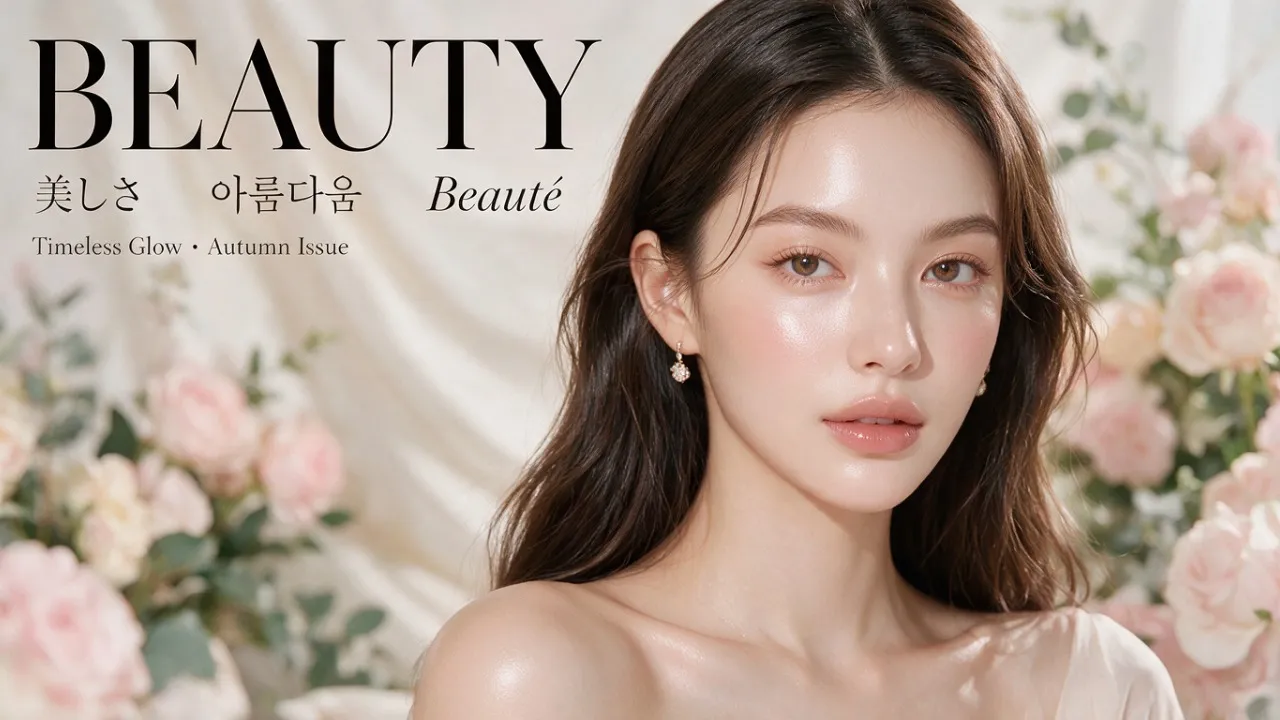
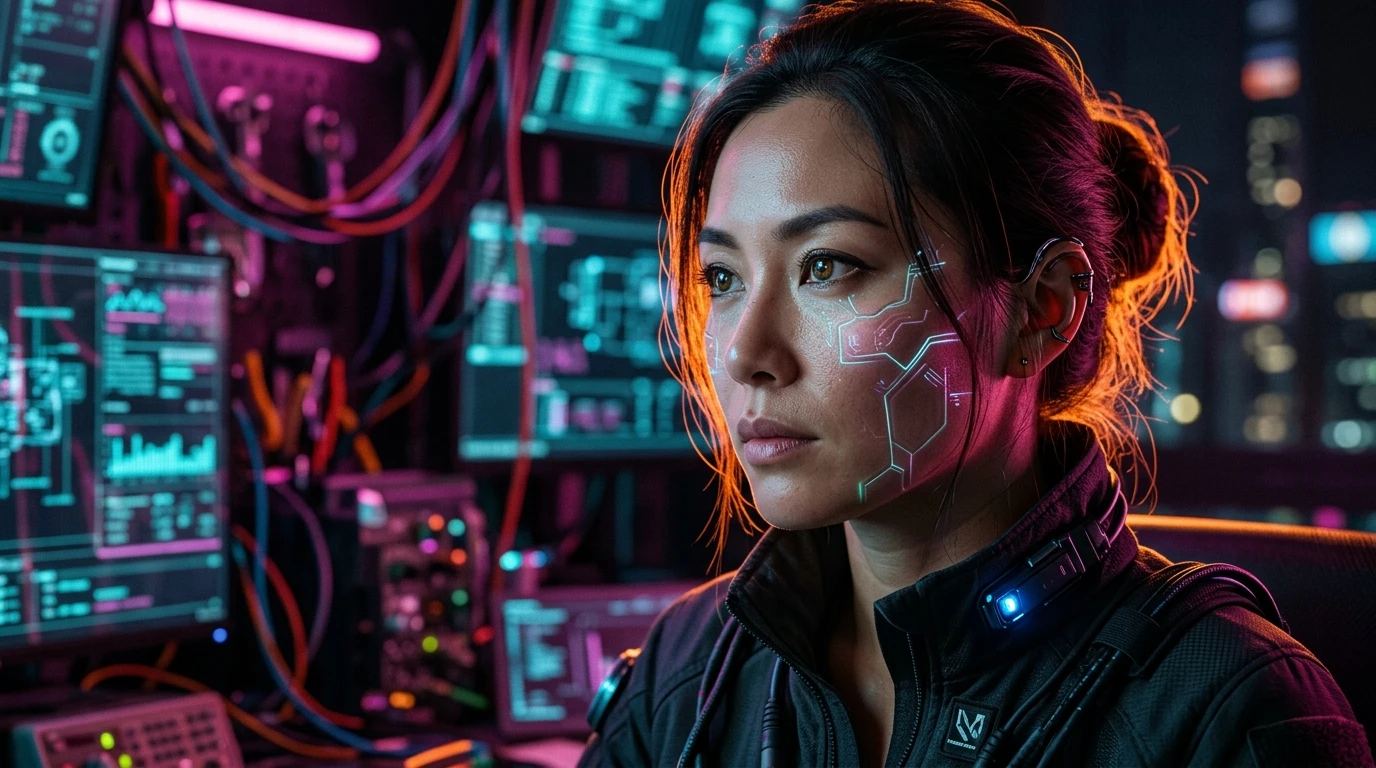
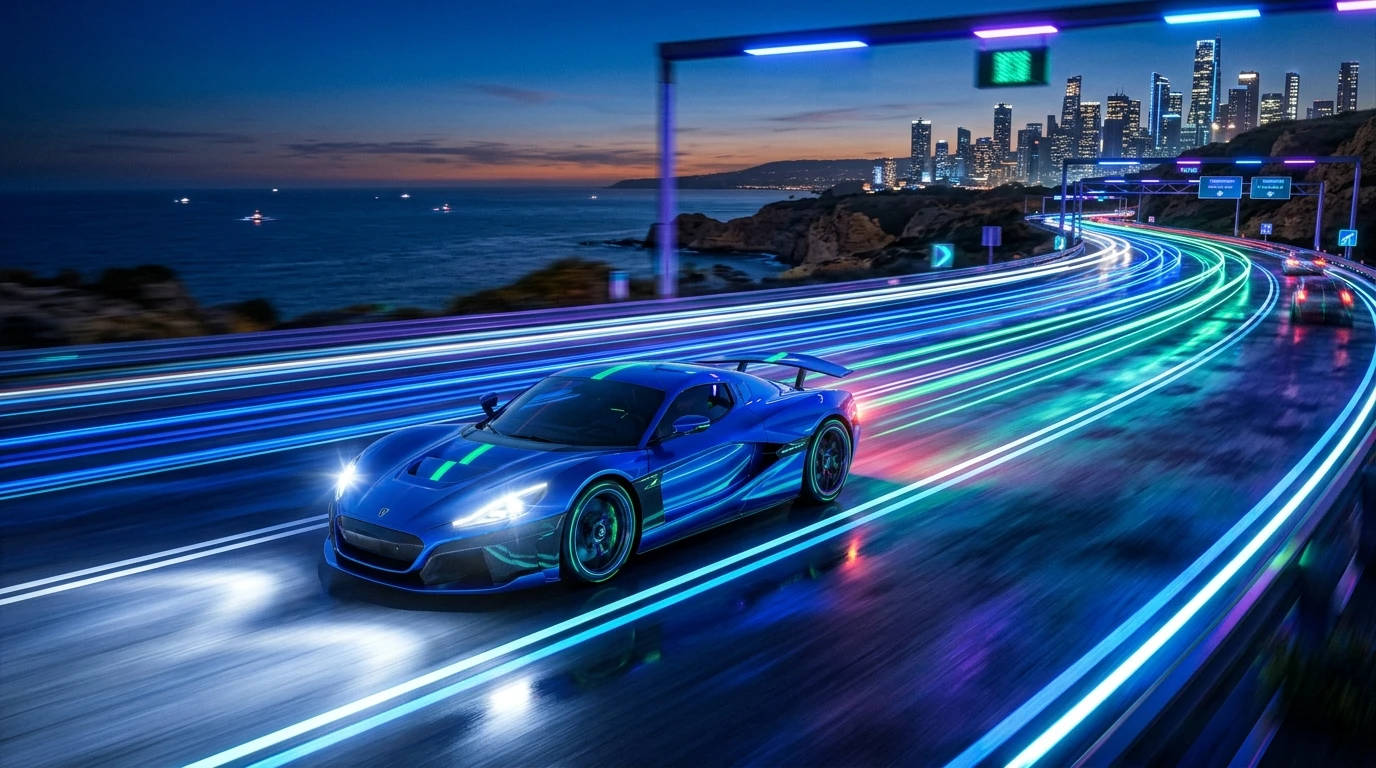
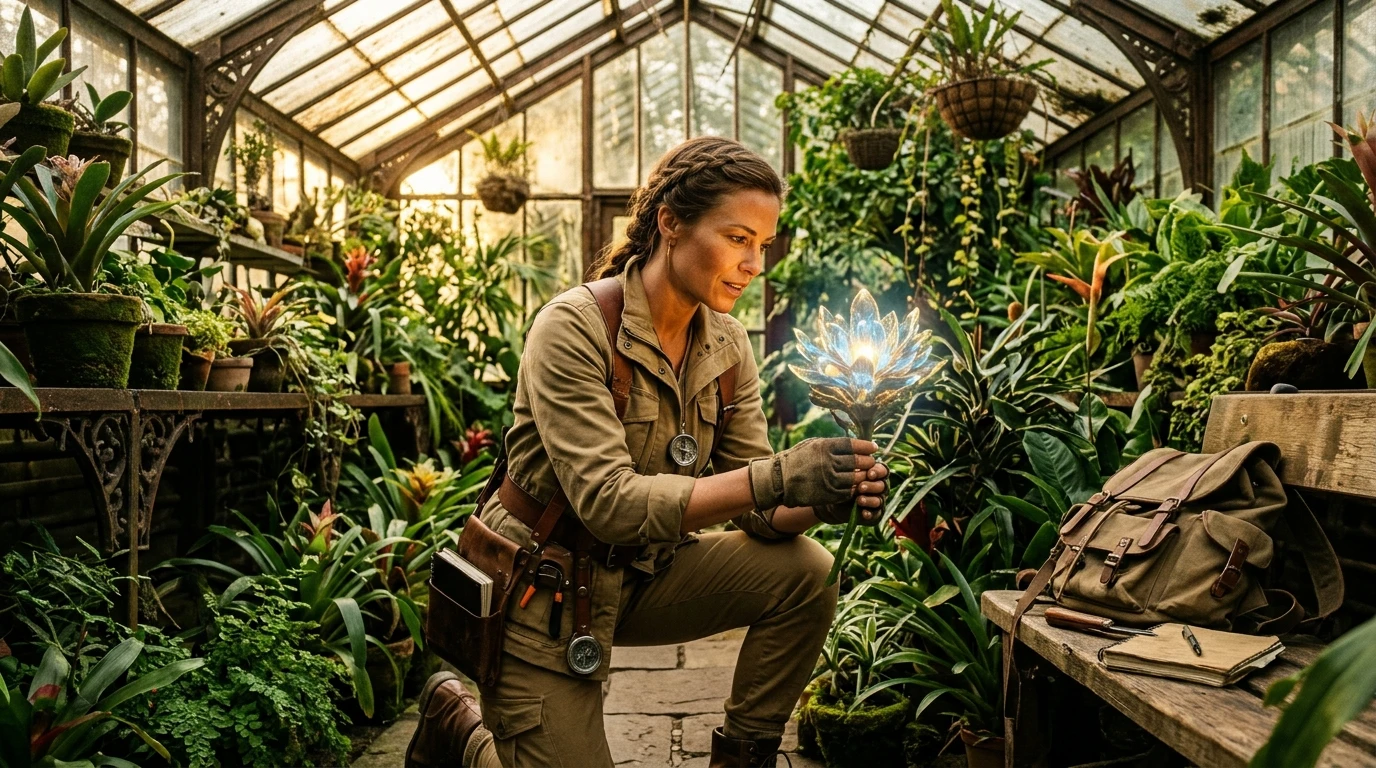
Describe the subject, text layout, lighting, styling, and detail you want in the final image.
0 / 5000
Image SizeExact Pixels
Auto1:14:33:416:99:16
Image Preview
What Is GPT Image 2.6?
GPT Image 2.6 is OpenAI next-generation multimodal visual architecture, splitting creative workflows into the speed-optimized Flare branch and the precision-focused Sunburst branch.
It slashes iteration latency by 50% compared to previous generations, introducing native animated GIF generation, scalable vector SVG path export, and markup-guided localized photo modifications.
Inside the Vogoo studio, you test GPT Image 2.6 directly in your browser without API key hurdles or complex SDK installations, comparing outputs across aspect ratios and resolution tiers.
Explore verified advancements across generation latency, character coherence, motion formats, and typography.
50% Faster Rendering with GPT Image 2.6 Flare
GPT Image 2.6 Flare cuts initial render turnaround down to single-digit seconds. When drafting concepts, testing prompt variations, or iterating layout ideas, Flare delivers high visual quality without forcing creators to endure long render queues.
Multi-Turn Consistency with GPT Image 2.6 Sunburst
GPT Image 2.6 Sunburst preserves core character facial landmarks, costume textures, and lighting mood across multiple editing passes. Change the background or adjust an accessory without corrupting facial likeness or introducing unwanted distortion.
Native Animated GIF Generation from Text Prompts
GPT Image 2.6 introduces native support for looping animated GIF sequences created directly from prompt descriptions. Designers create seamless motion avatars, dynamic reaction visuals, and social media loops without relying on third-party video converters.
Vector SVG Path Export and Typography Fidelity
GPT Image 2.6 renders clean geometric vector paths and sharp English lettering. Design crisp brand badges, web icons, and promotional signage that remain readable without distorted letter shapes or spelling hallucinations.
GPT Image 2.6 Flare vs Sunburst Tiers
Understand the operational trade-offs between rapid draft iteration and high-precision multi-turn editing.
Comparison of GPT Image 2.6 Flare and Sunburst tiers across speed, consistency, and workflows.
Dimension
GPT Image 2.6 Flare
GPT Image 2.6 Sunburst
Primary Focus
Rapid iteration and concept drafting
High-fidelity details and character lock
Generation Latency
Fast (6–15 seconds average)
Deliberate (20–60 seconds average)
Consistency Across Edits
High general coherence
Maximum multi-turn identity preservation
Complexity Controls
Optimized for Low & Medium planning
Full support for High complexity planning
Best Creative Use Case
Social posts, moodboards, quick mocks
Brand assets, recurring characters, final art
Both tiers share identical credit consumption per resolution step in the studio: 6 credits at 1K, 18 credits at 2K, and 30 credits at 4K.
Real-World Production Scenarios
See how digital creators, visual designers, and storytellers apply GPT Image 2.6 across creative workflows.
Content Creators: Viral Social Posts and Looping GIFs
Digital creators generate high-energy YouTube thumbnails, eye-catching editorial headers, and native animated GIFs for social feeds with prompt-level control over composition, lighting, and palette.
Brand Designers: Crisp Vector Badges and Logo Concepts
Graphic artists draft scalable vector SVG assets, minimalist brand iconography, and high-impact poster typography with legible English lettering and balanced proportions.
Novelists and Storytellers: Recurring Character Storyboards
Writers maintain strict character consistency, facial recognition, and apparel continuity across multiple scenes using GPT Image 2.6 Sunburst, illustrating book chapters and visual novel narratives.
Photographers and Retouchers: Markup-Guided Composition Edits
Retouchers upload existing source photography into image to image workflows, adjusting focal elements, background atmosphere, and color grades without altering primary subjects.
How to Generate Images with GPT Image 2.6
Follow three straightforward steps to produce high-resolution visuals directly in your browser.
01
1
Step 01
Write Your Prompt or Upload a Reference Photo
Enter descriptive instructions in the text to image mode covering subject, scene setting, lighting, and art style. To modify existing visuals or preserve character consistency, upload a starting photo in the image to image mode.
02
2
Step 02
Select Engine Tier, Aspect Ratio, and Resolution
Choose GPT Image 2.6 Flare for fast visual exploration or Sunburst for multi-round fidelity. Select from 7 aspect ratios (1:1, 16:9, 9:16, 4:3, 3:4, 3:2, 2:3) and target resolutions up to 4K in the ai image studio.
03
3
Step 03
Generate, Refine with Markup, and Download
Click Generate to produce your visual. Inspect the output in the full-resolution preview, apply follow-up instructions for localized adjustments, and export high-resolution assets or animated gif files.
Technical Specifications and Parameters
Detailed engineering metrics covering models, resolutions, export formats, and studio credit billing.
Official technical specifications and studio parameters for GPT Image 2.6.
Specification
Studio Value
Details and Guidance
Architecture
GPT Image 2.6 (Flare & Sunburst)
OpenAI multimodal image generation family
Output Formats
WebP, PNG, JPEG, SVG, animated GIF
High-compression raster and vector outputs
Resolution Tiers
1K (1024px), 2K (1536–2048px), 4K
Scaled pixel grids with edge lengths up to 3840px
Supported Aspect Ratios
1:1, 16:9, 9:16, 4:3, 3:4, 3:2, 2:3
Comprehensive coverage for mobile and desktop screens
Studio Pricing
6cr (1K) · 18cr (2K) · 30cr (4K)
Transparent button pricing before running every generation
Sign-up Allowance
20 free credits upon account registration
Sufficient for a complete 1K generation on sign-up
Credit deduction occurs only when generation successfully resolves. Paid subscription members enjoy commercial rights and private generation mode.
Direct answers to common questions regarding model selection, animated outputs, consistency, and commercial licensing.
What is the main difference between GPT Image 2.6 and GPT Image 2.5?
GPT Image 2.6 improves generation latency by up to 50% in the Flare tier while introducing native animated GIF generation, vector SVG export, and markup-guided photo editing. It also upgrades character consistency across multi-turn prompts in the Sunburst tier.
How do I choose between GPT Image 2.6 Flare and Sunburst?
Pick GPT Image 2.6 Flare when you need rapid feedback, concept drafting, and quick social media graphics within seconds. Pick GPT Image 2.6 Sunburst when you are producing final client assets, complex branding imagery, or editing recurring characters across consecutive scenes where identity lock is critical.
Can GPT Image 2.6 generate animated GIFs directly from text?
Yes. GPT Image 2.6 includes native support for generating short, looping animated GIFs from descriptive prompt instructions without requiring external video conversion tools or manual frame stitching.
How does GPT Image 2.6 prevent character drift during image-to-image edits?
The Sunburst model employs refined spatial cross-attention to maintain character consistency across successive generations. Combined with photo markup guidance in the image to image workflow, you can specify exact localized changes while keeping subject identity locked.
Can I try GPT Image 2.6 for free on Vogoo AI?
Yes. New registered accounts receive 20 complimentary credits, which covers a complete 1K image generation. No credit card is required to sign up and test the model in our web interface.
Are images generated with GPT Image 2.6 licensed for commercial use?
Images generated by paid subscribers (Pro and Lifetime members) include full commercial usage rights. Free trial outputs are provided for non-commercial personal evaluation and testing.
Start Creating with GPT Image 2.6 Today
Experience 50% faster rendering, razor-sharp typography, and dual-tier flexibility in a clean browser studio.