Text to Claymation
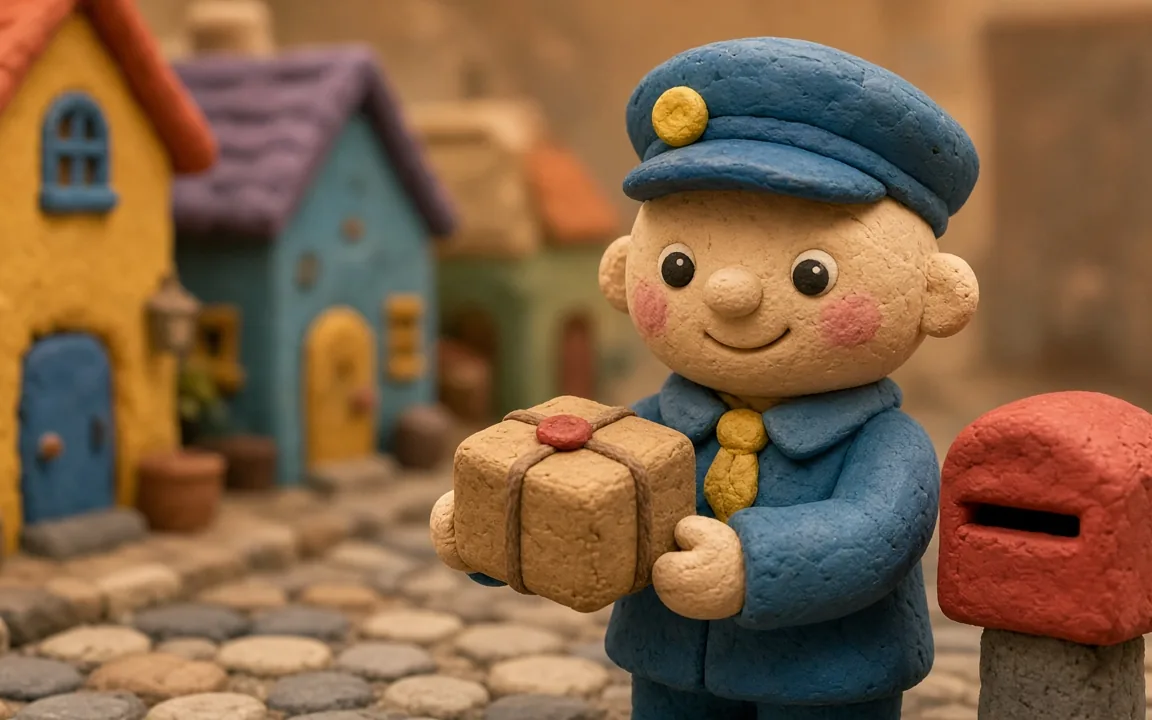
Write what you want to see, such as "a clay mail carrier with a parcel". The claymation style generator returns a plasticine style scene with a miniature set and soft studio light.
Clay art that looks pressed by real hands, with fingerprints, seams and matte plasticine, not smooth plastic CGI.
A claymation style generator (also called a claymation generator or AI clay art generator) is an AI image tool that makes pictures look like handmade stop-motion clay: plasticine figures, fingerprints, seams and miniature sets.
On Vogoo AI, the claymation style generator runs the image generator (GPT Image 2 by default) and adds a claymation style instruction to every prompt, so you only describe the subject.
Type a scene or upload a photo into the claymation style generator. Keep the clay still as an image, or send it to Image to Video when you want it to move.
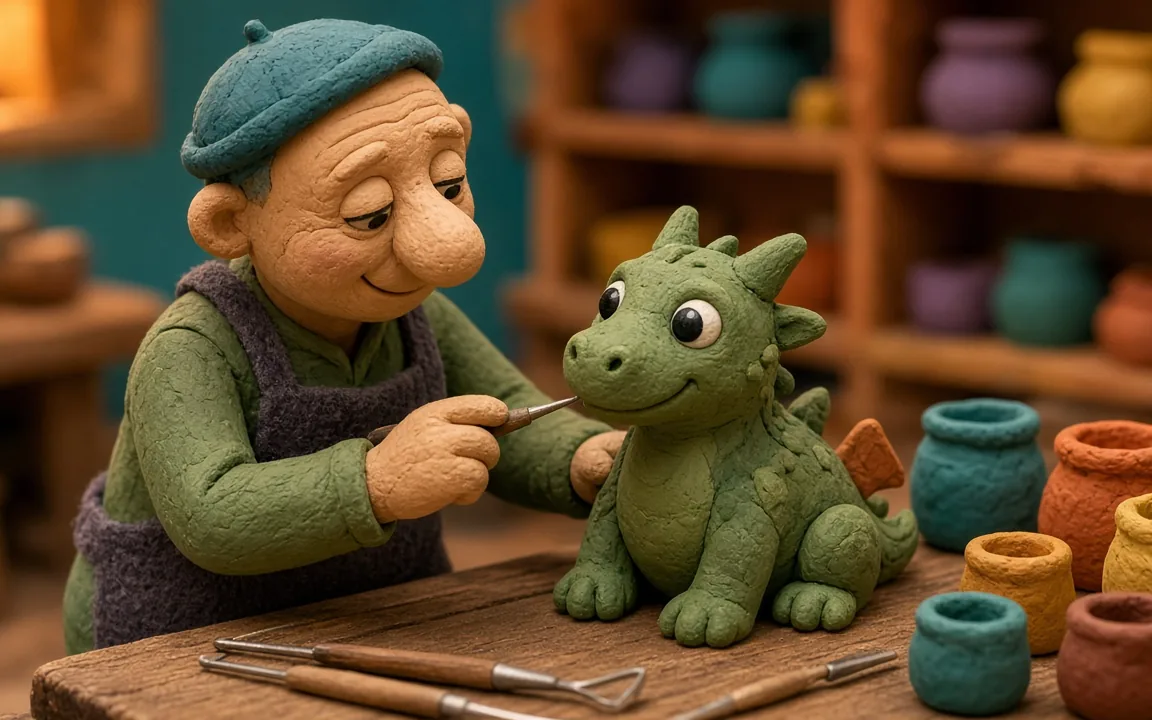
Two ways into the claymation style generator, one clay look, and a path to video.
Write what you want to see, such as "a clay mail carrier with a parcel". The claymation style generator returns a plasticine style scene with a miniature set and soft studio light.
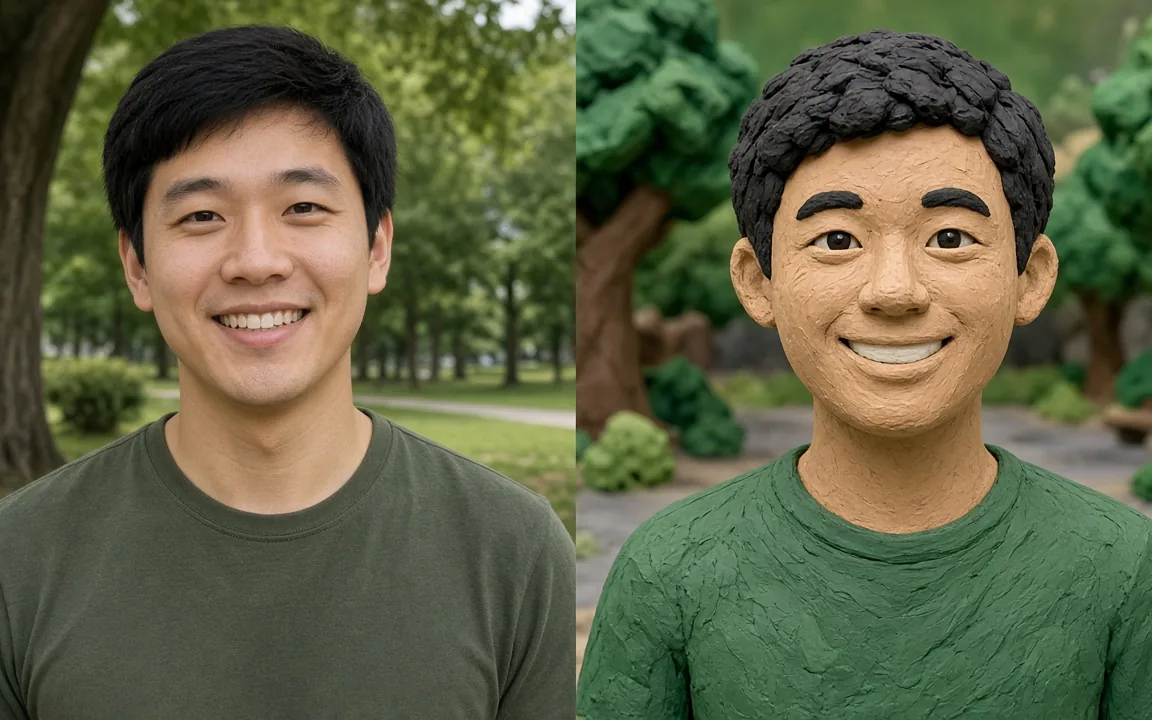
Attach a selfie, pet or product photo and the claymation style generator restyles it as a clay figure. Add a short note if the pose, outfit or smile should stay the same. (Illustration.)
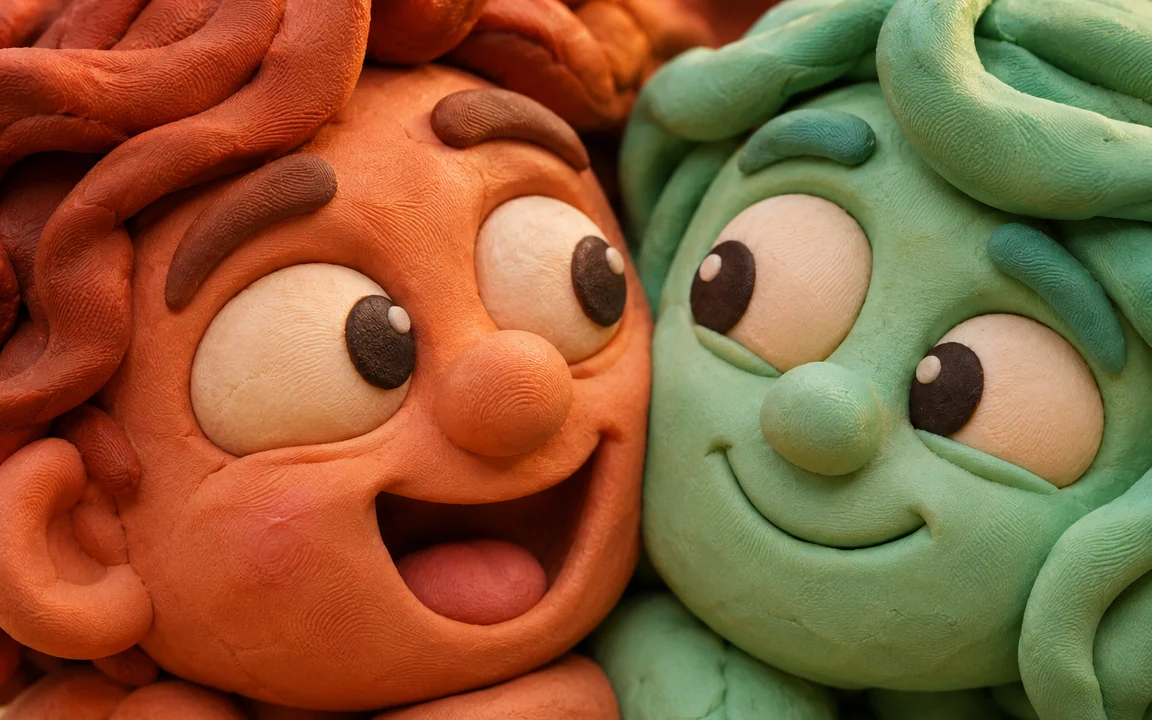
The most common complaint about claymation AI is a smooth, plastic CGI look. Every prompt in the claymation style generator carries thumbprint, seam and matte-finish cues to push the result toward real modeling clay.
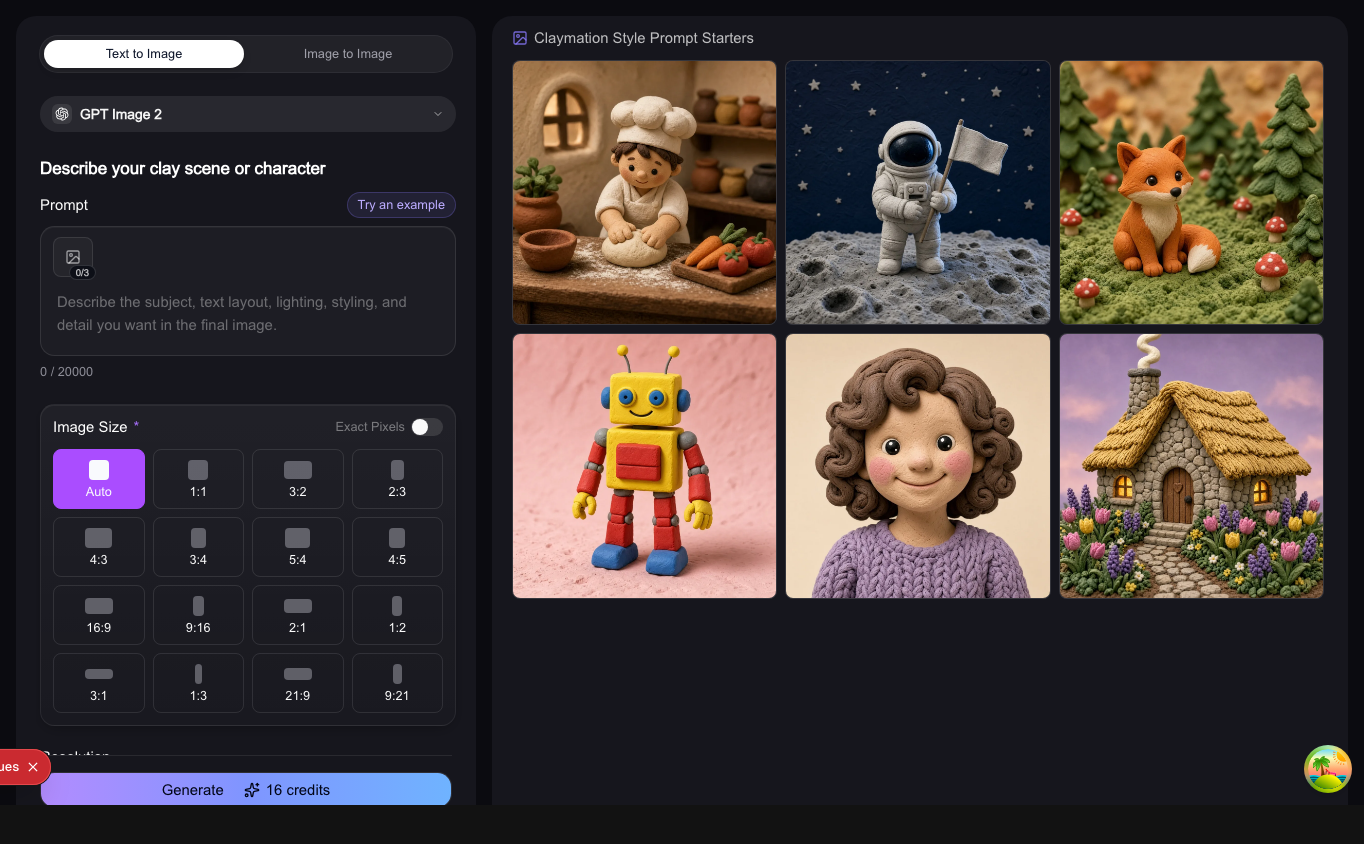
The claymation style generator panel has the prompt box, a photo slot, an aspect-ratio grid from 1:1 to 21:9 and a model menu. The credit cost shows on the Generate button before you run it.
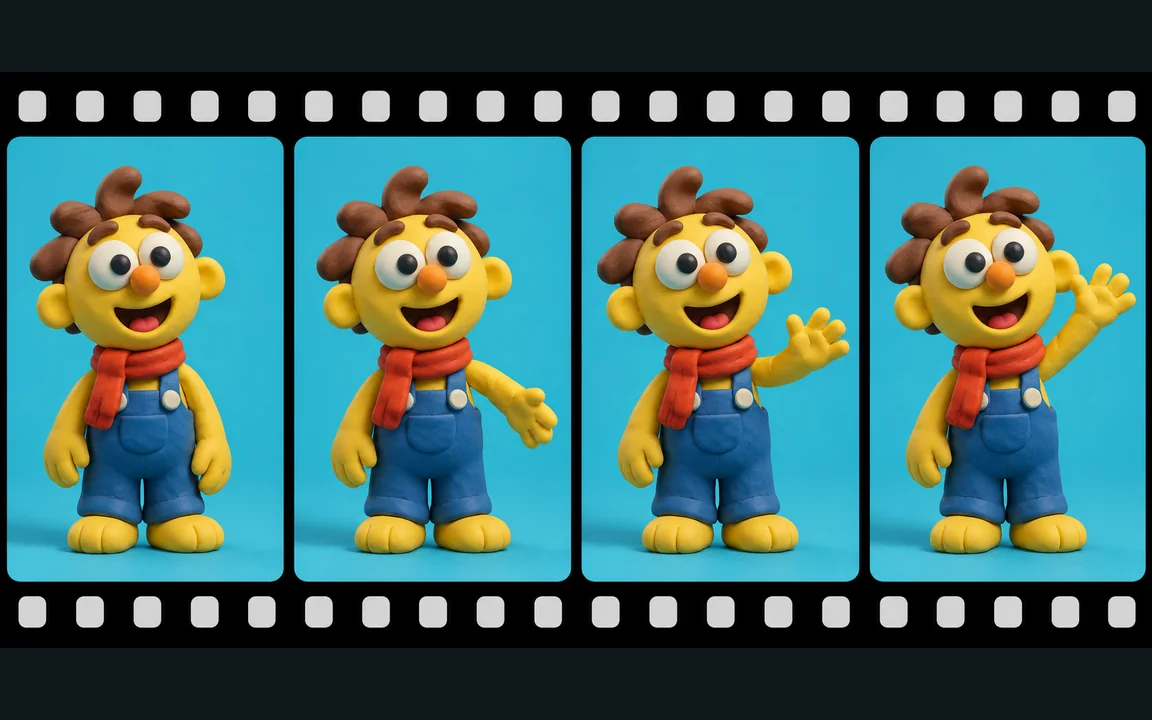
Finished images from the claymation style generator can be sent to Image to Video. Use one approved clay character as the start frame for each shot so it stays the same across clips. (Illustration of frame-by-frame motion.)
The claymation style generator adds the style words for you. Spend your words on these.
"A clay barista pouring latte art" beats "a coffee scene".
Add a place like "tiny clay kitchen" or "felt hills". A set makes claymation style read as stop motion.
Name two or three clay colors and one light, like "warm window light".
For photo to claymation, add "keep the same pose and smile" or "keep the logo shape" to protect the parts that matter.
Different jobs. Use the claymation style generator to explore; sculpt when the craft is the point.
| Question | Claymation style generator | Hand-sculpted stop motion |
|---|---|---|
| What you need | A prompt or a photo | Clay, armatures, a set, lights and a camera |
| Fingerprints and seams | Simulated with style cues on every prompt | Real marks from real hands |
| Turning a photo into clay | Upload the photo as a reference | Sculpt a likeness by hand |
| Getting motion | Send the still to Image to Video | Move the puppet and shoot frame by frame |
| Best for | Concepts, ads, avatars, storyboards | Films where the handmade craft is the point |
Real situations where a claymation style generator helps.
Polished product ads and AI UGC all look the same in the feed. Make clay product shots for scroll-stopping 9:16 creatives, then animate the best frame.
A custom clay figurine of yourself is slow and expensive to commission. Upload a selfie and get a clay style AI portrait for a profile picture or a seasonal card.
You want a playful keepsake of your dog or cat. Use photo to claymation in the claymation style generator on a clear, well-lit pet photo to get a plasticine pet portrait.
Sculpting every character before the story works wastes weeks. Test characters, sets and color scripts in the claymation style generator first, then build only what made the cut.
Building every spread as a physical clay scene takes months. Draft clay spreads and reuse your main character image as a reference.
Early props and toy ideas need fast visual options. Compare clay monsters, props and toy shapes before modeling.
Three steps from idea to clay image in the claymation style generator.
Step 01
Describe the subject and set in the claymation style generator, or attach a photo in the reference slot for photo to claymation.
Step 02
Choose 1:1, 9:16, 16:9 or another ratio. GPT Image 2 is selected first; switch models in the menu if you like.
Step 03
Check the credit cost on the button, generate, download the clay image or send it to Image to Video.
Claymation style generator facts taken from the live product settings.
| Spec | Value | Details |
|---|---|---|
| How it works | Image generator + claymation style suffix | Plasticine, fingerprint, seam, matte and miniature-set cues are appended to every prompt. |
| Default model | GPT Image 2 | Other image models, including Nano Banana Pro and Seedream 5.0 Pro, are in the model menu. |
| Inputs | Text prompt, optional photos | Up to 3 reference images, JPG, PNG or WebP, 10 MB each. |
| Aspect ratios | 1:1, 16:9, 9:16, 4:3, 3:4, 3:2, 2:3, 21:9 and more | Pick from the grid in the generator, or set exact pixels. |
| Resolution | Up to 4K on 4K models | GPT Image 2 and Nano Banana Pro go up to 4K; Seedream 5.0 Pro up to 2K. 2K and 4K need sign-in. |
| Free credits | 20 credits at sign-up | One-time gift that expires after 30 days. Generating needs an account. |
| Cost per image | Shown on the Generate button | Depends on model and resolution; plans and credit packs are on the pricing page. |
Short answers about clay texture, photos, video, credits and usage rights.
It is an AI tool that makes images look like handmade stop-motion clay. On Vogoo AI it is the image generator with a claymation style instruction added to every prompt.
Attach the photo in the reference slot, add a short note such as "keep the same smile", and generate in the claymation style generator. Clear, well-lit photos with one main subject work best.
Smooth, glossy surfaces read as CGI. The claymation style generator already adds fingerprint, seam and matte cues; add "rough hand-pressed clay" to push further.
Yes. Generate a clay still in the claymation style generator, then send it to Image to Video, which works as an AI claymation video generator. Ask for small, simple movements; big fast motion tends to look less like stop motion.
Save your best character image and attach it as a reference for every new scene in the claymation style generator. Repeat the same outfit and color words in each prompt.
New accounts get 20 free credits that expire after 30 days. Each image costs credits by model and resolution, and the exact number is shown on the Generate button.
The claymation style generator works like a claymation filter for photos, but it redraws the image instead of laying an effect on top, so you can also create clay scenes from text alone.
Commercial use, no watermark and private generation are included with paid plans and credit packs. Images made on the free plan are public.
No. The claymation style generator is a fast way to explore ideas and make visuals with a clay look. Real hand-sculpted stop motion is still its own craft.
Describe a scene or add a photo and let the claymation style generator do the sculpting. New accounts get 20 free credits.