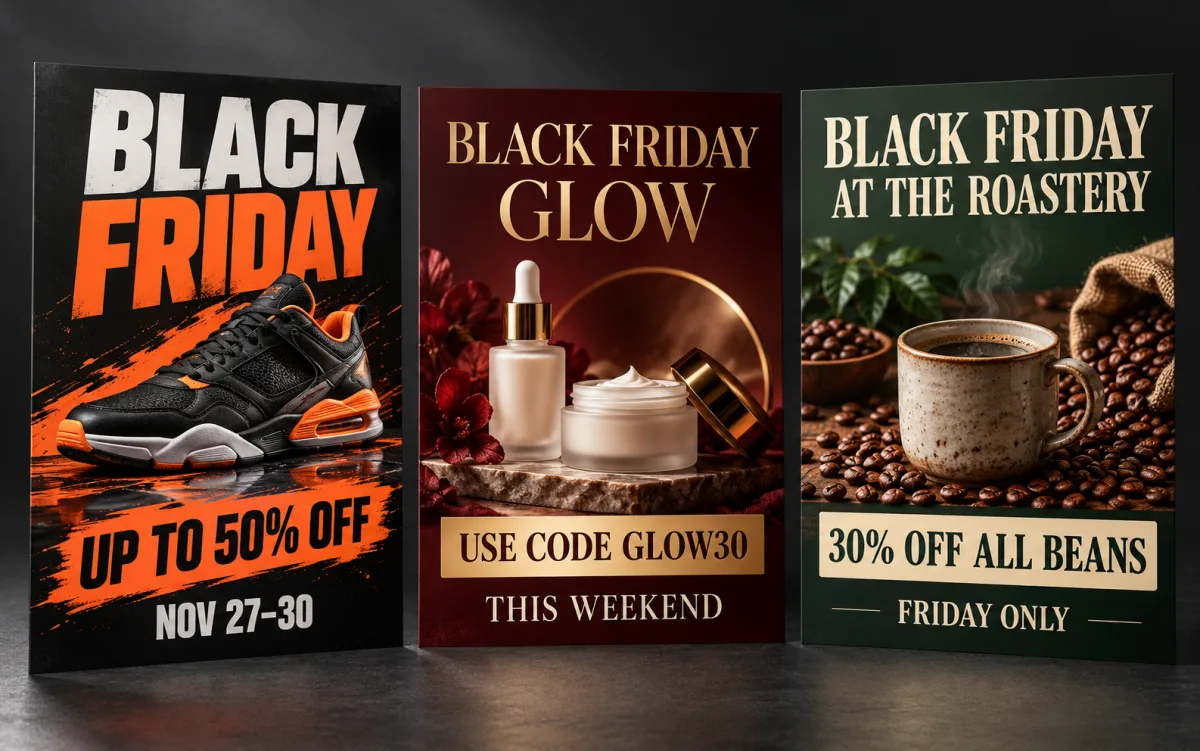
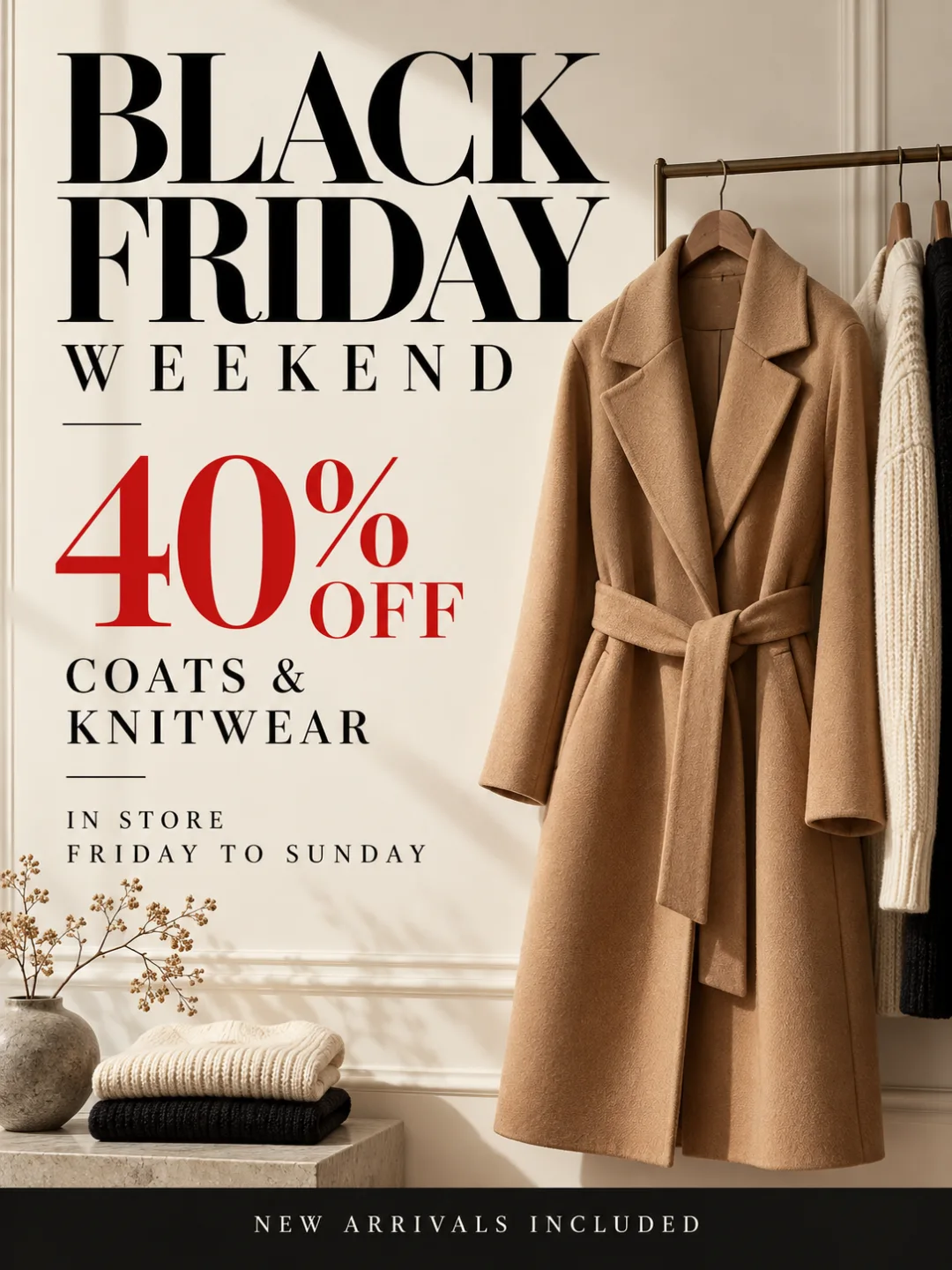
Your offer, dates and promo code come out legible on the poster — print and social sizes from one brief, no template to fight.
Describe your Black Friday poster
الأمر النصيجرّب مثالًا
صف الموضوع وتخطيط النص والإضاءة والتنسيق والتفاصيل التي تريدها في الصورة النهائية.
0 / 20000
مقاس الصورة
Black Friday Poster Examples
What Is a Black Friday Poster Maker?
A Black Friday poster maker turns a short brief — product, offer, dates, promo code — into a finished Black Friday sale poster, artwork and typography included. Add up to three product photos and it builds the poster around them.
A template library hands you someone else’s layout to swap words into, so every shop ends up with the same black-and-red design. The Black Friday Poster Maker starts from your brief: palette, hierarchy and product placement are generated for your sale.
It runs GPT Image 2, OpenAI’s model built for accurate text rendering, so the headline, percentage and code come out as you typed them far more often. The Black Friday Poster Maker outputs 300 ppi print sizes (US Letter, A4) and Instagram, Story and Pinterest sizes from one prompt.
Legible text, your own product, every channel size and a look that is not the shop next door’s black-and-red template.
01
Offer, Date and Code That Read Right
Most AI images turn a promo code into a smear of letters. The Black Friday Poster Maker writes every text line you give it — headline, percentage, dates, code — with GPT Image 2’s text rendering, so you check instead of retouch.
02
Your Product Photo as the Hero
Attach up to three photos of the thing you are discounting and the Black Friday Poster Maker composes the poster around it, lit to match the scene, not a stock image.
03
Print and Social Sizes From One Brief
Pick US Letter or A4 for the window, then switch to 1080×1350, square or Story for the feed. The Black Friday Poster Maker rebuilds the brief on each canvas, so shop and feed match.
04
Black Friday Energy Without the Template Look
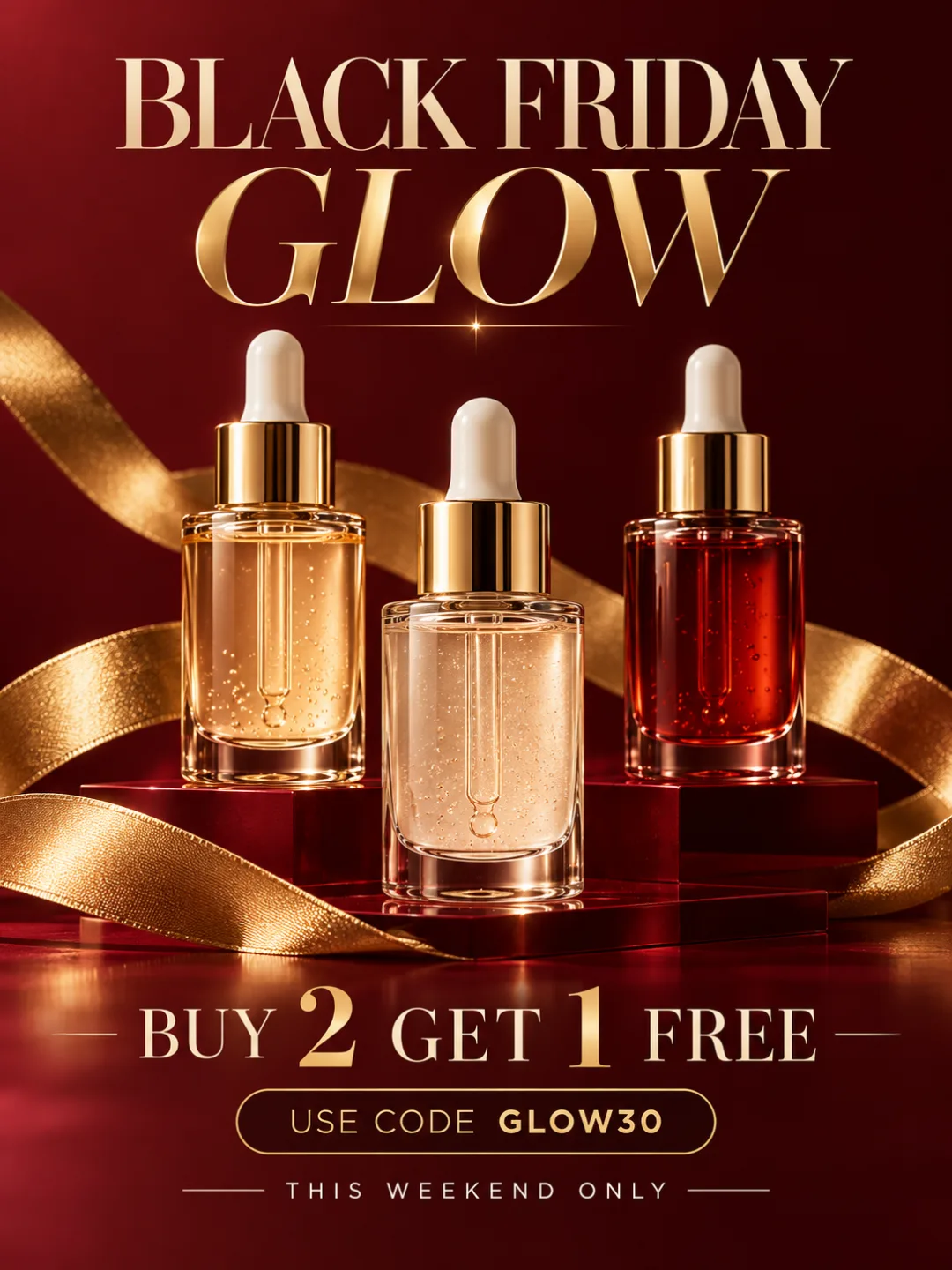
Black and red is the default, not the rule. Ask for burgundy and gold or cream and camel, and the Black Friday Poster Maker keeps the urgency while the design still looks like your brand.
Black Friday Poster Sizes for Print and Social
US Letter is the default; every size below is a one-click preset in the Black Friday Poster Maker.
Black Friday Poster Sizes for Print and Social
Where it goes
Preset
Pixels
Notes
Shop window, counter, handout
US Letter (8.5 × 11 in)
2550 × 3300
300 ppi print; default size
Print outside the US
A4
2480 × 3508
300 ppi print
Instagram and Facebook feed
Portrait 4:5
1080 × 1350
Tallest feed format
Feed, marketplace listing
Square 1:1
1080 × 1080
Accepted everywhere
Stories and Reels cover
Story 9:16
1080 × 1920
Keep text 250 px from top and bottom
Pinterest
Pin 2:3
1000 × 1500
Standard pin ratio
All six are one-click presets in the Black Friday Poster Maker. Generate the print size first, then rebuild the brief for each social canvas instead of cropping.
How to Write a Black Friday Poster Brief That Works
Four decisions make or break the poster. Make them in the brief and the Black Friday Poster Maker stops guessing.
1
Lead With One Offer
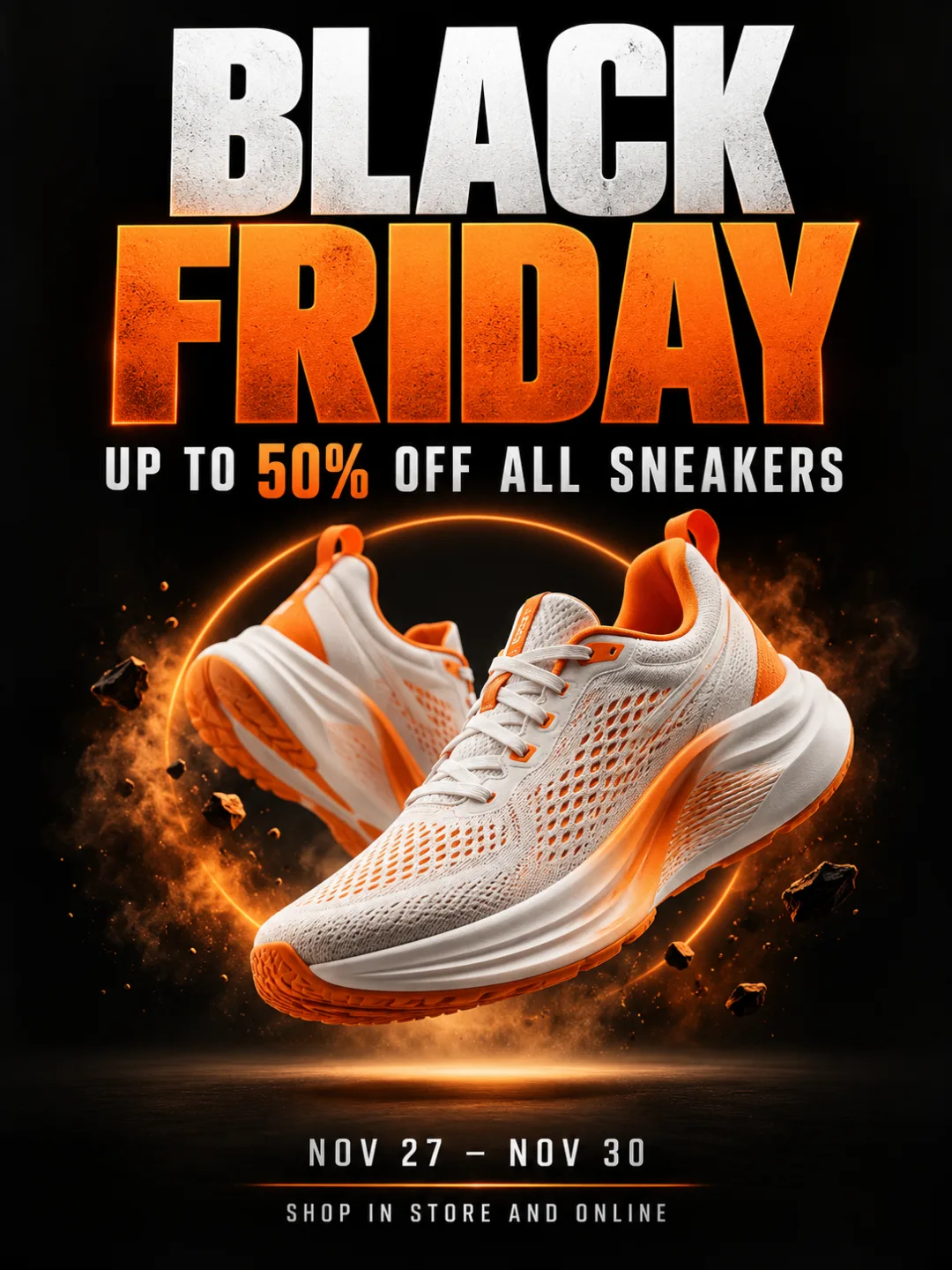
“Up to 50% off sneakers” beats “deals on everything”. A Black Friday sale poster has one job: one headline, one number, one product.
2
Type Every Line You Want Printed
Write the headline, offer, dates, code and footer in capitals exactly as they should appear. The Black Friday Poster Maker renders what you wrote, not what you hinted at.
3
Choose the Palette on Purpose
Say “matte black with an orange accent” or “burgundy and gold”. Without a palette the Black Friday Poster Maker defaults to black and red.
4
Urgency, Not Clutter
A date line and “limited stock” create urgency; starbursts, five badges and three fonts create noise. Name the mood instead.
Who Uses the Black Friday Poster Maker
Small shops, online stores and creators who need the poster today.
The Sale Starts Friday and There Is No Designer
A boutique owner has stock to move and a weekend to move it. Describe the coat and the offer; the Black Friday Poster Maker returns a poster to print the same afternoon.
One Shopify Deal, Four Channels
An online store needs one headline on the homepage, the feed, a Story and a pin. Generate at Letter size, then run the brief on each preset; the Black Friday Poster Maker keeps the campaign matching.
A Café Deal That Lives on the Door
A coffee shop wants a Friday-only bean discount taped to the glass. The Black Friday Poster Maker carries the offer, hours and a free-drink hook at a size that stays sharp on paper.
A Code People Can Actually Type
A creator shop runs a code-based discount and needs it legible; customers photograph posters on their phones. In the Black Friday Poster Maker the code is a text line, so it is rendered, not implied.
Cyber Monday Is in Three Days
The Friday poster worked and Monday needs its own. Swap headline, code and palette in the brief and the Black Friday Poster Maker returns a matching Cyber Monday poster.
An Electronics Store Opening at 6AM
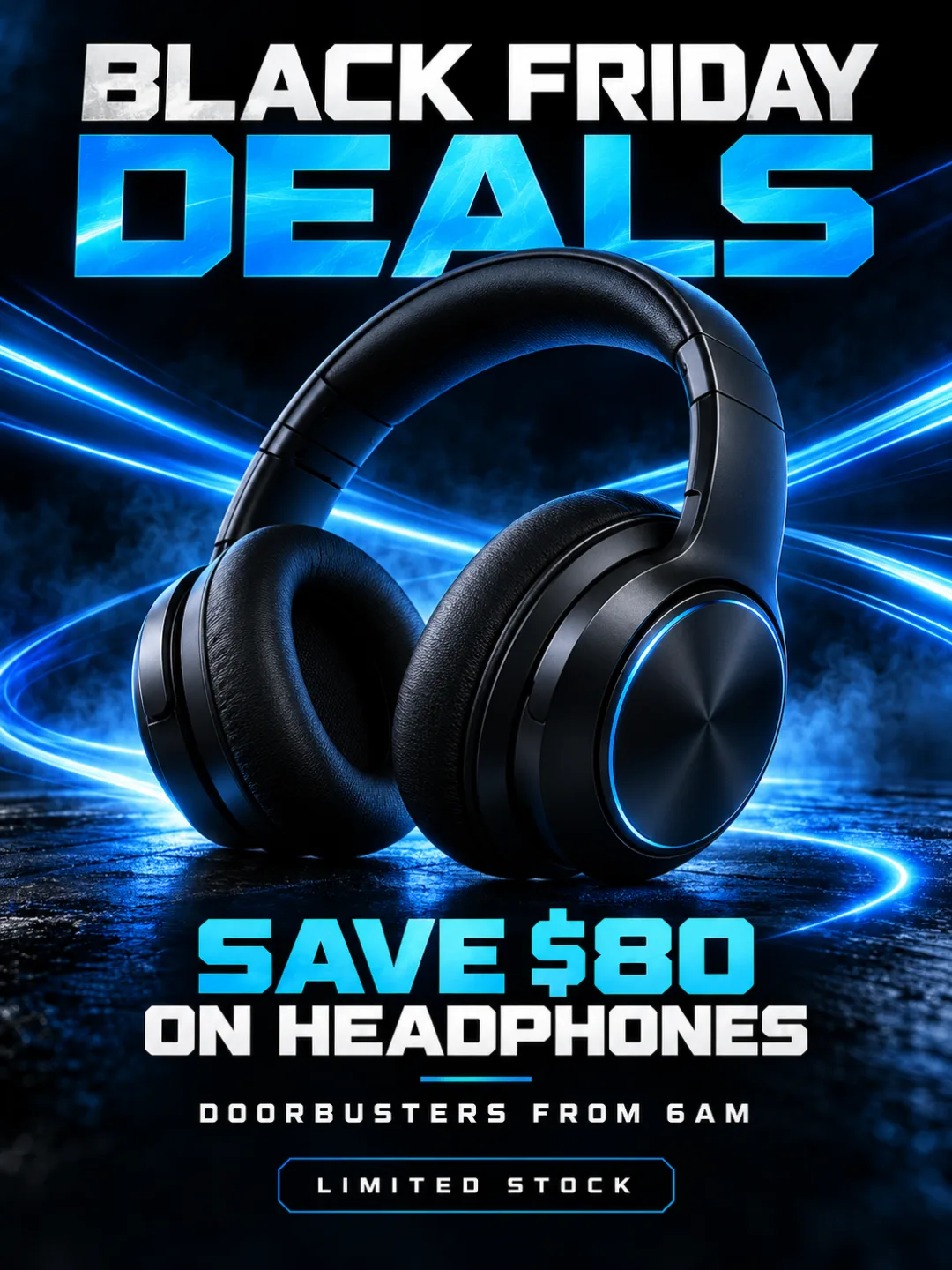
A doorbuster needs the dollar saving, opening time and “limited stock” in one glance. The Black Friday Poster Maker puts one hero product and three lines on the page.
How to Make a Black Friday Poster in Three Steps
In the Black Friday Poster Maker a strong brief and a ten-second text check matter more than any control.
01
1
Step 01
Write the brief
Name the product, offer, dates, promo code and mood. Type each text line in capitals as it should print, and attach up to three product photos for the Black Friday Poster Maker to build around.
02
2
Step 02
Pick the poster size
Start with US Letter or A4 for print. Generation takes about 20–90 seconds on GPT Image 2 and uses credits; the 20 signup credits cover your first poster.
03
3
Step 03
Check the text, then rebuild for social
Read every line against your brief and regenerate if a digit slipped. Then switch the Black Friday Poster Maker to 1080×1350, square or Story and rerun the prompt.
Black Friday Poster Maker FAQ
Poster versus flyer, credits, text accuracy, print sizes, colors and commercial use.
What is the difference between a Black Friday poster and a Black Friday flyer?
A poster is displayed — window, wall or feed — and carries one offer at a glance; a Black Friday flyer is handed out and holds more detail. The Black Friday Poster Maker makes the poster; the AI Flyer Generator makes the handout.
Is the Black Friday Poster Maker free?
Generation needs a Vogoo account and uses credits. New accounts receive 20 free credits, valid for 30 days — enough for your first Black Friday poster. There is no visitor mode and no watermark.
Can it write my exact offer, dates and promo code on the poster?
Yes, as long as you type them as text lines in the brief. The Black Friday Poster Maker runs GPT Image 2, which renders text far more accurately than most image models — still, read the finished poster against your brief before printing.
Can I use my own product photos?
Attach up to three images — product shots, a logo or a brand reference — and the Black Friday Poster Maker composes the poster around them. References guide the result rather than lock it; check your product on the finished poster.
Which size should I pick for printing a Black Friday poster?
US Letter (2550 × 3300) or A4 (2480 × 3508) — both 300 pixels per inch, sharp enough for a window or counter. For larger formats, print the Letter file from the Black Friday Poster Maker at A3 or 11 × 17.
Does a Black Friday poster have to be black and red?
No. Black and red is only the default the industry drifted into. Name a palette — burgundy and gold, cream and camel, electric blue on near-black — and the Black Friday Poster Maker keeps the urgency while matching your brand.
Can I use the posters commercially?
Yes. Posters you generate with the Black Friday Poster Maker are yours to use in your shop, store, ads and social accounts. Only attach photos and logos you have rights to, and leave other brands’ trademarks out.
Can I make a Cyber Monday poster or a Black Friday video with this?
Cyber Monday, Small Business Saturday and Christmas sale posters work the same way in the Black Friday Poster Maker — change the headline, dates and palette. For a moving Black Friday poster, send the finished image to Image to Video for Reels and Stories.